

Welcome to a new world of internet connectivity! With Edge VPN – Simple & Fast, you'll get the fastest and most stable server connections. Servers are located all over the world, so you'll always find the perfect frequency band for you! The app uses advanced encryption technology to easily protect your data security. It also strictly adheres to no-logs policy, never tracking your activity! In addition, the app offers multi-device compatibility; a few accounts can connect all your Android devices, making it worry-free for family use!
Features
Fast and stable connection – Optimized servers deliver a smooth browsing, streaming, and downloading experience.
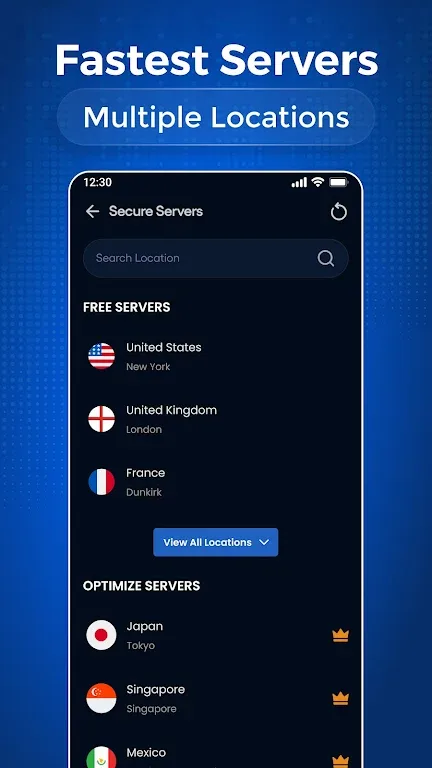
Global server network – Connect securely from around the world.
Strong security and privacy protection – Advanced encryption technology ensures your data security.
No activity logs – We respect your privacy and do not track your online activity.
Unlimited bandwidth – Enjoy uninterrupted access without data limits.
Public Wi-Fi protection – Protect your personal data on public networks.
Multi-device compatibility – Connect to all your Android devices with one account.
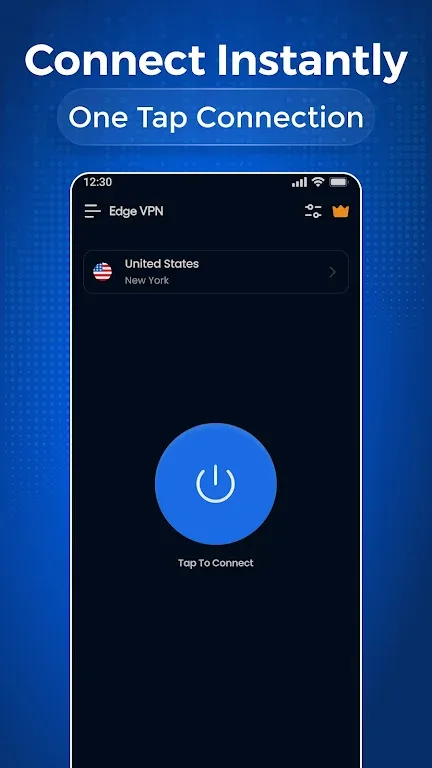
Easy to use – User-friendly interface, connect instantly.
Highlights
This VPN app stands out for its superior balance of security and performance. Its robust encryption protects your personal data when connected to any public Wi-Fi network, shielding you from potential vulnerabilities. Furthermore, Edge VPN maintains a stable and smooth connection even when running in the background, allowing you to enjoy uninterrupted browsing and streaming services. With its unlimited bandwidth and optimized servers, users can enjoy a seamless online experience without speed or data limits.
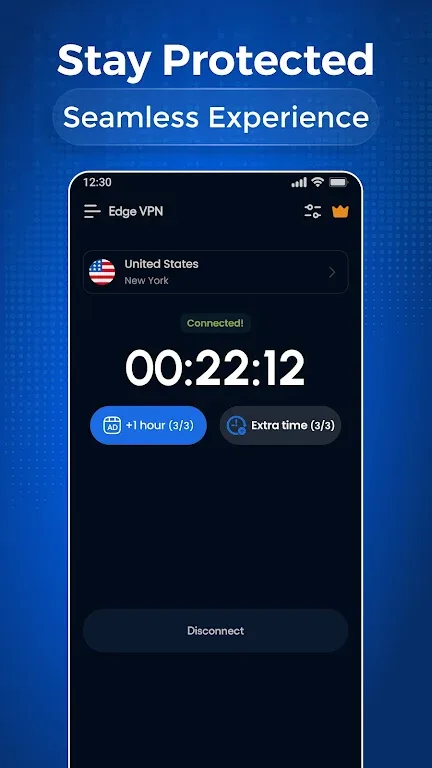
Edge VPN combines powerful features with a user-friendly interface. The connection process is incredibly simple—just select a server and click a button—making it suitable for users of all experience levels. In addition to its ease of use, the app supports connecting multiple devices with a single account, enabling secure connections across all your Android devices. It also offers real-time activity monitoring, giving you better control over your connection status.
Download
Save the downloaded APK file to any location on your device.
Now open the Android Settings app and go to Security Settings.
Find the option called "Unknown sources" and enable it.
Install the app using the downloaded APK file.
It only takes a few seconds.
A new world of internet connectivity awaits you by opening the app using the shortcut created on your home screen.
FAQs
Are you having trouble installing Edge VPN – Simple & Fast?
The installation of Edge VPN – Simple & Fast may fail due to insufficient device storage, an unstable network connection, or incompatibility with your Android device. To avoid this, ensure your phone meets the minimum system requirements before starting the installation.
What is the total file size of Edge VPN – Simple & Fast?
Edge VPN – Simple & Fast requires approximately 36.7 MB of storage space, including the base file size, and may vary slightly depending on your device or other data downloaded during gameplay.
Conclusion
Browsing the web becomes easier and safer with Edge VPN. Users can enjoy an uninterrupted internet experience. With these advantages, this app is sure to satisfy you. Don't forget to download the APK version of this app to use premium features completely free of charge.








