

IPTV M3U - Stream Player is a video playback application. Here, you can quickly add playlists from URLs or local storage, import the channels you want to watch, and start playing. As long as you have enough resources, you can experience the best movie and TV viewing experience. The application requires no registration and is ad-free; simply open it and use it, focusing easily on the movies and TV shows themselves. The application is simple, easy to use, and has a clear layout; all functions are readily accessible.
Features
Quick Playlist Import
IPTV M3U allows you to add playlists from URLs or local storage (including files on a USB drive or your phone). After importing, the channels appear instantly in the application, allowing for playback without additional steps. The application itself does not provide any content, so all channels and programs come from your chosen providers. This design focuses on your own resources.
No Registration Required, No Ads
You don't need to create an account or share personal information to use IPTV M3U. There are no ads during viewing, allowing you to focus on watching the channels. This keeps the player lightweight and reduces distractions during browsing and viewing.
Simple Interface for Easy Browsing
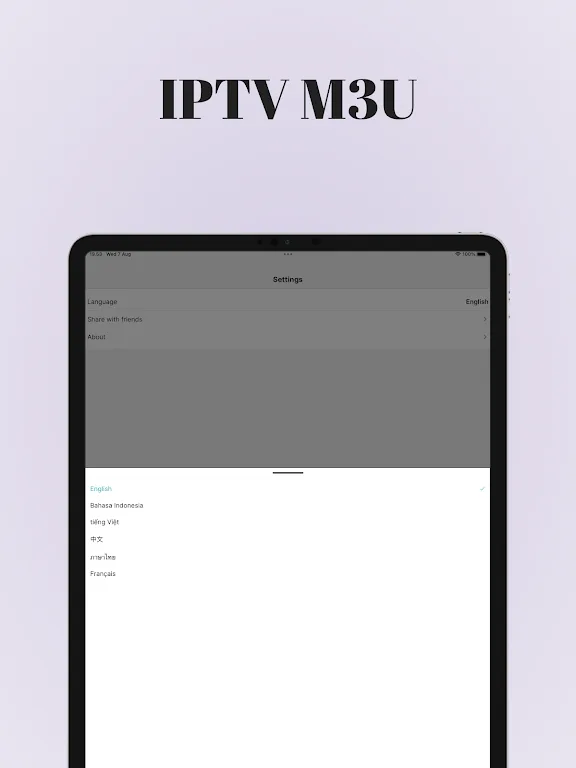
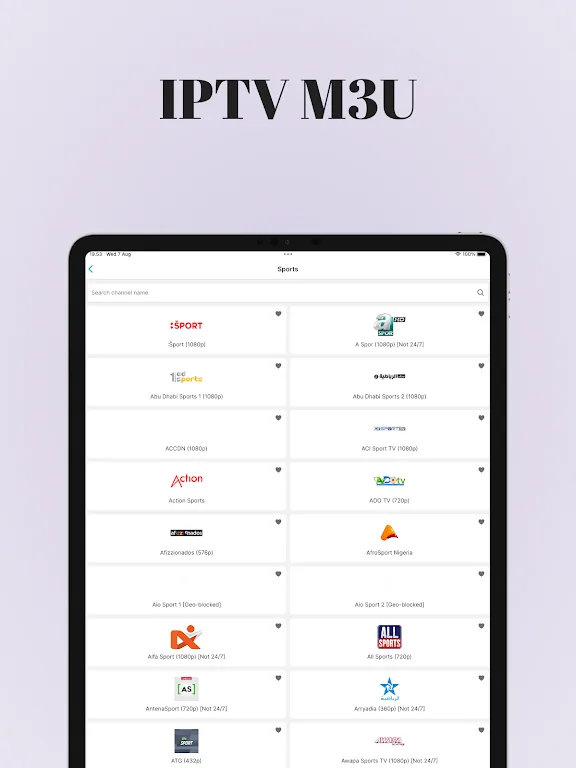
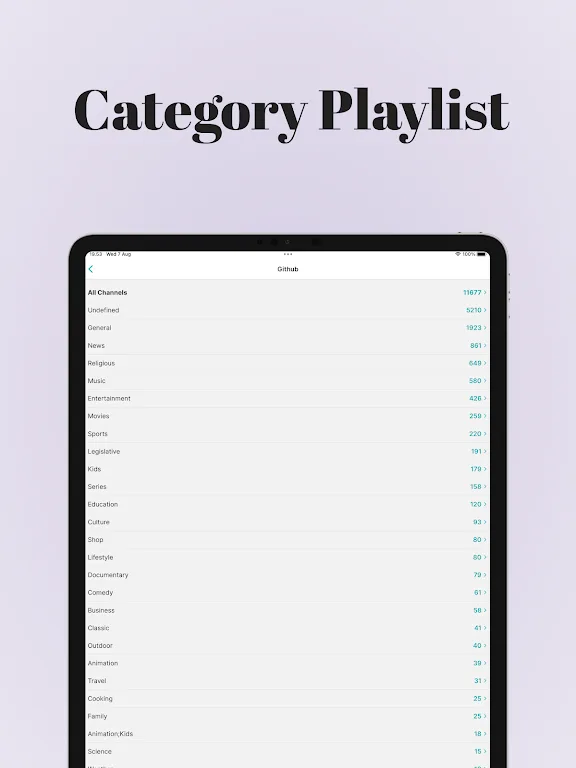
The interface features a clean layout, allowing for easy navigation of channel groups and entries with just a few clicks. Clear labels and intuitive menus ensure consistent navigation, providing a smooth user experience whether you're using a mobile phone or a TV. Therefore, whether setting up for the first time or browsing daily, you'll maintain a consistent user experience.
Multiple Screen Compatibility
IPTV M3U runs on Android phones and Android TVs, and is also available for Samsung TVs, LG TVs, Windows systems, and web browsers supported via a Chrome extension. This broad compatibility makes using the same player on different devices throughout your home incredibly convenient. If you prefer using it in your living room, the IPTV M3U Android TV version offers a smooth TV viewing experience.
Optional Advanced Tools
IPTV M3U offers even more features for advanced users. You can add an unlimited number of playlist sources, view an Electronic Program Guide (EPG) overview, and use replay or archive functions with your service provider's support. Premium also supports password protection, channel editing, a customizable interface, advanced settings, and continuous ad-free viewing. We offer two licensing options: cross-device, cross-vendor licensing, and a Premium version for Android devices only (available through in-app purchases).
Highlights
IPTV M3U's device compatibility covers a wide range of Android hardware, from modern devices to older systems with limited resources. It's optimized for smartphones and tablets, supporting both portrait and landscape orientations. Furthermore, it's optimized for Android TV devices and dedicated TV boxes to suit the interface styles and display formats of the TV environment. The app is also optimized for low-memory devices, ensuring stable operation even on older smartphones and entry-level hardware with limited system memory.
Performance efficiency is a core design focus. Startup speed is a primary consideration, designed to minimize application startup latency. During operation, memory management is efficient, preventing excessive resource consumption and avoiding slow device performance or stuttering. Video playback is carefully designed to ensure stable and smooth performance, providing a consistent and uninterrupted viewing experience on supported devices.
Benefits
Intuitive and lightweight interface
IPTV M3U Player: IP TV Online boasts a simple and easy-to-use interface, making it suitable for users of all experience levels. Comprehensive IPTV Playlist Setup Guide
Step-by-step instructions simplify M3U playlist uploading, helping you get started quickly.
Customizable Themes
You can switch between light and dark themes to suit your personal preferences and enhance your viewing experience in any lighting conditions.
FAQs
What is IPTV M3U?
IPTV M3U is a professional IPTV media player application for Android, iOS, Smart TVs, and Firestick. It allows users to load and play their own IPTV playlists via M3U URL, Xtream Codes API, or JSON format, providing a smooth playback experience while supporting features such as EPG guidelines, parental controls, recording, picture-in-picture mode, and 4K HDR. The application itself does not contain any content or channels.
Is IPTV M3U Free to Download?
Yes, IPTV M3U is available for free download on Android (APK) and iOS (via the App Store). The application itself is free. However, you'll need to purchase a paid IPTV subscription from a third-party provider to access live TV channels, movies, or on-demand content through this player
Which devices is IPTV M3U compatible with?
IPTV M3U is compatible with a wide range of devices: Android phones and tablets (Android 5.0+), iPhones and iPads (iOS 13+), Android TV boxes, Amazon Firestick and Fire TV, Samsung Smart TVs, LG Smart TVs, and any device that supports APK sideloading. Its interface perfectly adapts to mobile devices and large TV screens.
Conclusion
Users can easily browse and access M3U playlists and links for a variety of global channels through this app. Whether you want to watch international news, sports events, entertainment programs, or other content, IPTV M3U aims to be the ideal choice for easily accessing such content on your Android device.








