Copy Text On Screen Pro is an outstanding screen text copying utility that helps users extract text from their screens using powerful OCR technology, making your work tasks and daily activities smoother. The application presents a powerful, easy-to-use, lightweight screen text copying program for a wide range of users. Users can easily extract text from images and copy the content they need from numerous social media platforms. The application supports a wide range of language recognition and translation functions, which users can quickly enable with a simple operation.
Click to load YouTube / 点击加载视频
YouTube ↗Attractive Features of Copy Text On Screen Pro
Copy any text from your phone screen to your clipboard.
Extract text from any image; simply share the image to this application to extract the text.
Copy text from any application: Facebook, Twitter, Instagram, YouTube, Tumblr, News Republic…
Recent scan history.
Image text recognition supports 92 languages.
Translate text into over 100 languages.
Extract phone numbers, emails, and URLs.
Unlimited free recognition of Latin (English, French, Spanish, Italian, Dutch, Norwegian, German, Portuguese, etc.), Chinese, Sanskrit (Hindi, Sanskrit, Marathi, Nepali), Japanese, and Korean text.
Other language scripts offer 1000 free scans; beyond 1000 scans, a paid scan is required.
Wonderful Performance of Copy Text On Screen Pro
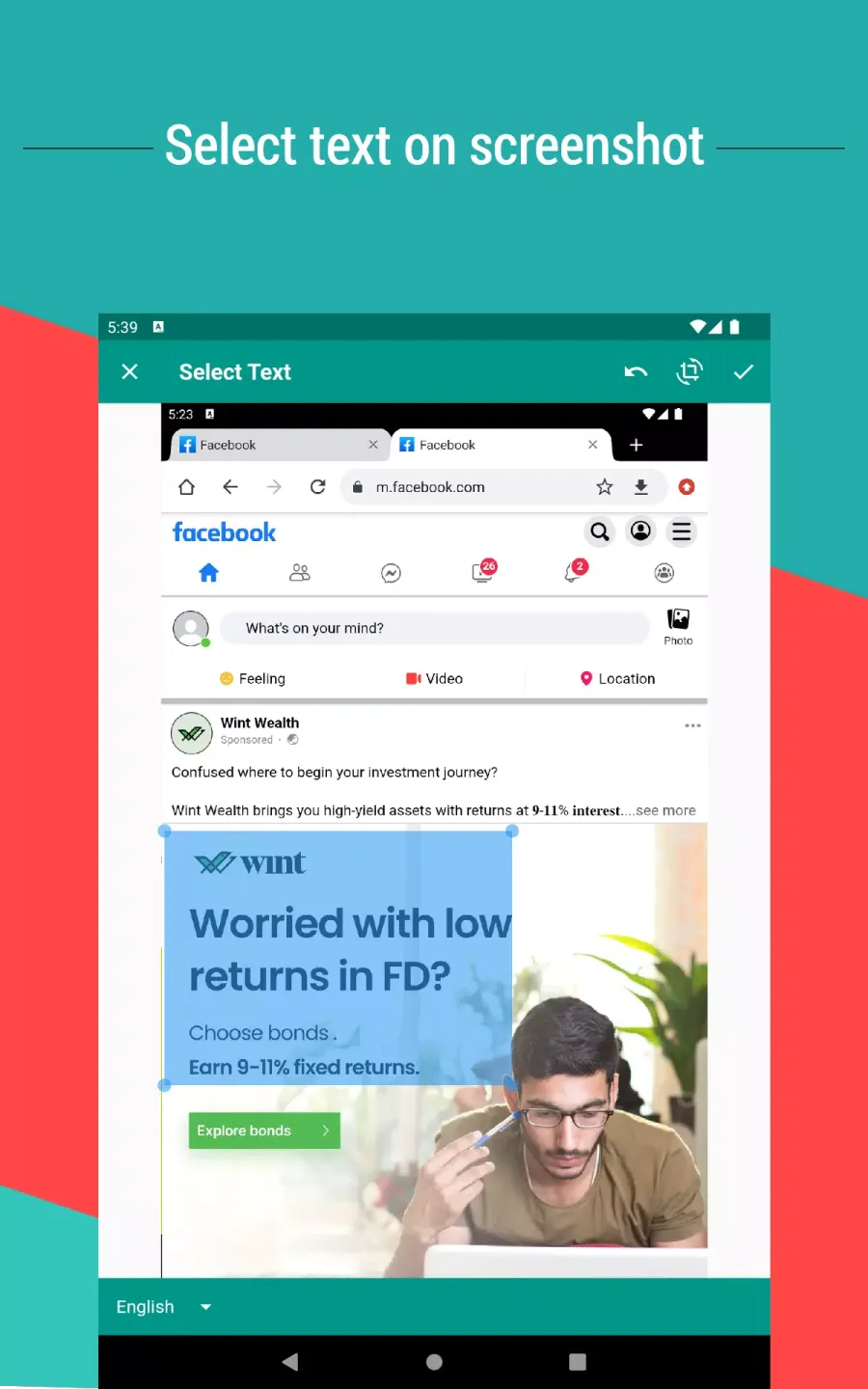
A major advantage of this app is its extensive language support, offering OCR recognition for 92 languages to meet the needs of users worldwide. Whether quickly extracting snippets from social media posts or obtaining URLs, emails, or phone numbers without manual input, this tool provides unparalleled convenience. Furthermore, it seamlessly translates text into over 100 languages, making it extremely useful for multilingual users.
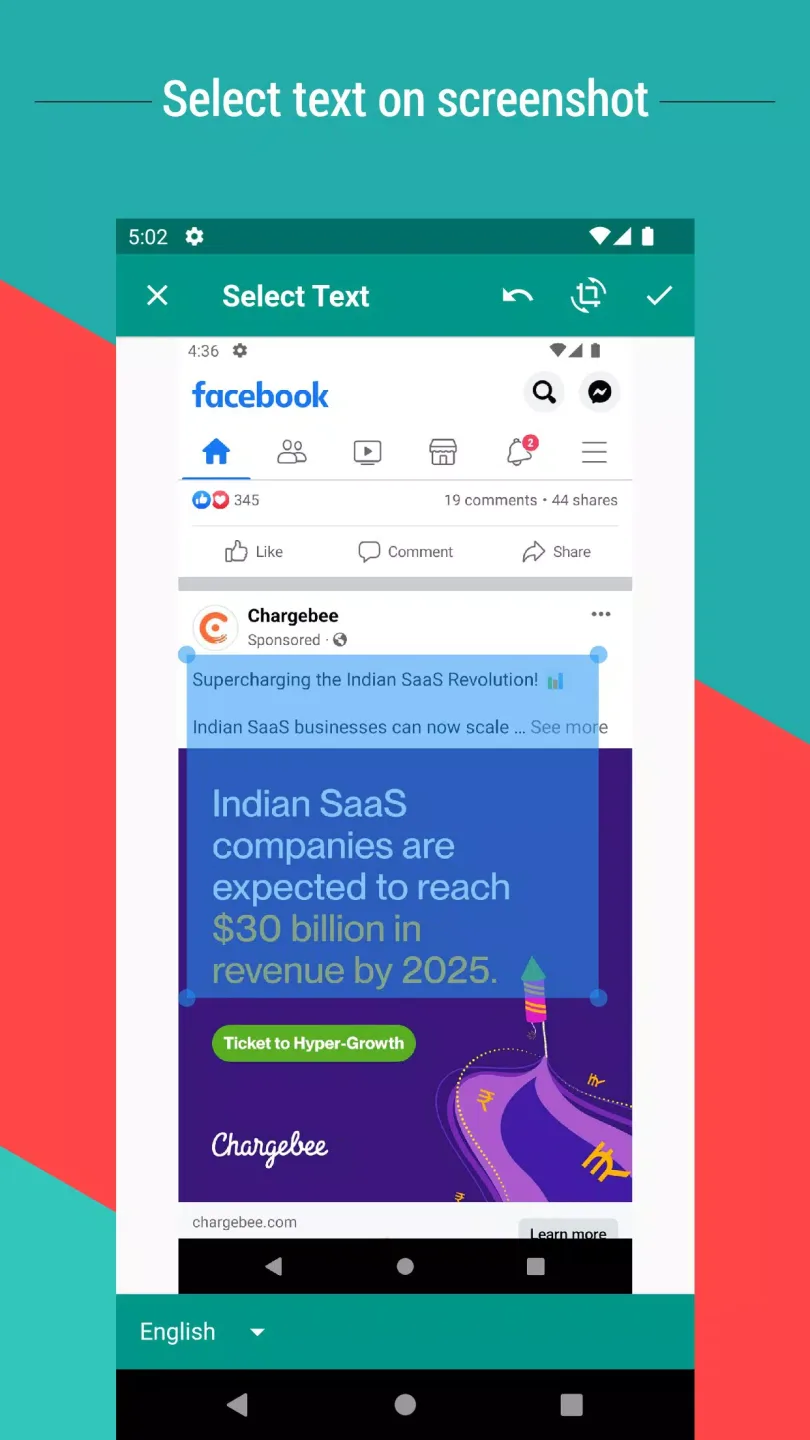
Here's how to easily use this application: First, take a screenshot. Share this screenshot, then select and drag the image to highlight the text you want to extract—choose the OCR language and save your selection. Moments later, the extracted text will be copied to the clipboard or shared as needed.
Fantastic Highlights of Copy Text On Screen Pro
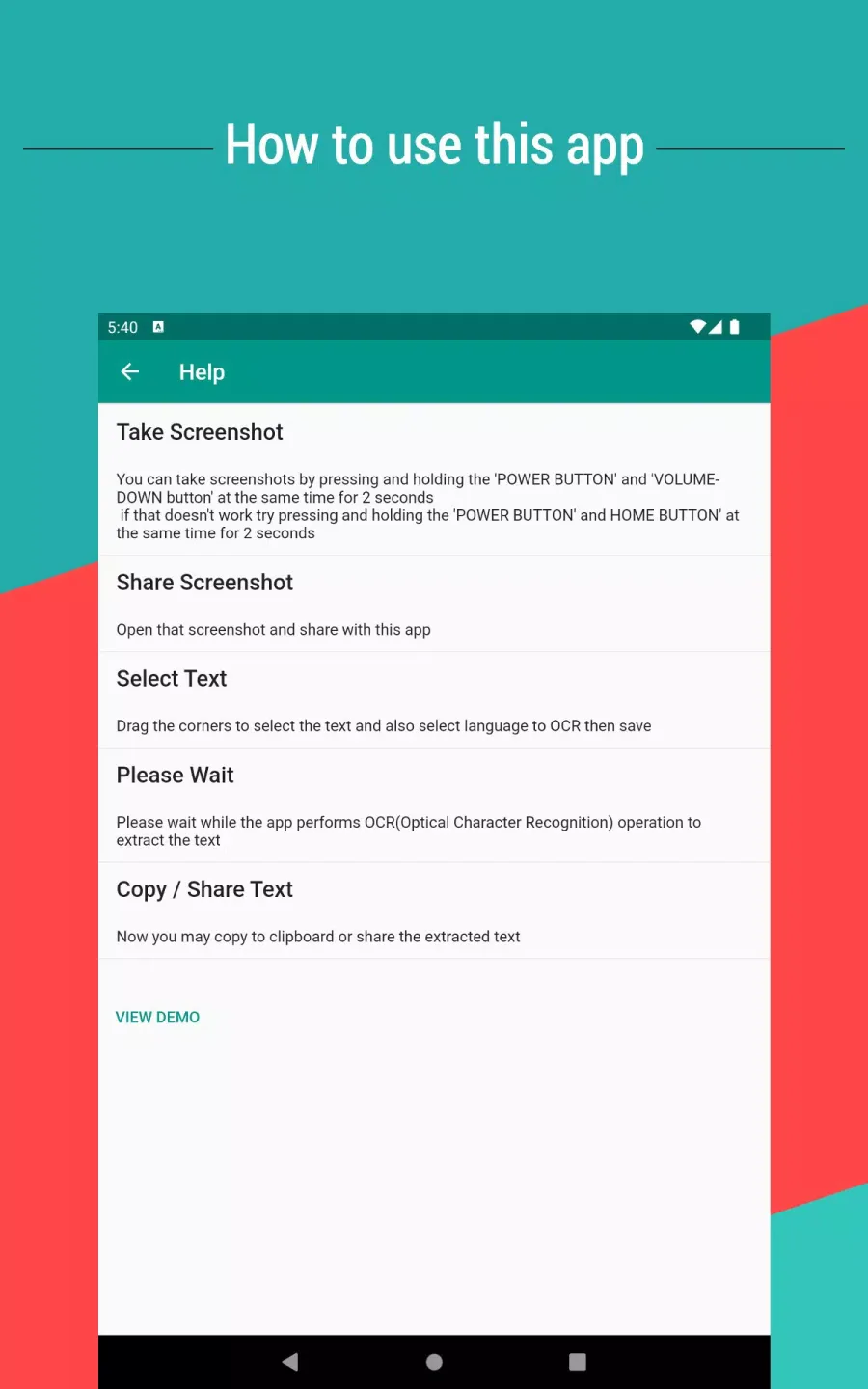
Open the screenshot and share it using this app.
Drag a corner of the crop view to select the text, choose the language you want to perform OCR recognition, and then save.
Please wait, the application is performing OCR (Optical Character Recognition) to extract the text.
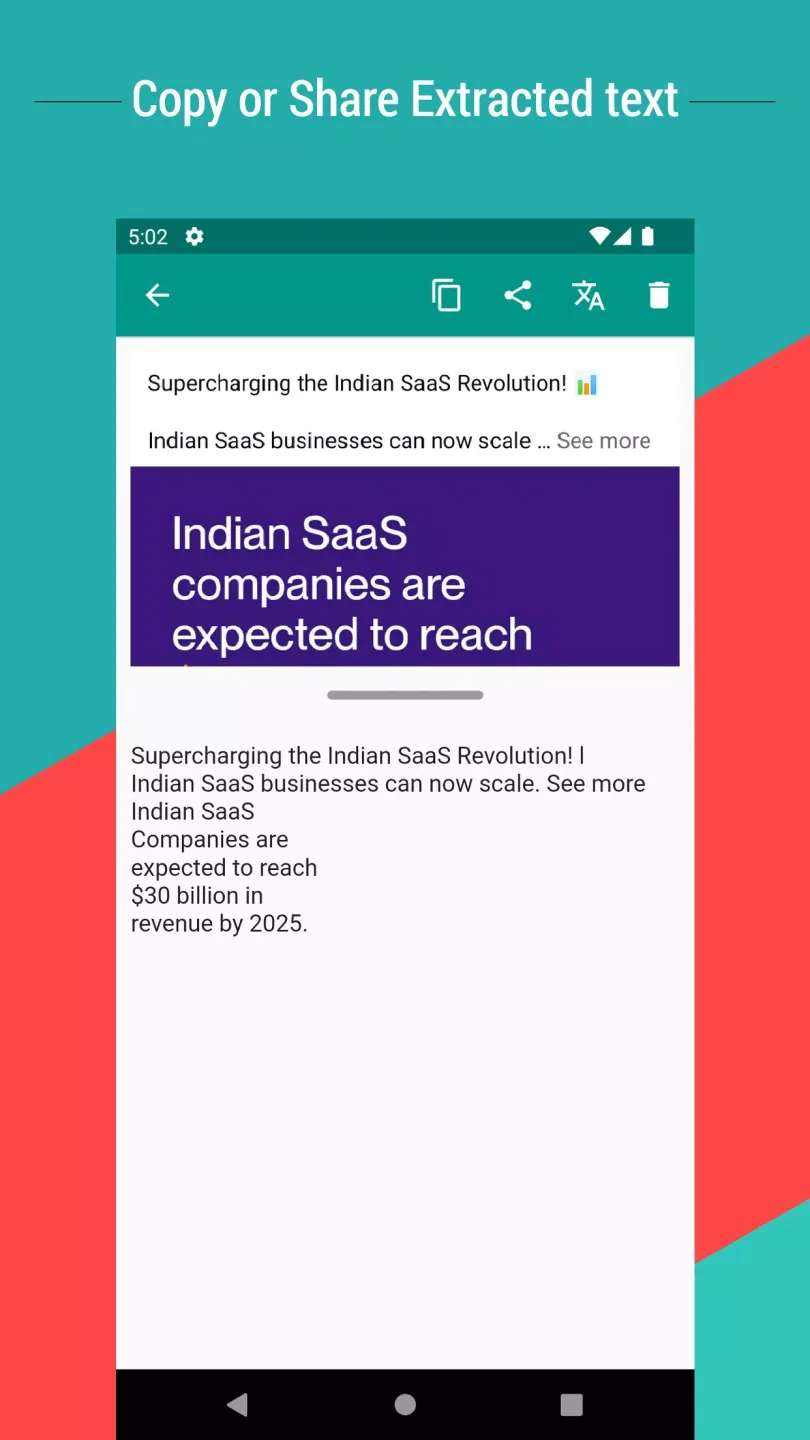
Now you can copy the extracted text to your clipboard or share it.
User Comments of Copy Text On Screen Pro
What a helpful app that I've been looking for. Love it! It does what it is supposed to do. Add some African local languages. Greatly appreciated your efforts!
This is the easiest app to use to grab screen text that I've ever found.
It is very good. But, it is not allowing me to use it effectively. Only three to four scans per day, which is not good for the work I am using.
Great app, do one. Try making it select auto language. It will be Greatest.
Give this app 100% it makes things easy: save screenshots and ads on photos.
Since I have been using it, it has been giving me good service until now. So that's why I'm giving it a 5-star ranking.
Final Thoughts
This app not only works well with English text, but also performs excellently with Latin-based languages and other global languages, ensuring that users can easily access and use the text in a few simple steps, no matter where they are or what kind of text they encounter. This makes it an essential tool for users to easily extract and translate text anytime, anywhere.