
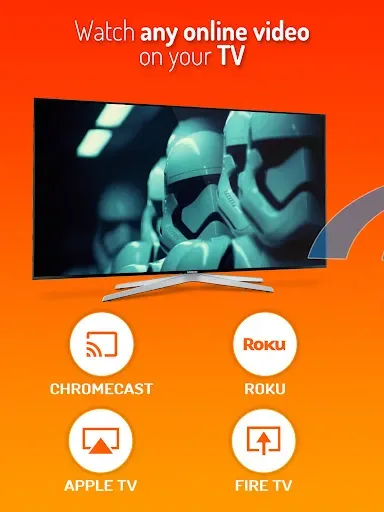
Cast Web Videos to TV - iWebTV is a video casting application. We all know that the best movie experience is in a theater, but how can you enjoy the highest quality content at home? That's right, it's screen casting! It casts videos or streaming content from your phone to another device, allowing you to enjoy a cinematic experience at home. It supports high-definition resolutions, including 1080p and up to 4K, ensuring a clear viewing experience even on the largest screens.
Features
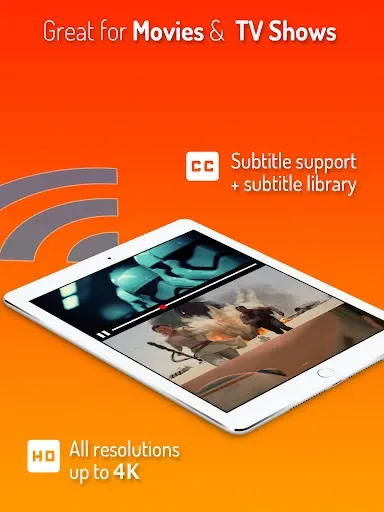
Supports high-definition resolutions, including 1080p and up to 4K, depending on the device.
Advanced browser features, including multi-tab functionality, pop-up blocking, address bar search, ad blocking, and browsing history.
Automatic subtitle detection and access to movie/TV subtitle libraries.
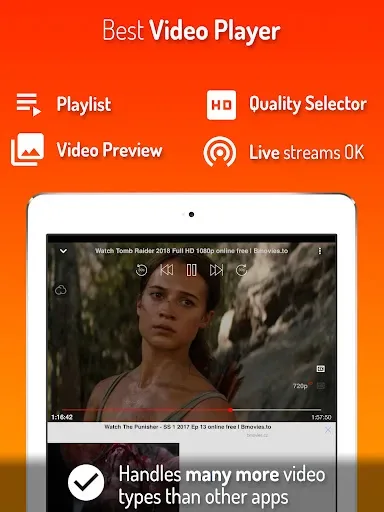
Live streaming compatibility.
Video preview function displays up to 72 snapshots for easy scene selection.
Supports adding multiple videos to a queue for continuous viewing.
Customizable homepage, bookmark webpages or videos
Full playback controls accessible via app or lock screen
Privacy mode ensures anonymous and private browsing
Highlights
Some of iWebTV's highlights include support for HD resolution (up to 4K, depending on the device), an advanced browser with multi-tab functionality and ad blocking, automatic subtitle detection and access to movie/TV series subtitle libraries, and support for live streaming. The app also allows you to preview videos (capture up to 72 snapshots), add multiple videos to the playback queue for uninterrupted viewing, and customize your homepage and bookmarks.
iWebTV offers full playback controls, available both within the app and from the lock screen after exiting the app. It also offers a privacy mode for anonymous and private browsing.
Compatibility
Chromecast®
Roku®
Fire TV®
Apple TV® (4th generation)
Smart TVs with Roku, Fire TV, or Chromecast
FAQs
How can I watch live web videos on iWebTV?
First, open the iWebTV app on your mobile device. In the search bar, find the video you want to play. Then, click on the video and select the TV device you want to play it on.
How to add iWebTV to your Roku TV?
To add iWebTV to your Roku TV and use it, you need to install iWebTV on your mobile device and ensure that your mobile device and Roku are connected to the same internet. Next, launch the iWebTV app and click the casting icon to start playing.
What are the minimum system requirements for running iWebTV on a PC?
Intel or AMD processor
Windows 7 or later
2GB RAM
5GB available disk space
Hardware virtualization technology support
Conclusion
This application allows you to easily enjoy multimedia content from the web on your TV, with a simple and easy-to-use interface for convenient casting. Whether you want to watch movies, TV series, or any online video, iWebTV simplifies the process, allowing you to easily stream your favorite shows on the big screen.








