

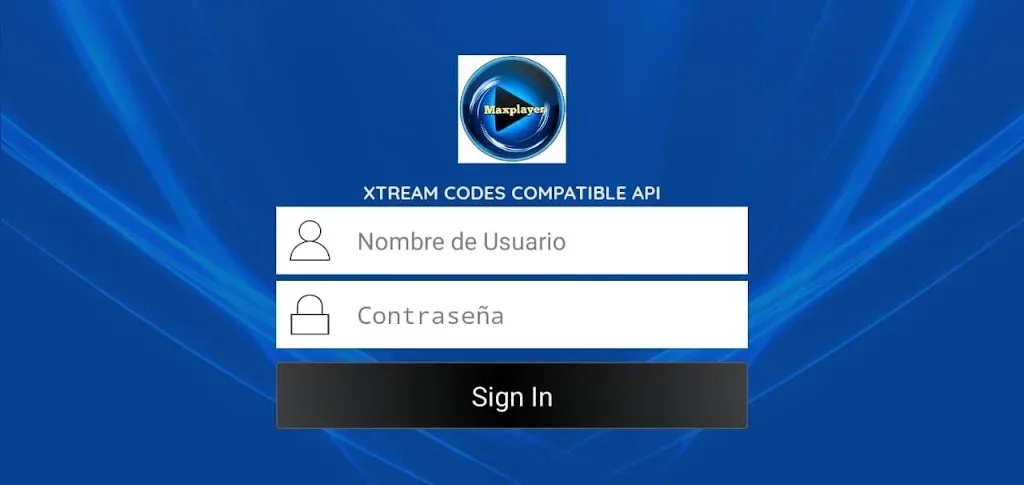
MAX Player is a convenient video player. This application boasts comprehensive features, supports multiple formats, eliminating the need for users to convert videos to mobile-friendly formats or waste time downloading additional decoders or plugins required by other applications. With MAX Player, you can customize the interface to better suit your preferences, use a lock button to prevent accidental interruptions while watching videos, and change default audio and video parameters. Furthermore, this application offers various viewing functions, not only for movies but also perfectly supporting the viewing of dance videos, songs, and various other high-definition videos.
Highlights:
Supports auto-rotation, aspect-ratio adjustments.
Lock your screen when video is playing.
Gesture on brightness Control.
Gesture on Volume Control.
new Max Player provided enabled disabled audio track of your video.
rename your video more easy.
Small size player so work quickly
lists all video files.
Features:
Optimal performance
One feature MX Player is known for is its multicore decoding system. This means that the app offers much better performance than most video players for Android, which generally only use one core. Thanks to the HW+ decoder, the app can also use hardware acceleration to improve playback performance and stability. This is particularly useful when playing very large files, such as 4K movies with multiple subtitle tracks or similar situations.
Convenient touch controls
MX Player stands out for its range of gesture controls, which allow you to carry out practically any action in seconds. For example, you can simply swipe up or down on the left side of the screen to increase or decrease the brightness. Doing the same on the screen's right side will lower or raise the volume. All these controls, of course, can be customized and adjusted from the app's settings menu. Control and interact with your video player your way.
The king of subtitles
Another interesting feature of MX Player is the ability to load and edit subtitles in several different ways. You can change the font, the size, the color, the time before they appear, and so on. In other words, you can play with the subtitles of any video to make them suitable for you. Moreover, the app supports the following formats: SRT, TXT, SUB, SSA, SMI, MPL, PJS, VTT, and AAS, among others. You can also use the gesture controls to quickly modify any subtitle-related parameter as well.
Ad-free with MAX Player Pro
The main difference between MAX Player and MX Player Pro is that MX Player Pro is ad-free. You will not find any differences between the two in every other aspect. No mod or beta makes it possible to have the free version without ads. The only solution if you want to remove the ads is to download the APK of the Pro version. Otherwise, the app performance is the same in both versions. Both apps allow you to stream your movies directly to your TV, PC, or Mac. You will not need any special Xvid codecs.
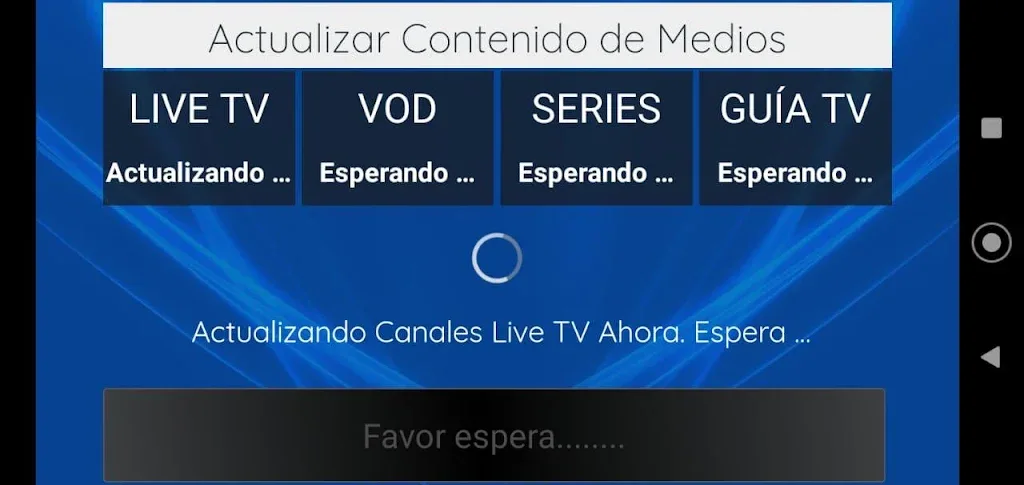
Tips and Tricks:
Customize Your Viewing Experience: Utilize the video player's features such as equalizer, video cropping, and advanced decoder to personalize your viewing experience.
Multiplay Back Options: Take advantage of the auto rotation, aspect ratio, and screen lock features while watching videos to optimize your viewing experience.
Background Play Feature: Enjoy listening to music while watching videos with the background play feature, allowing you to multitask seamlessly on your device.
Pros & Cons:
Pros
A video player app with broad format support
Intuitive user interface
Has a subtitle support
Cons
Occasional buffering on slower networks
Limited content compared to standalone streaming apps
Conclusion:
One of the most interesting features in MAX Player is the smart design of its interface, which lets you handle its features as desired using onscreen gestures. In addition to serving as a player and an equalizer, MAX Player can also help you manage your digital music collection, organizing it by genre, artist, and album.








