
LADB is an outstanding developer utility that helps users quickly execute ABD tasks on their mobile devices without the need for cumbersome root access or PC control, ensuring smooth workflow. The application presents a powerful yet lightweight ABD command executor for a broad user base, allowing for quick activation with simple steps and excellent file push, pull, and basic management functions. The application supports wireless debugging, providing comprehensive customization options to meet flexible task needs and further improve the user experience.
Click to load YouTube / 点击加载视频
YouTube ↗Wonderful Features of LADB
Use ADB on Your Device via Local Host
Local ADB (Android 11+) connects the client and server via 127.0.0.1, so commands run on the same device. This independent configuration ensures traffic is transmitted locally and reduces reliance on external devices. It's ideal for quickly changing settings when you only have your phone.
Wireless Debugging Without Cables or Root Access
You can pair via wireless debugging, starting a session without a computer, data cable, or root access. The pairing process uses system developer options, making the setup process simple, intuitive, and predictable. Therefore, you can access the shell faster when time is tight.
Familiar ADB Shell Commands
Native ADB (Android 11+) emulates common ADB operations, including installing APKs, taking screenshots or screen recordings, and reading logs. The shell behaves similarly to commands you're already familiar with, reducing the learning curve. This helps you complete small tasks anytime, anywhere with fewer steps.
File Push, Pull, and Basic Management
You can directly push files to and from the device, and list or manage folders through the shell. This supports lightweight file operations without switching tools. It's suitable for quick checks or resource moves during testing.
Quick Start, Lightweight Client
This app focuses on quick start and easy entry into a session. Fewer prompts and a streamlined process help you get started quickly. This design is very useful when you need to open a terminal, run commands, and continue with other operations.
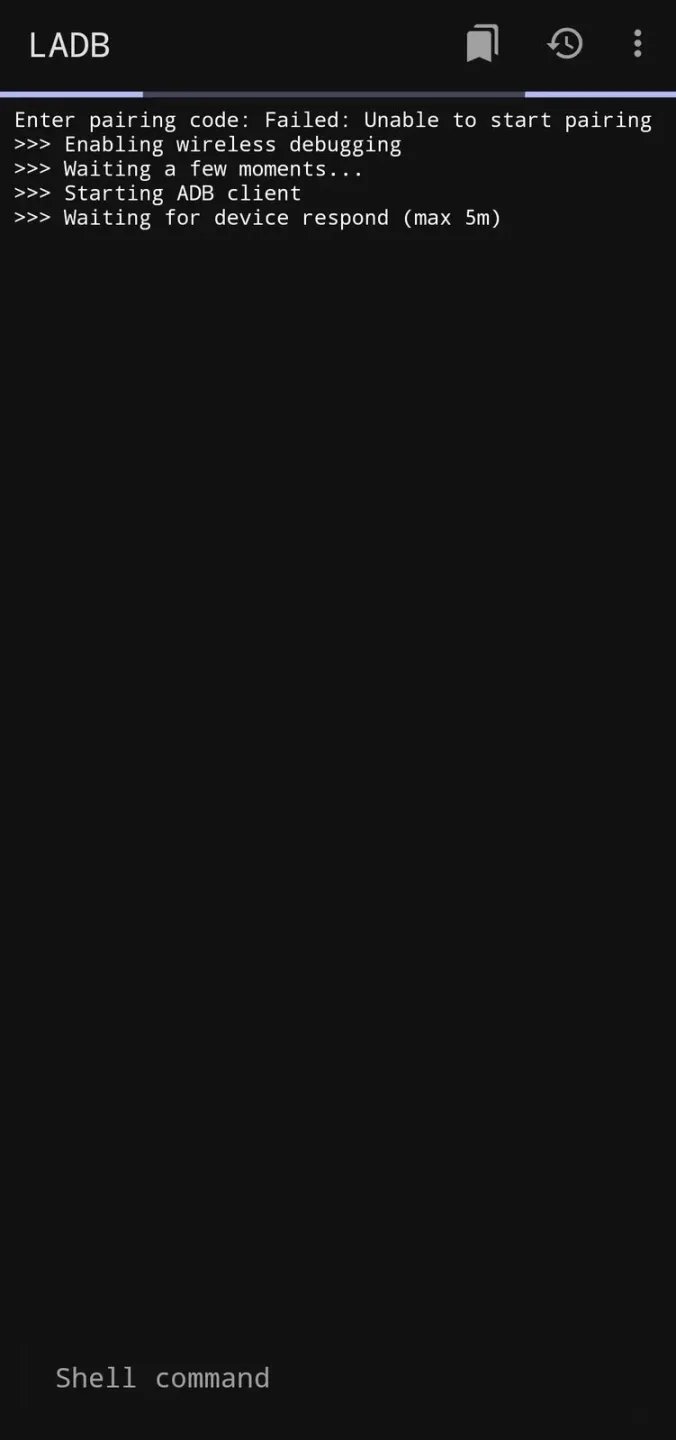
Pros and Cons of LADB
Pros
Installation and use are simple.
Basic functions do not require root access.
Can be used offline.
Lightweight and extremely low resource consumption.
Open source and secure.
Cons
Limited functionality on older Android systems.
Some advanced commands require root access.
This can be confusing for complete beginners.
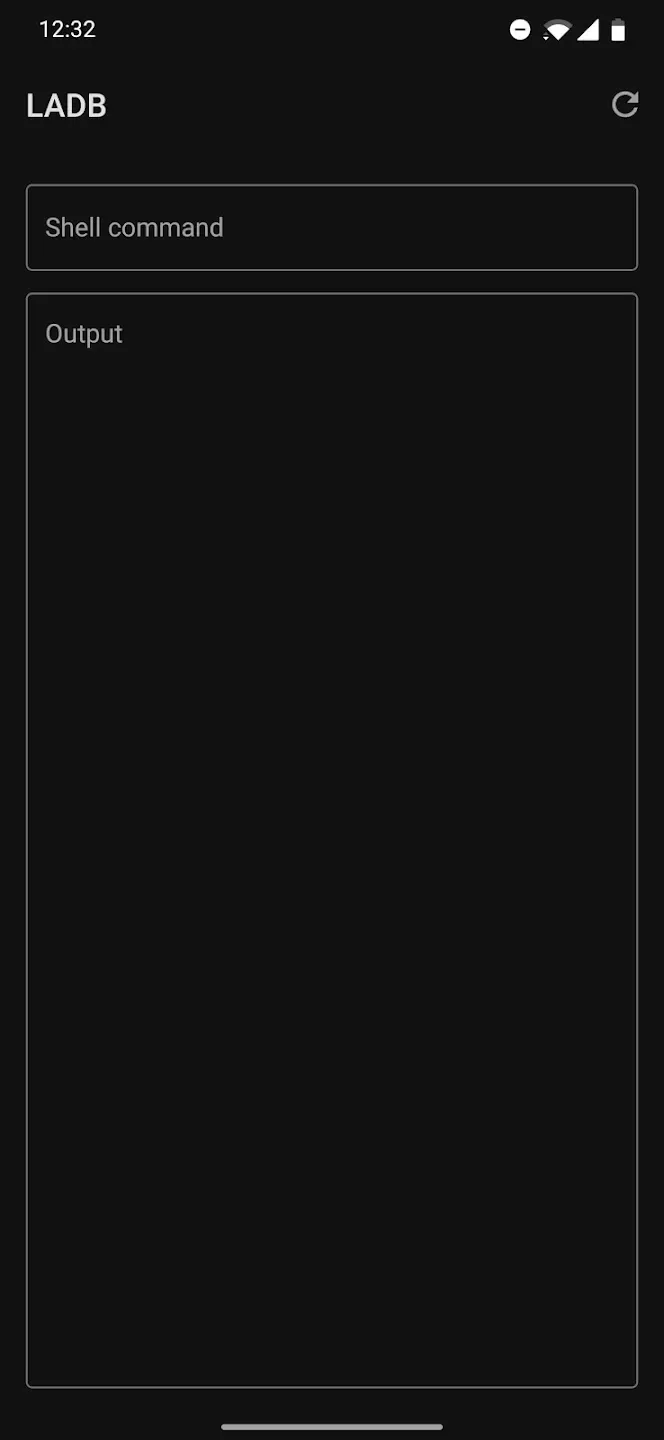
Frequently Asked Questions of LADB
Is LADB safe to use?
Yes. LADB is open source software and has been validated by developers worldwide. Just make sure you download it from a trusted website.
Does using LADB require root access?
No. Most basic functions work perfectly without root access. Root access will only extend your functionality.
Will LADB damage my phone?
No, if used correctly. If you are unsure what a command does, avoid running it.
Is LADB compatible with all Android versions?
It supports Android 5.0 (Lollipop) and above, including the latest versions.
Can beginners use LADB?
Of course. It's beginner-friendly, but a basic understanding of ADB commands will be helpful.
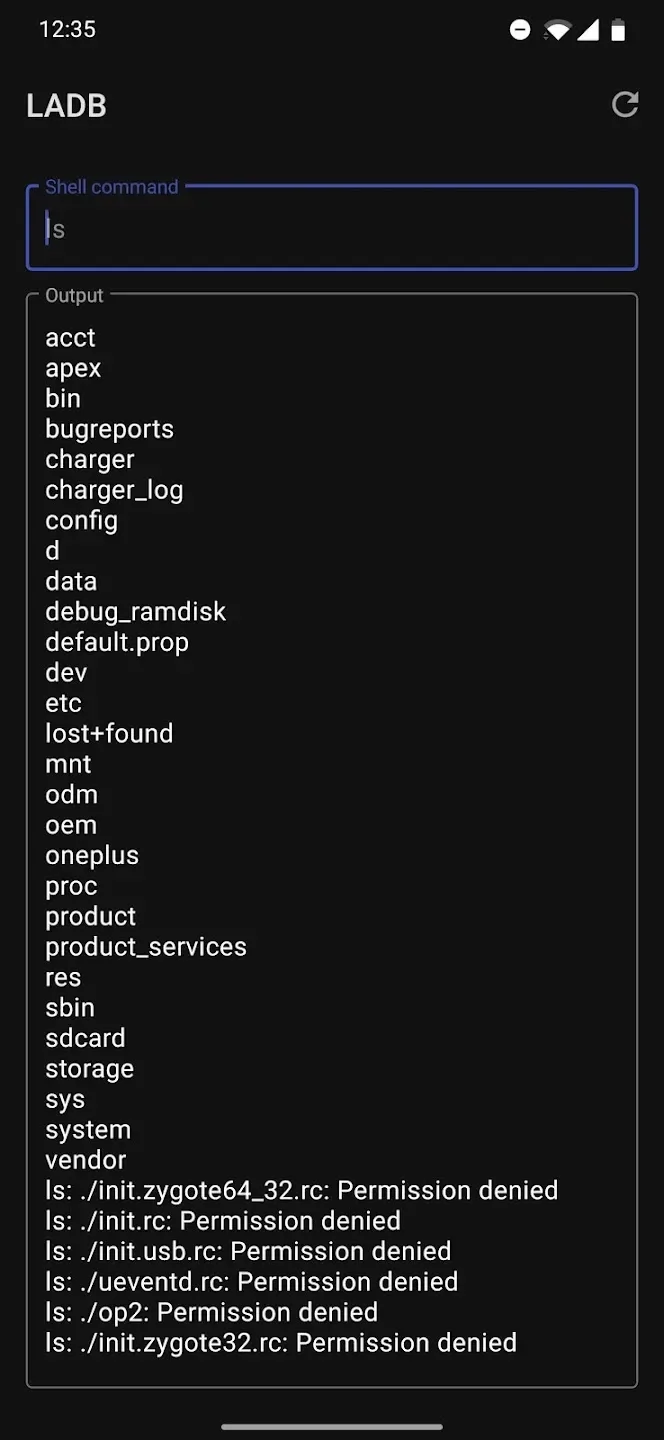
User's Comments of LADB
Wanted to change casting permissions so I didn't need to constantly approve a screen recorder every time I tabbed out, and frankly I didn't feel like dealing with my PC right now. Very clever tool if you're on Android 11+ (as you need wireless debugging), worked great for me. A word of advice: if you TAB OUT of settings to input the pairing code and port number, it WILL NOT work. Settings NEEDS to be open in the foreground to link (or you get "dead shell" loop). Use split-screen and it'll work.
It was a bit hard to use but then again this is not an app for your average Android user. I had to set USB debugging on and always allow wireless debugging on my Wi-Fi connection to get this working in a stable manner. Wanted to disable opening of links in a certain app as my phone OnePlus 9 Pro would not let me. Once I also figured out to enter commands WITHOUT the 'adb shell' part it worked a charm! thank you for this useful app.
As a tech enthusiast, I often find myself needing to run ADB commands on my Android device. This app makes it so much easier for me to run these commands directly from my phone; I no longer need a PC or root access. I highly recommend "LADB". It's a must-have for any Android tech enthusiast or Android developer. The app has been incredibly reliable, and I haven't encountered any issues or bugs yet. Highly recommended! Thank you "tytydraco" for creating such a fantastic app!
Final Words
LADB MOD APK is most useful for Android developers, testers, modders, and advanced users who want direct access to ADB without a computer. It's less suitable for users who have never used the command line, as incorrect commands can make irreversible changes to settings. Used with caution, it provides Android users with a simple and practical way to manage the deep functions of their devices.