Password Safe is a password manager that not only uses AES-256 encryption technology to protect users' device security and account data, but also supports cloud synchronization for easy password backup and recovery. The software also includes a built-in password generator, allowing users to generate passwords of various lengths. It automatically records passwords for different accounts and populates them as needed, saving users time and effort. Users can freely manage their password library, moving, editing, and deleting passwords to meet diverse needs.
Features of Password Safe:
Security with AES-256 encryption: It’s not for nothing that people advertise this application as secure as a fortress. Password Safe and Manager uses AES-256 encryption. This is the encryption standard that big banks and the military also use. So, you don’t have to worry about your passwords being hacked or discovered by anyone. You can save dozens of passwords, even your bank passwords will be carefully protected, without fear of being leaked.For example, I have my bank password, my game accounts, and even my game console password. I put them all in here, I can’t remember them all.
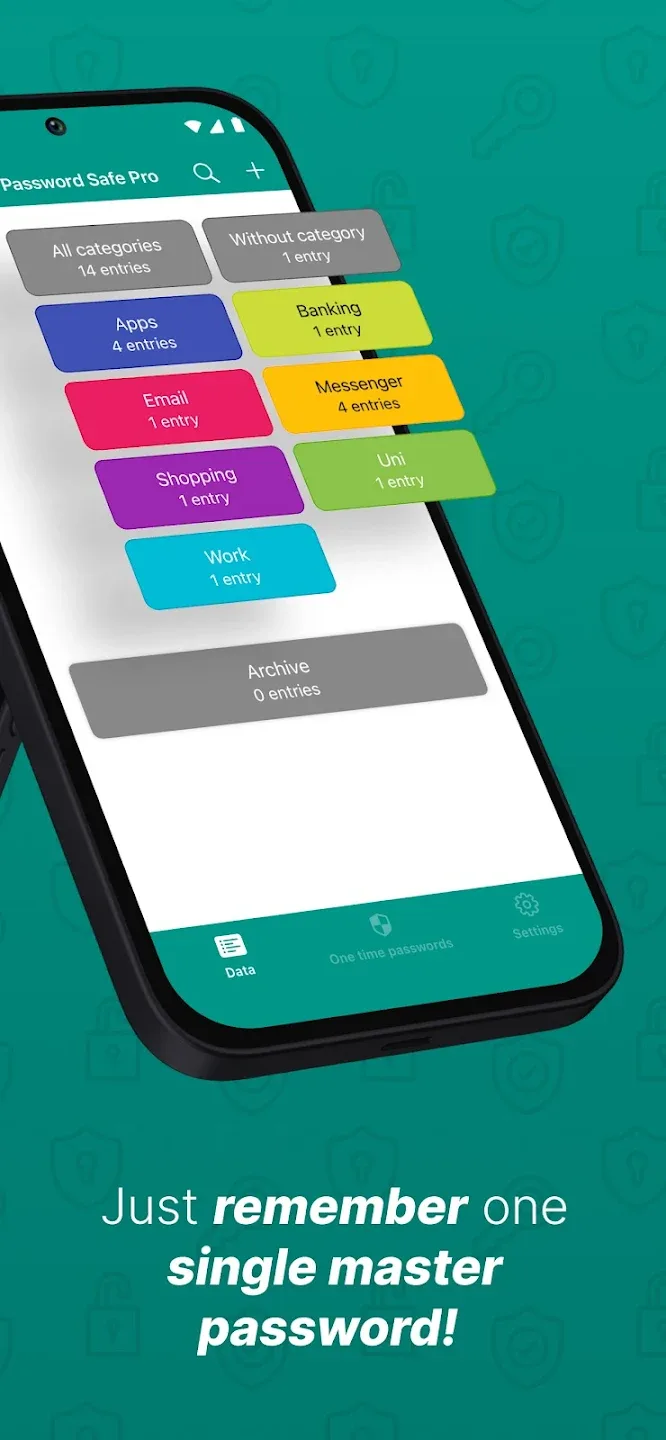
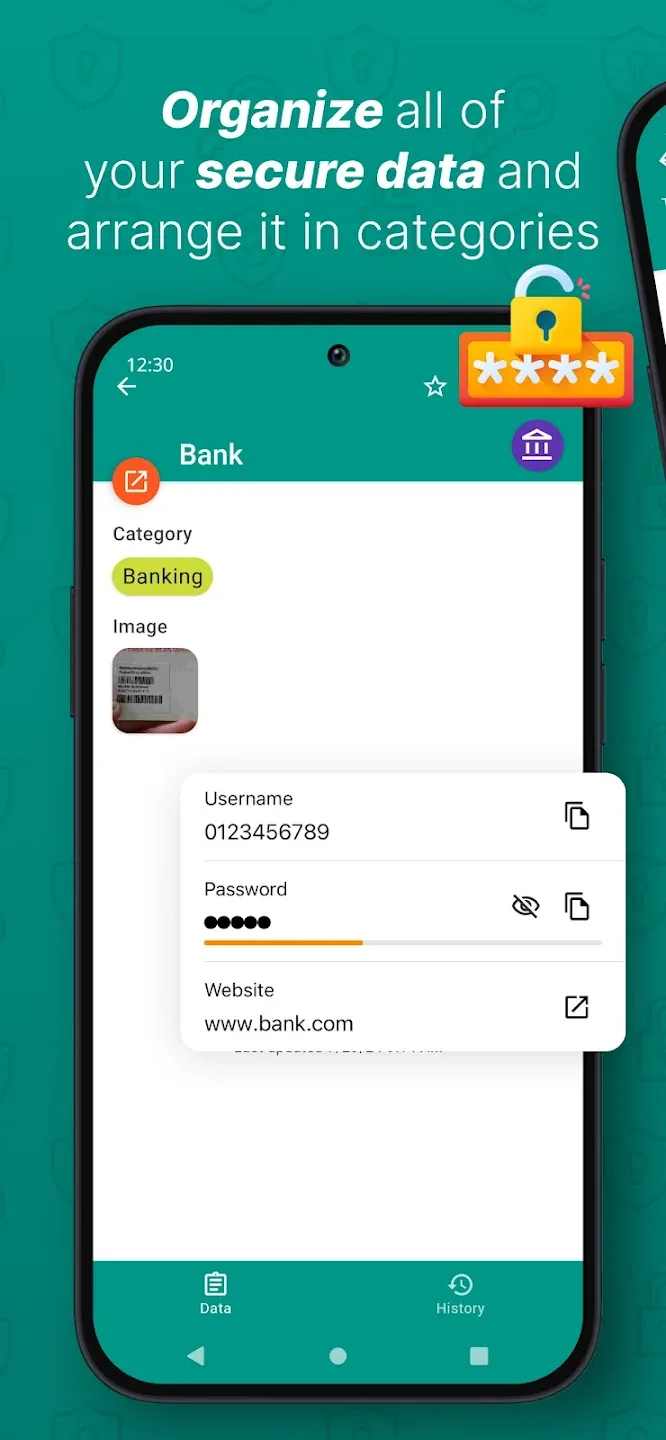
Simple password management: Once you understand the “Safe” part of Password Safe and Manager, we will move on to the next part, “Manager”. Normally, if you save your passwords in an application without a grouping place, when you need to find them again, you will definitely not find any. But with Password Safe and Manager, you can divide your passwords into clear groups, including social networking groups, banking groups, game groups, or even “secret password” groups that you don’t want anyone to know.Simply put, instead of having to remember dozens of individual passwords, you just need to open the application, select the password group you need, and everything will be ready to appear before your eyes. I just put all my social media accounts in one group, my bank accounts and credit cards in another.
Create complex passwords: Admit it, one of the things we always have difficulty with is creating passwords. Good security requires complex passwords, but honestly, I can’t think of passwords that are long enough, complex enough, with uppercase and lowercase letters, numbers, and special characters. Don’t worry, Password Safe and Manager has the ability to create super strong, long passwords that meet all the criteria we need. Every time you need a new password, just click on the application and it will automatically create a super secure one for you.
Functions of Password Safe:
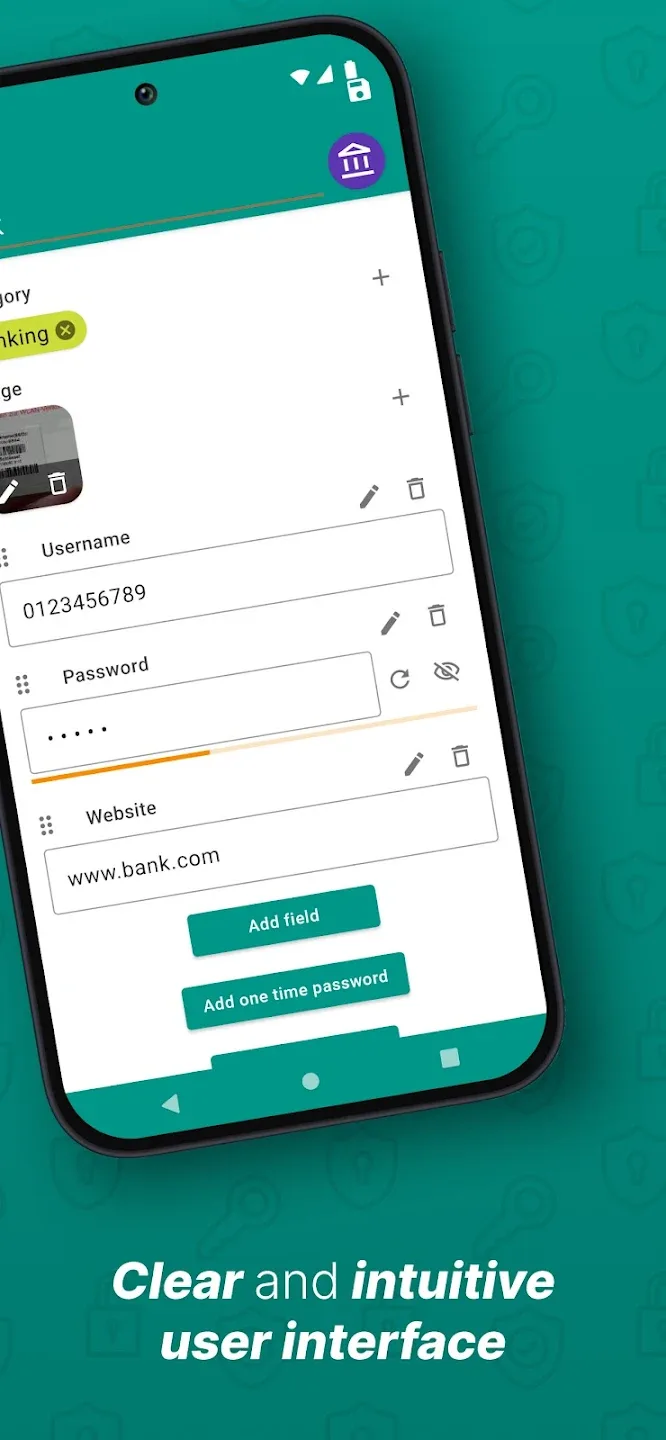
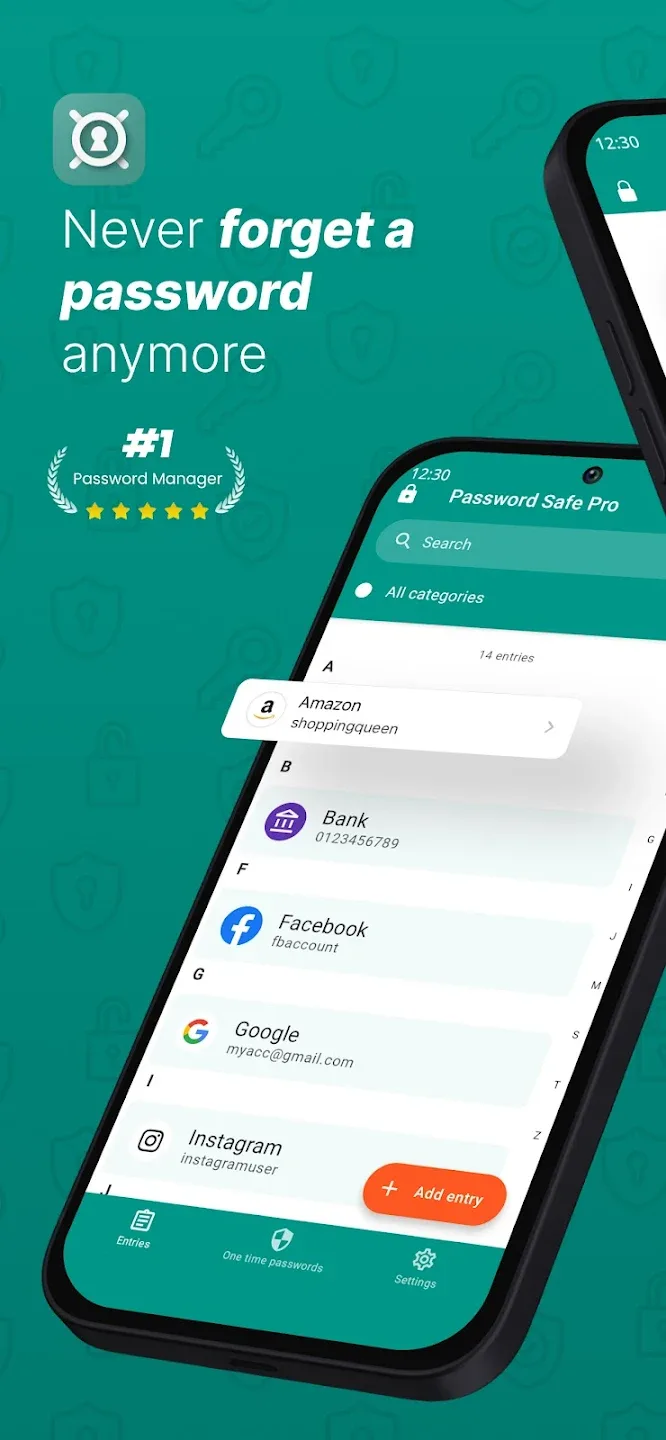
Thanks to the friendly designs, you can save all passwords safely, and your accounts, such as apps, games, and websites, are all secured. It is only necessary to remember one master password to access all of your accounts. Your data will be easily organized because the app’s intuitive design and user-friendly interface ensure smooth experiences. When you file your data using categories, it is much simpler to filter through it all and find the important password to your needs. Moreover, using only your fingerprint to access the information associated with your account within the app is straightforward and risk-free.
The Advanced Encryption Standard is applied and has a strength of 256 bits, ensuring it is very secure and helps users protect their passwords from infiltrating or accessing by others. Besides the encryption of the password vault, the app will have a password generator with strong security levels for you to apply to different accounts, and it even satisfies all the password requirements. The system automatically archives every randomly generated password, helping users get access faster without wasting time creating new passwords.
Are you sick and tired of the user interface always defaulting to the same settings? You can modify the settings of Password Safe and Manager to fit your needs better. The app even features numerous options to customize the interface or the features how you want. With different options, you can change your overall experiences with the app and even manage the password better than normal while having the smoothest feeling.
User Reviews of Password Safe:
I did not use any other password keeping apps, nor did I ever use paid version of this app, so take my words with a grain of salt. I'm a rare breed that does not want my password manager to offer itself at every possible password input; I just want it to store my passwords. This app does exactly that for me. I'll eventually switch to 'pass', but for now, this is the best thing for me. 5/5.
I love this app it is easy to see, it never cratches. Great spacing for Categories. Also another advantage is you can transfer from one phone to another without the hassle of having to create all entries again. It's simply the best free password keeper app..!!!
Very handy for having passwords at your fingertips. Only keep a few of my passwords here but comes in very handy so I don't have to start the computer just to get a password. Easy to use and well organised. Also flexible and versatile. Thouroughly recommend this app.
My previous review was unfair. I've been using this app for quite some time, it has no ads and a fantastic UI, and (importantly) it's entirely offline. The information you store here is safe from public data breaches. I also really appreciate that there's an offline solution to export your passwords and import them into the app on a different device. My only issue is that there's no biometric login on the free version, every time I need a password I'm like "ughhhh" and im too poor for premium.
I was trying to find a simple app to replace my Blackberry password keeper and it seems this one is going to do the trick. Straight forward. All I want it to do is store my passwords and it allows you to do that. All the other apps were complicated and wanted to "manage" my password for me. To be clear this one has those capabilities, but you don't have to use them. Only one thing I would like to see on the free version, that is Biometrics login.
FAQs of Password Safe:
How does Password Safe and Manager ensure my passwords are secure?
It uses strong encryption algorithms to securely store your passwords, protecting them from unauthorized access.
Does Password Safe and Manager offer a password generator?
Yes, it includes a built-in password generator to create strong and unique passwords.
Can I import my existing passwords into Password Safe and Manager?
Yes, it allows users to import passwords from various formats like CSV or other password managers.
What if I forget my master password?
If you forget your master password, you may lose access to your stored information, so it's recommended to choose a memorable but secure master password.
Are there any backup options for my stored passwords?
Yes, Password Safe and Manager allows users to back up their password database manually or through automated backups.
Conclusion:
Password Safe is an offline-first password manager with AES-256 encryption, Passkey support, AutoFill, and optional sync via your own Dropbox or Google Drive. Your vault stays on your device — and if you choose to sync, it's encrypted before it ever leaves.