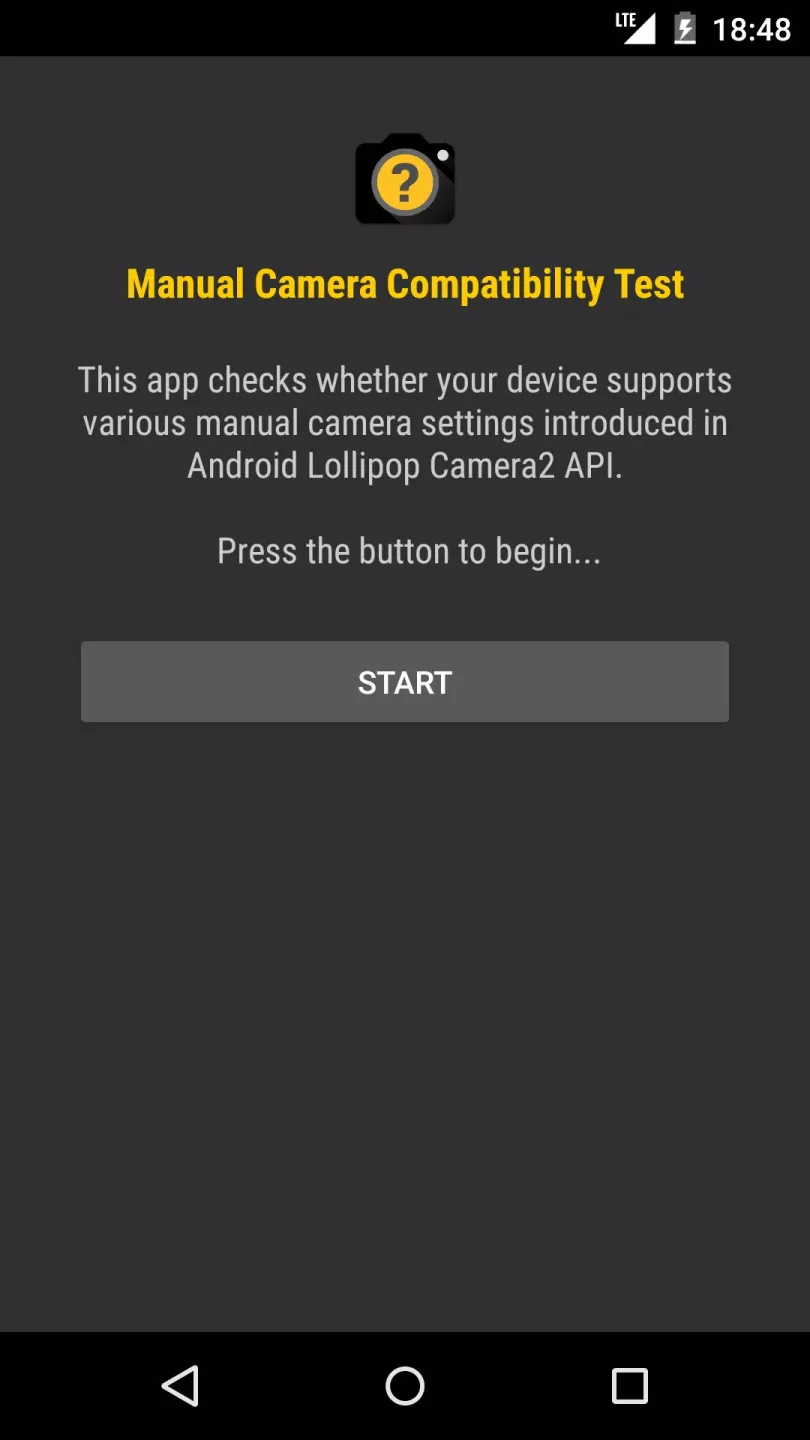
Manual Camera Compatibility is a camera app specifically designed for Android users. It performs a precise test on your device to determine if it supports handheld camera settings. If so, you can adjust parameters such as focus, white balance, ISO, and shutter speed to your liking and capture atmospheric masterpieces. Besides taking photos, the software also provides basic editing functions, allowing you to directly modify photos and export them for use.
Click to load YouTube / 点击加载视频
YouTube ↗Function:
Aplikasi Cek Kamera HP Android
Apakah kamera HP Android kamu sudah memenuhi spesifikasi minimum untuk menjalankan aplikasi fotografi yang kompleks?
Agar tidak buang-buang kuota, kamu bisa mengeceknya dulu menggunakan Manual Camera Compatibility.
Alat Uji Coba yang Akurat
Aplikasi ini berperan sebagai alat uji coba tapi khusus kamera HP Android. Pengujiannya dilakukan secara mendalam sehingga hasilnya akurat.
Tanpa Root
Meski bekerja dengan memeriksa spesifikasi hardware, aplikasi ini tidak membutuhkan root untuk dijalankan secara proper. HP Android kamu pun aman dari resiko bootloop.
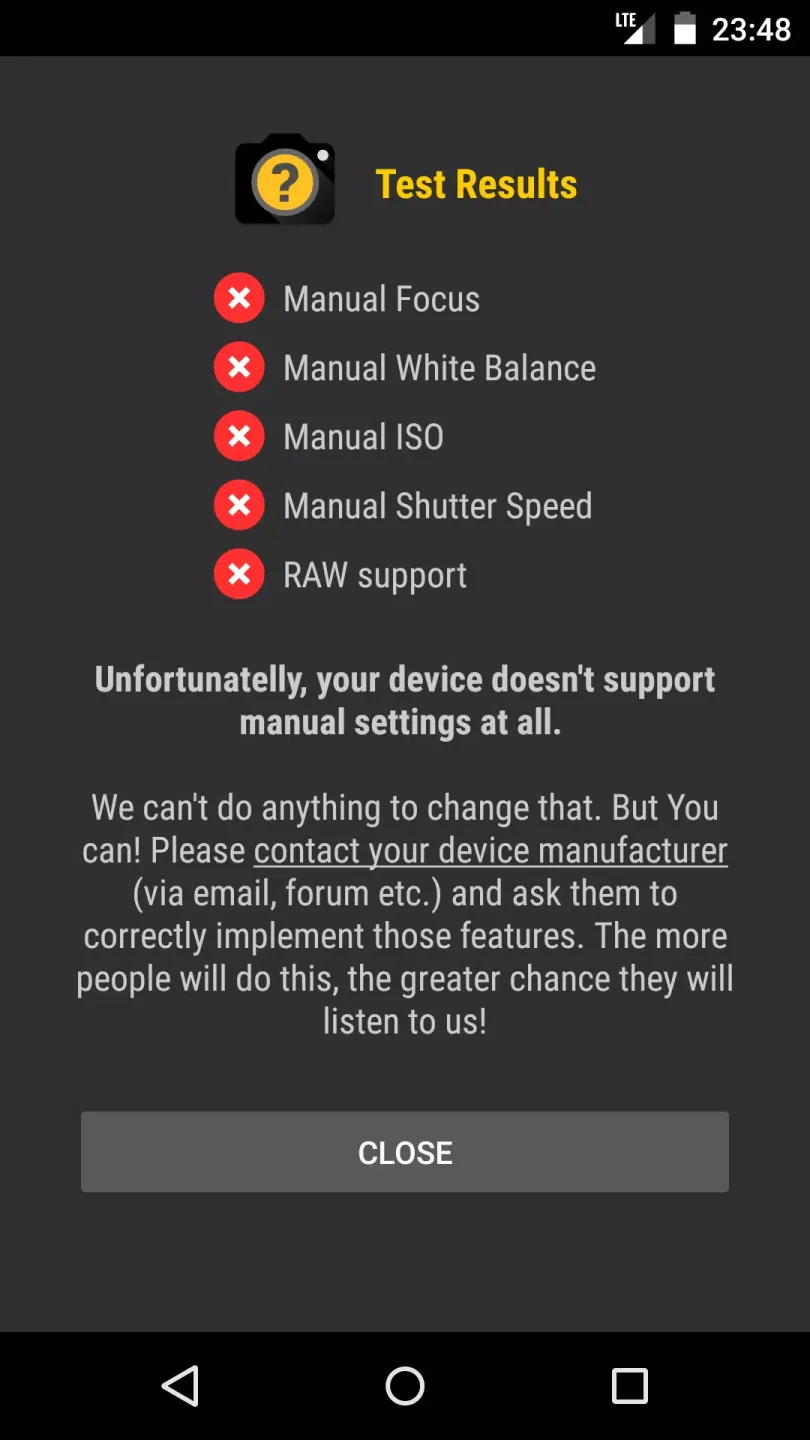
Uji Manual Focus, ISO, dan White Balance
Fungsi utama Manual Camera Compatibility adalah memastikan apakah HP Android kamu kompatibel dengan aplikasi Manual Camera.
Maka dari itu, aplikasi ini akan menguji sejumlah pengaturan manual pada kamera HP kamu seperti fokus, ISO, dan white balance-nya.
Cek Kecepatan Shutter
Tak hanya ketiga aspek di atas saja, kemampuan HP dalam menjalankan shutter juga akan diuji di sini.
Periksa Dukungan RAW
Apakah kamera HP kamu mampu menghasilkan file RAW yang proporsional? Pemeriksaannya pun bisa dijalankan oleh aplikasi dengan baik.
Proses yang Cepat
Walau ada banyak parameter yang diuji coba, prosesnya tidak akan berlangsung lama. Hanya butuh beberapa detik hingga aplikasi berhasil menyelesaikannya.
Jika lolos uji coba, ikon ceklis akan muncul. Sebaliknya, ikon silang menandakan ada beberapa aspek pada kamera kamu yang tidak mendukung pengaturan manual.
Cocok untuk Fotografer HP
Penggunaan aplikasi kamera ini cocok untuk kamu yang ingin menekuni fotografi HP.
Features:
Camera compatibility test: This app provides an accurate test to determine whether your device supports manual camera settings. This way, you don't have to experiment or hesitate before installing the Manual Camera app.
Comprehensive camera settings: If your device supports manual camera settings, our Manual Camera app will give you complete access to those settings. You can adjust manual focus, white balance, ISO, and shutter speed to your liking.
RAW support: This feature allows you to capture photos in RAW format, which provides more flexibility in photo editing. With this app, you can exploit the full potential of photos you take with a manual camera.
User-friendly interface: Manual Camera Compatibility offers an easy-to-use interface, making it easy for users to access and adjust manual camera settings. These settings are presented in an intuitive layout, so users can easily adjust them to suit their needs.
Additional editing features: In addition to manual camera settings, this app also comes with basic editing features that allow you to enhance your photos after they've been taken. You can crop, rotate, or apply filters to your photos without needing to switch to a separate photo editing app.
Regular updates: We're committed to continuously developing this app with more exciting additional features. Every time there's an update to the Android Camera2 API, we'll ensure the app remains compatible and optimized for your device.
FAQs:
How much storage space is needed to install Manual Camera Compatibility?
Please keep at least 3.5 MB, and additional 100-500 MB free for smooth updates and cache management after installing.
What are the system requirements for Manual Camera Compatibility?
Your device should have system version Android 6.0+ (firstly released around 2015-09) or newer.
If your phone doesn’t meet the requirements, older versions of the app are available for download.
Is Manual Camera Compatibility safe to download?
Yes, the signature of Manual Camera Compatibility has been verified safe by Virustotal.
You could check the detail by clicking "Trusted App" tag on the app detail page.
How long does it take to download?
The package size of Manual Camera Compatibility is 3.5 MB. Download time can vary based on your network connection.
Conclusion:
Manual Camera Compatibility Test is a simple and easy-to-use app, thanks to which you can find out, in just over 10 seconds, if your Android device supports a bunch of manual options for its camera. If so, the app will recommend that you install Manual Camera, an app created by the same developers, in order to get the most out of your hardware.