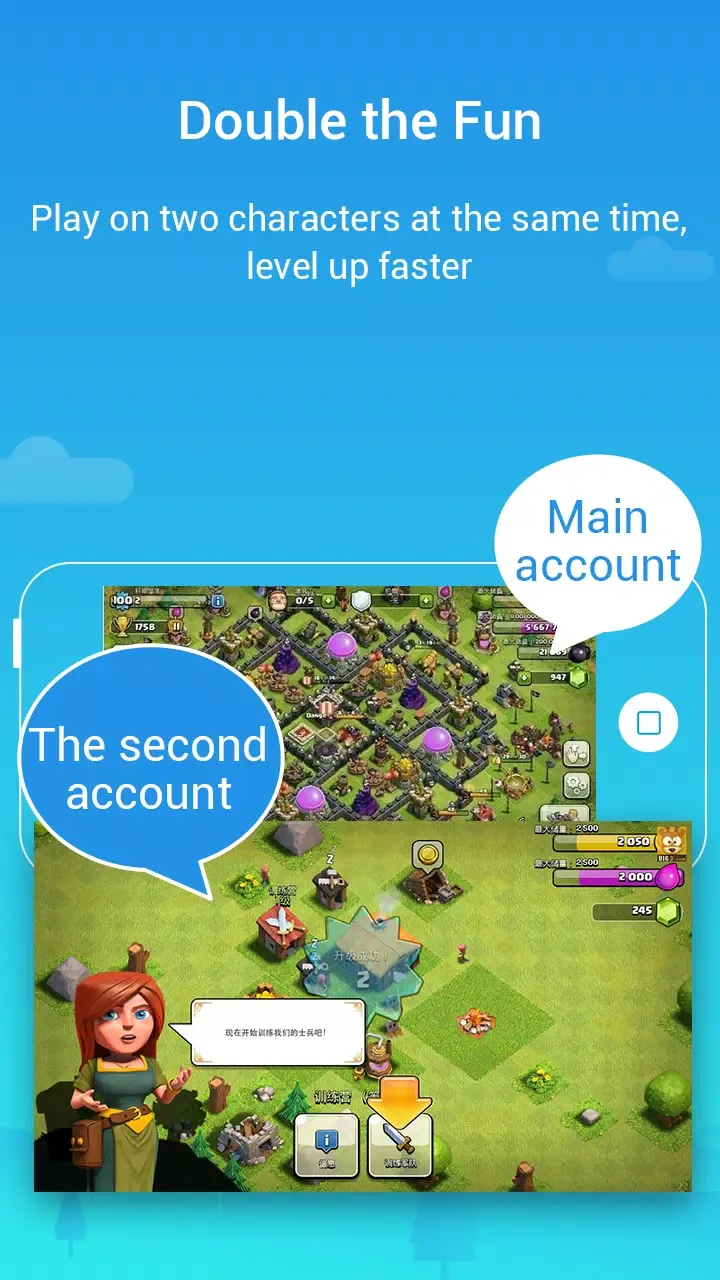
Parallel Space Pro is an app multi-instance tool designed specifically for Android devices. Users can use it to run two or more instances of various apps simultaneously, with different accounts able to log in at the same time without repeatedly switching accounts. It also features a hidden space where users can hide apps and use a security lock function to prevent others from snooping on their private content. Furthermore, the software includes a theme store, allowing you to customize icons for different clones to easily distinguish between accounts.
Click to load YouTube / 点击加载视频
YouTube ↗How to use:
Use Parallel Space Pro to set up a second copy of apps inside a virtual space. The process is straightforward and takes a few minutes. You can follow these steps to get started with Parallel Space Pro latest version.
Install and open Parallel Space Pro, then grant the requested permissions so the space can operate correctly.
Tap Add App and select the social, messaging, or game apps you want to clone from the list of installed apps.
Wait for the app to appear inside the space, then open it and sign in with a different account or profile.
Use the switcher or the home screen inside the space to move between accounts when needed.
If notifications are missing, check phone settings and whitelist Parallel Space Pro in any booster or cleaner app.
Features:
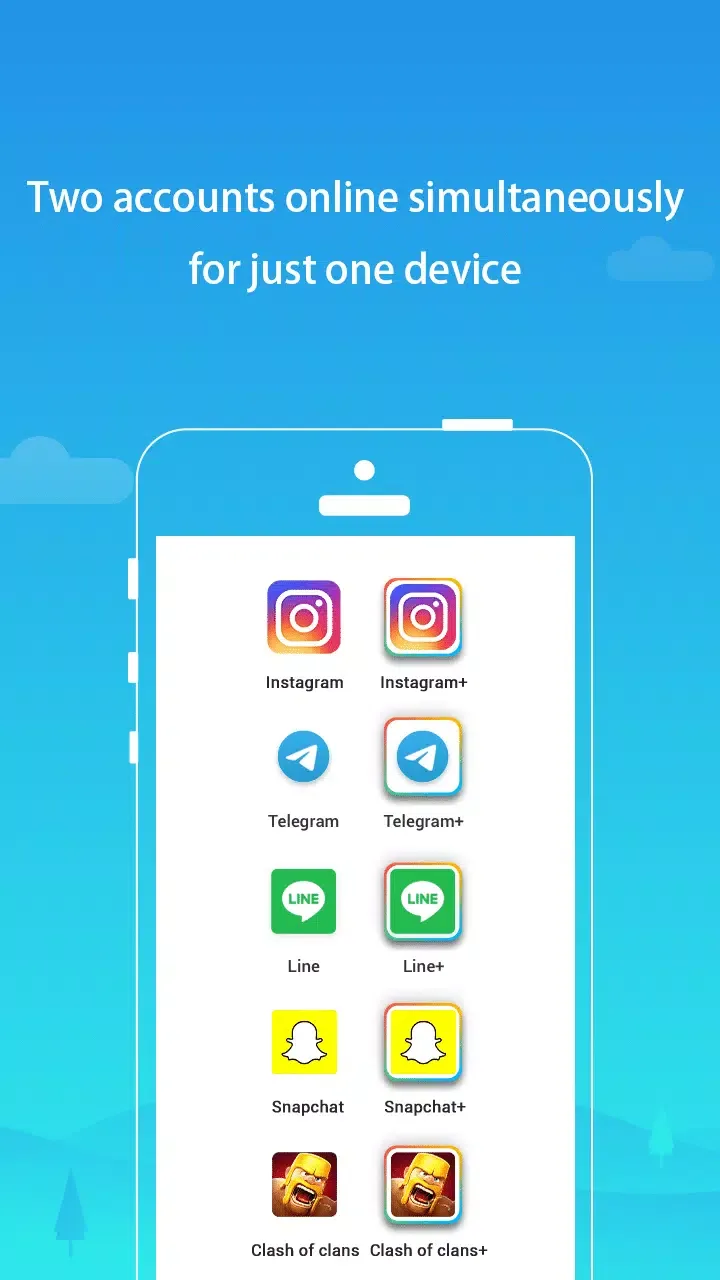
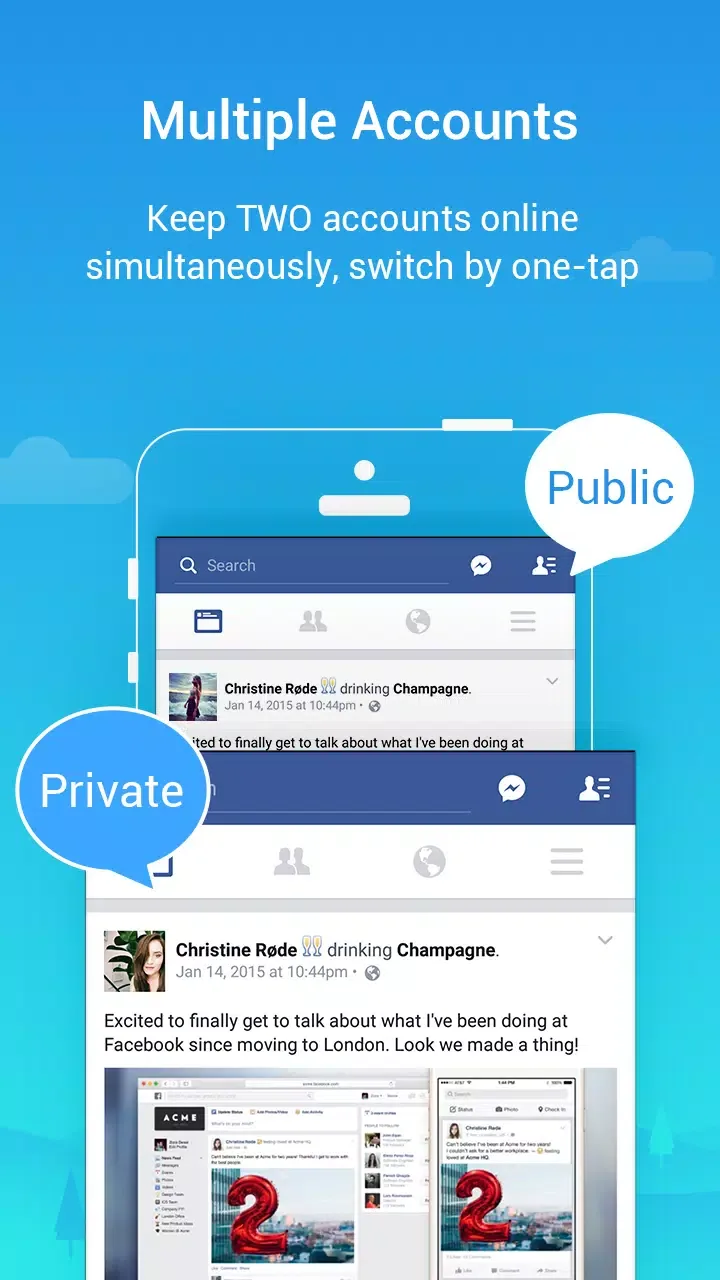
Run Multiple Accounts – Parallel Space is currently one of the most popular apps to run multiple accounts of the same app at once. There are more than 90 million users of this app around the world and it was the first app to introduce multiple apps feature. Right now many apps with a similar name are available out there but the original version is shared over here. If you are looking for ways to run two accounts on the same device, then consider using this app.
Easy To Use Options – It doesn’t matter if you have used this app before or you are new to it, you can always use Parallel Space APK for Android without any worries. This app is very easy to use and on the first run, it will display a quick informative tour that tells you about the options available in it. Enabling and disabling the apps for a second account is very easy and you can always delete any from app Parallel Space to create a new account for it.
Customize Accordingly – There are various themes and customization options available in Parallel Space that can be used to change the layout of it. By default, the recommended theme will be applied to your app but you can change it to anything you want. Remember that not all of the customization options are available to the free users so you might need to pay a little amount to unlock this feature. Though it is not necessary to customize and it is completely optional to do.
Maintain Privacy – Parallel Space app full version helps you in staying anonymous from apps and services that collect user info. If you are not sure about an app, then you can run it in this app first and when satisfied, you can download it on your phone. Parallel Space comes really handy when you want to try new apps and many people are using it only for testing purposes. You can also enable or disable various options and permissions to stay on the safer side.
Pros and Cons:
Pros
Runs two instances of many apps so you can use multiple accounts on one device
Keeps all cloned apps in a dedicated Parallel Space container with theme customization
Incognito Installation allows apps to be hidden from the main app drawer
Privacy lock adds extra protection for sensitive apps and data
Supports most Android apps and 24 languages
Built on the multiDroid engine and incorporates open-source components under Apache License 2.0
Aims to reduce memory, battery, and data consumption while enabling notifications for cloned apps
Cons
Cloned apps can crash or get stuck, sometimes very frequently
Some security-focused apps do not work properly in the cloned environment
Two accounts that rely on the same mobile number usually cannot be used at the same time
Reports of poor responsiveness from support, even for paying users
FAQs:
Can I hide cloned apps inside Parallel Space?
Yes, the app includes privacy features that allow users to hide cloned apps and keep them separate from the main launcher.
Can I clone more than two accounts using Parallel Space Pro APK?
Yes, users can clone multiple apps and accounts depending on device performance and available system resources.
Does Parallel Space Pro APK require root access?
No, root access is not required. The app operates using Android virtualization technology.
Is Parallel Space Pro APK suitable for business users?
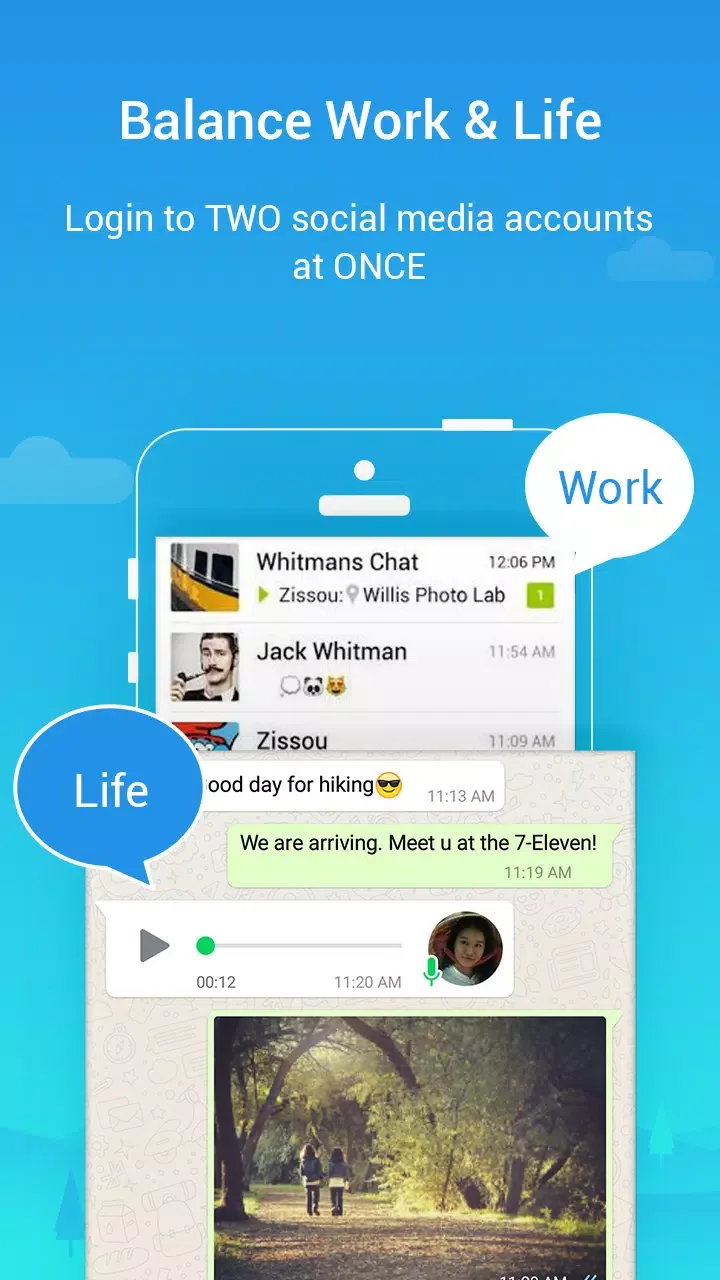
Yes, it is commonly used by professionals managing multiple communication accounts or separating personal and work profiles.
Does Parallel Space Pro APK support theme customization?
Yes, users can personalize the interface using built-in themes for better visual organization.
Conclusion:
In conclusion, Parallel Space Pro presents a practical solution for users who wish to streamline their digital interactions. With its ability to clone apps, separate account data, and provide seamless switching between profiles, the app significantly enhances how individuals engage with their favorite applications on the Android platform. Users can take advantage of its features to balance their personal and professional lives effortlessly.