

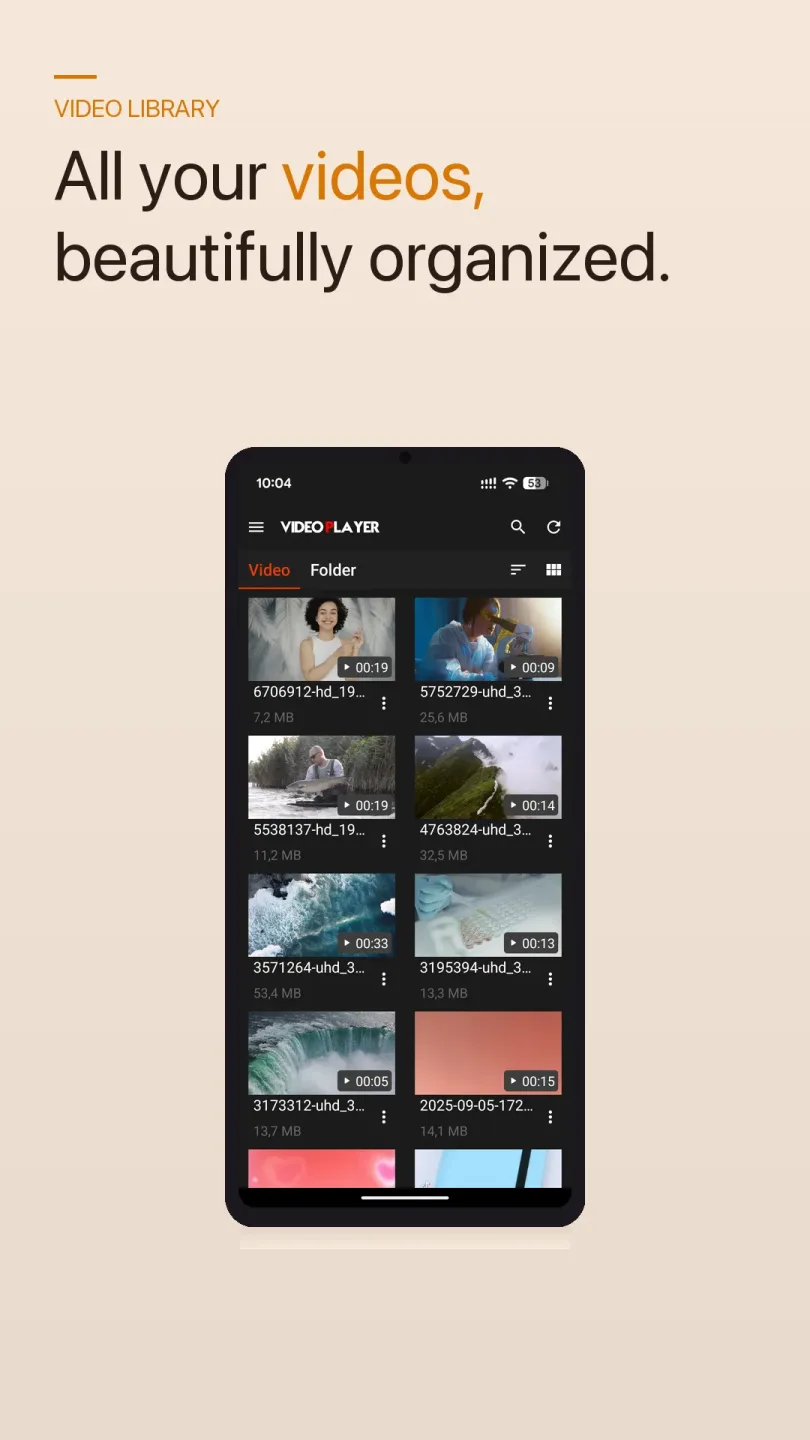
Bear Player is an excellent Android video playback application. It's designed for users who need a simple and easy-to-use video viewing tool, and is compatible with multiple mainstream video formats, providing a smooth viewing experience. With Bear Player, users can play various video formats without installing any additional extensions. Furthermore, this application allows users to watch videos not only from the phone/device's internal memory or external storage card, but also via online video links. In addition, you can simply paste the link into the application to play videos directly within the app, without downloading them.
Highlights:
Wide format handling
Bear Player recognizes many common video formats, which helps reduce the need for separate converters. You can switch between different files without changing settings. This makes everyday viewing more consistent across a mix of sources.
Simple, clean interface
Bear Player focuses on a minimal layout so you can pick a file and press play without extra steps. Menus and buttons are easy to find, which helps new users get started fast. As you use it more, navigation remains clear for longer playlists and bigger libraries.
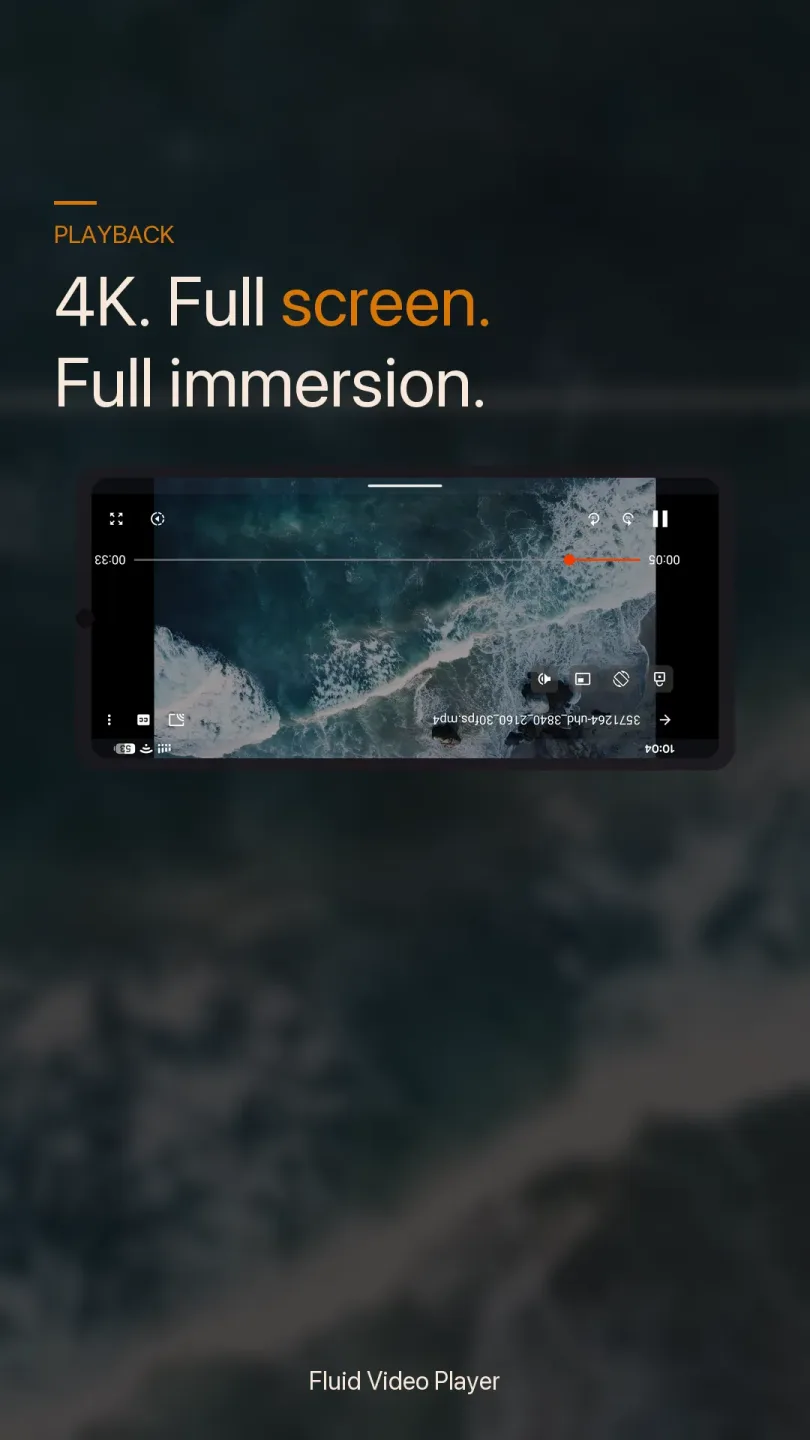
Full playback controls
Bear Player provides intuitive controls for pausing, seeking, and adjusting playback to match what you need. You can move through a video quickly or make small jumps when looking for a specific moment. Controls stay accessible during playback, so you do not lose your place while making changes.
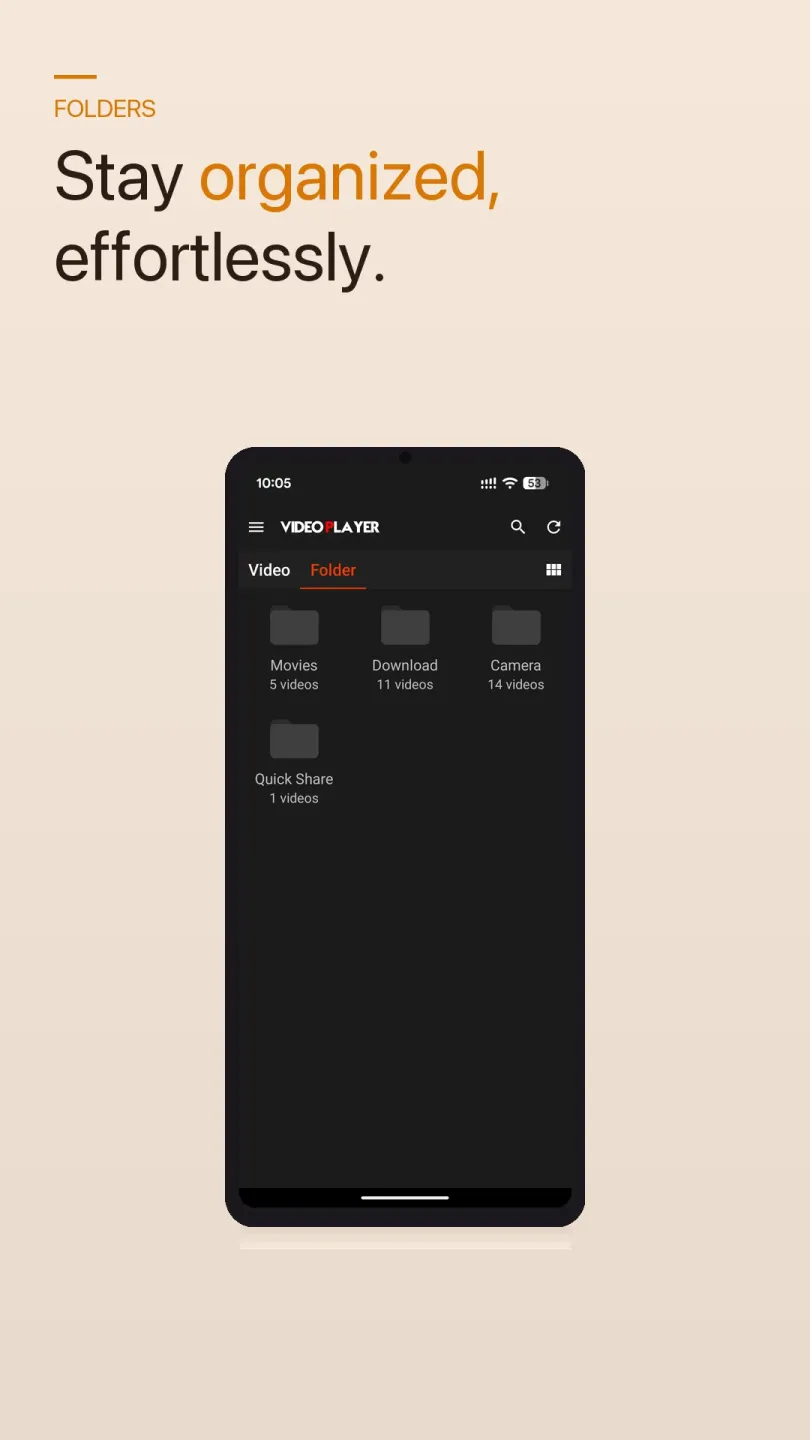
Local and online video
Bear Player lets you open files stored on your phone or tablet and also play supported online streams. This flexibility helps when you want to watch something from a folder and then check a link. Moving between local files and streams requires only basic steps in the interface.
Lightweight performance
Bear Player is optimized to run with minimal overhead, which supports fast loading and steady playback. On devices with limited resources, this design helps keep video viewing responsive. By avoiding unnecessary bloat, it stays focused on core playback tasks.
Features:
Compatible with a large variety of formats
Bear Player stands out for its compatibility with multiple video formats. This tool is capable of playing common formats such as MP4, MOV, MKV, and WMV without having to install additional codecs or convert files beforehand. If you have files from different platforms or share multimedia with others, its broad compatibility will give you the peace of mind you need to play all your files without any issues.
Easy to use and powerful
The philosophy of Bear Player is simple: that anyone should be able to use it from the first moment. Video navigation is simple and accessible, without cluttered menus or settings hidden in confusing sub-levels. This makes using the player pretty easy if you're looking to open a video quickly, pause whenever you need to, or fast-forward and rewind. The playback controls work well, and although it's not designed for users seeking extremely advanced features, it does meet the typical needs of those who frequently watch videos on their smartphones.
My thoughts on Bear Player
Bear Player doesn't stand out for especially striking visual elements, but it does stand out for offering a complete and simple experience, something that ends up being more useful than it seems for daily use. Although it doesn't have many features, the fact that you can open any video without compatibility issues makes it preferable over other options with more features but less compatibility.
Pros & Cons:
Pros
Supports multiple popular video formats
User-friendly interface
Full playback controls
Local and online viewing
Cons
Lacks advanced features
FAQs:
What is Bear Player used for?
Bear Player is used for watching video files on Android devices, including local videos stored on your phone and some online streaming content.
Does Bear Player work for online streaming?
Yes. Bear Player can handle online video sources along with local files, which helps if you switch between saved videos and web links.
Is Bear Player easy for beginners to use?
Yes. The app has a simple layout with clear playback controls, so it is easy to open a file, start a video, pause, skip, or seek through it.
What are the downsides of Bear Player?
Some users may notice ads during use, and a few playback quirks can happen on certain devices, such as manual picture-in-picture setup or resume position issues.
Conclusion:
Bear Player brings together ease of use, wide format compatibility, and flexible playback options to create a smooth and enjoyable viewing experience on Android devices. With its intuitive interface and support for both local and online videos, it offers a dependable and accessible solution for users who want a straightforward way to watch their favorite content.








