

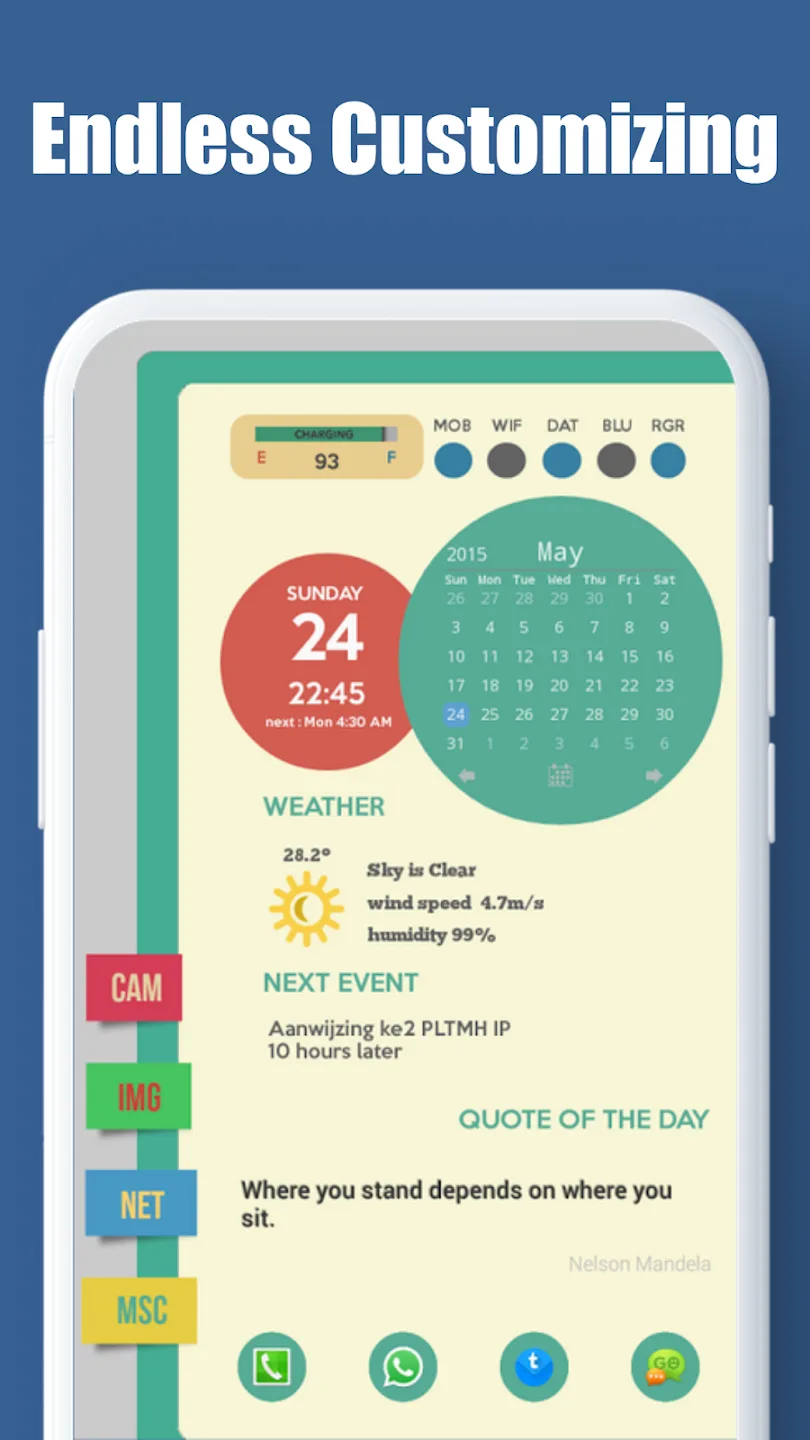
Total Launcher is an Android launcher designed for enthusiasts who love in-depth customization. This launcher boasts a clean and streamlined design, rich and practical features, and significantly enhances the user experience. It also occupies minimal disk space and memory, ensuring smooth operation. Users can customize multiple home screens, arranging them freely. All icons, components, and text can be dragged and resized, and it's compatible with various icon packs and a vast library of themes and wallpapers. Customizable switching animations and status bar styles offer exceptional playability, making it ideal for users seeking the ultimate in personalized desktop customization.
Click to load YouTube / 点击加载视频
YouTube ↗Features:
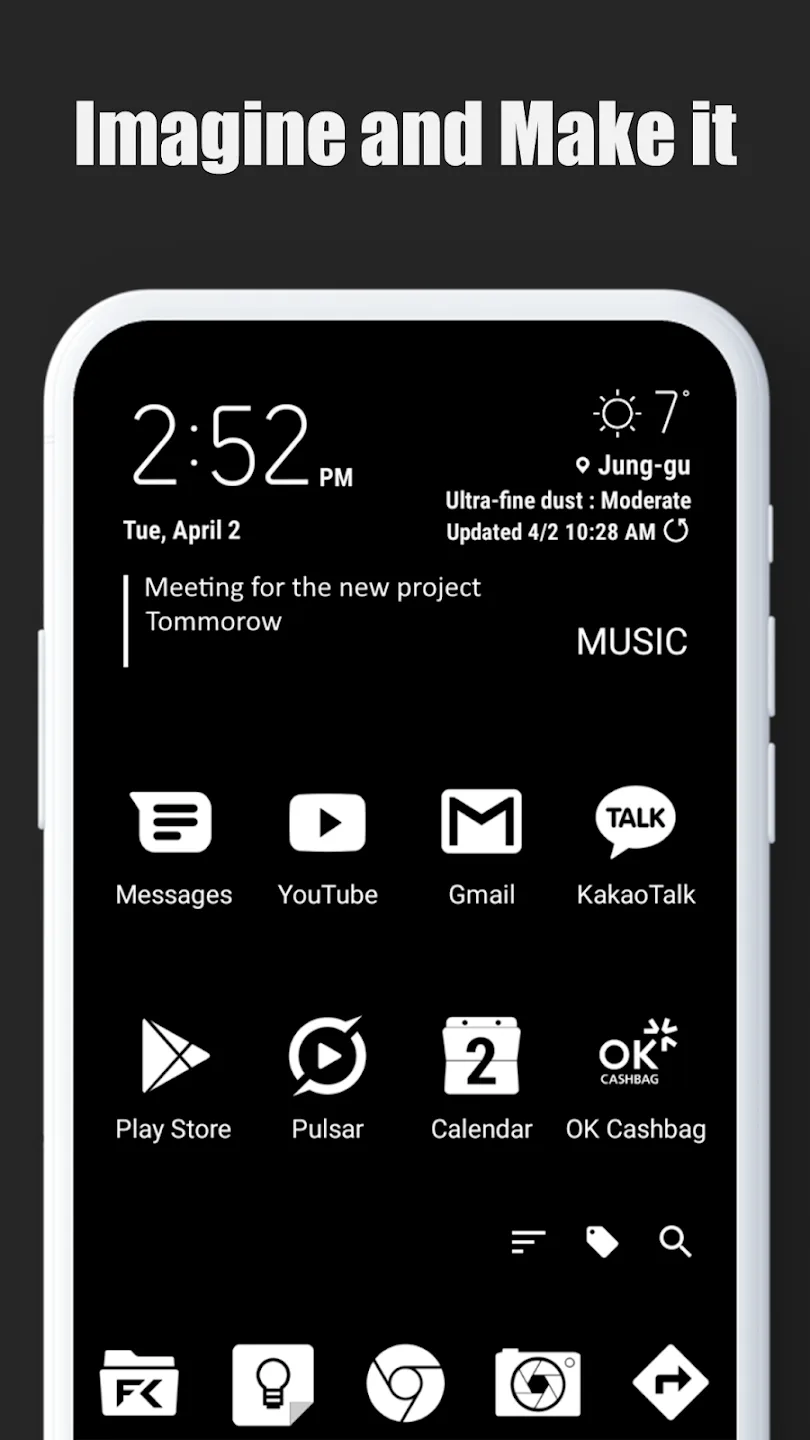
Change the look with your imagination.
One problem that many people have with devices running the Android operating system is that the user interface is too simple and boring. But now, you can solve your problems quickly with the unique features that Total Launcher has equipped. The application will help users completely change the device’s interface to suit their thoughts, preferences, and even imagination, thanks to a full range of different features.
Design according to personal taste
For the interface of a device to be changed, the first step users need to take will certainly be to edit the home screen in their style. With this, the application has equipped its users with many colorful, unique, and beautiful themes for them to choose and apply. At the same time, all the application icons and utility widgets displayed on the screen will also be able to change markedly according to your various creative and design abilities.
Highlights:
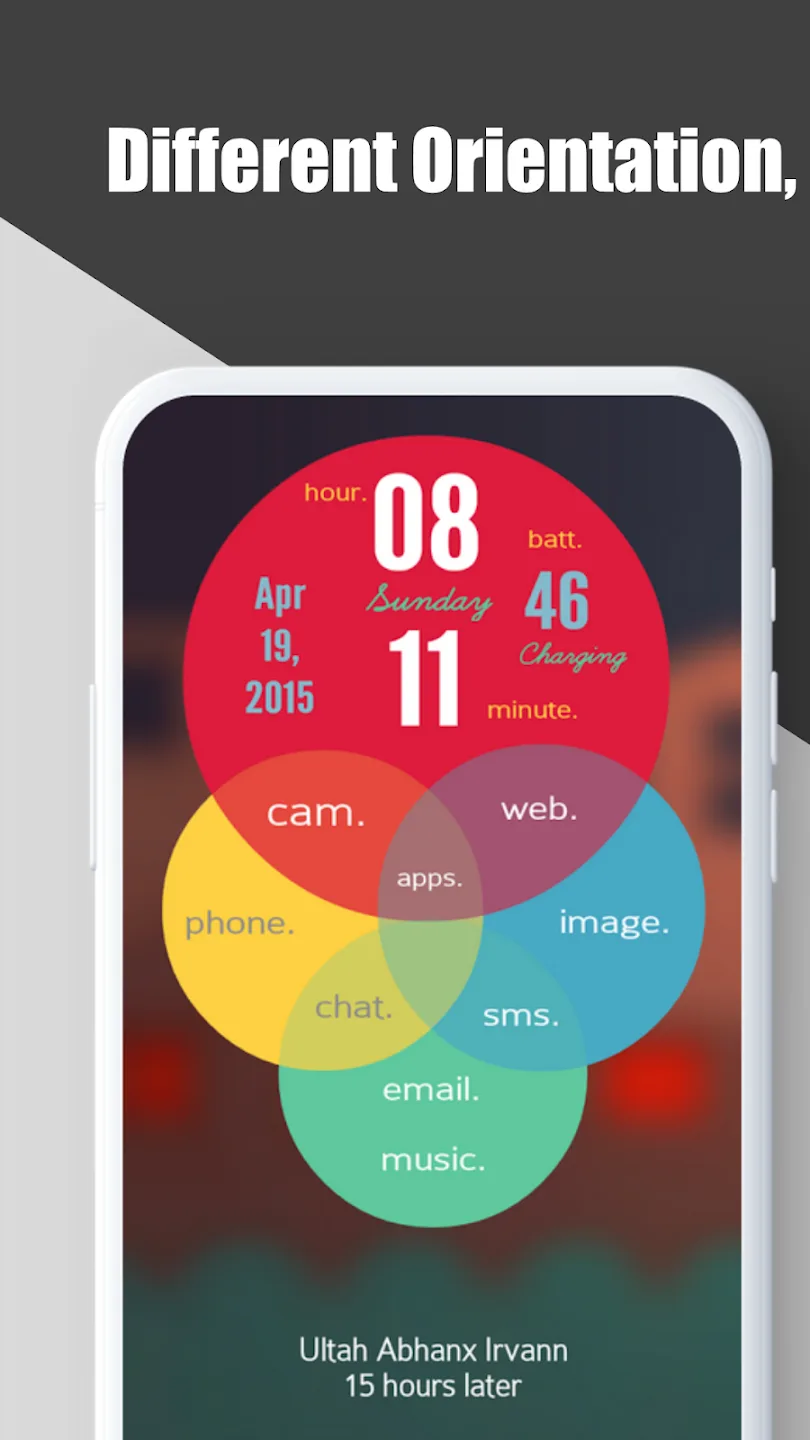
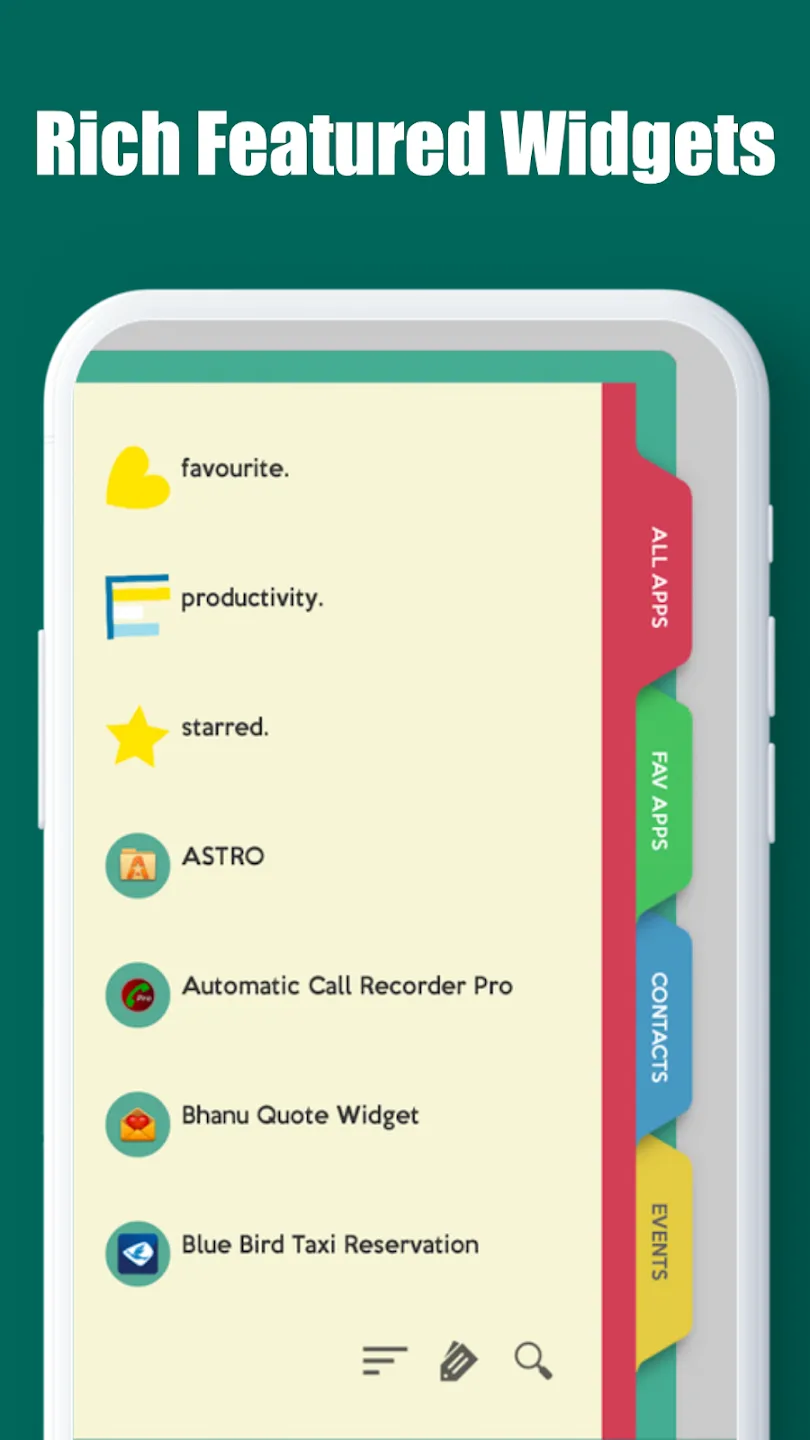
Total Launcher lets you choose from various home screen layouts to customize your device with icons, wallpapers, widgets, etc. In addition, the launcher design is highly customizable, with options to change icon sizes, widget layouts, and more. There is also a built-in app manager to organize and classify apps more easily.
Total Launcher is compatible with most Android devices and most versions of the operating system. Also, the app is compatible with most third-party apps, which means that you can continue to use your favorite apps with this tool.
Total Launcher is easy to use, with an intuitive interface designed to help you customize your device quickly and easily. Even better, the app is completely free, which means you can customize your smartphone without having to spend money on additional apps. Total Launcher is an excellent choice for customizing the home screen of your Android device.
Tips:
This app requires Device Admin privileges to implement the "screen lock" launcher action.
This app uses the Accessibility service API for the following specific actions only when triggered by the user:
Open recent apps
Screen lock
Changelog:
applied new app design
supports Search feature in the Launcher options
added "Fidget spinner" option for "Circle" layout
supports Image and Shape for text colors of Text graphic objects
supports Images and Shapes for the background of the system bars
new Shapes: Squircle, Polygon
supports different radii for 4 corners of Round rectangle shape
fixed some bugs and optimized
Conclusion:
Total Launcher is a combination of many contents, and each unit has its impressive points for users to take advantage of. Moreover, customization or personalization allows them to freely pull out each feature or style to create a brand new launcher with cool backgrounds or widgets.








