

CameraFi Live is a live streaming software designed specifically for recording and streaming. This powerful app allows users to choose between camera mode or screen mode, streaming either the camera's view or their smartphone screen. With CameraFi Live, you can create high-quality videos and easily add image/video/audio files. Whether you're a beginner or an experienced streamer, this app makes live streaming easy for everyone. It also offers real-time video editing features, allowing you to add overlays of images, text, video, and audio files during your live stream.
Highlights:
Add images, text, video, or audio files during a stream for clear on screen information.
Show live chat on the video to follow viewer messages in real time.
Load web source overlays to display alerts from supported services.
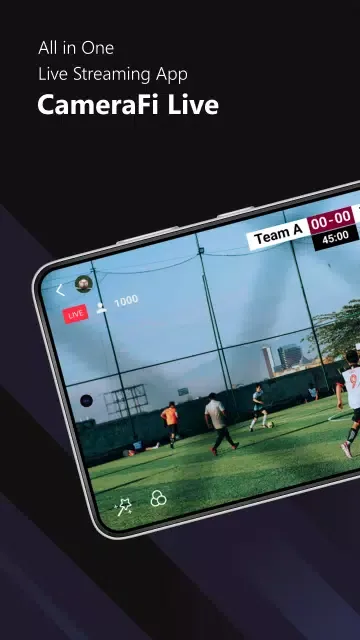
Apply video filters and motion effects, including scoreboards and news graphics.
Save overlay combinations as presets to speed up repeat productions.
Features:
Multiple Camera Options: Choose between live streaming directly from your phone’s camera or sharing your phone screen with the app’s screen mode, offering flexible options for different streaming needs.
External Camera Integration: CameraFi Live allows you to connect external USB cameras, including high-quality DSLR cameras and camcorders. This capability ensures you can stream with professional-grade video quality.
HDMI-to-USB Conversion: The app supports external cameras through an HDMI to UVC converter, ensuring you can broadcast high-definition video with zoom features for a dynamic and immersive viewer experience.
Customizable Layers: Add images, videos, and audio tracks during your live stream, enhancing your broadcast with rich multimedia layers to keep your audience engaged.
Video Filters: Apply various video filters like emboss, mosaic, and cartoon effects to give your stream a unique and creative edge.
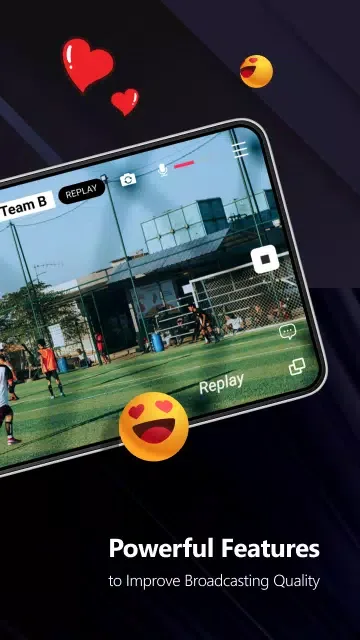
Dynamic Visual Effects: Integrate cool animations and dynamic elements such as scoreboards and live news graphics, perfect for sports events or news broadcasts.
Tips and Tricks:
Live screen capture for mobile gameplay
Facecam (front camera overlay) while streaming games
Real-time chat display on screen
Custom image and text overlays
Background music support
Scene switching for dynamic broadcasts
Stream alerts and notifications
FAQs:
Can I connect an external camera to CameraFi Live?
Yes, it supports external camera connection. You can connect USB cameras, camcorders, DSLRs, and other high-performance cameras to achieve professional-quality live streams.
Can I add overlays to my live stream?
Absolutely! CameraFi Live allows you to add image, video, and audio overlays to your live stream. You can also write text overlays to provide additional information or engage with your viewers.
Can I save my live-streaming videos?
Yes, it allows you to save your live-streaming videos directly to your smartphone's memory. This feature enables you to create highlight videos or review your streams at a later time.
Conclusion:
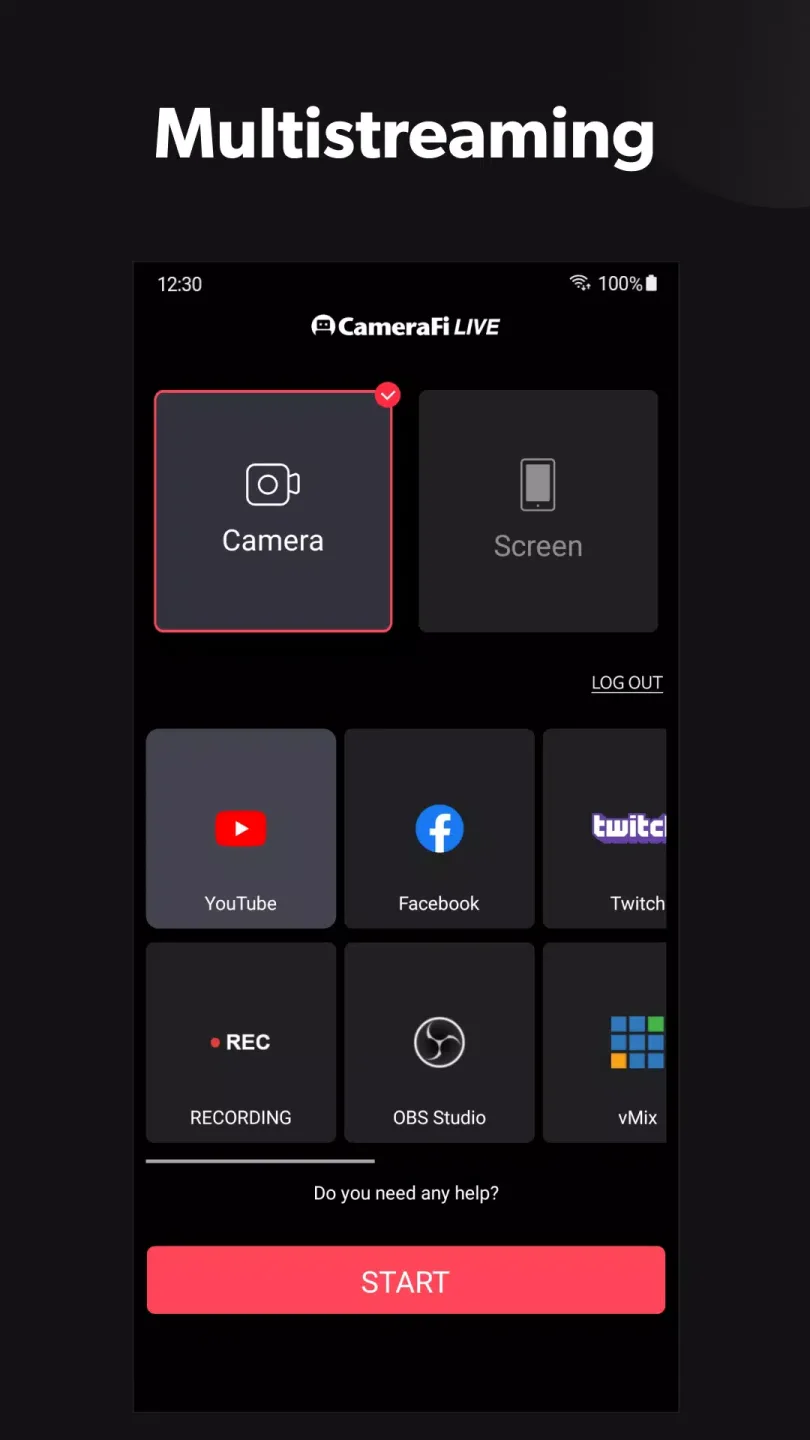
The great appeal of CameraFi Live, besides being able to recast on a bunch of platforms, is the use of all kinds of peripheral cameras. With this app you can connect your 360-degree camera and do live casts from a different perspective. On other words, not only can you show everything around you but also do a live gameplay of any of the games installed on your Android.








