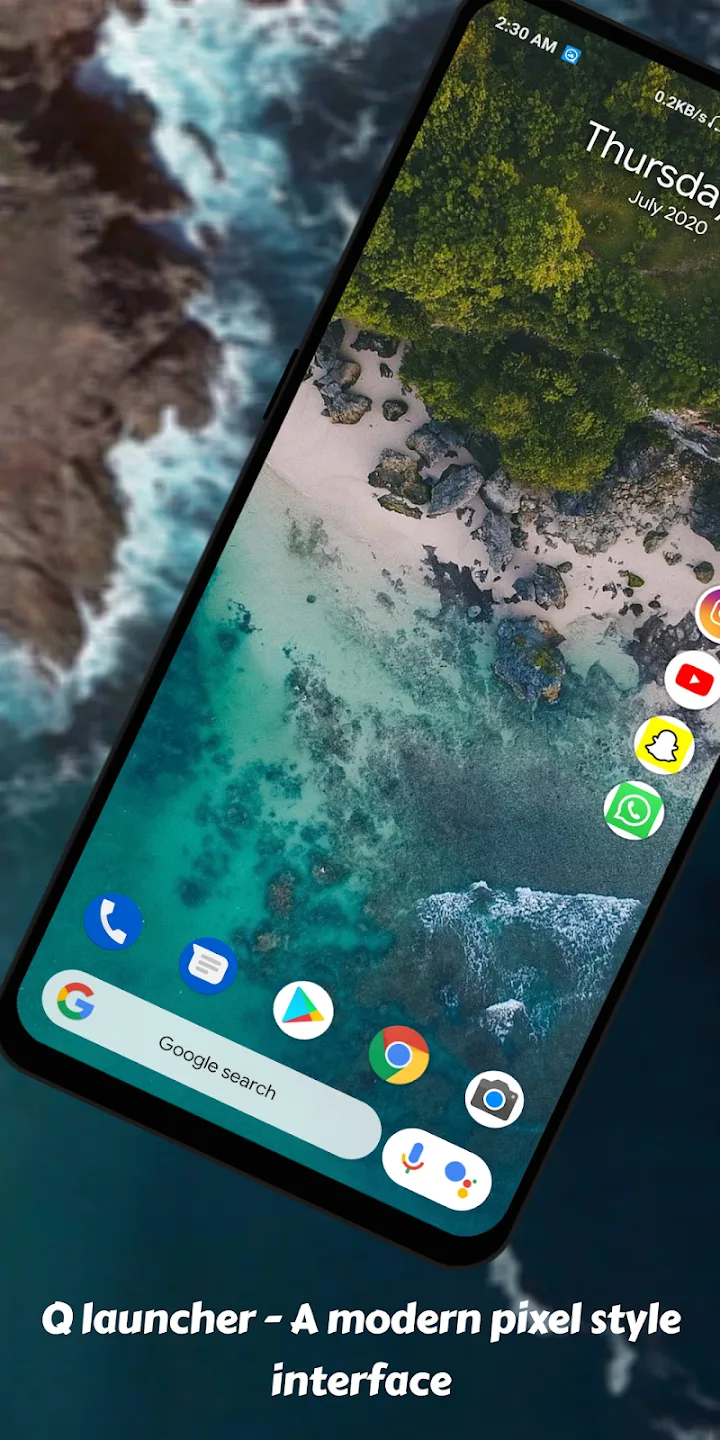
Cool Q Launcher This is an application that can modify the appearance of your smartphone, allowing you to customize its look and use it more conveniently and efficiently. It can also sort your folders alphabetically, greatly reducing the time spent searching for files and improving efficiency. Of course, it also has other useful functions, such as a flashlight, power-saving mode, and storage management. It can also change your icons and add a lot of functionality to your smartphone. If you want to try it, give it a shot
Highlights
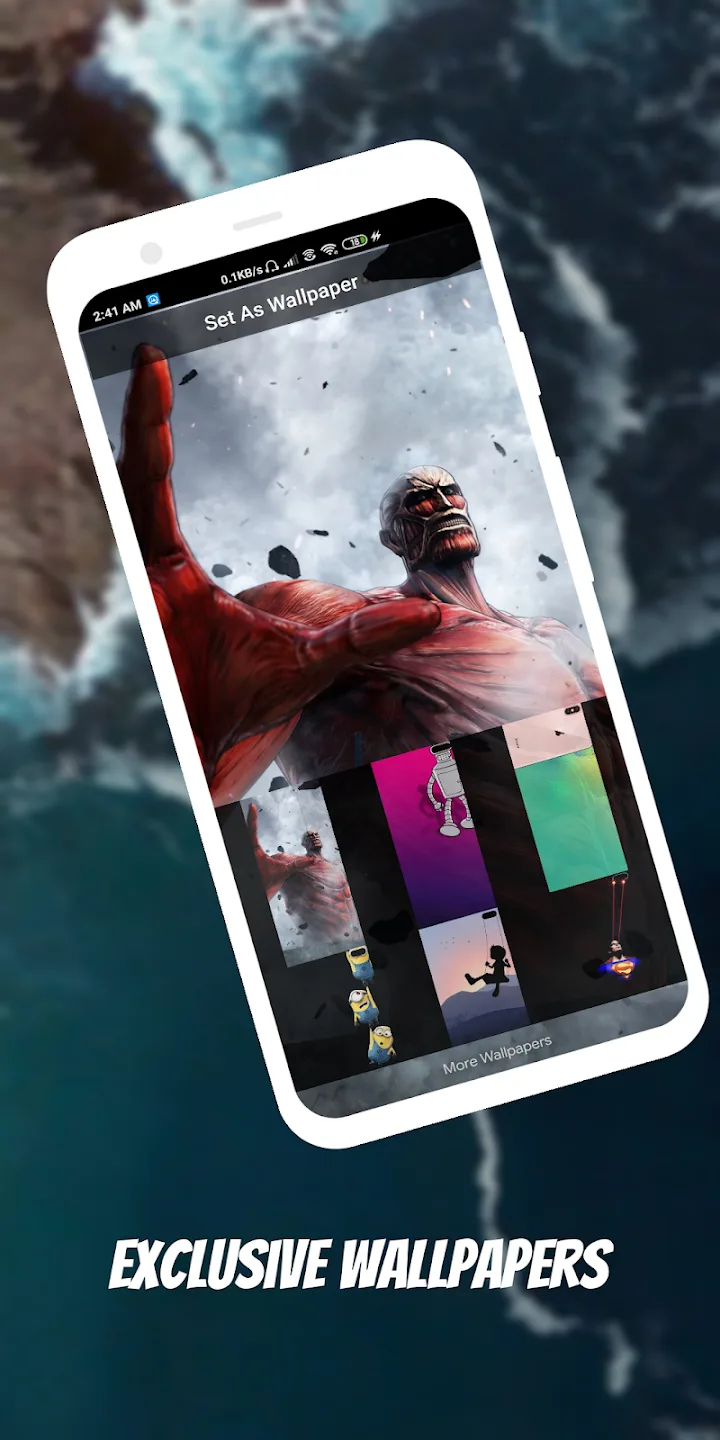
Themes and Wallpapers: Many themes and wallpapers are available in the online store, allowing users to personalize their devices according to their preferences.
Dynamic Wallpapers: Support for video and live wallpapers adds a touch of dynamism and allure to the device's home screen.
Drawer Styles and Gestures: Offering four drawer styles and nine gesture controls, users can customize navigation for a more personalized experience.
Color Modes: Users can opt for light, dark, or automatic modes for the launcher, catering to diverse preferences and lighting conditions.
Privacy and Security: Features like hiding and locking apps, along with app lock functionality, ensure user privacy and security.
Customization Options: Users have a wealth of customization features such as icon size adjustment, launcher grid size alteration, font changes, and various options for folders and dock backgrounds.
Features
Cool Q Launcher supports almost all Android 4.3 phones
Cool Q Launcher offers many launcher Wallpapers and Themes to choose from in its online shop
Cool Q Launcher supports almost every Icon Pack created for third-party launchers
Cool Q Launcher supports Live Wallpaper
4 Drawer Stil Horizontal Vertical Category or List Drawer
9 Gestures: swipe gesture pinch gesture two fingers gesture
3 Colour Mode: Light Launcher Mode Dark Launcher Mode Automatic Mode
Lock the Hidden Apps
App Lock protect privacy
Corner Screen Make your phone look full-screen
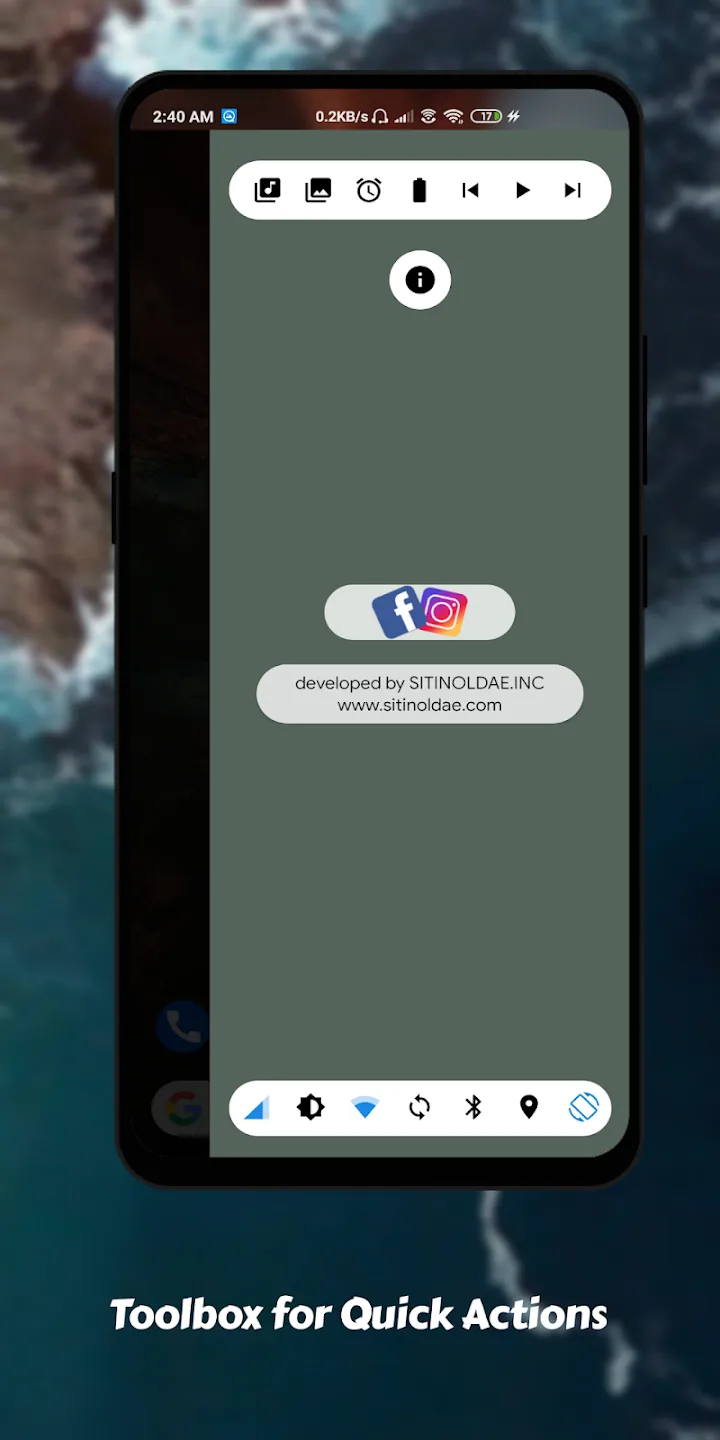
Launcher includes Battery Booster
Notifier displayed on the launcher desktop icon
Many customizations: Change icon size Launcher Grid Size change Font Dock Background Option Folder Color Style Options etc
Launcher desktop transition effect
T9 search in launcher desktop
Support multi dock pages
Permission is required
FAQS
Can I use my current icon packs with Cool Q Launcher?
Yes, it supports almost all third-party icon packs designed for other launchers, allowing you to use your preferred icons.
Does it impact the performance or battery life of my device?
Generally, launcher apps like this are optimized for performance and shouldn't significantly impact battery life. However, extensive use of live wallpapers or certain features may affect battery usage.
How can I hide or lock apps?
It offers the functionality to hide apps from the app drawer. For locking apps, the launcher includes an app lock feature to ensure the privacy and security of specific applications.
Conclusion
Cool Q Launcher is an innovative utility designed to transform the user interface of Android devices, particularly those running Android 5.0 and above. This launcher provides a unique Q launcher style UI, offering users various customization options to personalize their home screens. With features such as customizable app icons, multiple themes, and the ability to modify the layout, users can create a tailored experience that suits their preferences. Additionally, it supports gesture controls, allowing for intuitive navigation and interaction with apps and widgets.