

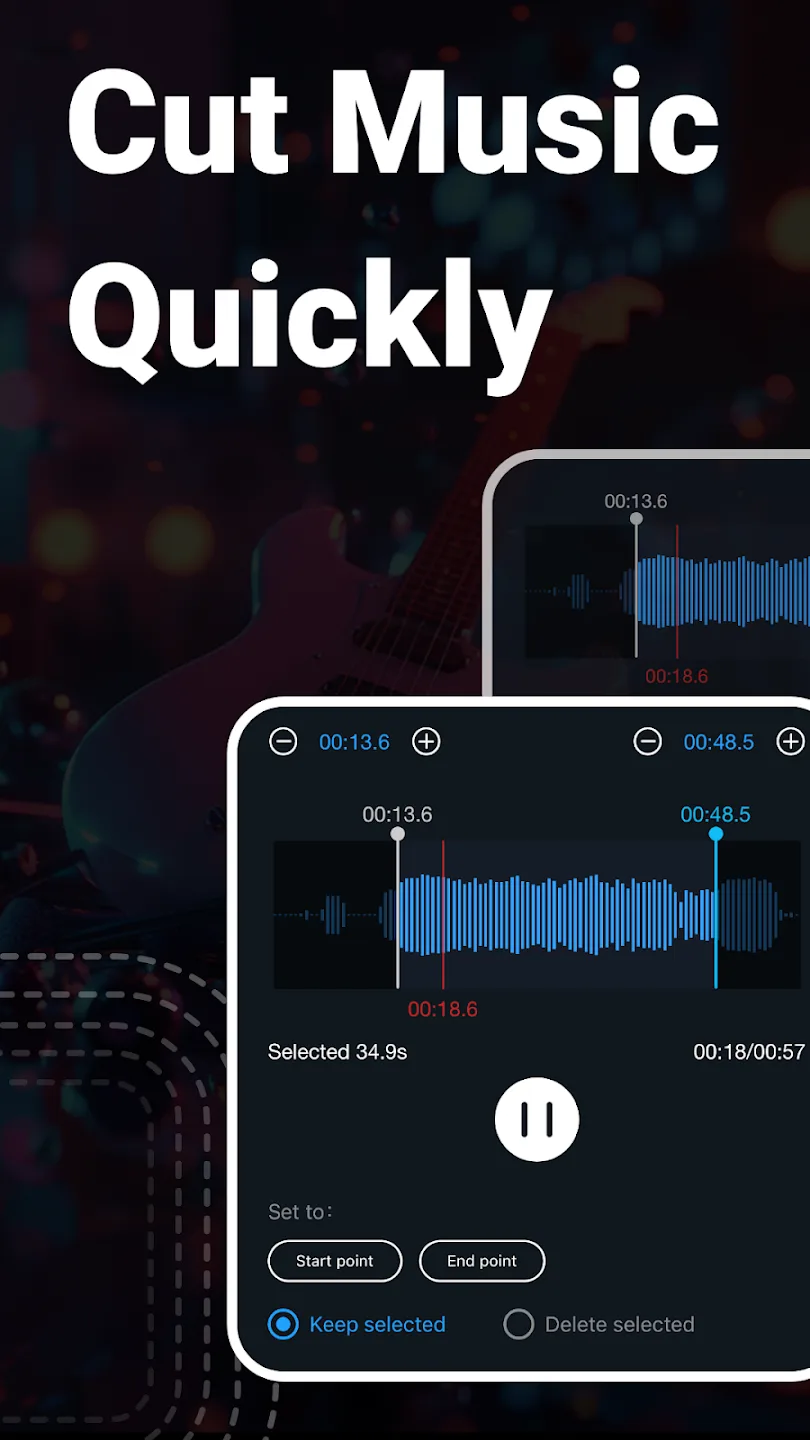
Music Audio Editor is an audio editing tool designed specifically for mobile devices. Users can freely import audio files of different formats and perform operations such as editing, splicing, and trimming according to their preferences. They can preview the edited effects at any time, create their own beautiful works, and share them with friends to win likes and cheers. The software is completely free and supports voice removal to make the music cleaner. Users can also convert videos to audio, helping them create higher-quality works.
Click to load YouTube / 点击加载视频
YouTube ↗Features of Music Audio Editor:
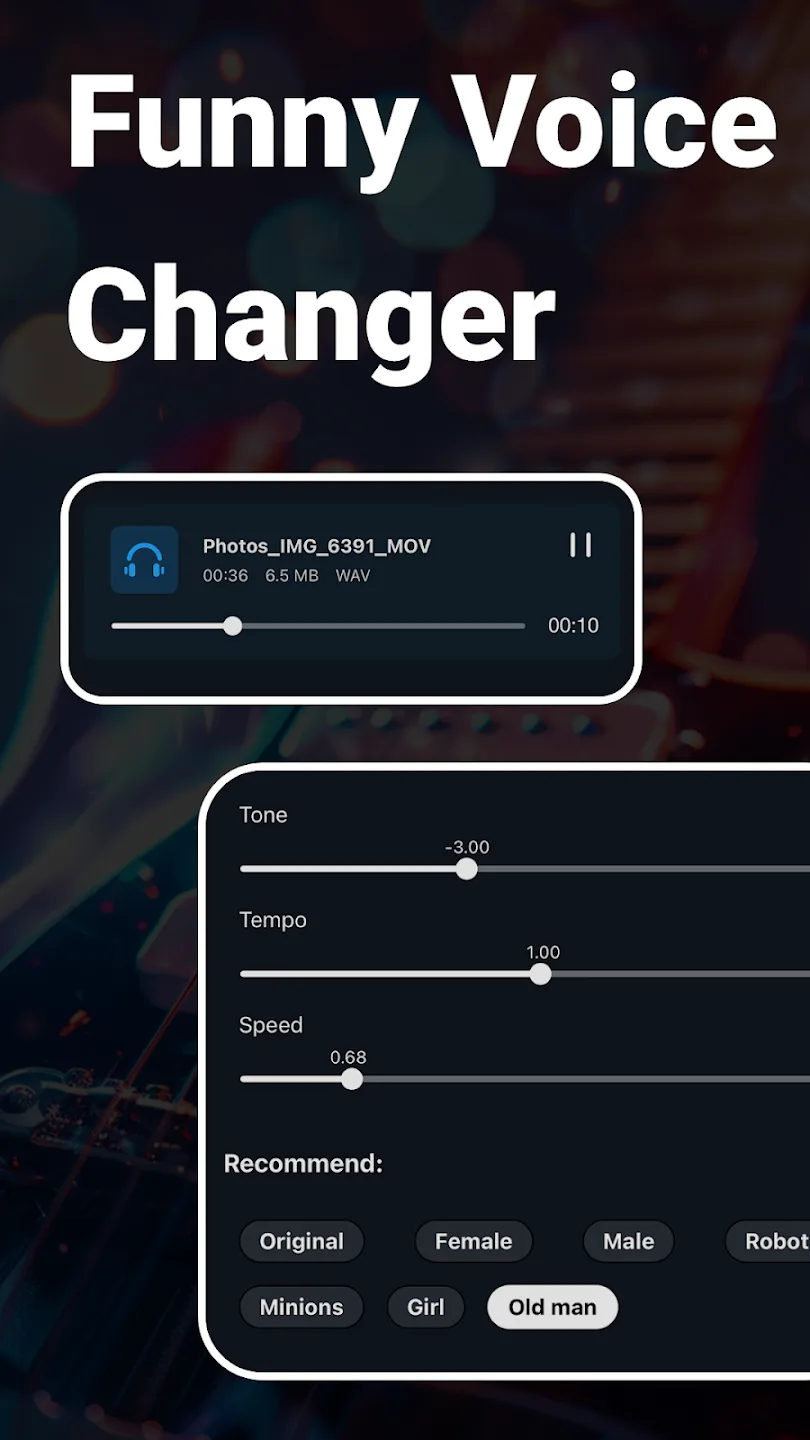
Voice changer: Change your audio voice to male voice, female voice, old man voice, robot voice, etc.Adjust music tone, pitch, speed, make music more interesting!
Insert audio in audio: Insert audio into other audio track, support inserting multiple audios in one audio!
Change pitch of song: Raise/lower music octave, raise/lower music semitone, easy and free!
Music equalizer: Provide a variety of equalizer parameters optional, free to adjust music equalizer!
Audio compression: Compress audio to a suitable size for sharing with friends or uploading,You can choose the output sound channel, sample rate, bit rate
Functions of Music Audio Editor:
Video Editor Integration: Easily add audio to videos. You can apply fade-in and fade-out effects to enhance video audio. Splice multiple audio tracks into one to create compelling soundtracks.
Multitrack Audio Editing: Mix multiple audio tracks. Split audio into separate tracks. Your background music to voice recordings.
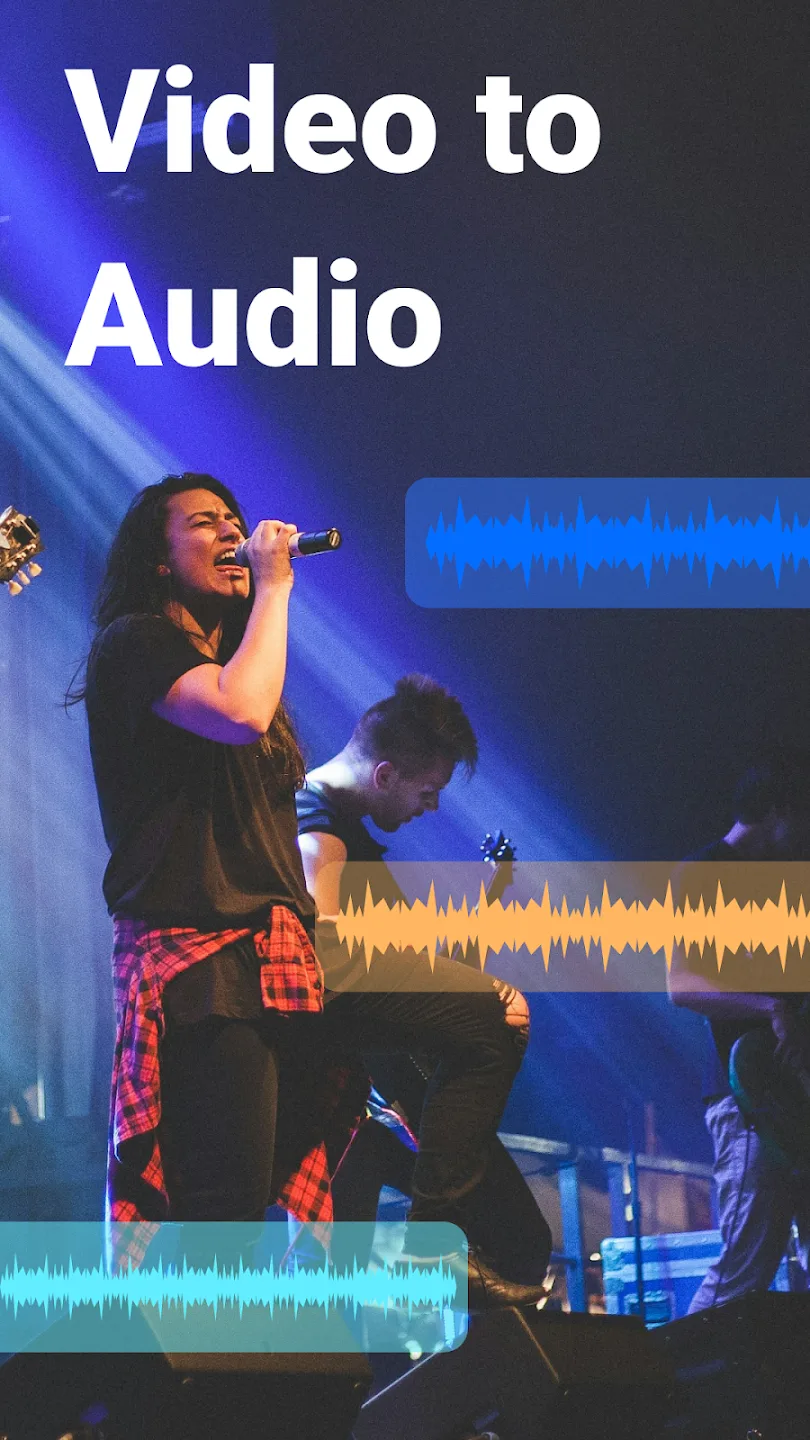
Convert Video to Audio: Transform videos into audio files for convenient listening. Ideal for converting music videos into audio formats.
Audio Manipulation: Insert audio into other tracks. You can also change the pitch of songs effortlessly.
Remove Vocal from Songs: Keep background music while eliminating vocals. It is perfect for creating karaoke tracks.
Audio Format Conversion: Support multiple audio formats (mp3, aac, wav, flac, m4a, amr, etc.). Convert mono audio to stereo for a richer listening experience.
Update:
Version 2.8.4.2
- New vocal effector function to beautify your voice.
- New reverb effector function, your voice will sound better.
- Enriched equalizer function, more personalized choices.
- Customer support experience optimized for greater efficiency.
Version 2.8.4.1
- New vocal effector function to beautify your voice.
- New reverb effector function, your voice will sound better.
- Enriched equalizer function, more personalized choices.
- Customer support experience optimized for greater efficiency.
User Reviews of Music Audio Editor:
I've been using this for over a year. Super helpful with layered audio and there are so many ways to play around and warp audio into something that sounds so different~ I love how abundantly this inspires me For someone who prefers a touchscreen to a laptop keyboard on lazier days, it's helpful to have something this robust via mobile.
Just started using it but I like it. It's simple. You choose your starting and stopping points, then it takes that sample and puts it on the next screen, if you want the whole thing you just edited, which I assume you do, you just pick the beginning and end, and hit save. It's super easy, although the middle step is a little pointless. Maybe it's for more fine-tuning since the first screen is the full song, idk. Yes, there's a short Ad. But the app is free so you have to expect an Ad.
Number 1 app for audio editing and trimming. I spent maybe 1-1.5 hours looking for an app to make personalized ringtones that didn't require me to subscribe to use the main features. It does have ads, but very minimal and not every other second. So far, I've used the app to make 3 ringtones, and all sound really good. I would recommend this to anyone looking to edit and trim audio for ringtones.
By far the best app I have come across for audio editing, whether its trimming audio or merging. This app has done wonders for me. You can pretty much do anything with this app, and results are superb considering its free! One another function that stands out is video to audio, where youve to extract audio from a video. Top Notch.
Conclusion:
Music Audio Editor is a comprehensive audio editing solution supports various tasks, including cutting, splicing, mixing, format conversion, voice changing, vocal removal, video-to-audio conversion, and more. Designed for ease of use, the app aims to make music editing accessible to everyone, enabling users to create personalized ringtones and customize their audio experience.








