PrinterShare is a printer tool designed specifically for mobile devices. Once you've confirmed your mobile device is printer-compatible, you can remotely control the printing of various documents from your mobile device or tablet. The software supports uploading or downloading images, emails, and web content in various formats from the cloud. It also allows users to customize settings such as paper size, page orientation, number of copies, single-sided or double-sided printing, and black-and-white or color printing to meet their specific needs.
Click to load YouTube / 点击加载视频
YouTube ↗Features of PrinterShare:
Printer Compatibility: One of the standout features of this app is its compatibility with a vast number of printer models. Whether you have a home, office, or network printer, It can connect to it.
Wireless Printing: There is no need for tangled cables or complex setup procedures. This app allows you to print wirelessly, making it incredibly convenient for users on the go.
Print Directly from Cloud Services: This app integrates with popular cloud services like Google Drive, Dropbox, and OneDrive. You can access and print your cloud-stored documents effortlessly.
Printer Discovery: The app can automatically discover and connect to nearby printers, saving you the trouble of configuring printer settings manually.
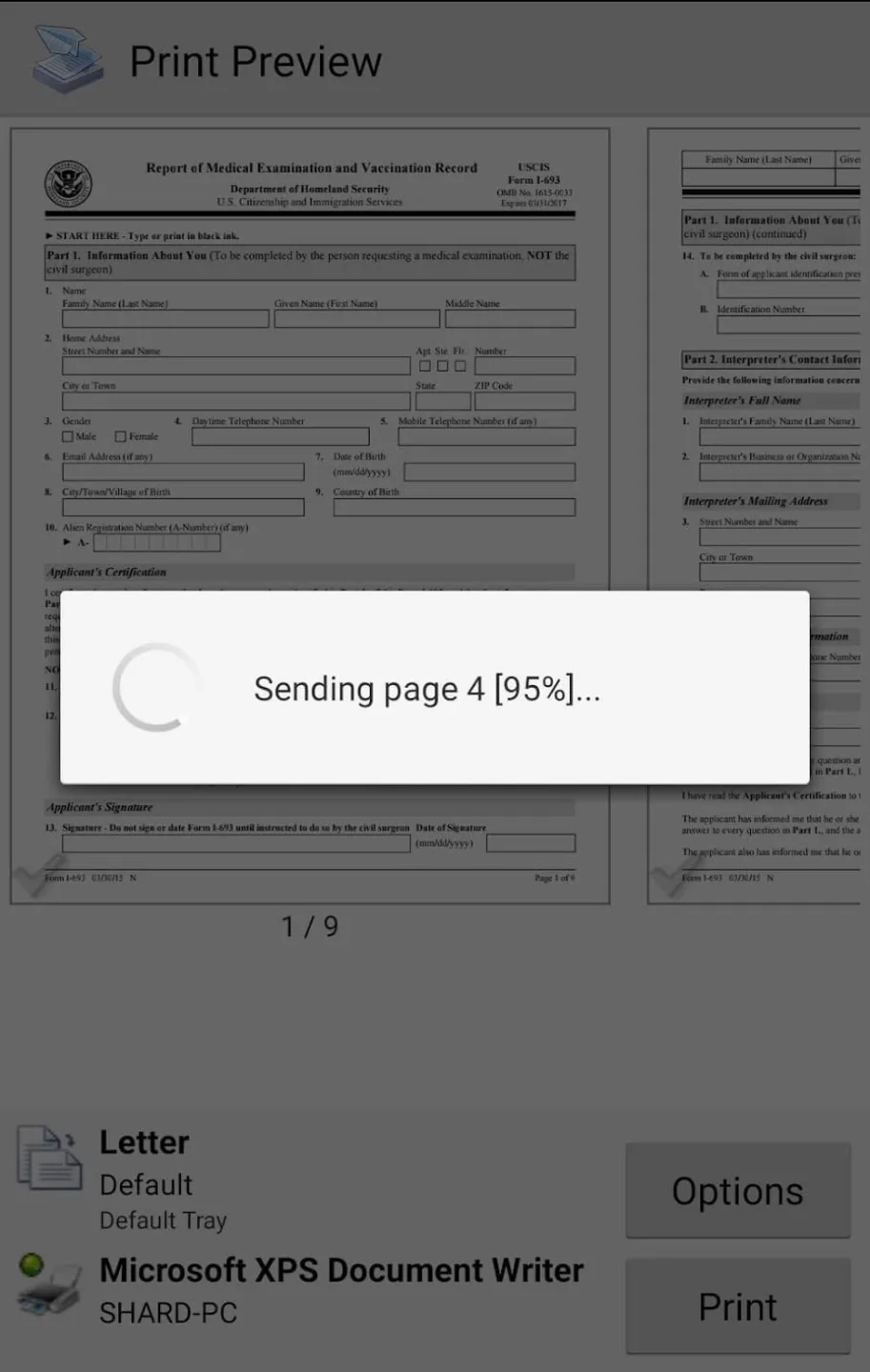
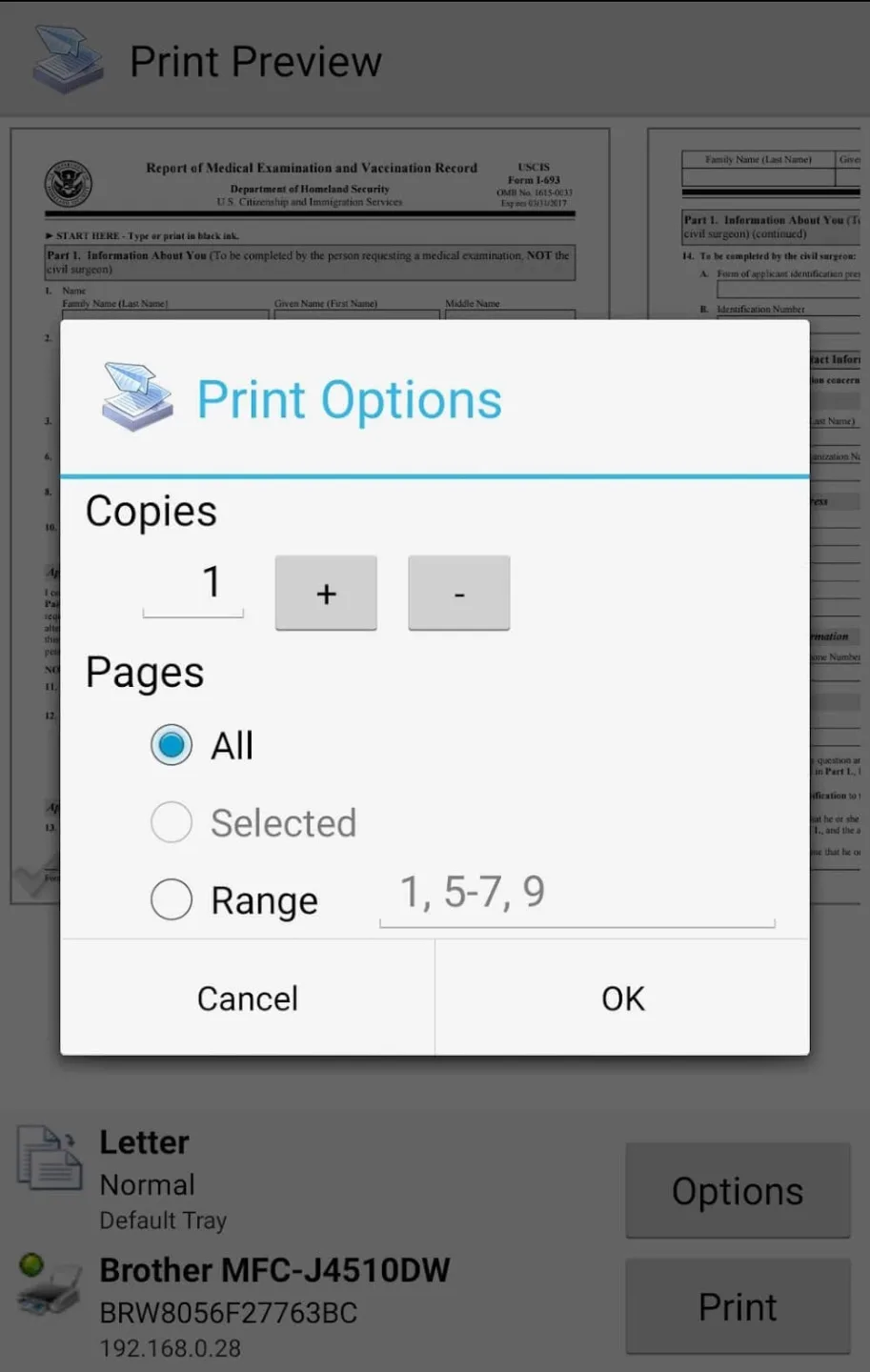
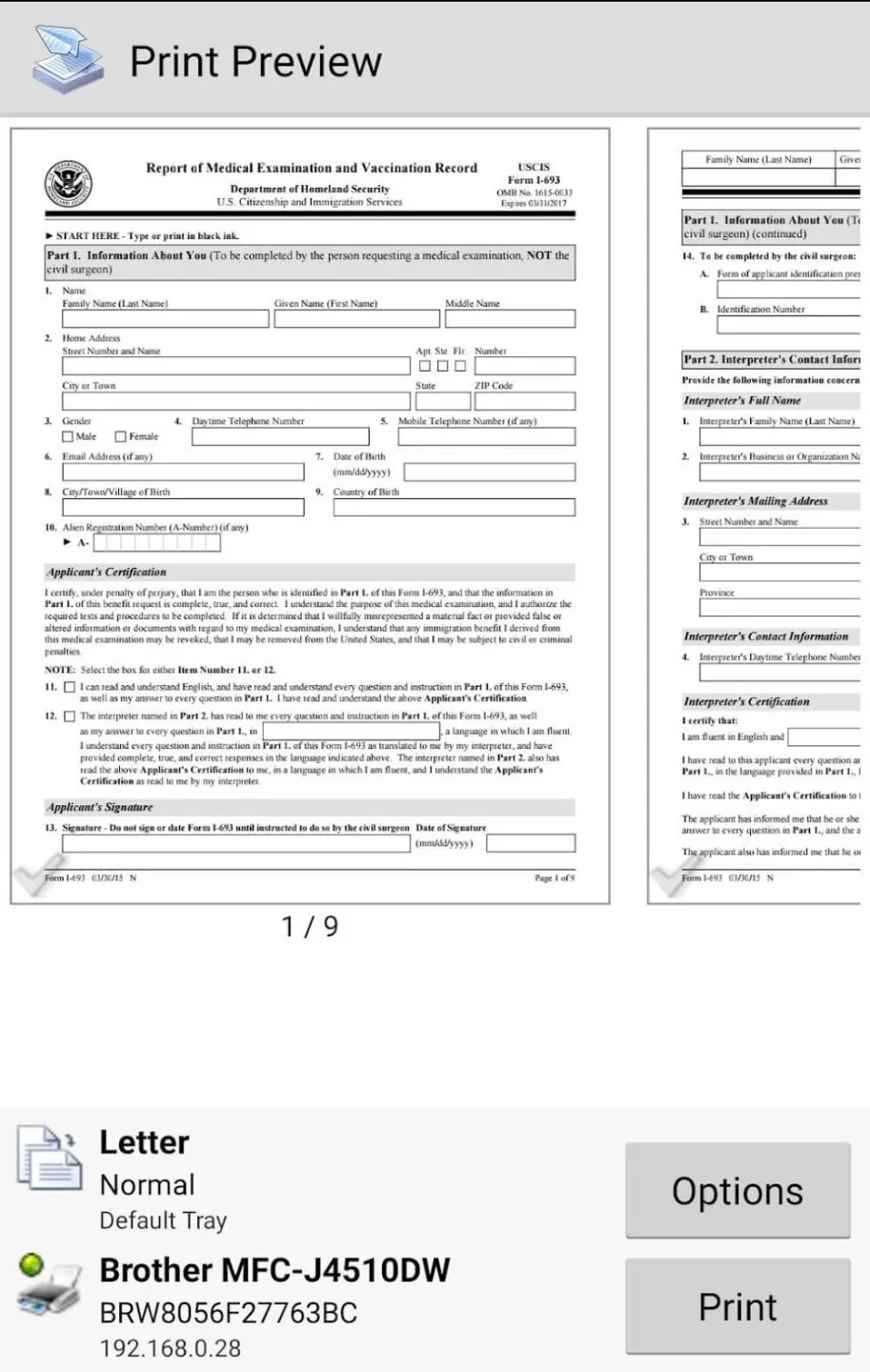
Print Preview: Before sending your print job, preview it to ensure it looks exactly as you intend. This feature helps avoid wasted paper and ink.
Seamless Printing: This app provides seamless printing directly from your Android device. It supports various file types, including PDF, Word, Excel, and PowerPoint. You can also print photos, web pages, and emails effortlessly.
Strengths of PrinterShare:
Remote Printing: You can remotely send print jobs to text documents from your smartphone or tablet to your home or office printers, even when you’re away from the network. Or cannot connect to your home or office network.
Print Anything: With our application, you can print any text, photo, email, attachment, or web page anywhere and anytime you want with just a smartphone. Or a tablet, where you can easily and conveniently print remotely.
Network Not Required: A special feature of our application is that you can remotely print any photo, email, or attachment to the printer at your home or office where you work without having to connect to an internet network of the printer where you place it.
OTG Adapter: This application allows you to plug your phone or tablet device directly into a USB printer because the application supports an OTGAdapter that helps you print documents on your phone easily.
No Network Needed: The convenience of this application will help you print documents such as documents, emails, messages, images without using wifi or any other internet network, just plug it directly into the USB printer and you can print.
User Reviews of PrinterShare:
I have been using Printer Share for 9 years now. It is essential for me as it is reliable, and convenient when using my cell in whatever text, document, web page ads, I want to get a hard copy of. Super convenient. A must have! several years later, I am still using Printer Share l. For me, it's still the best printer app.
Print clearly, and evenly.no problem with presentation. Still love it. Takes too long to print at times.still using it three years later in 2019. will give it 5 stars now.Improved over the years.My #1 app to print from. Still my favorite print app,no changes since last review. July 13 2022 Continue to be my go to printer app. Much improved. Still my favorite go to app in 2024. Nothing has changed still satisfied with it. improved over time. still going strong in 2026.
Great customer service. I purchased the premium version years ago and changed my phone multiple times loosing the key. They were very helpful with restoring it every time. The app great!
I struggled so much trying to set my printer up with my wifi and everything and nothing worked until I found this app. I paid a small annual fee but it was worth it. I can now print directly from my phone.
I paid for the premium key in 2011 and have been using this app ever since. I've never had a single problem and it's always worked perfectly to print anywhere I've ever gone even when other ways to print were not working. I've even sent documents to my phone from my computer to print when there were issues printing from my computer. I can only speak for myself, but this app just works.
FAQs of PrinterShare:
Q: Do I need to root my Android device?
A: No, PrinterShare works on all Android devices without root access.
Q: Can I print photos from my gallery?
A: Yes! You can print photos, PDFs, documents, web pages, contacts, SMS, and more.
Q: What's the difference between Free and Premium?
A: Free version has a page limit for testing. Premium removes all limitations with a one-time purchase.
Q: Does it work with my printer model?
A: PrinterShare supports thousands of printer models. Most WiFi, Bluetooth, and USB printers are compatible.
Q: Will Anyone Be Able to Print to My Printer?
A: No. Your printer is protected by user authentication. Only users you explicitly authorize can send print jobs to your shared printer. All connections are encrypted and secured through our service.
Final Verdict:
The PrinterShare interface is simple but very intuitive. On the main tab, there are buttons for printing from your photo gallery, email account, calendar, contact list, Google Drive, and other folders. Once you've chosen what you want to print, then you can select a few more options.With PrinterShare, you can adjust the size, correct the scale and margins, or change the orientation. Once you have it set up as you want, all you have to do is tap on the 'print' button.