PDF Viewer is a user-friendly PDF viewer and editor. Users can freely add various text elements, highlight key points, and leave annotations. It can export to devices or convert to different file formats for sharing with friends or on social media. The software includes a built-in scanning function, allowing users to scan various documents, receipts, and notes, and convert them into PDF files. Users can encrypt important documents at any time, and the software provides real-time security protection, ensuring safe use. Furthermore, the software is completely free and optimized for mobile devices, with a user-friendly interface and button layout.
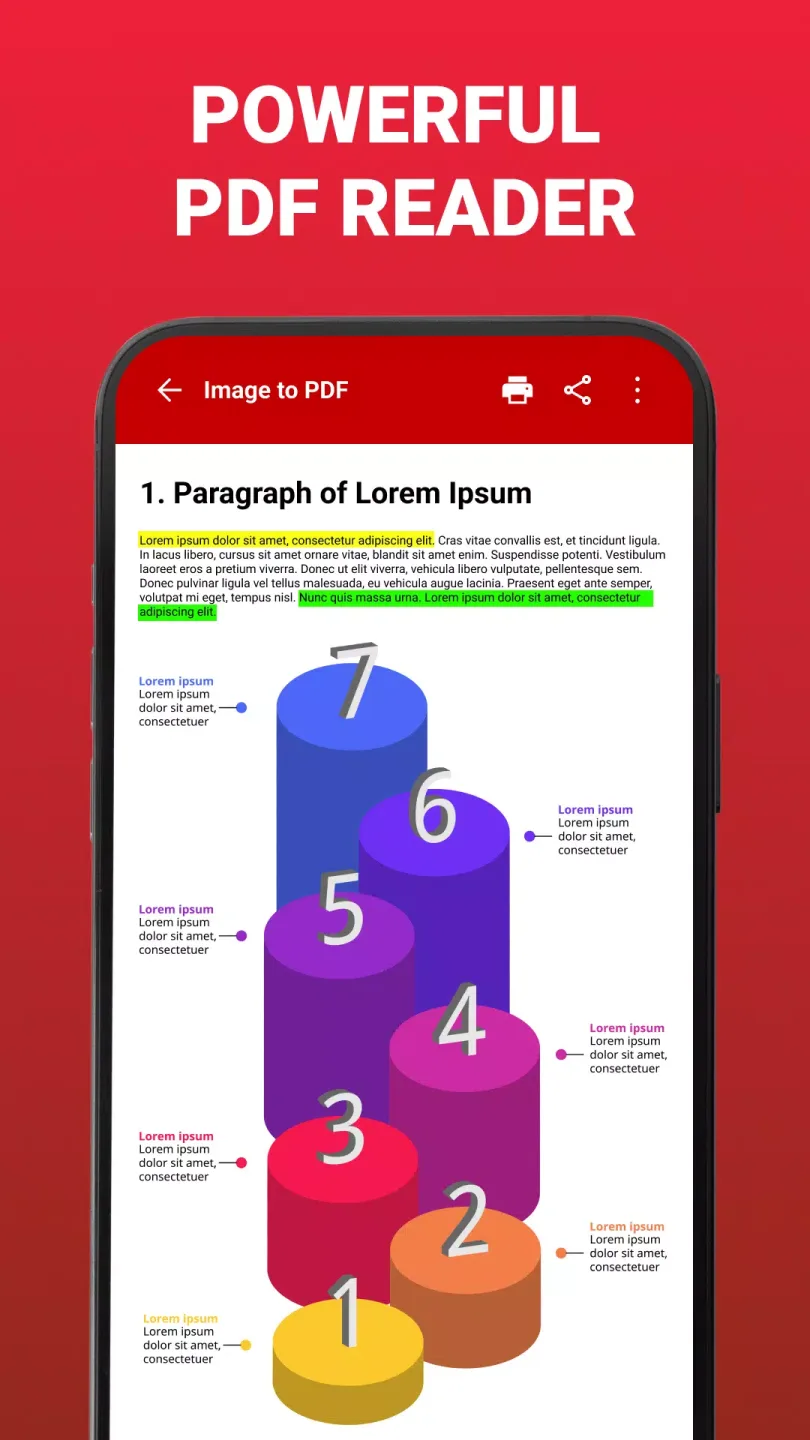
Features of PDF Viewer:
Swift File Loading: The application can quickly download PDF files to your device. The speed of downloading these PDFs to your device is no less fast than when you download them on your computer.
Flexible Display Options: The application also offers a variety of different display styles for your phone, so you have more options for displaying and viewing PDF files. You can choose the most suitable styles to view PDF files more easily and conveniently right on your phone.
Image PDF Scanner: The application gives you an extremely sharp camera. You can use this camera to scan text or images right on your phone. With this feature, you can scan the content you want directly without having to take pictures or upload photos.
PDF Image Export: You can also quickly convert PDF files to JPG files. The application also allows you to annotate those files so that you can take notes on important parts of your work without having to print them out and annotate them by hand, saving you a lot of time.
Multi-Image PDF Creator: The application also has extremely professional support tools to help you create and add images to a PDF file. With these support tools, you can completely create a PDF file right on your phone without having to use your personal computer.
Strengths of PDF Viewer:
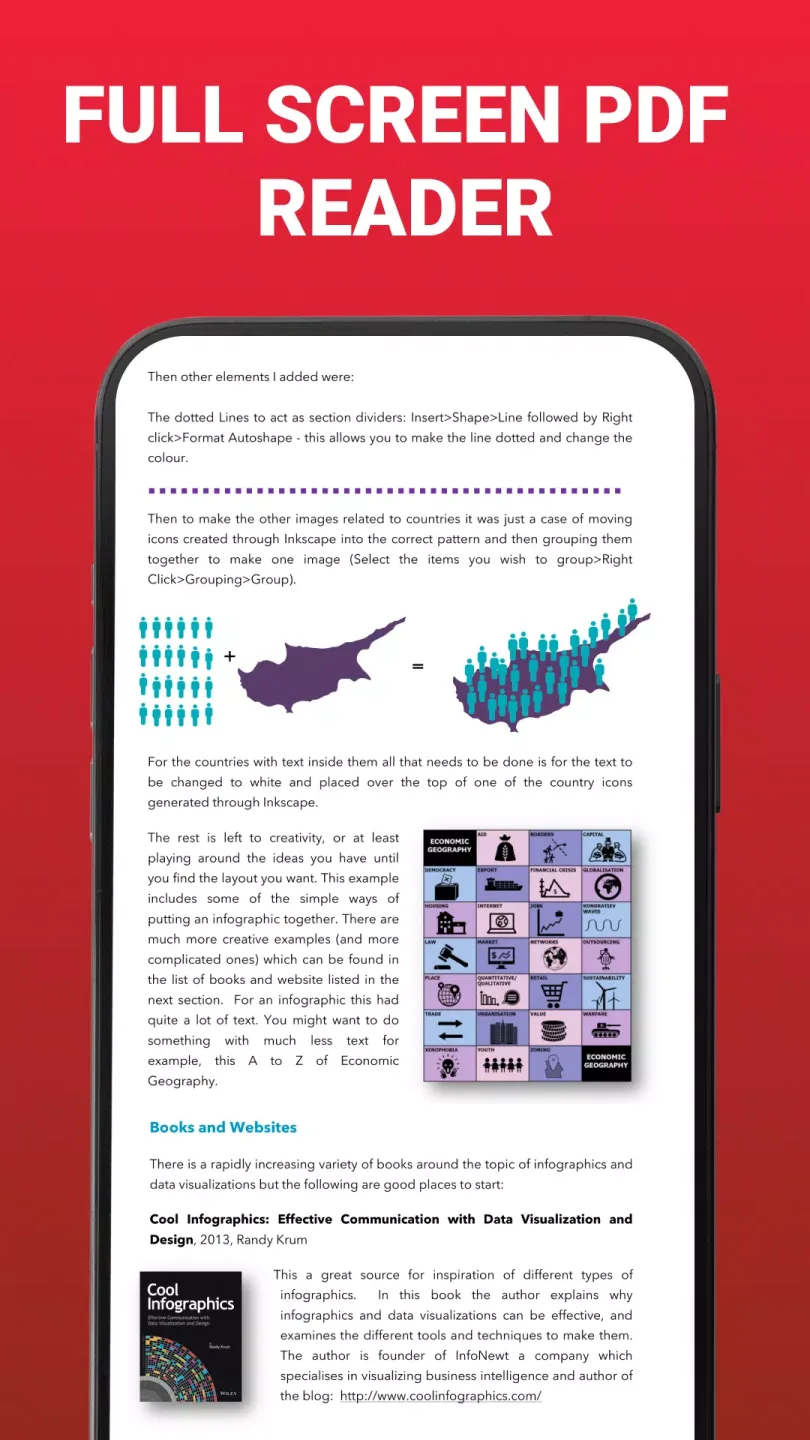
Efficient PDF Viewing and Navigation: This PDF reader makes accessing your documents quick and seamless. It automatically detects and lists all PDF files stored on your device, letting you open them instantly through its clean, user-friendly interface. The app enhances readability by offering customizable viewing options, including vertical or horizontal scrolling and full-screen mode for distraction-free focus. Whether you're reading eBooks, reports, or presentations, navigating through pages and zooming in for detailed views is both intuitive and fast.
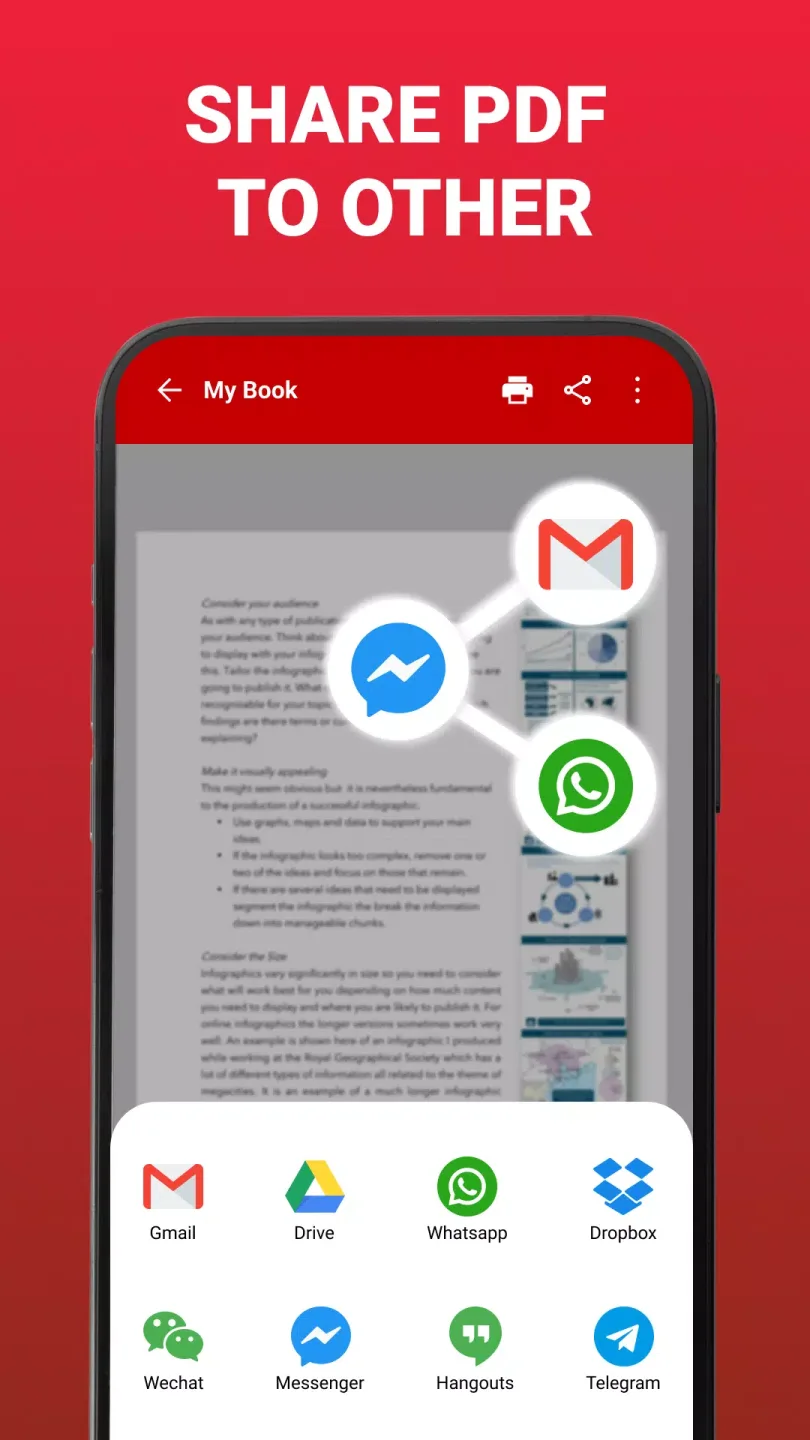
Editing and Advanced PDF Tools: PDF Viewer goes beyond basic reading with powerful editing tools. Highlight important text, add annotations, or make handwritten notes directly onto any document. Users can even combine multiple PDFs into one, split large files, or extract specific pages when needed. For those handling confidential information, the app allows quick password protection to keep your data secure, all while supporting options to rename, delete, print, or share files with ease.
A Lightweight, All-in-One Solution: This app balances functionality with efficiency, providing a lightweight but powerful tool that won’t slow down your device. Designed for students, professionals, and anyone managing documents, it integrates all major PDF functions into a single streamlined platform.
User Reviews of PDF Viewer:
this app helps to read all types of PDF documents etc before installing this app I had to face so many problems my school used to send pdf and documents for each and every chapter we have studied. I was not able to open on the documents or study all of them since I did not install this app. now that I have installed I love how it helps me pleasure to this app and a very very big thank you.
I frequently receive work-related PDF attachments, and this one opens much faster than similar software. It prevents background uploads, protecting privacy, and allows batch deletion of useless documents, saving a lot of time.
It's working good. and I was using for several years. it was good for reading, viewing, editing pdf. but my only kind suggestion is want a future about creating a pdf documents. is my kindly suggestion . please be improve this . but when in online there was more time taking to open app because there was loding ad .
Summary:
PDF Viewer offers a sleek and intuitive interface, making it easy to navigate and find the PDFs you need. With advanced search functionality, you can quickly find the document you're looking for, no matter where it's stored.And with built-in annotation tools, you can easily add notes, comments, and highlights to your PDFs, making it easy to review and study your documents.