

Nuvio is a video playback software designed specifically for mobile devices. Users can quickly find relevant information such as movie titles, ratings, reviews, and cast by simply entering the movie title, allowing them to gain a deeper understanding of the film and decide whether to continue watching. The software automatically records the user's viewing history, so users can seamlessly continue watching even when logged in on different devices. The software also supports gesture control; a simple wave of the hand allows for quick switching to the next episode, saving users time.
Click to load YouTube / 点击加载视频
YouTube ↗Features of Nuvio:
Trakt account sync: Nuvio connects to your Trakt account to keep watchlists, custom lists, history, and progress aligned. You can start an episode on one device and see that progress on another. This removes the need for manual updates across your screens.
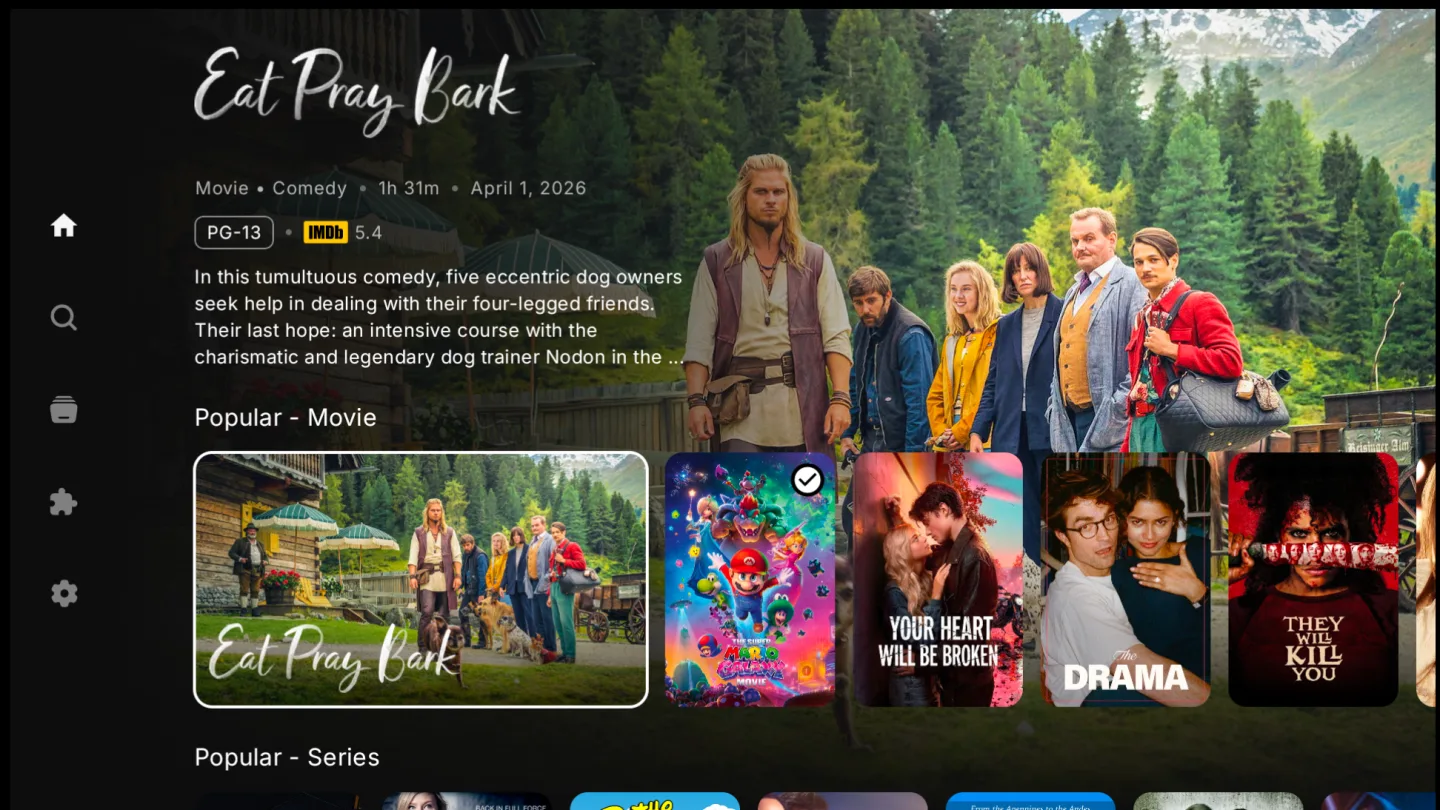
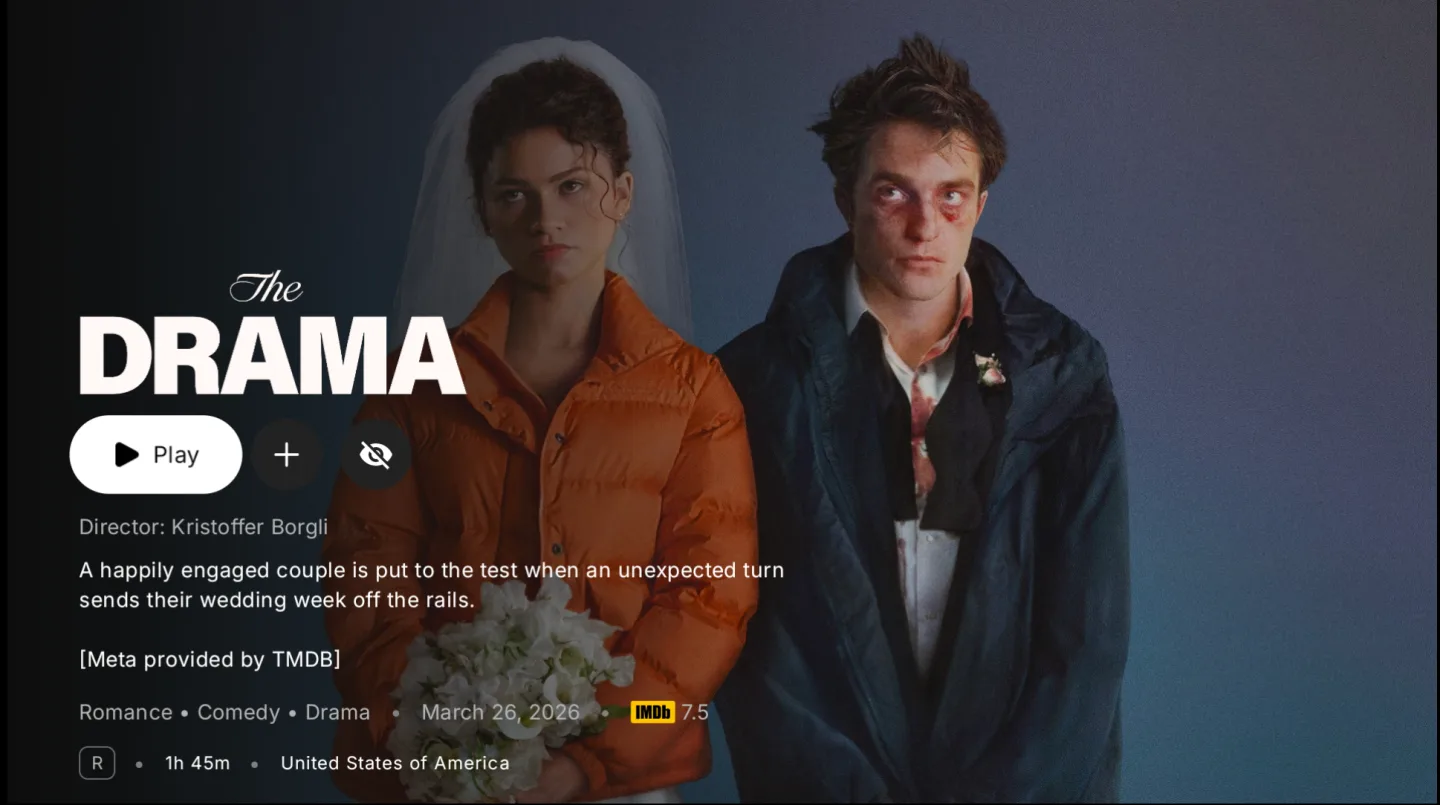
Rich metadata for discovery: You can browse posters, backdrops, ratings, and summaries pulled from providers you configure through supported addons, such as TMDB. Artwork stays front and center, and details are close at hand. This helps you scan options quickly and choose what to watch next.
Addon and repository support: Nuvio brings community repositories and Stremio addons into one place so you can extend what the app can connect to. You manage plugins and addons through your Nuvio account to keep setups consistent on every device. This gives you control over sources and services.
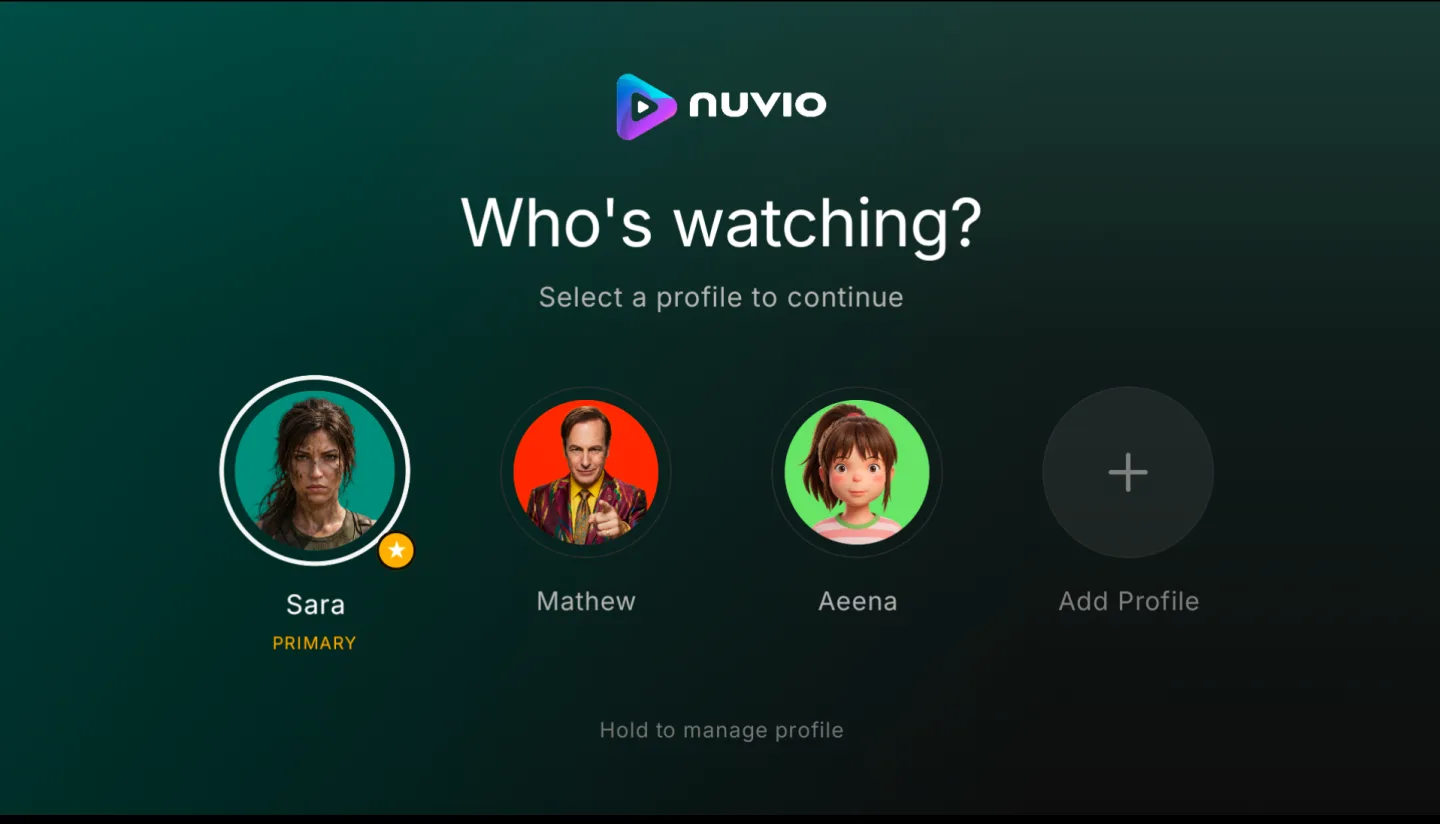
Library tools and cross device viewing: You can build collections, track seasons and episodes, and resume playback when you return. Profiles let each person keep separate progress and favorites. When an addon supports it, downloads are available for offline viewing, which adds flexibility for travel or limited connectivity.
Highlights of Nuvio:
Fast & Reliable Streaming: Experience seamless streaming with optimized performance on both mobile and TV devices. Quick loading and stable playback across all content types.
Multi-Language Support: Access content in 15+ languages including Arabic, English, Hindi, French, Spanish, and more. Browse plugins and sources in your preferred language.
Ad-Free & Secure: Nuvio builds with no ads or unwanted software. Community-maintained and regularly updated with security improvements.
Mobile Optimized: Nuvio is perfectly optimized for Android smartphones and tablets. Intuitive interface designed for touch controls and smaller screens.
Open-Source: An open-source GitHub app available freely on GitHub. This makes it the safest option where users can report problems and suggest new features.
Highly Compatible: One of the most compatible media hubs that is easy to install and optimized for any device, including Android, iOS, Windows, FireStick, and TV.
Useful Tips of Nuvio:
Use a Stable Internet Connection: For smooth streaming, make sure you have a stable and fast internet connection. A speed of at least 5–10 Mbps is recommended for HD streaming. This helps reduce buffering and ensures uninterrupted viewing.
Keep the App Updated: Always install the latest version of the Nuvio. Updates often include new features, better performance, and bug fixes that improve the overall streaming experience.
Clear App Cache Regularly: Over time, cached data can slow down the app. Clearing the cache from your device settings can help improve performance and fix minor issues like loading errors.
Use a Larger Screen for Better Viewing: Although Nuvio works well on smartphones, watching content on a Smart TV, tablet, or PC provides a better viewing experience with a bigger screen and clearer visuals.
Restart the App if Problems Occur: If you experience buffering or playback issues, try restarting the app or your device. This simple step can often resolve temporary glitches.
Use Headphones or Good Speakers: For a more immersive experience, use quality headphones or speakers. Good audio enhances the overall entertainment experience while watching movies or shows.
FAQs of Nuvio:
Q – Does Nuvio host movies or shows?
No. The app connects to external sources.
Q – Does Nuvio support Stremio addons?
Yes. The app supports full addon integration.
Q – Can I sync watch history?
Yes. The app syncs progress using Trakt.
Q – Is the app free to use?
Yes. The app has no subscription.
Q – Can I uninstall Nuvio easily?
Yes. Users remove the app like any other app.
Final Verdict:
Nuvio works best for viewers who like customizing their streaming setup and managing content from multiple sources in one place. It suits users who watch many TV series, maintain watchlists, or track viewing progress regularly. For movie fans and series followers who prefer a single mobile hub to organize their entertainment, the app provides a practical and efficient solution.








