

APKMirror Installer is a helper application that allows you to install .apkm, .xapk, and .apks application package files, as well as regular APK files. A highly anticipated additional feature has been added: APK file splitting. It can identify and install software that has had its APK file modified by viruses, such as adding extensions during APK acquisition. It can accurately parse viruses and MD5 information within the file, achieving millisecond-level scanning, making installation smoother and more comfortable for users.
Features
The core function of the installer is straightforward package installation. When installation fails, the app provides specific error information rather than generic messages, allowing users to identify and address compatibility issues. This is particularly valuable for complex package formats where multiple components must align. A device might fail to install due to insufficient storage, incompatible processor architecture, mismatched screen density, or unsupported language, and the installer identifies which problem occurred. Users troubleshooting can reference these specific messages rather than vague notifications.
Split APKs represent a modern approach to application distribution. Rather than distributing a single monolithic package to all devices, developers segment their applications into a base package and optional supplementary files tailored for different configurations. These optional components accommodate variations in processor architecture, screen density, and language support. By installing only files required for their specific device setup, users reduce app sizes significantly. The installer is designed to facilitate this modular strategy.
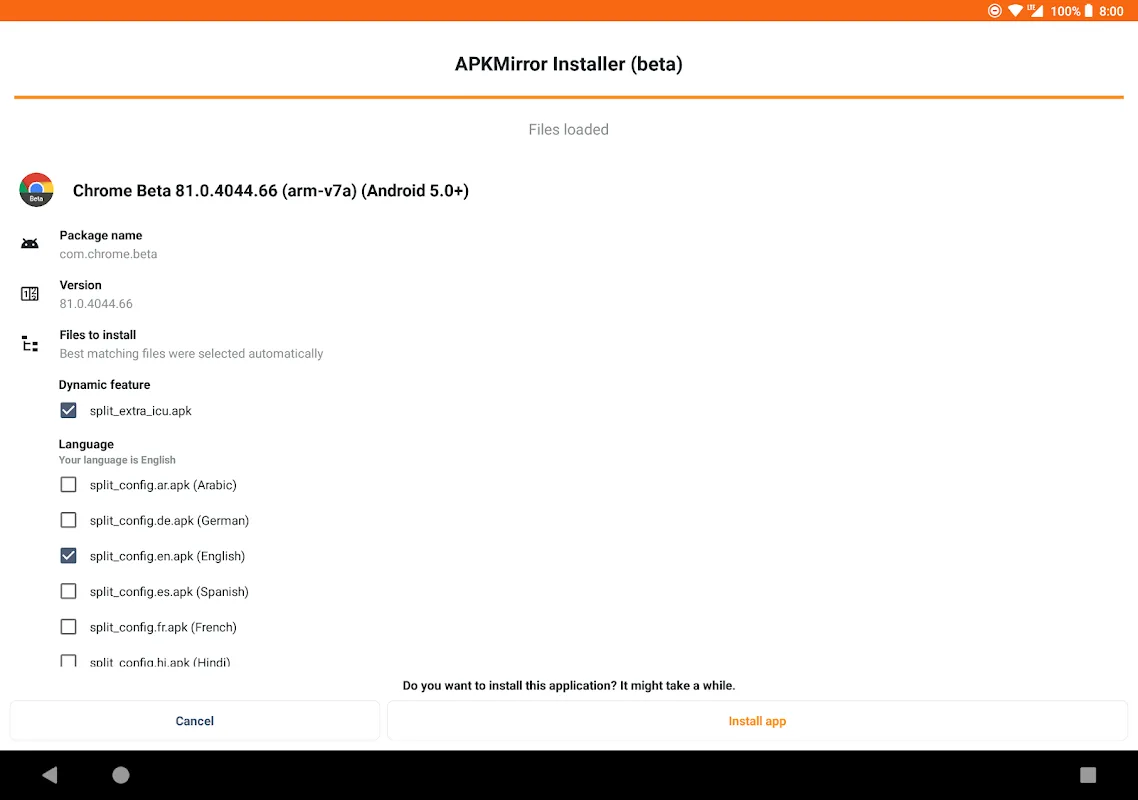
The .apkm file format consolidates this segmented approach into a single archive containing a base APK alongside its associated split packages. Rather than automatically installing all components, the installer shows what a .apkm file contains and allows users to select which splits to install before proceeding. This examination gives users control over deployment and ensures they understand what will be added to their device. For devices with limited storage, installing only required splits rather than all available options produces meaningful savings, particularly for applications with multiple language options or diverse hardware support.
The installer functions as a file manager utility dedicated to package management. It does not include app store features, focusing instead on examining and installing packages. This keeps the interface dedicated to package management without marketplace functionality or discovery tools.
The app operates on an ad-supported model, with advertisements displayed to support development. A subscription option removes advertisements and unlocks additional features beyond standard installation capabilities. Users can evaluate the subscription based on their usage frequency and advertisement tolerance.
Device compatibility is generally consistent across systems, though Xiaomi, Redmi, and Poco devices running MIUI may encounter installation issues. These problems stem from manufacturer-level optimizations that interfere with standard installation procedures. For affected users, a workaround exists: disabling MIUI optimizations in developer settings allows the installer to function normally, indicating the issue is a system-level conflict rather than an app limitation.
Selective installation of split packages benefits users managing applications with multiple language assets or optimizing for specific hardware configurations. This capability is particularly useful for users in regions with diverse language needs or those maintaining devices with specific processor architectures or screen specifications. This detailed control enables deployment strategies beyond simple all-or-nothing installation.
Function
Installation of Android applications in .apkm, .xapk, and .apks format, downloaded both from APKMirror and from other services.
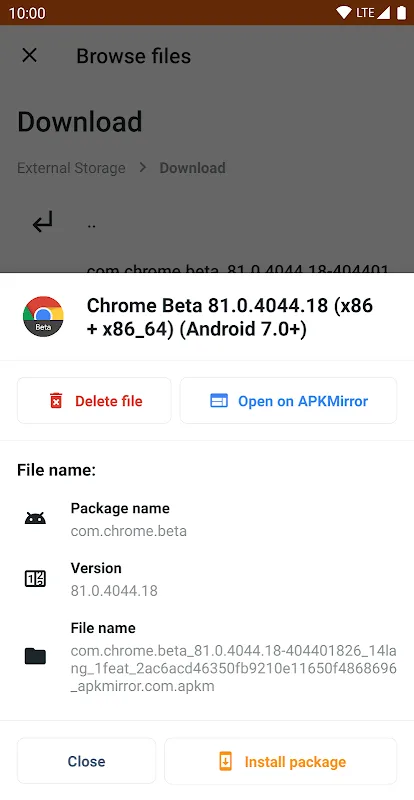
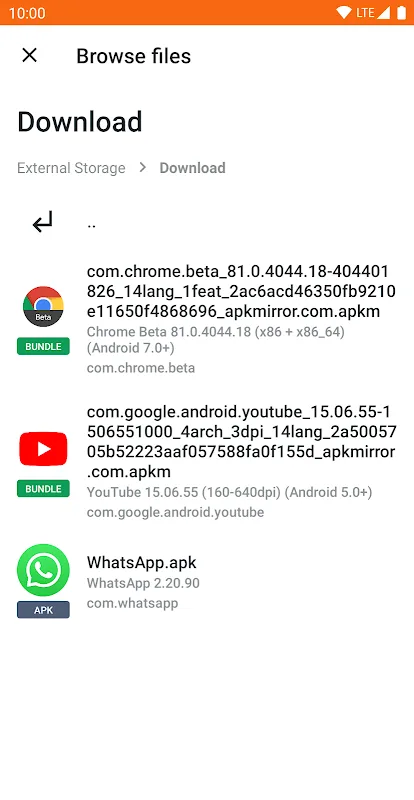
Automatic installation: just search for the installation file in the folder tree, tap it, and press the Install package button.
Each file installation card includes direct access to the service's website.
If app installation fails, the user will be able to see the exact reason.
Includes subscription options for getting rid of advertising on the app.
Advantages and disadvantages
Pros
Easy to use
Hosts multiple versions of apps and games
Multiple APK format support
Cons
Too simple of a UI design
Summarize
Its security and compatibility stand out. It provides a simple and easy-to-use interface to install APK files while verifying their cryptographic signature. This process ensures the authenticity of the application, reduces the risk of malware, and gives users confidence and control over the software installation. With these advantages, download it now!








