
Dolphin MMJR2 is an emulator software. This application boasts strong compatibility and high customization, offering a save function that allows users to freely choose the games they are interested in. With Dolphin MMJR2, you can enjoy the latest software improvements, bringing your favorite games to life with superior graphics and performance. Thanks to regular updates and powerful performance, it provides gamers with a smooth gaming experience. Furthermore, you can adjust various settings to optimize performance and image quality for specific hardware configurations.
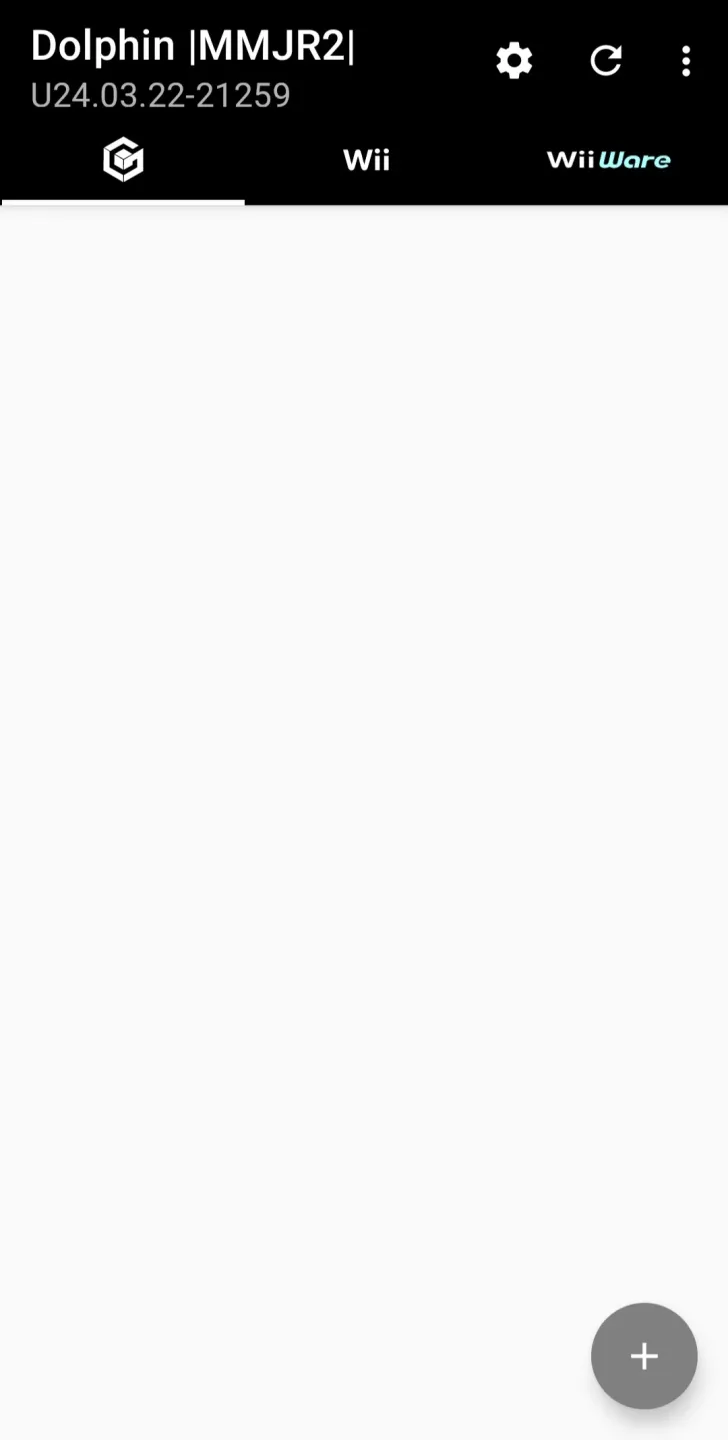
Highlights:
Open source emulator to play Nintendo Wii and Game.
Cube video games on an Android mobile device.
Includes Sam Belliveau's VBI Skip speed trick.
Created as a performance-focused Dolphin fork.
Custom textures and Riivolution patches.
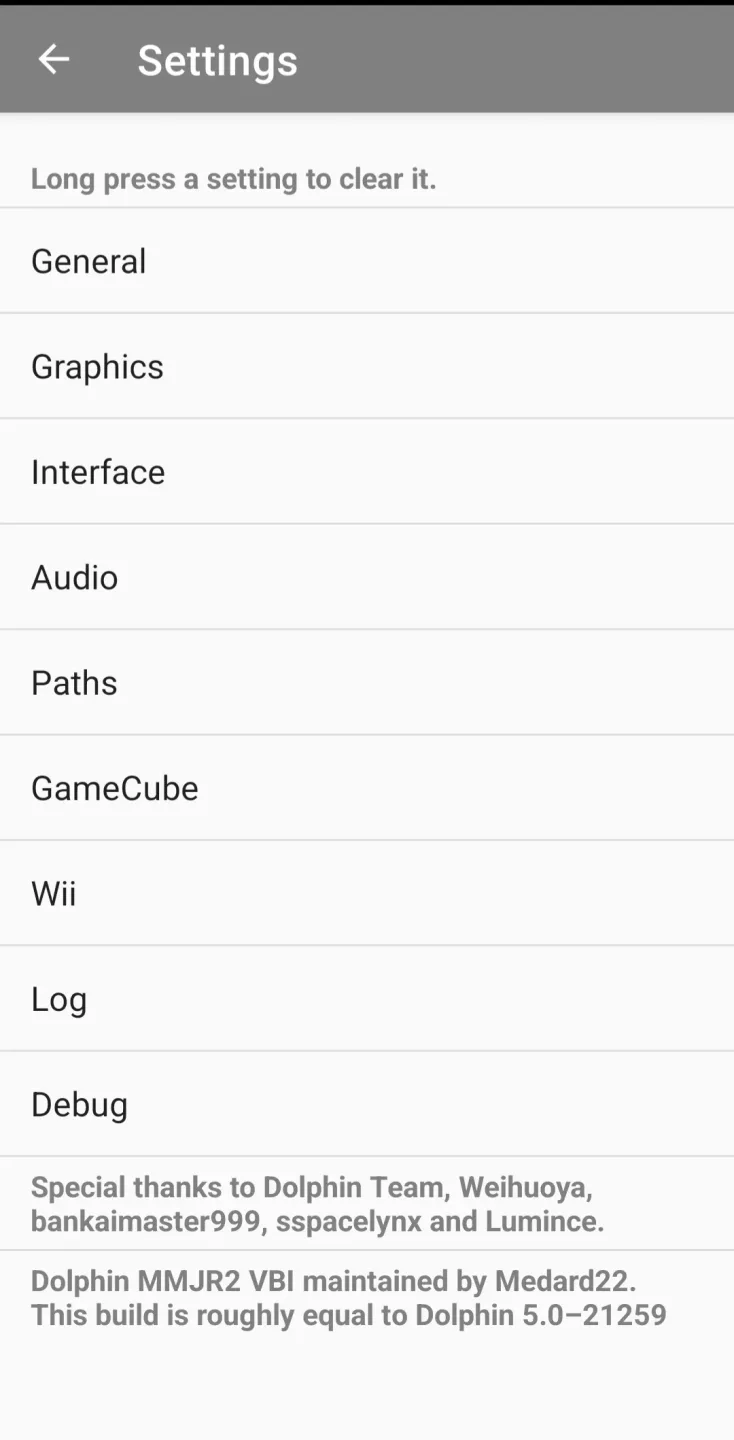
Multiple customization options.
Features:
Performance focused core improvements
Dolphin MMJR2 targets smoother frame pacing on Android through the VBI Skip hack and JitARM64 optimizations. These adjustments aim to reduce slowdowns and uneven timing in demanding scenes. As a result, many games maintain steadier speed on mid range and newer devices.
Modern rendering and clear visuals
The app updates the Vulkan graphics path and applies color space correction for more accurate output on current screens. Integer scaling and a sharp bilinear post processing option help keep 2D art and UI elements crisp. In addition, improved native resolution scaling benefits 3D content without overcomplicating settings.
Stutter reduction and cleaner audio paths
DSP HLE fixes and tuning for JIT and shader caches are designed to lower hitching during gameplay. You can also enable Compile Shaders Before Starting to prebuild shaders and limit first run pauses. With fewer shader stalls, audio gaps are less likely to occur during new effects or scenes.
Mobile friendly controls and quick tweaks
Dolphin MMJR2 includes a fast forward hotkey and on screen hotkeys to simplify common actions on touch devices. An updated GameINI database supplies per game defaults that make many titles playable without lengthy adjustments. From there, you can apply small tweaks as needed rather than building profiles from scratch.
Connectivity extras for specific titles
The app supports WiiConnect24 through WiiLink when a game expects background network features. It also works with a tapserver based modem adapter for niche use cases that rely on legacy network behavior. These options remain off the beaten path but are available when a title requires them.
Pros & Cons:
Pros
Strong performance gains on supported Android devices
Mobile-friendly interface with clear controls and folders
Custom textures and Riivolution patch support
In-app update check for quick maintenance
Coexists with MMJR v1.0 installs
Cons
Unofficial fork; support may vary
Savestates incompatible across MMJR versions
Wii control setup can be complex per game
Conclusion:
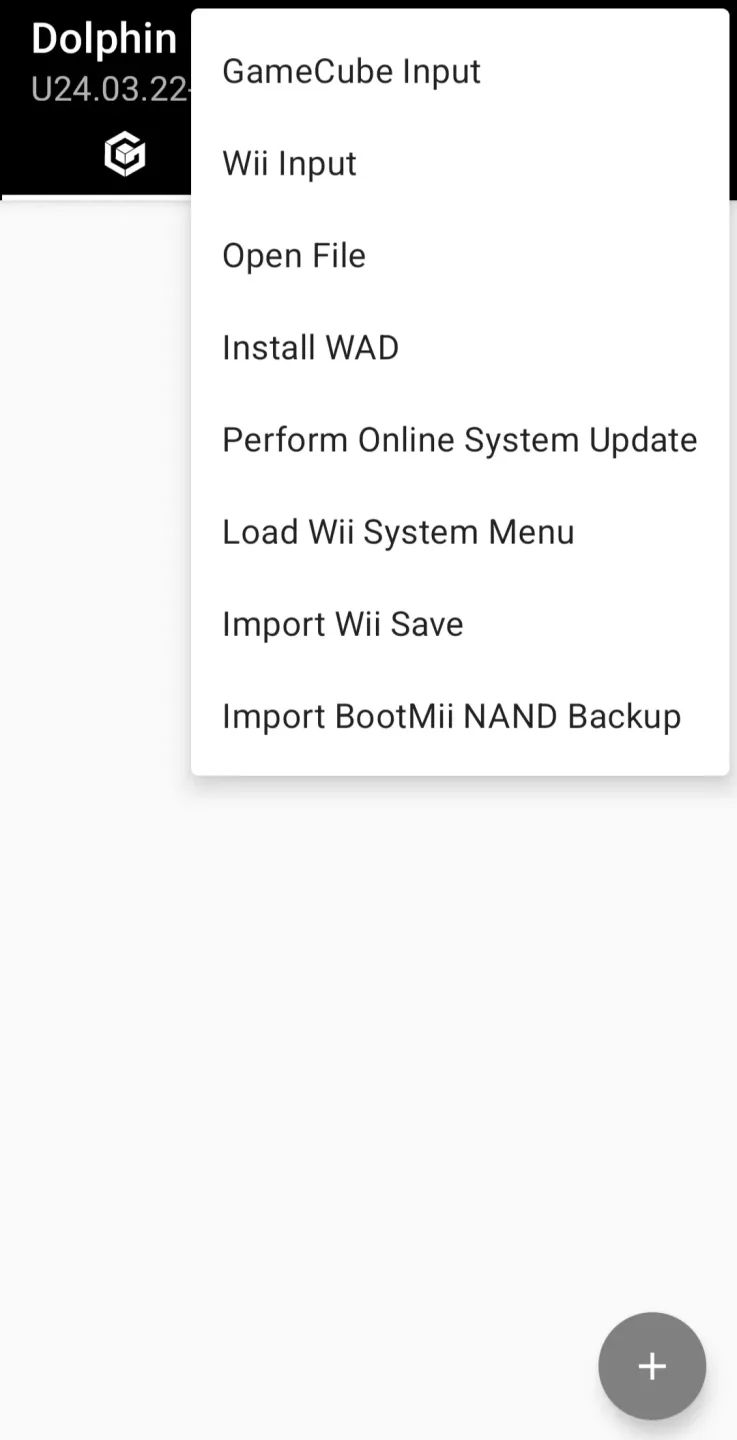
Needless to say, when you download Dolphin MMJR2 Android for free, you'll find the app empty. That is, it does not include games. It is the user who must search for the corresponding files to be able to play their video games on an Android smartphone or tablet. Of course, on some devices there may be lag problems.








