

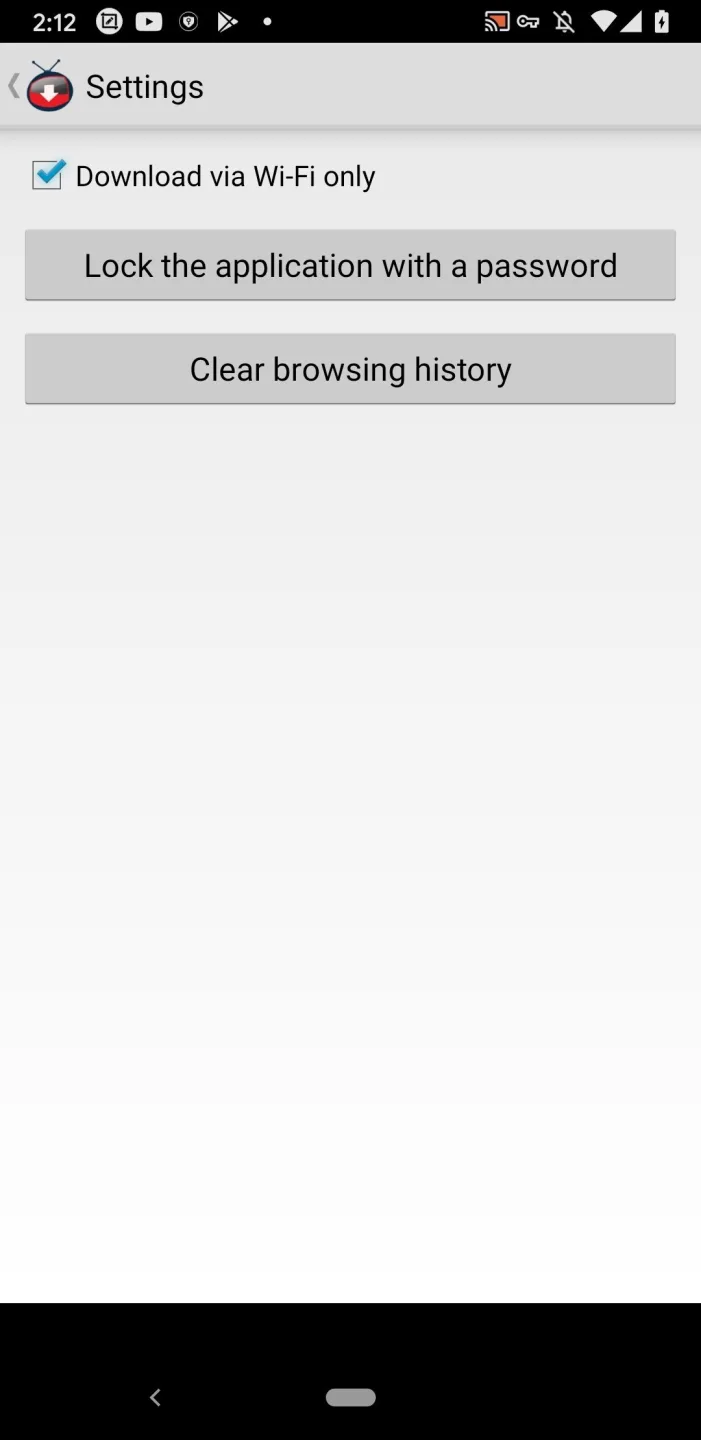
YTD Video Downloader is a video downloader designed for Android devices, boasting strong compatibility and smooth operation on any Android device. Users can download their favorite videos from major video and social networking sites to their devices. You can freely choose the video quality and format. The software minimizes storage space consumption and syncs videos to the cloud, allowing users to watch their favorite videos anytime on different devices. The software also prioritizes user privacy and security. Users can protect the software with a password, and the software also protects user data and download history in real time. Please use it with confidence.
Features of YTD Video Downloader:
Designed & Used on Millions of Android Devices: Forget about compatibility app issues. YTD Video Downloader is designed from the get-go to run flawlessly on your device.
No Video or Audio Quality Degradation During Conversion: YTD Video Downloader converts files fast while maintaining the original's quality: no artifacting, pixelating or degradation of any kind, that you usually see with online browsers or Chrome extensions on Android.
Monitor Panel & Automatic Download Retry: YTD Video Downloader automatically retries the download when your internet fails. Monitor your saved media, and convert and download files in batches via YTD's advanced panel.
Light on Resources & Storage Space: YTD Video Downloader makes efficient use of space and resources and gives users a lot of control over the apps resource consumption.
Download in HD, 4K, Up to 8K Quality: Download your favorite movies or videos in HD, 720p, 1080p, 2K, and 4K videos from major websites and social media. YTD Video Downloader preserves the original quality and doesn’t add watermarks.
User Reviews of YTD Video Downloader:
Every single day I surf the internet there is no way for me not to visit YouTube.com. I love to watch new videos every day from all over the world, I enjoy doing that so much, it's so educating and fun most of the times, helps to let me know about the world just like the news or even better.
However, sometimes I wish if I could keep those videos with me to watch it later or show it someone while I'm offline, and unfortunately this is not available on YouTube.com, there is no button that you can press and with that the video you like will be on your desk.
And that was when I discovered YTD Video Downloader after searching for a way to download YouTube videos. It's a really great program that you can use to download whatever video you chose to download from YouTube. All I need to do is to copy the address of the page where the video is being viewed, and then paste it in a box that you will find in the front page of the program and press 'Download' and then the video starts downloading just like that.
There are too many great things about YTD Video Downloader, one of them is that is very small, so you won't worry about it taking too much space on your desk, it's only 10 MB, it takes few minutes to download it from the internet and only few moments to install it.
Another thing that the program has the ability to pause the downloading of the video, so if I needed to pause it anytime for
whatever reason I might have I easily can do that by pressing one button, and can continue the downloading I paused with as much easiness, just pressing the same button again.
What I love the most about YTD Video Downloader is that fact that it's completely for free, I didn't pay a penny to download it or installing it, I started using it right away, nothing was asked from me to do or pay, they even let you know every now and then about new versions that you can download if you wanted, and it's also for free. I just updated the version I have and now I found out that I could shut down my computer and the download will continue when I start it again, same thing happens if I closed the program completely and the download was not completed yet, it starts right after you open the program again. Also I can now convert the video to any quality I'd like.
FAQs of YTD Video Downloader:
How does YTD Video Downloader work?
Before proceeding, you need to download and install YTD Video Downloader on your PC and then click on the green "Free download" button on this page. At this point the browser will show you the downloaded executable, it will be named "YTDSetup". You can then simply start the installation by clicking on it, the system will ask for authorization and the procedure will be launched. To complete it, just click on the "Accept and install" button and then on "File".
After the installation process is complete, you need to follow a few simple steps to download your first video:
Go to the page from which you want to download the video and highlight the page address;
Then click on the highlighted address with the right mouse button and in the contextual menu press on "Copy" (you can also use the key combination "CTRL + C");
Go to Start and launch YTD Video Downloader;
Click on the "Paste URL" button;
At the end, to start the download, simply press the "Download" button.
How can I fix the “download failed, the video you have requested is not available” error?
If you receive a "the video you requested is not available" error, it means that the video is not listed anymore on the streaming site and therefore is not available for download.
How can I record videos with YTD Video Downloader?
YTD Video Downloader uses the URL from the web browser to download a video. Simply copy the URL from the address bar of your web browser and paste it to YTD and select "Download" in order to download the video to your computer.
YTD Video Downloader “the video you requested is not available” error. How can I solve this?
If you receive a "the video you requested is not available" error, it means that the video is not listed anymore on the streaming site and therefore is not available for download.
YTD Video Downloader "this video is restricted". Is there a fix?
If you receive a “this video is restricted” error, it means that the video has an age restriction and is available only for users of the streaming site.The login credentials for streaming sites are personal and not provided by us.
Some sites do not work with YTD Video Downloader: is there a reason?
YTD Video Downloader has a Free and a Premium version. The free version allows downloads from a large number of video streaming services. Among these, we can choose to download videos from YouTube, Vimeo, Dailymotion, TikTok, Facebook and many, many others.
Conclusion:
YTD Video Downloader is a great option for anyone who wants to save online videos for offline viewing or converting. It supports many video hosting sites, including YouTube, Facebook, Vimeo, and more. It also offers basic video editing and a simple video player. You can save online videos in various formats, such as MP3, MP4, FLV, MOV, 3GP and AVI.








