

JanaTube is a streaming media application. It supports local playback, allowing users to save their own music and videos within the app. It can be minimized for playback and supports background operation. Playback speed can be adjusted up to three times. Resolution is also adjustable. The interface is simple and user-friendly, allowing for quick setup. It allows users to do other things while playing media, providing great convenience. If you're looking for a media player that supports background playback, give it a try.
Features
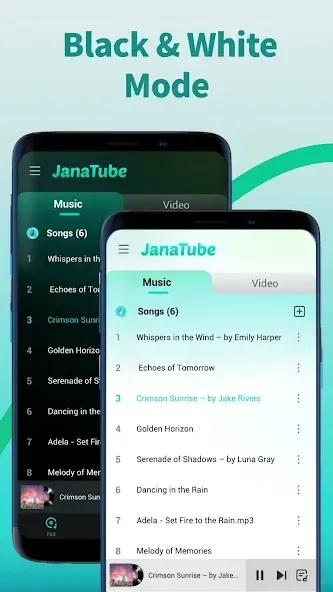
Local Playback
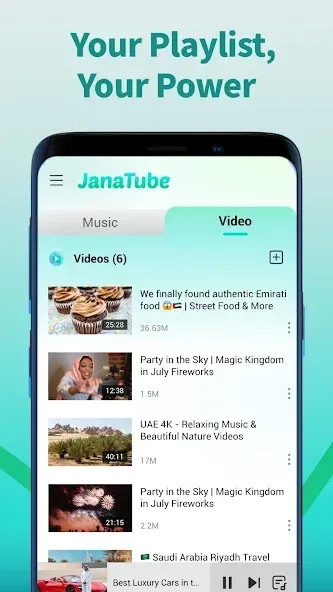
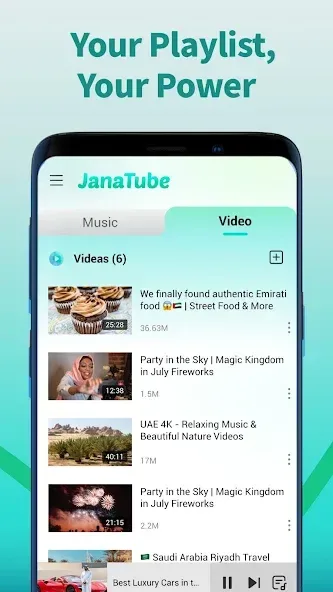
Access and play your personal collection of music and videos directly within JanaTube. This feature simplifies your media experience, allowing seamless switching between online content and your local files—even when offline.
Floating Tube
When you exit JanaTube to use other apps, continue watching videos with the floating player. Minimize JanaTube and keep the video in a small movable window, so you can listen to music or watch while using your device.
Background Popup Player
Use the minimize function to float streaming videos in a small, movable window on your screen. Keep watching your favorites while gaming, checking email, or handling any other task without interruption!
Playback Speed up to 3X
Choose from eight playback speeds, up to 3X, to enjoy videos at your preferred pace.
HD Video Player
Smooth HD playback with options like 360p, 720p, and 1080p for the best viewing experience.
Restricted Mode
Screen out potentially mature content you may prefer to avoid.
How to Use
The app is built for quick access to media and daily dhikr with light steps. To begin, download JanaTube and open it on your phone.
Open JanaTube on your phone, then allow media access if prompted so local files can appear in the library.
From the home screen, pick Online to explore content, or switch to Local to view videos and music stored on the device.
Use the search bar to find an item, open it, then choose 360p, 720p, or 1080p and adjust playback speed as needed.
While the video or song plays, tap the floating icon to keep a small player on screen, or let audio continue in the background.
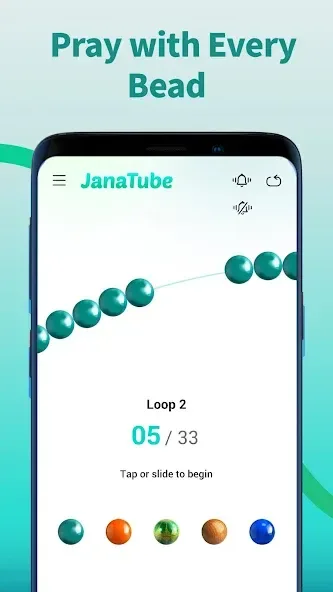
From the toolbar, open the Tasbih to count dhikr, then visit Settings if you want to enable Restricted Mode and review history.
FAQS
What is JanaTube used for?
JanaTube is used for watching online videos, playing local media files, and using a built-in tasbih tool for daily spiritual tracking.
Does JanaTube support background playback?
Yes, it allows videos to play in a floating window so you can use other apps at the same time.
Can I use JanaTube offline?
Yes, you can play downloaded music and videos through its local playback feature without an internet connection.
Is there a way to control video speed in JanaTube?
Yes, the app supports multiple playback speeds, up to 3x, for flexible viewing.
Who should use JanaTube?
It suits users who want a simple app for video streaming, offline media, multitasking, and light daily utility features like tasbih tracking.
User comments
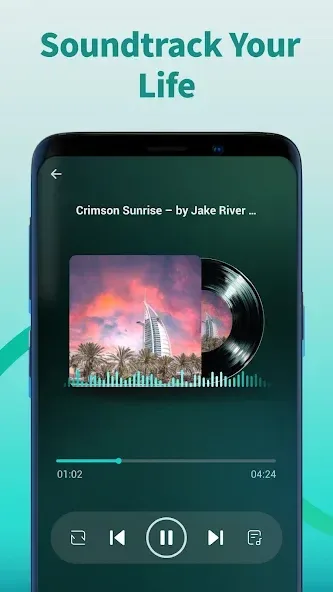
This app has an indescribable satisfaction There was a time when we were tired of seeing ads. Now we have the freedom to play whatever we like without ads, and the playlist based on a song is great. You don't need to select the next song it just plays it.The best thing is that if you put all the songs and keep the screen locked, it will play there without any problem.This is a super app in my opinion
I use this app instead of YouTube,it's an amazing app but I can't play the videos like I used to before,please bring back the old play menu,the latest update just completely ruined the app,thanks.
best feature is playing music in the background can you guys help it is best if you can add toggle to turn OFF reels it is left for user to choose personally i dont like reels but if someone likes they can turn on and watch
Summarize
JanaTube is a media player that allows you to play all the songs and videos you have stored locally on your Android device. In the case of videos, it will also allow you to watch them in a floating window while using other apps. Thanks to this, you will be able to watch videos while playing video games or typing messages in a messaging app.








