

ZenUI Launcher is a feature-rich theming app. It offers a wide array of wallpapers, themes, folder styles, and animation effects, allowing users to freely select the styles that appeal to them. With ZenUI Launcher, you can fully express your personality and create a personalized user experience. You can also set different wallpapers for your home screen and lock screen to add a touch of fun and novelty. Additionally, the app includes a built-in app lock feature to safeguard your privacy.
Highlights:
Different wallpapers, themes, folder styles and effects for animations and transitions.
Font styles and sizes adapted to the user's needs.
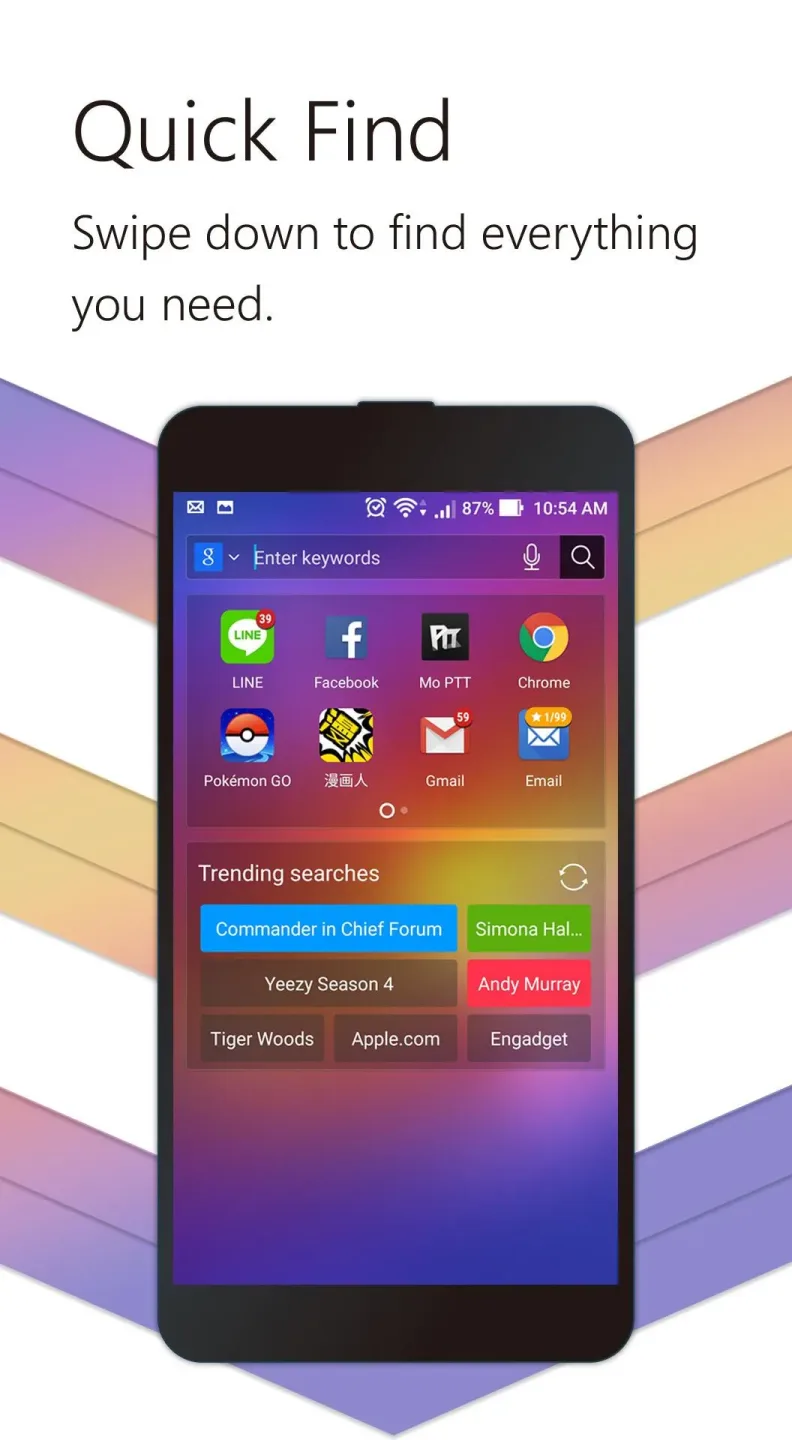
Quickly search for contacts and applications.
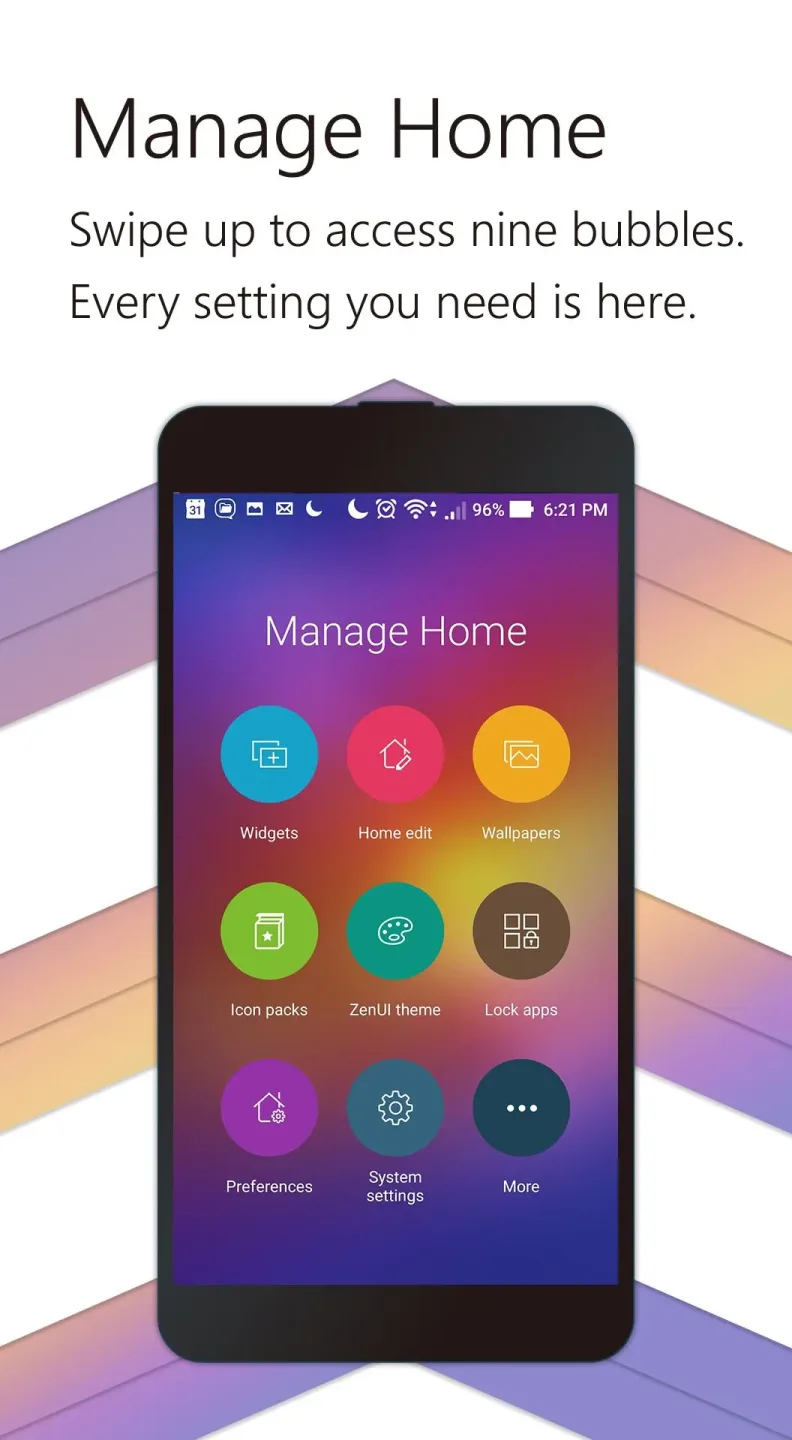
Quickly access your device's settings and system themes.
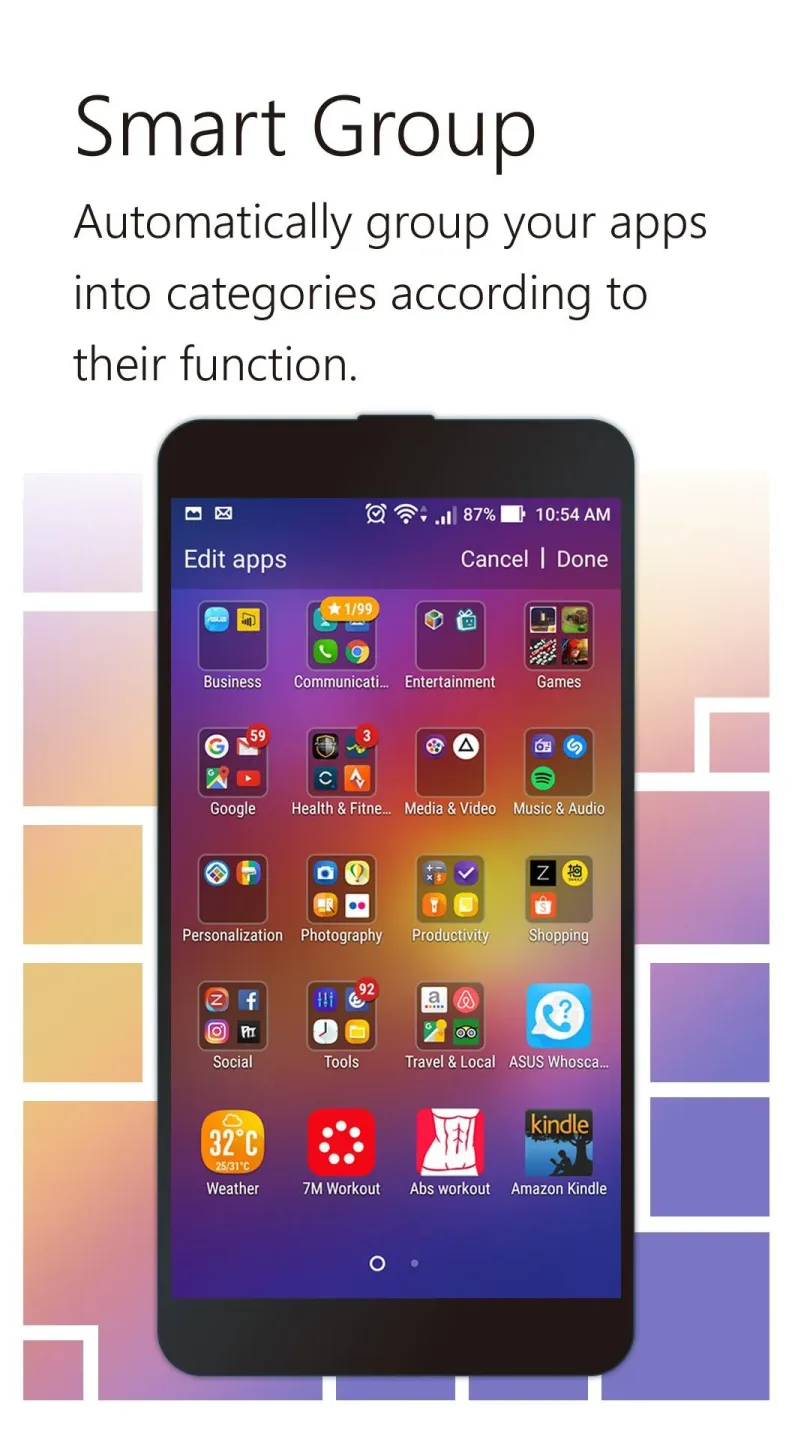
Different ways to organize your applications by means of using smart folders.
Functions to block and hide apps in order to protect your privacy.
Features:
Showcase your personality on your Android devices using a variety of themes, free wallpapers, effects and transitions! You can even set different wallpapers in home screen and lock screen to make it more fun and interesting. Efficiently and intuitively manage your home screen!
Swipe up home screen to access the setting shortcuts to key features such as apps, widgets, wallpapers, icons, and system themes to customize your launcher easily.
Organize your apps and folders in One layer mode (access all apps on home screen) or Two layer mode (access apps using a shortcut).
Auto-group related apps using Smart Group feature to keep your screen organized.
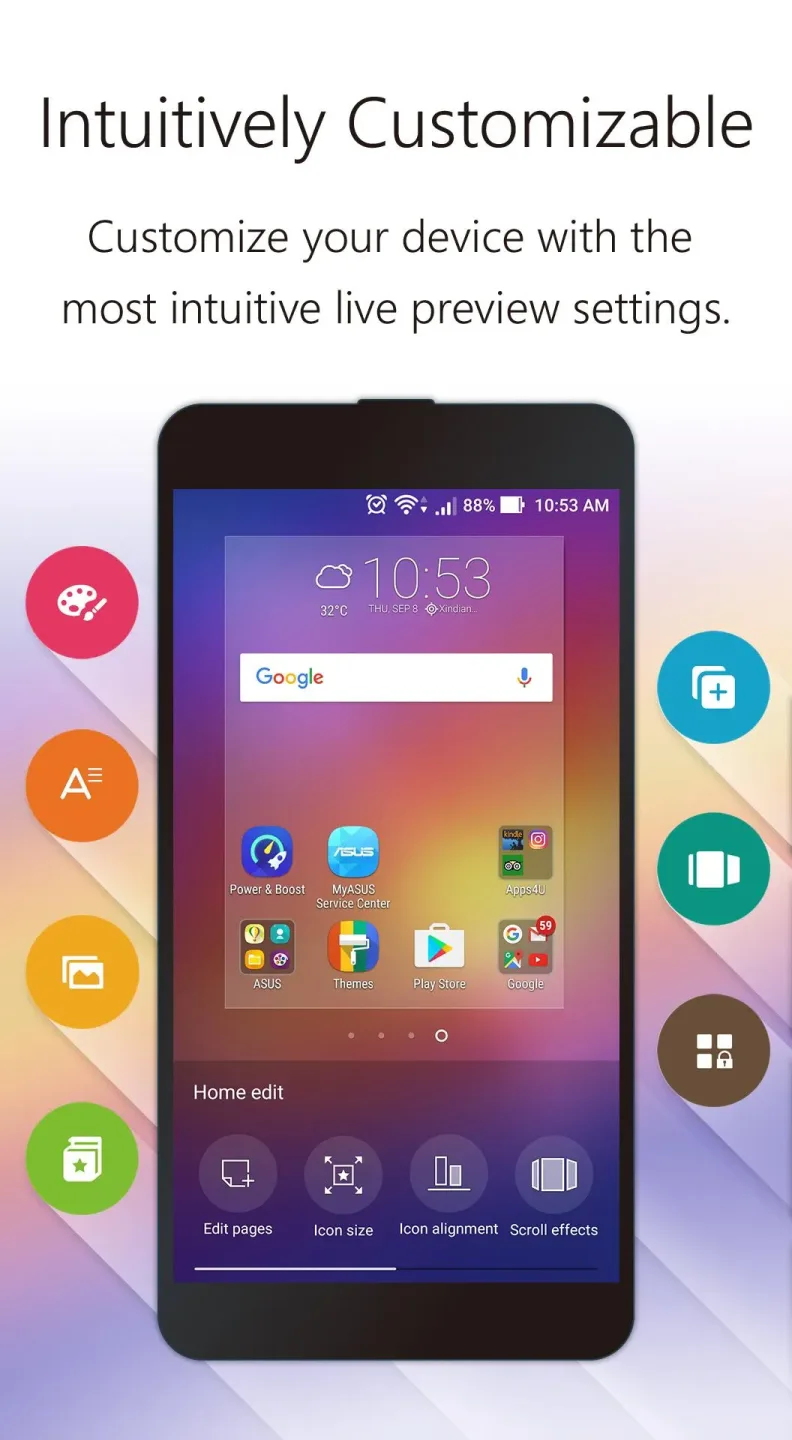
Get a sneak live preview on your screen when customizing your wallpapers, themes, fonts, and more! Search smart and fast!
Explore great Android apps recommended just for you with intuitive Contextual App Discovery feature. Safety and security that you can depend on!
Get the best security for your apps with the integrated AppLock and Hide App features that protect your private apps from prying eyes or unauthorized access.
Tips for Users:
Customize the font style, font size, or icon size of your app and widgets on the home screen, lock screen, and all apps screen.
Swipe up the home screen to access the setting shortcuts to key features such as apps, widgets, wallpapers, icons, and system themes to customize your ZenUI (ASUS) easily.
Organize your apps and folders in One layer mode (access all apps on the home screen) or Two layer mode (access apps using a shortcut).
Download complimentary themes and icon packs with the ZenUI (ASUS) theme shortcut.
Auto-group-related apps use the Smart Group feature to keep your screen organized.
Get a sneak live preview on your screen when customizing your wallpapers, themes, fonts, and more.
Swipe down to smart-search your apps, contacts, or trending topics instantly on your Android device with the Quick Find feature.
Final Words:
This awesome application also comes with a quick search engine that will help you discover great applications. You can search for the best security app that will protect your smartphone from threats. ZenUI Launcher is efficient, smart, secure, and very reliable!








