

Send files to TV is a small yet powerful utility application. It allows users to share files between devices such as smartphones, PCs, and smart TVs, providing a smooth experience for transferring movies, TV shows, and other entertainment software. With Send files to TV, users can easily complete transfers and enjoy smooth file sharing and fast transfer speeds. Its user-friendly interface makes it easy to use, ensuring convenient navigation and intuitive file sharing tools. Whether you want to transfer movies to a smart TV or share files between Android devices, this application provides an efficient solution.
Click to load YouTube / 点击加载视频
YouTube ↗Highlights:
Super-fast file transfers.
The intuitive interface makes navigation a breeze for users regardless of age or technical skill level.
It supports various formats, including videos, pictures, and documents, among others.
No internet connection is required since it operates locally via WiFi.
Simple but, powerful
This simple mobile app requires no internet connection to successfully share files as all of it is done over your local Wi-Fi network. Thus, you have to make sure that the devices you want to pair are linked in the same local network whenever you're connecting. It's a faster choice for schools, homes, offices, and other institutions as its transfer speed does not depend on the stability of your connection.
If SFTTV's speed went below 500 KB/sec, your file sharing is considered to be too slow. This might be caused by your weak Wi-Fi antenna so, you have to ensure that your device is placed as close as possible to your router. Although, keep in mind that sending bigger files or transferring them on multiple devices simultaneously tends to take a longer process time.
To a great extent, it guarantees the security and privacy of your file transfers that only happen between devices and not transmitted over an ISP. This means that it can never spy or store any of your data on any server. It is important to note that all the devices involved in file-sharing should have this utility installed for the transfers to take place.
Features:
Private local transfers
Send files to TV moves data only over your local network, not through the cloud. This keeps files on your devices and removes the need for cables. For large movies or folders of photos, it is typically faster than Bluetooth because it uses your Wi‑Fi or LAN connection.
Automatic device discovery
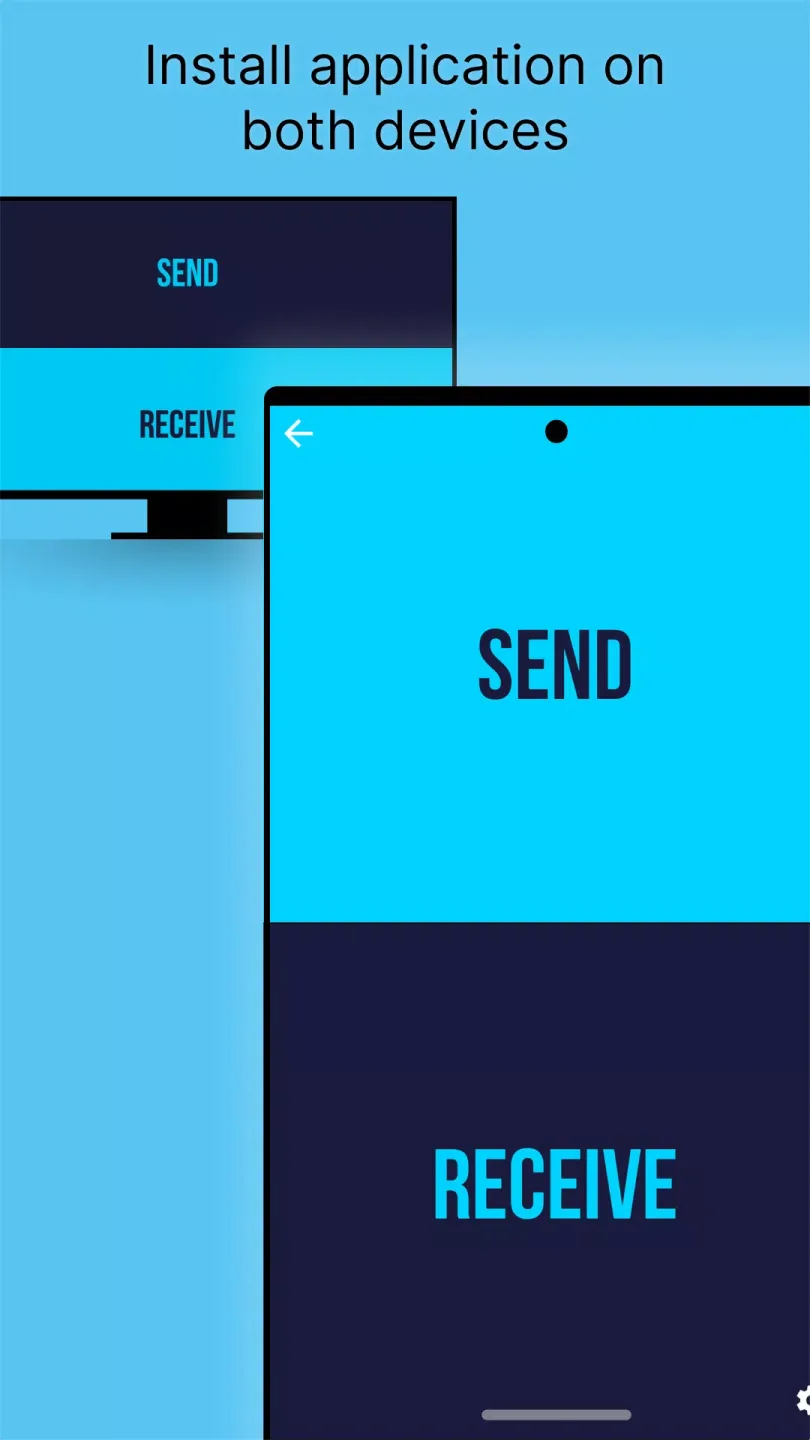
The app searches for nearby devices running Send files to TV on the same network and lists them for quick selection. You can tap Send or Receive and start a transfer with one tap. This reduces setup time and helps you focus on choosing the right files.
Cross platform support
Send files to TV works with Android phones and tablets as well as Android TV and Google TV. It also offers desktop companions for Windows, macOS, and Linux, which helps when you want to move large media libraries from a computer to a TV. This flexibility makes it useful in homes, schools, and offices where different devices are used together.
Built in file explorer and save controls
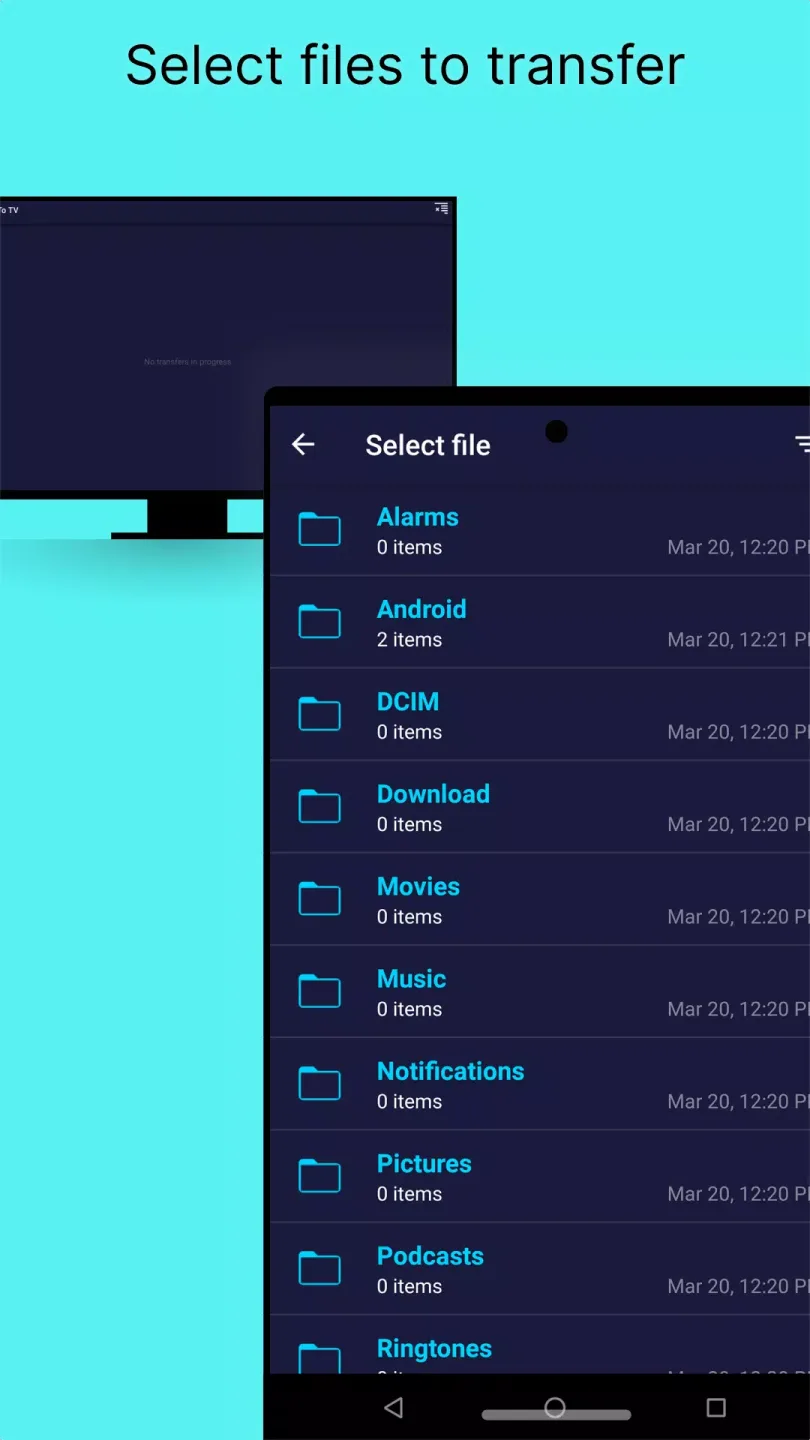
The built in file browser shows your folders with image previews so you can confirm what you are sending. You can change the receive folder in Settings to keep downloads organized and easy to find later. This helps avoid misplaced files and saves time when moving many items.
Sideload APKs to your TV
Send files to TV lets you send APK files from your phone or computer to your Android TV or Google TV. You can move the installer quickly to your TV and proceed with installation there. This is helpful when you need apps that are not available on your TV by default.
FAQs:
How do I change the download location in Send files to TV?
You can easily modify the destination folder by navigating to the settings panel within the interface and selecting a new storage path that suits your needs.
Is there a limit on the size of files I can transfer?
There are no specific size restrictions, allowing you to transfer massive high-definition movies or large software packages as long as your receiving device has enough storage.
Conclusion:
For those who like to stay organized, the settings panel offers granular control over where your incoming media is stored. You can easily check or change the download path to ensure that movies go to an external hard drive while documents stay in internal memory. This level of customization is perfect for power users who manage large libraries and need to keep their storage optimized. It transforms a simple transfer tool into a more robust management system for your entire digital media collection across your home network.








