
2FAS Authenticator is a security software designed for mobile devices that enables two-factor authentication to help users protect important information and passwords. Users can add stronger protection to the software through various methods such as passwords, fingerprints, and facial recognition. Furthermore, your usage history will be synced across different devices as you log in. The software also includes a setup guide to help users encrypt important information. It also features an open-source community where users can exchange usage tips and experiences, interact with developers, and provide suggestions and feedback to contribute to software optimization.
Click to load YouTube / 点击加载视频
YouTube ↗Features of 2FAS Authenticator:
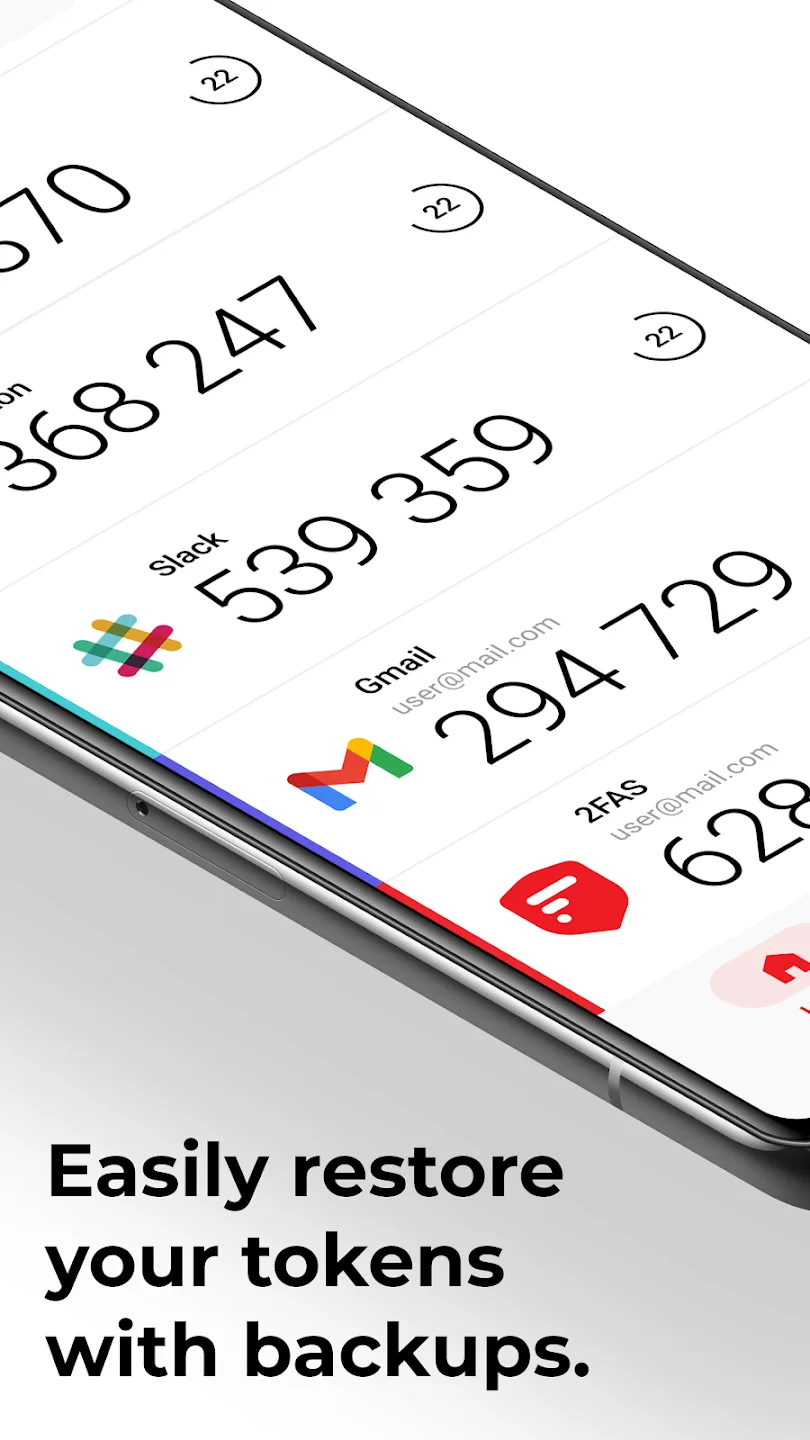
Easily restore your tokens by utilizing backups.
Add an extra layer of protection to the app with your passcode or biometrics.
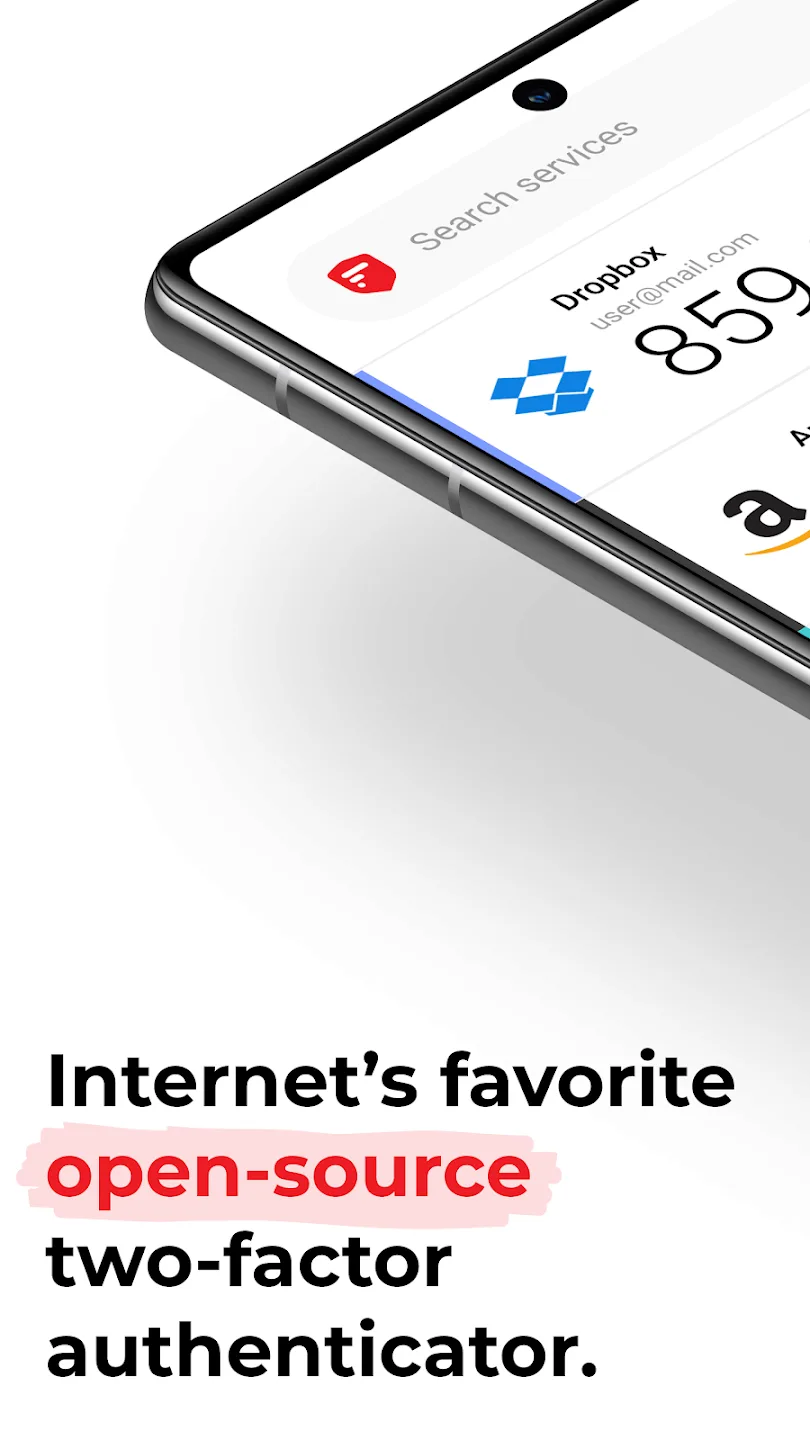
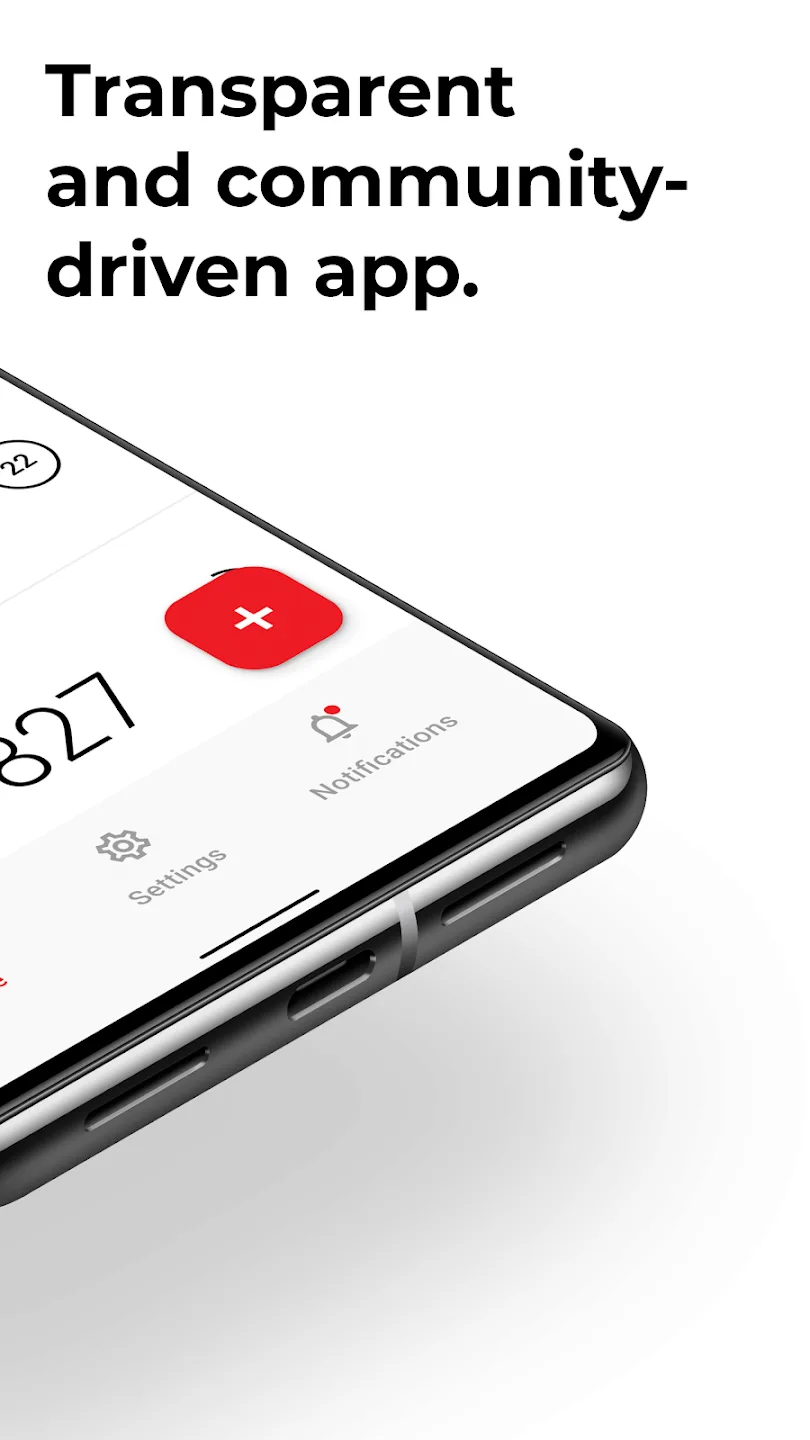
2FAS is an open-source, transparent, and community-driven platform, ensuring maximum security.
Enjoy seamless synchronization across multiple mobile devices for convenient access.
The app features a simple and intuitive interface for easy usability.
With 2FAS Browser Extensions, you can quickly authenticate with just one tap.
Multi-language support ensures accessibility for users worldwide.
Future updates will include quick setup guides and support resources.
User Reviews of 2FAS Authenticator:
Feels much more secure than other apps after testing it out on a few accounts: 1. Does not collect any user data (this should be gold standard since the OTP generating algorithm works even without internet connection) 2. Locks you out of the app once you switch apps, requiring you to log back in using pin / biometrics 3. Ability to hide all other accounts' codes and only reveal the one tapped 4. Allows to import codes from other auth apps and sync with gdrive as backup.
Excellent authenticator! I've been using it for a few years and have encountered no problems. I especially like the Google backup feature that has the option to password protect the backup, bio-metric and PIN access, dark theme, and the ability to automatically insert the code within a browser without copying and pasting. I've tried many other authenticators, but I find this one outshines the others.
Easy to set up, and the browser extension for using the auth codes in a desktop browser is very useful. One minor gripe: if a given service (eg Microsoft Online) has multiple accounts, the browser extension always and only uses the token from the first account listed for that service. This means that you can't use the browser extension when logging in to a service with anything other than the first account.
Great App. Much better than similar other apps. I have few feedback - Can you make the account name in a different color (it is currently gray) as it is not very well readable. It is particularly useful if multiple accounts in same website and want to quickly identify the right 2FA. Secondly the browser extension is not perfect for multiple accounts on same website. Can this be improved? And lastly, please create desktop app.
FAQs of 2FAS Authenticator:
What is 2FAS Pass?
2FAS Pass is a next-gen password manager which continues our mission of providing you with total control over the security and privacy of your online accounts.We’ve designed it to be local-first and fully anonymous in order to let you decide where to store and how to access all your data.
Can you send me my Items or Passwords?
Unfortunately, we cannot. All your Items are stored locally by default, and no one else, including us, has access to them.
What cloud synchronization solutions does 2FAS Pass support?
You can synchronize your Vault seamlessly with iCloud on iOS or Google Drive on Android.Additionally, we support WebDAV synchronization for users who would like to self-host their Items.
Which imports does 2FAS Pass support?
We support imports from 1Password, Apple Passwords, Bitwarden, Chrome, Dashlane, LastPass and Proton Pass.We also support Vault imports from our app in the .2faspass format.
What does local-first approach mean?
2FAS Pass stores all your Items in an encrypted local Vault on your mobile device. By design, 2FAS Pass avoids centralized data aggregation, eliminating a single point of attack. This means that every user stores their data privately.
Summary:
2FAS Authenticator is a security technique that adds an extra layer of security to your accounts by using both a password and a code that is generated by the app. This helps to prevent people from stealing your credentials and using them to gain access to your accounts.This app is the world's most secure 2FA app. With it, you can easily enable two-factor authentication on all of your accounts, including Facebook, Twitter, Google, Dropbox, Github, and more.








