

PSD Viewer is a handy mobile tool that allows users to open PSD files on their mobile devices. Users can freely pan, zoom in, and zoom out to examine image details more closely. The app features a built-in search function, enabling quick file location by simply entering part of a folder name. It supports offline mode, allowing users to access saved files anytime, anywhere. Compact yet highly compatible, the app runs on the vast majority of mobile devices; it is also completely free, so users can use it with confidence.
Features of PSD Viewer:
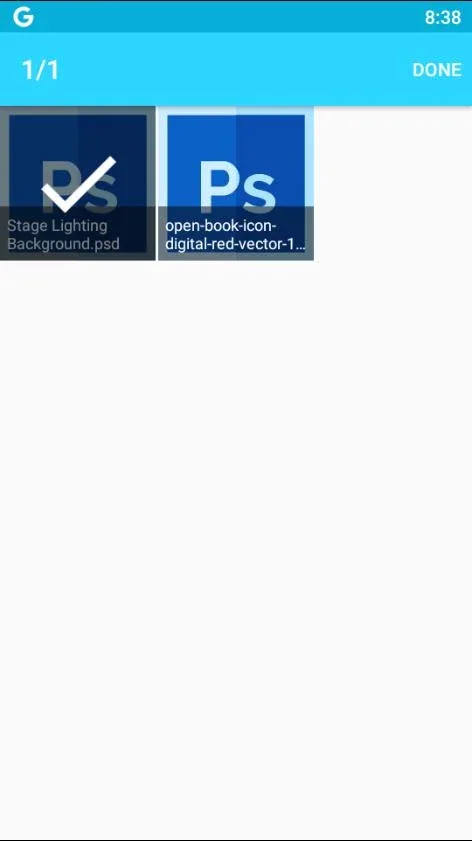
Effortless File Opening: Just choose a PSD file on your device and you’re good to go. No fussing with complicated menus or sign-ups.
Zoom and Pan: Need a closer look? Pinch or use the slider to zoom way in on details, and drag to move the image around—see every layer and pixel just how you want.
Thumbnail Previews: Get a quick snapshot of all your PSDs in your folders, making it much faster to pick the right file.
Works Offline: You don’t have to be online to open or view your files. Got your images on your phone? You can look at them anywhere—even on airplane mode.
User-Friendly Interface: The layout’s clean and beginner-friendly, but advanced users won’t feel boxed in. It’s straightforward, so you can focus on the images.
Highlights of PSD Viewer:
Easy navigation: The toolbar provides easy access to a menu where users can see all the PSD files stored on their smartphones.
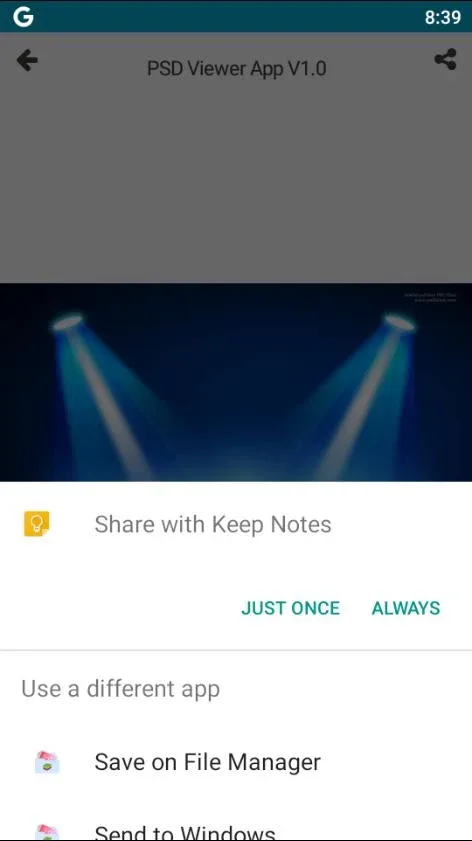
Preview with layers: Users can select a project from the menu and see a preview of its content along with all the layers.
Individual layer view: By tapping the upper part of the screen, users can choose to view the individual layers of the project.
Export as PNG: The app offers the option to export the preview of the PSD as a PNG image, enabling users to store the file with a transparent background.
Access on any platform: PSD Viewer allows users to view their PSD files created with Adobe Photoshop on any platform, providing a simple and convenient way to check project content even without a nearby computer.
User Reviews of PSD Viewer:
This app is really best for viewing PSD files because in android phones I can't find any other app that is much faster than it also contain ads but after working with this app ads look nothing thanks for helping me to open my PSD files.
Works without some stupid account sign in. Typical ads that are annoying and nobody ever clicks on.
Amazing. My client sent me a psd file, but to be honest I don't know how to use PS. So, I found this on Google and I was able to see the psd file now which is shared by my client. Thank you so much amazing experience.
Works and you can even save as image. I wish the pro version was cheaper though because all it does is view one file type.
Ads... But this is worked for me... somebody gave single star due to ads... If you don't want to use without ads, just go for pro version with payment... you want free version with out ads... how can a developer survive?
Final Verdict:
PSD Viewer gives you a simple way to view the PSD files you've created with Adobe Photoshop on any platform. Without a doubt, this is a simple, but incredibly useful app for checking the content of any project, even if you don't have a computer nearby.








