

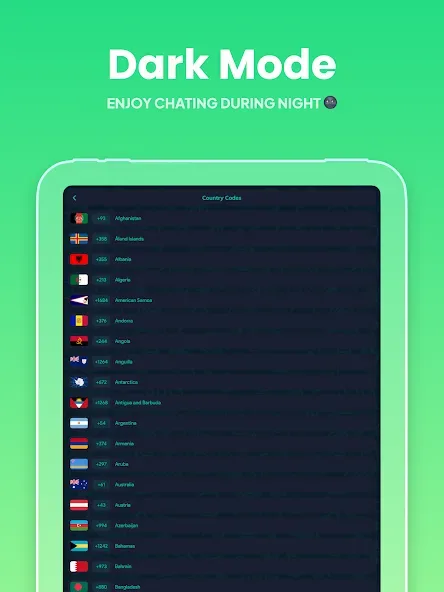
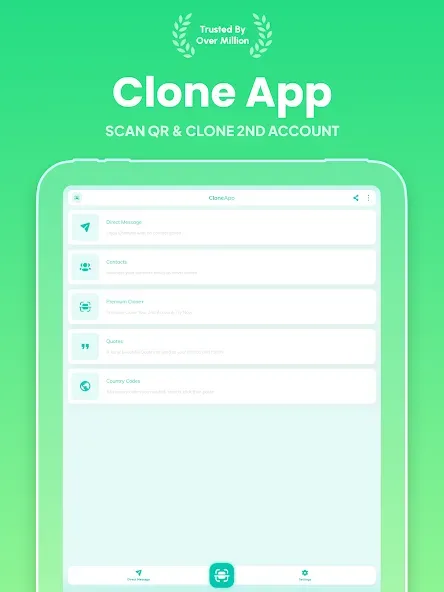
Clone App for Whatsapp Web is a software for cloning popular WhatsApp applications. It allows you to quickly create a second WhatsApp account, enabling media sharing and status saving. You can also share screenshots to some tech-focused applications. You can chat directly without logging into the app. Enjoy a smooth application experience and manage multiple WhatsApp accounts. Use multiple WhatsApp accounts on the same device. The user interface is user-friendly and easy to operate. Secure access is achieved without multiple QR code scans. The application does not require root privileges. Personalization options are available.
Features
Connect to second account via web fast.
Media Sharing: send photo, video, audio, contacts, document files and much more.
Status Saver: (Download photos, videos, audio, contacts , and much more).
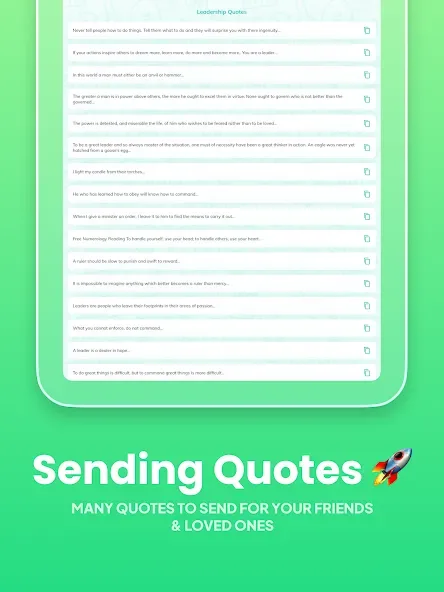
Take Screenshots and share them on Messenger apps.
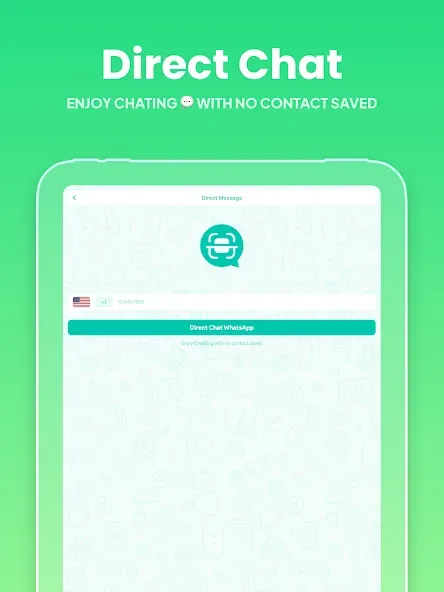
Direct Chat: open chat directly with unknown numbers.
Save photos and video stories with just one click.
Clone popular Social and Gaming Apps; access multiple accounts at the same time on one device.
Enjoy support for almost all major apps and top games! Use multiple accounts for top social media app like dual Facebook, or duplicate Instagram accounts at the same time.
Gain advantage with dual accounts in top mobile games and have double the fun!
Data from these accounts will never interfere with the others.
Highlights
Bid farewell to the frustration of switching accounts and enjoy a seamless experience with the app. It not only allows you to manage several WhatsApp accounts but also provides the possibility to retrieve and restore text messages, media attachments, and even download statuses and direct messages.
Key features include the ability to swiftly connect to a secondary account via a web interface and take advantage of media sharing options to send a wide array of files such as photos, videos, and documents. The intuitive Status Saver function enables you to effortlessly download multimedia content. Capturing screenshots for quick sharing, initiating direct chats with new numbers, and saving photos and video stories with a single tap further amplify the functionality provided.
Dive into a world of possibilities as you can use the Clone App to not just clone communication apps but also popular social and gaming apps, allowing users to maintain multiple accounts for both entertainment and social networking. Picture yourself managing dual Facebook or Instagram accounts concurrently or doubling the fun in top mobile games with dual accounts.
Advantages and disadvantages
Pros
Provides the ability to clone and use multiple WhatsApp accounts on the same device
User-friendly interface, making it easy to navigate and use
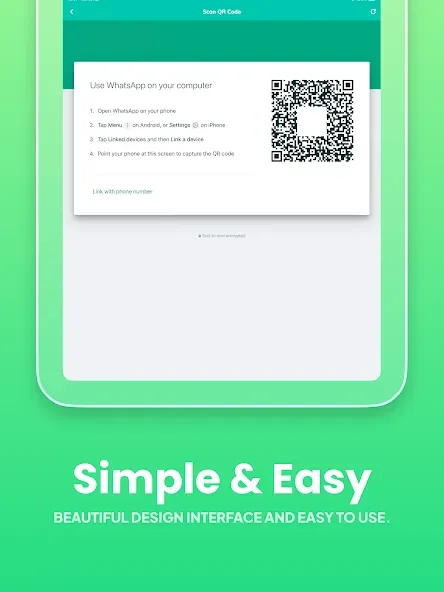
Secure access to WhatsApp web without the need to scan the QR code multiple times
No need for a rooted device to use the application
Offers customization features such as themes and wallpapers for personalization
Fast and reliable connection to WhatsApp web
Cons
Possibility of violating WhatsApp's terms of service which could lead to account suspension
May raise privacy and security concerns as all
User comments
Best clone app I have ever used. It works absolutely well in my phone and have been using it for long time. It is very easy to use and user-friendly. It is helpful so much
One of the best clone app i have ever use. It's work absolutely well in my phone. Running very smoothly. Really it's an great app. Highly recommend to all.
A user wanted to manage two WhatsApp accounts on a single phone, one for personal use and the other for business. They found App Cloner incredibly helpful. Using the app, they were able to create a second, independent WhatsApp instance.
Summarize
Clone App For Whatsapp Web is a clone version of the famous app Whatsup that allows users have to have access to there Whatsup on two ,mobile device and tablet as a third party user. This app provides its users the capability to read and send messages also without showing blue tick on other device.








