

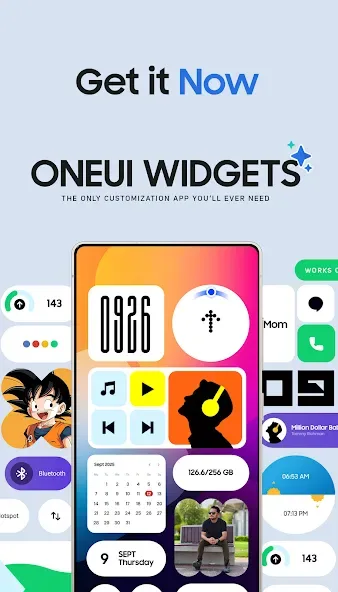
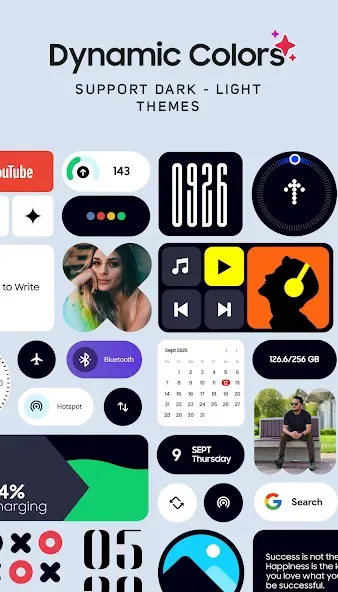
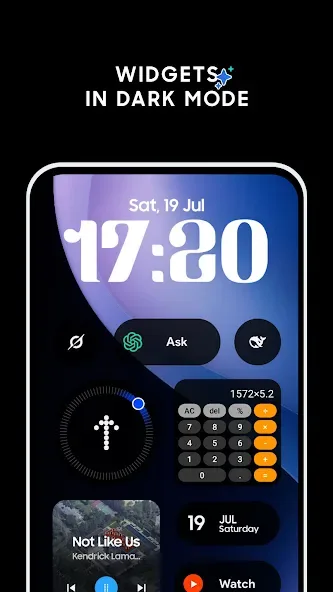
OneUI Widgets is a personalization app that allows you to quickly apply themes to your phone. It features widgets such as clocks and calendars, along with other handy tools—like a compass and calculator—that provide quick access to essential functions. You can customize the widgets to your liking, including changing their icons. To get started, simply grant the necessary permissions, add a widget to your home screen, and adjust it to your preferred size. The app boasts a simple, user-friendly interface that makes it easy to master its features. It helps bring a more vibrant look to your home screen and is compatible with a wide range of devices.
Features
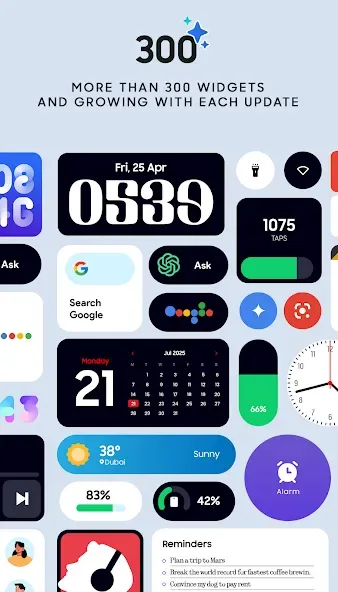
Clock & Calendar Widgets – Elegant digital & analog clocks, plus stylish calendar widgets
Battery Widgets – Monitor your device’s battery with minimalist indicators
Weather Widgets – Get current conditions, forecasts, moon phases, and sunrise/sunset times
Quick Settings Widgets – Toggle WiFi, Bluetooth, dark mode, flashlight, and more with one tap
Contact Widgets – Instant access to your favorite contacts with Nothing OS-inspired design
Photo Widgets – Display your favorite memories on your home screen
Function
Google Widgets – Unique widgets for all your favorite Google apps
Utility Widgets – Compass, calculator, and other essential tools
Productivity Widgets – To-do lists, notes, and quotes to boost your workflow
Pedometer Widget – Displays your step count using your phone's built-in motion sensors. ( No health data is stored or analyzed )
Quote Widgets – Get inspired at a glance
Game Widgets – Play the iconic Snake game and more in future updates
And many more creative and fun widgets!
How to use
Install OneUI Widgets and open it once to allow any requested permissions.
Then go to your home screen, touch and hold an empty space, and tap Widgets.
Next scroll to OneUI Widgets, choose a category, and pick a size that fits your layout.
After that tap Add, place the widget, and resize it if needed by dragging the edges.
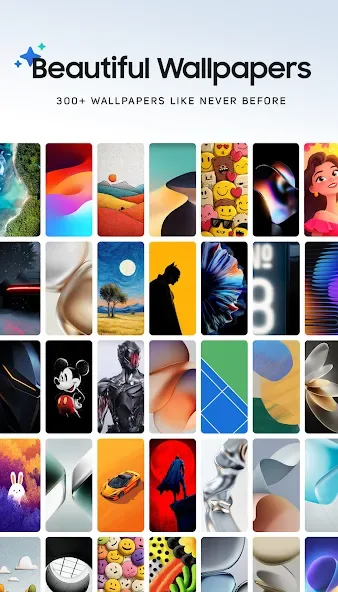
Finally arrange your grid, add more widgets as required, and apply a matching wallpaper from the app.
User comments
Exactly what my home screen needed One UI Widgets has completely transformed how I use my phone. The widgets are clean, customizable, and blend perfectly with Samsung's design language. I especially love how easy it is to resize and reposition everything to match my screen layout. The variety is great too weather, calendar, media controls, and more, all with smooth animations and minimal battery drain, make it great to use. It makes the homescreen look more lively. 5/5 definitely recommended.
Combine this with Good lock, and you can have the best customization ever! literally infinite possibilities for a very small price, definitely a go to app for me, in future i will buy more variants of these widgets like nothing
Fantastic widgets to match all your Samsung products. If you're a fan of OneUI design this is for you. Much as I like to tinker with KWGT to try to mimic the OneUI design language, sometimes I simply don't have the time - this is the answer.
Summarize
One UI Widgets is a straightforward, polished widget pack for anyone who wants a One UI-style home screen without extra setup. It delivers many ready-to-use, resizable widgets and matching wallpapers that work right away on most Android launchers. If you enjoy tidy, functional home screens and fast customization, it is an easy way to refresh your device’s look without installing additional tools.








