
This is a control panel software designed for Epson product users. Its built-in auto-configuration function adjusts the software interface and functionality based on the user's device. Users can also manually adjust various settings. The software allows users to remotely control Epson products for printing and scanning, displaying detailed product information to meet diverse needs. It also includes a FAQ function to help users resolve issues that may arise during use and with different devices, saving time.
Click to load YouTube / 点击加载视频
YouTube ↗Features of Smart Panel:
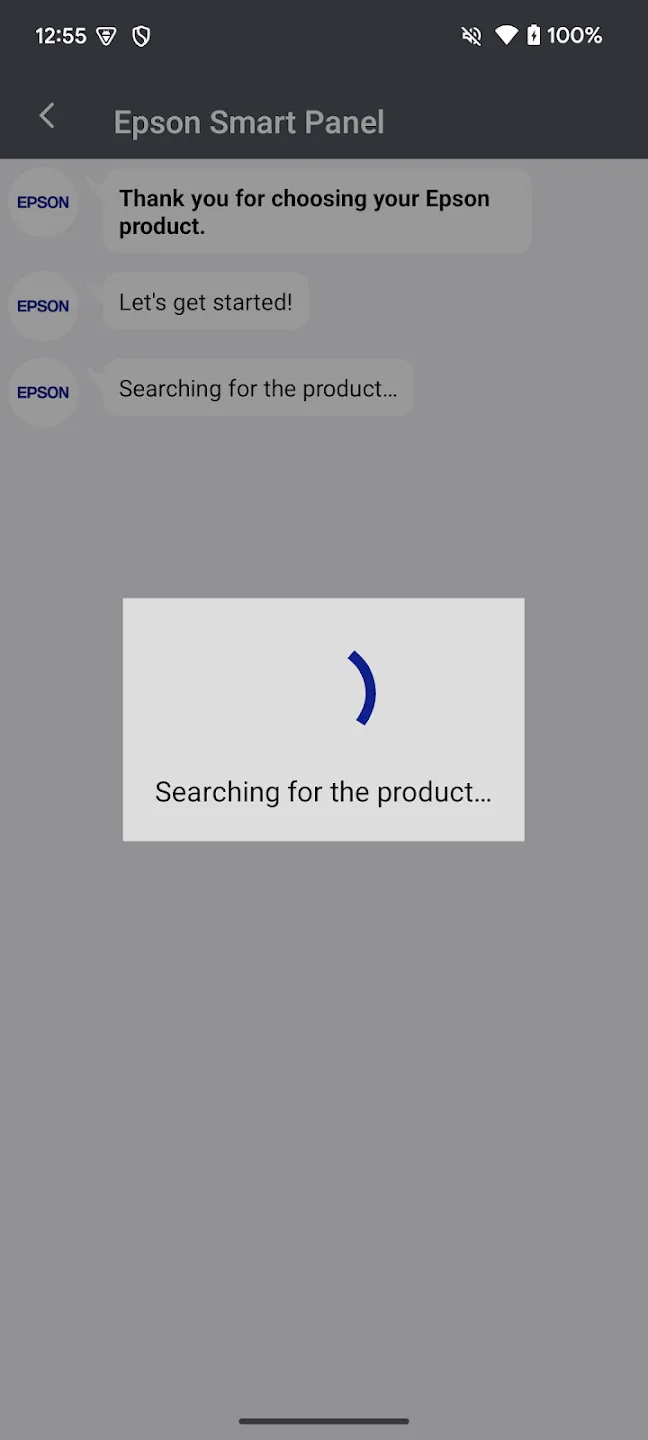
Fast Wi-Fi Setup: Get your Epson printer or scanner connected to your Wi-Fi with just a few taps. The whole setup process is quick and straightforward, so you’ll be ready in minutes instead of fumbling through menus.
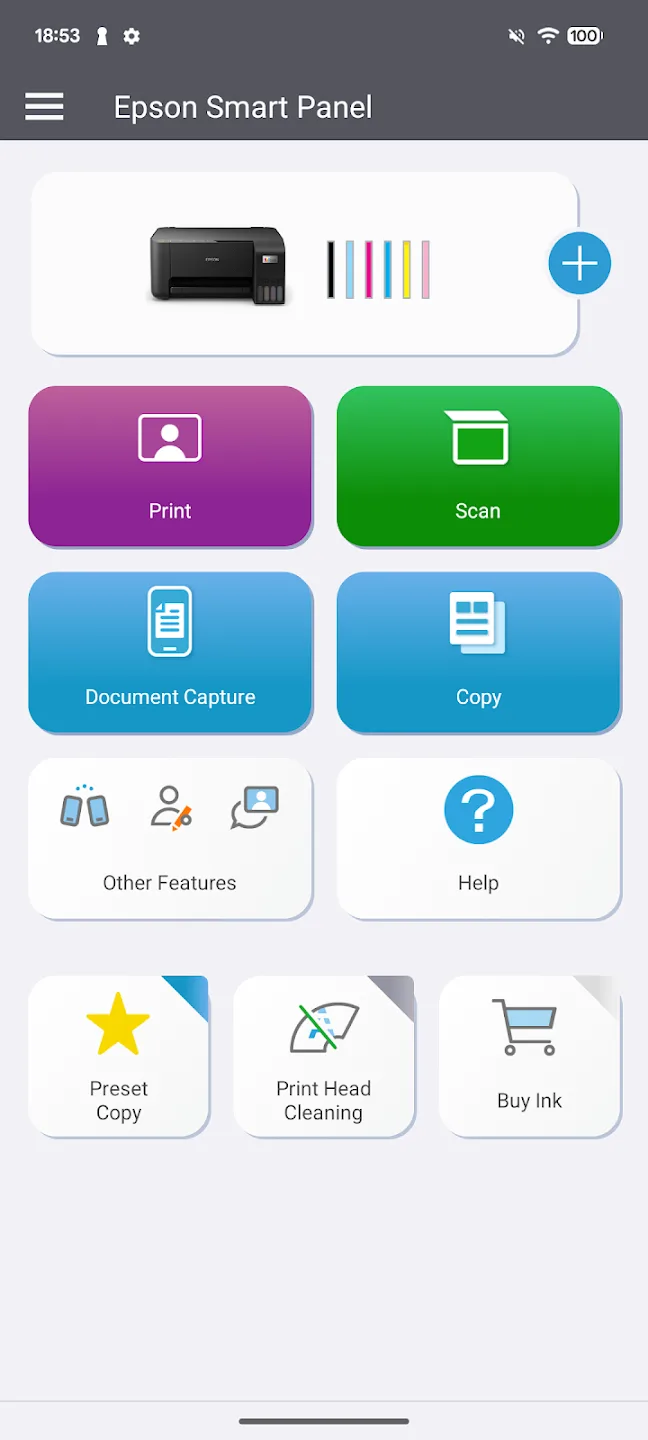
Smart Action Tiles: Navigate everything you need with action tiles—think big, clear buttons. These tiles help you jump straight to printing, scanning, copying, or checking your device’s status with zero hassle.
Personalized Experience: The app recognizes your specific device and automatically adjusts the controls to fit. No need to scroll through unnecessary options—just what you need, right when you need it.
One App for Multiple Devices: If you’ve got both an Epson printer and a scanner, good news: you only need one app. Epson Smart Panel handles auto-configuration, so it adapts its features to whatever model you’ve connected.
Highlights of Smart Panel:
High Performance and Ease of Use: The Smart Panel APK is renowned for its reliable performance, offering a smooth and responsive user interface that simplifies device management.
Auto Configuration: It automatically detects and configures settings best suited for the connected Epson device, tailoring the user experience without manual input.
Extensive Support Hub: Users have access to a comprehensive support hub that includes product registration, troubleshooting, and locating supplies, all within the app.
Customization Options: The app allows for significant customization of settings and features, adapting to individual preferences and device specifications.
User Reviews of Smart Panel:
We're still learning, haven't had a new printer in over 10 years, so we're doing a lot of unlearning and learning on some good so far easy on the user Printer. We had an HP for years, and I feel like it was similar to an oil change, every 3 months or 3000 miles, seemed like we had to purchase ink cartridges more often than we used them.
I tried to print 65 pages on high-quality photo paper from a computer, and printing often started over, which used up paper. And everything went smoothly with the application, and even when choosing to print 2 sheets per page, the pictures were positioned correctly. Great app.
It was really easy to set up and it connects with everything I want to print, whereas the other printer I had, not an Epson, wouldn't connect to everything and it took forever to try and print stuff. This has been a pleasure to use and so far there have been no problems. This app really helps.
Had a hard time connecting at first. the printer doesn't have a light up panel so I panicked. Got really frustrated then after 10th try and a cry it connected and is printing beautifully from the app. now I need to assure I can print from my lap top and email. so far I have not been able to get the lap top to identify the connection.
FAQs of Smart Panel:
What can I do by registering for Epson Connect?
You can print your photos and documents using your smartphone, tablet or mobile computer from your home, the office, or from across the world.
The number of copies displayed during copy does not match between Smart Panel and the product?
For some products, the number of copies displayed on the product’s control panel during copying may not match the number of copies displayed on Epson Smart Panel.
The app cannot be used with the message "You need to change your location mode to find a product. Precise location is required."?
In order to connect to the product on Android™ 12 or higher devices, you need "Precise location" permissions.
Open OS Settings > "Apps" > "Epson Smart Panel" > "Permissions" > "Location".Select "Allow only while using the app" and turn on "Use precise location".Location Permissions is required to connect to the product, but Location is not acquired.
When I try to print an assignment of Google Classroom, a message "Switch to a student account when printing assignments." is displayed?
The "Print Assignments" feature in the "Access to Class" menu applies to Google Classroom student accounts. If you use a teacher account, please refer to the Google Drive folder in menu of document print or use AirPrint.
When you perform remote printing, the printed results differ from the specified settings?
For print settings that can be specified, refer to the product manual.
Final words:
High performance, easy-to-use mobile command center for your Epson wireless printer or scanner1. Easily set up, monitor and operate your Epson product from the convenience of your mobile device with this powerful new tool.








