

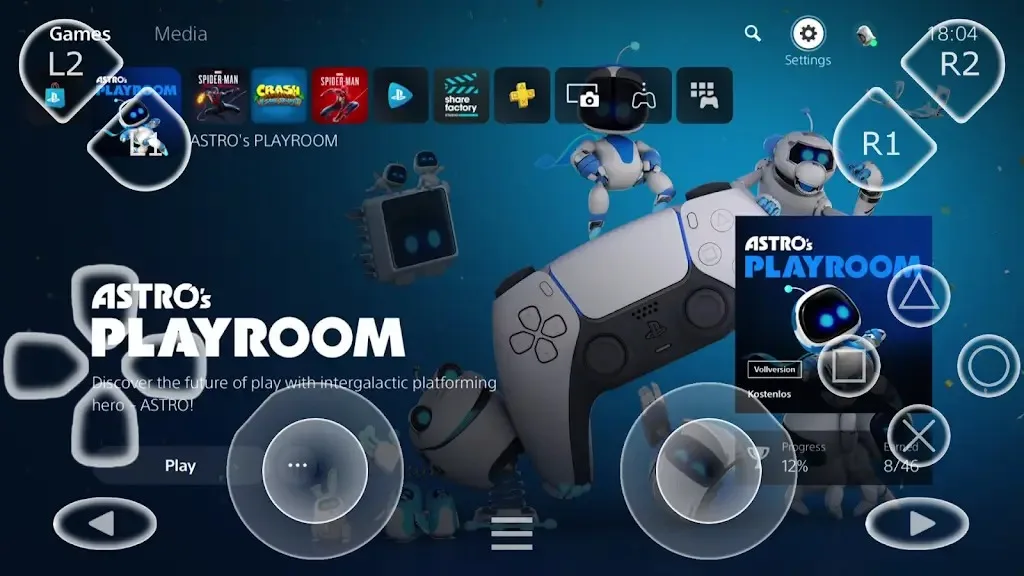
PSPlay: Remote Play is a third-party controller that allows users to remotely play various PC games on their mobile devices. Users can freely adjust the button positions and their corresponding actions through the software, resulting in a better gaming experience. Users can create different profiles for different games to meet their diverse gaming needs. The software also supports recording and screenshotting, saving exciting moments from the game to the device for easy review and sharing. The software boasts excellent compatibility, installing and running on various Android devices and TVs, allowing users to start intense and exciting games anytime, anywhere.
Click to load YouTube / 点击加载视频
YouTube ↗Features:
Play PS5 and PS4 games away from the TV: PSPlay: Remote Play lets you stream games from a PlayStation console to an Android device, so you do not need to stay in front of the TV. You can use it at home on the same network, and with the right remote access setup, you can also play while away from home. This makes the app useful when another person is using the screen or when you prefer a smaller device.
Responsive remote play streaming: PSPlay: Remote Play is designed for low latency streaming, which means it tries to keep controller input and on screen action close together. The actual result depends on your console connection, router, Android device, and mobile or home network quality. For the best experience, users should expect to adjust network settings if remote play feels delayed or unstable.
Sharper image options for larger screens: PSPlay: Remote Play includes FSR upscaling and sharpening options that can help improve the look of streamed games. This is especially useful on tablets, Android TV, and other larger screens where a soft image is easier to notice. These settings do not change the original game, but they can make remote video output clearer during play.
Flexible controller support: You can use third party Bluetooth controllers with PSPlay: Remote Play, and the app also supports button mapping for different play styles. If a controller layout does not match what you need, you can adjust inputs instead of relying only on a default setup. This is one reason many users compare PSPlay with the official PS Remote Play app when looking for broader controller options.
Highlights:
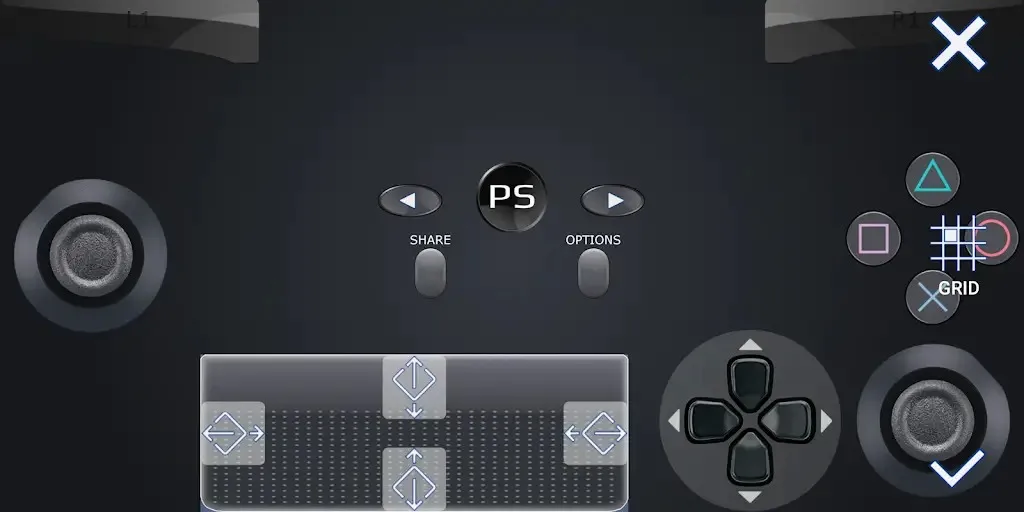
Customize on-screen layout and button mapping: We can also edit the buttons on our mobile phone to make them most familiar to us.
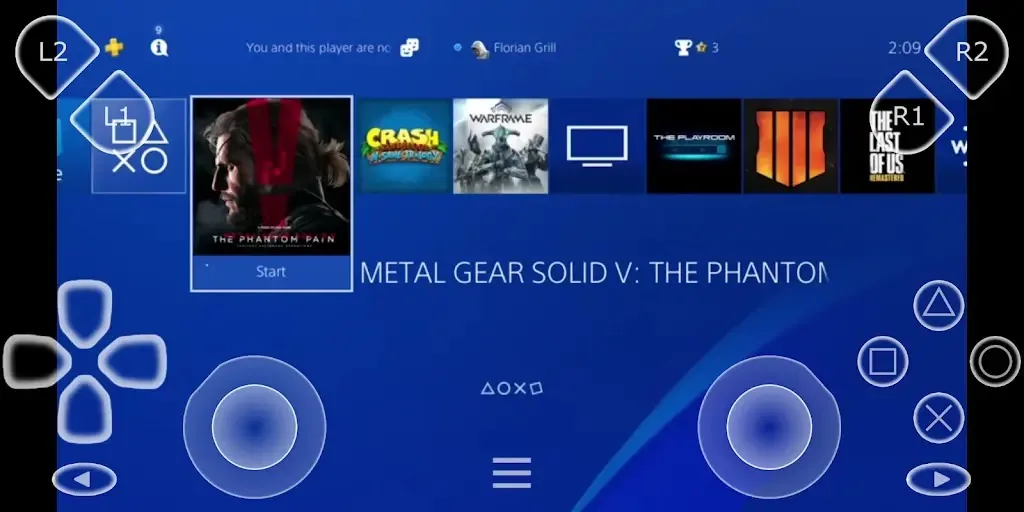
Register multiple PS4/PS5 profiles: Quickly switch between multiple PlayStation profiles.
Support for older PS firmware versions: For older versions of PS, the app still cannot connect due to the lack of barriers.
Works on all Android devices: Use on phones, tablets, and Android TV devices
Picture-in-picture and multi-window mode: The app also provides features that allow us to use basic features and play games at the same time.
Supports rooting and modding Android devices: This application does not support only iOS devices but also Android devices, even though it has been modded.
Stable connection and streaming: If you are afraid that connecting too far from the device will cause many problems such as lag, but that cannot be found in this application.
User Reviews:
Instantly 1000 times better than Sony's app. Worth paying for. The Sony app constantly lagged, froze, was riddled with artifacts, and disconnected regardless of my settings, proximity to my router, and more than capable hardware. This app started strong and was near perfect with just a few minor settings tweaks. It starts the remote connection much faster, too.
after testing the app for a few days, I have no idea how a single developer could do what Sony a multi billion company couldn't even get close to. 10/10 app, great development, great performance. my only add-ons that I could think of for now are: - 2 fingers pinch on the screen to switch between zoomed and normal video aspect ratio. - being able to map 2 buttons to do the same thing - allow me to change the settings without disconnecting the stream.
Beats the official app! Set up in under 5 mins, connected to my PS5, and played on mobile data. Zero router tweaking needed. Need to test the impact on phone battery life over time, but so far so good!
Wow! I love the new layout. I used to give it a two-star rating because of port forwarding issues, but I learned how to master the configuration steps and now it's just a breeze of fresh air. flawless connectivity. I love how user-friendly you have made it and the UI now is less congested than it was before.
Flawless. Took me a little while to understand how to configure, it could be easier for us ones who aren't so familiar with the technical terms. But after it's correctly working, it's way way better than the original app. thanks!
FAQs:
Router not found. Error: 0x15: This means that either UPnP is not enabled on your router or that the UPnP implementation of your router is not compatible with PSPlay. You have to check if your router supports UPnP and if this feature is enabled. If it is enabled and it is still not working you have to configure your router manually. All information for a manual configuration can be found here.
An error occurred. Error: 0x00: An unexpected error occurred while PSPlay was configuring your router. Be sure you are connected to the same WiFi network than your console. Your router might not fully support UPnP or is blocking the configuration attempt because of security reasons. You might need to configure your router manually. All information for a manual configuration can be found here.
Could not automatically configure router. Error: 0x16: Your router does not allow an automatic configuration because of security reasons. You have to configure your router manually. All information for a manual configuration can be found here.
An unknown error occurred. Error: 0x17: An unknown error occurred while configuring your router. Your router may not fully support UPnP or the UPnP version of your router is not compatible with PSPlay. You have to configure your router manually. All information for a manual configuration can be found here.
Router partially configured. Warning: 0x05: Not all port forwarding rules could be configured correctly. Some routers do not allow to automatically configure port forwarding rules for ports smaller than 1024 and console requires that port 987 must be forwarded in order to wakeup your console from sleep. You can probably play remotely but you will not be able to wake up your console while you are not at home if you haven't registered PSPlay with your console by using the login. It is strongly recommended to configure your router manually and add the missing port forwarding rule. All information for a manual configuration can be found here.
Summary:
PXPlay: Remote Play enables seamless remote control of gaming devices, allowing users to enjoy their favorite games from anywhere. Optimized for low-latency streaming, it supports third-party controllers, mobile data, and Android TV devices. Key features include customizable gamepad layouts, multi-window support, and the ability to register multiple profiles.








