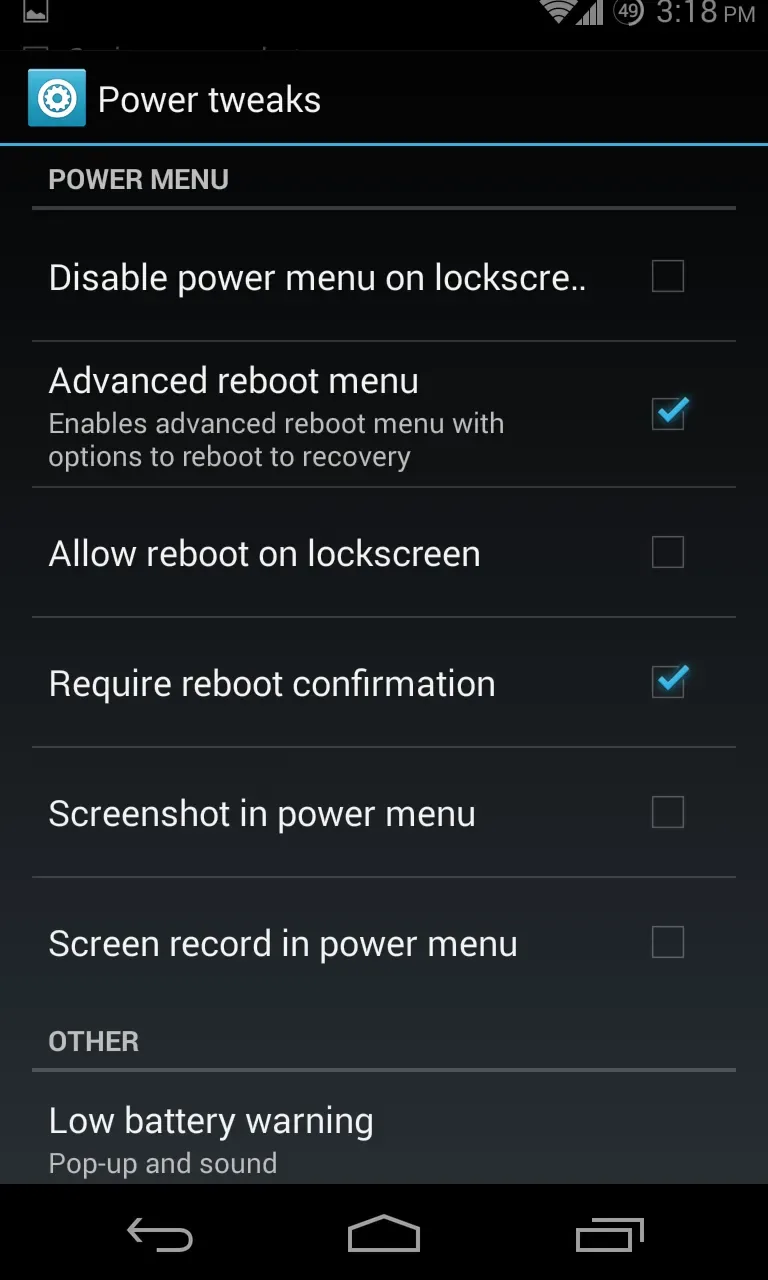
GravityBox is a mobile utility that allows users to customize their phone's interface and settings. You can easily modify the status bar, navigation bar, and display layout—adjusting their position, color, and size—as well as configure screen brightness, auto-rotation, and the lock screen to suit your preferences for a more comfortable user experience. The app also features screen recording and radio functions, enabling you to capture meeting footage or exciting gaming moments and easily share them with friends to garner likes.
Click to load YouTube / 点击加载视频
YouTube ↗Features of GravityBox:
Changing the functionality given to the hardware buttons of the Android terminal.
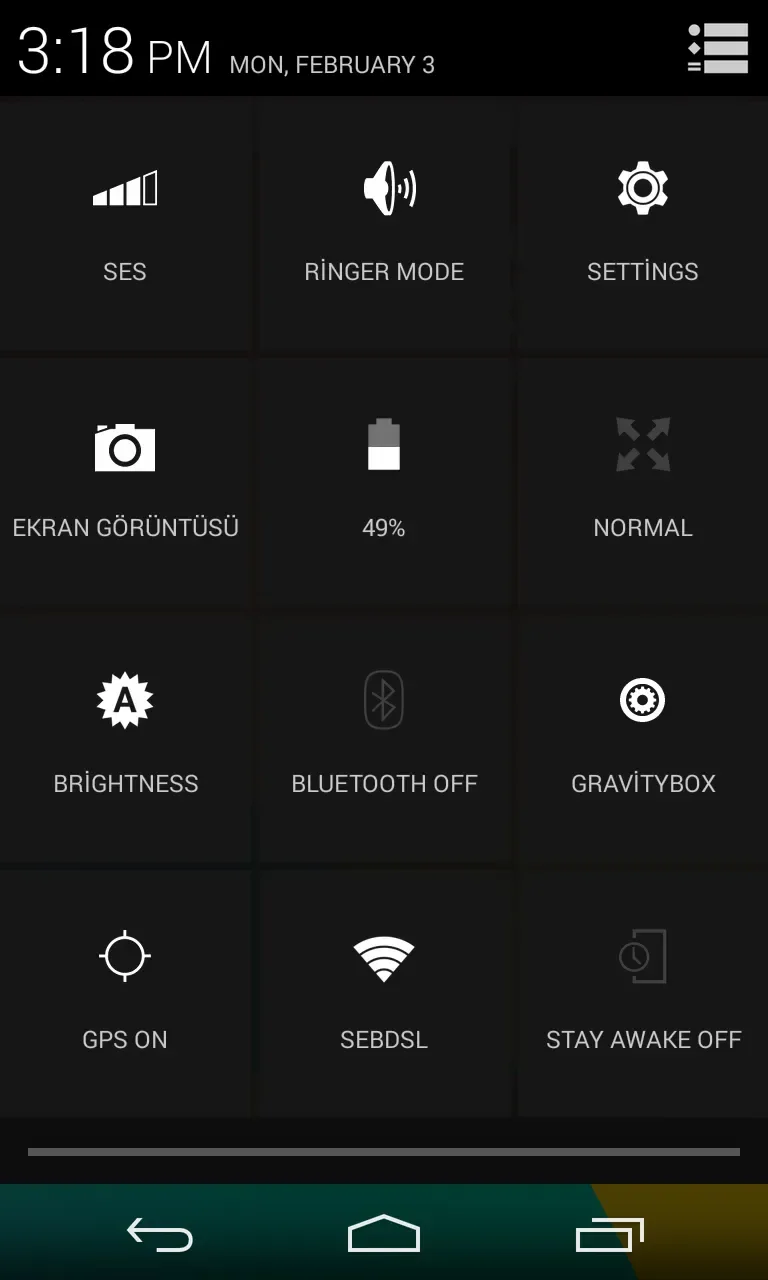
Modify the appearance of the status bar and the options that are seen.
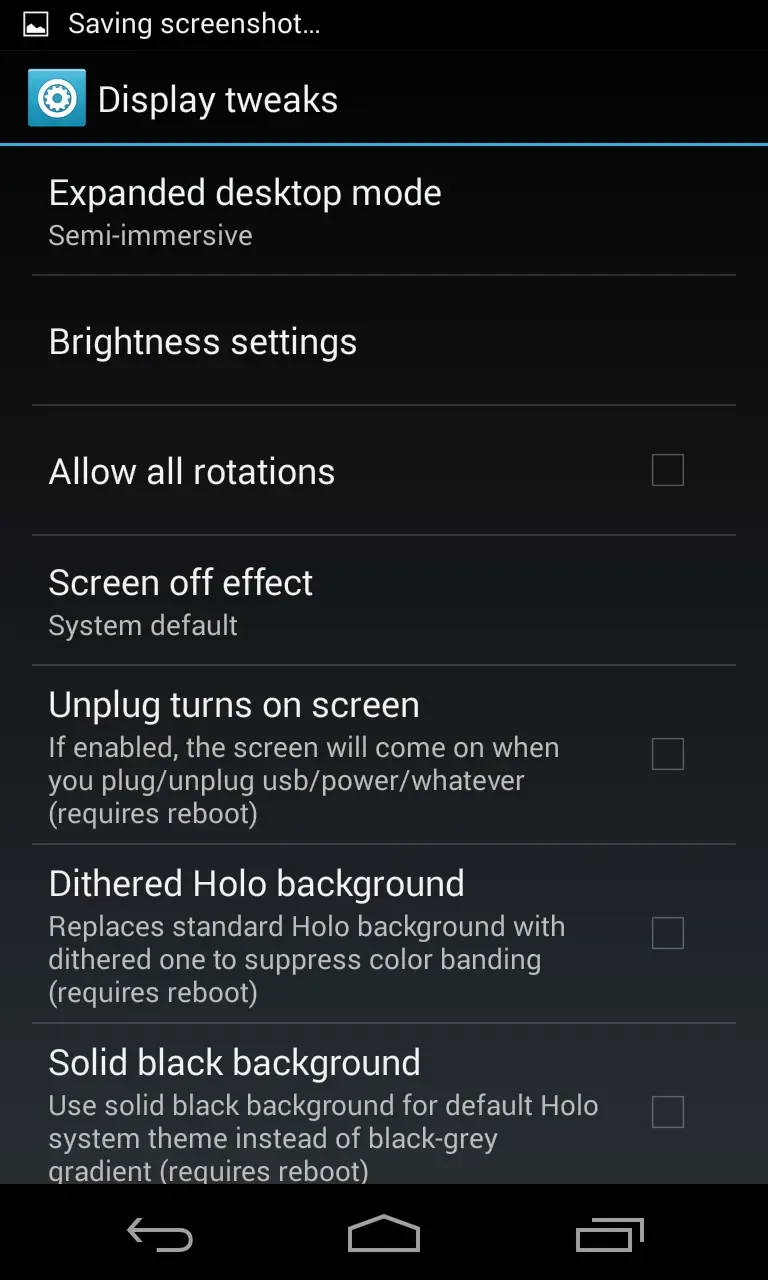
Change the brightness that can be shown on the screen of the phone or tablet (this is positive especially the minimum, to save battery).
Direct applications are assigned to the touch buttons of the devices.
Manage the use of the terminal's RAM knowing the consumption made by the apps of this.
Modify the lock screen.
Screen rotation even when the desktop is displayed.
Notices of GravityBox:
- Those who supported development via PayPal donation can use their PayPal transaction ID to unlock premium features.Currently there are two premium features: 1) Backup/restore of GB settings.
- If you contributed to the project by providing translations, code fragments, or by any other way you can apply for a free transaction ID by contacting me via PM.
- Be aware that there's a system that can identify potential transaction ID
abuse. E.g. when one ID is being used by more users. Such IDs will get blocked automatically.
This can also happen when you previously exposed your ID in public forum and other users took.
advantage of it. If this is the case, contact me via PM so I can issue new, special ID.
In case you own more devices, you can use one transaction ID on up to 10 of them.
- If you are using your own custom builds of GB for personal use, you will get hash mismatch upon verifying your ID as verification system accepts requests only from official releases of GB.
If you want to be able to verify IDs with your custom build, contact me via PM so I can setup a special hash for your build.
If you are using a custom build that you provide for broader group of users (e.g. in a custom ROM),
it is necessary to ask for new hash everytime your new custom version is released for public use.
These rules are based on mutual trust so please, do not violate them.
Changelog:
Download Progress Bar implemented extensions from SBDP module
added option for progress bar animation
added option for centered progress bar
added option for progress bar thickness
added option for edge margin
added support for multiple concurrent progress bar notifications
keeps track of all available progress bar notifications and switches between them
added support for clearable notifications containing progress bar
added logic for auto-hiding progress of idle notifications
added option for sound notification
added option for playing sound only when screen is off
Made screenshot faster by introducing dynamic context-aware delay
Adjusted for compatibility with the latest GravityBox Unlocker v1.4.3
improved reliability of license validation
!!! won't work with older versions of the Unlocker !!!
Updated Chinese (Simplified) translations (thanks to liveasx)
Updated Hungarian translations (thanks to benjoe1)