

"Volume in Notification" is a volume control tool for Android devices that allows users to quickly adjust volume levels directly from the notification area. It offers customization options for the notification panel, including adjustable background and icon colors, and supports toggling between different ringer modes. Usage is simple: just swipe down from the status bar to open the panel and make adjustments. Users can configure the buttons within the app, ensuring easy access to various volume controls. Additionally, the app is lightweight and compact.
Function
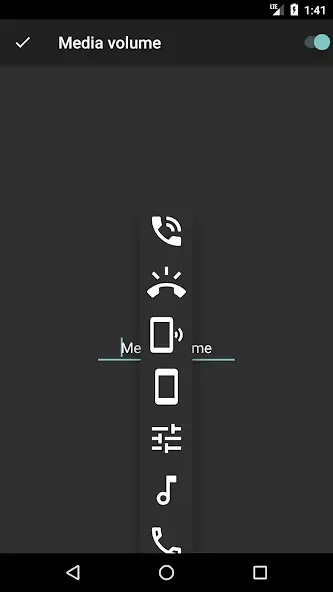
Quickly control volumes from notification bar
Change back color and icon color for notification toggles
Add/remove notification toggles
Ringer mode notification toggle
Widget on your home-screen
No nasty permissions
How to Use
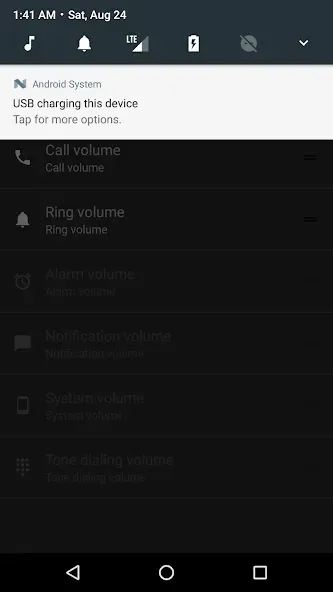
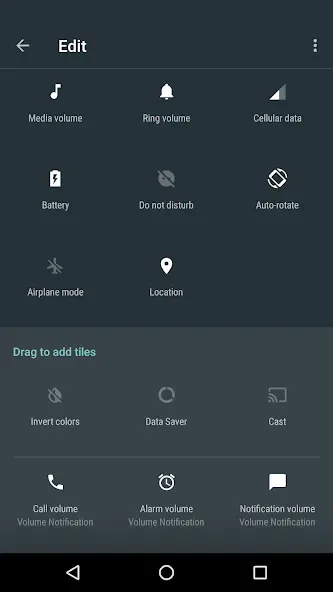
Pull the drawer from the top bar on your phone.
Press the pencil in the corner.
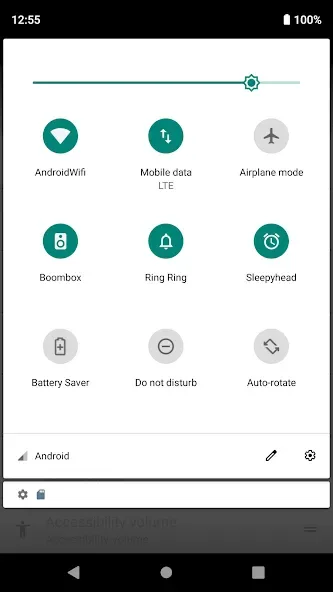
Drag the new Volume Tile buttons up to enable them.
Configure the buttons in the app.
Advantages and disadvantages
Pros
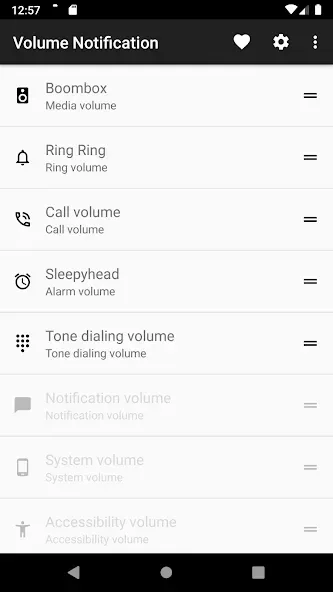
Customizable volume controls in the notification shade
Optional Quick Settings tiles for different system volumes
Open source and requires no special permissions
Reportedly free of ads and in-app purchases
Cons
No floating widget for one-tap media muting
Cannot separate ringtone and notification volume on devices that combine them
User comments
Great app! It is lightweight, open source, and doesn't require Accessibility permission. I have one feature request: Safe Hearing Volume Limiter. Please add an option to set a maximum media volume (for example 60%, 70%, or 80%) so the volume cannot exceed the chosen limit. Thank you for your work.
Love it. Thank You Dev. I love everything it does. It is simple and very light. Only one thing I think is missing is: A Floating Widget A floating widget which can just on and off media volume with just a click. If you can implement this, please do so. I wouldn't mind paying for it. So, maybe a pro version of this app? I am thinking about learning programming just to solve this one issue I have. Please implement this.
Would highly recommend. Regardless of it's 4.0 store rating, it actually is significantly better and more accessible than even some of the apps you have to pay for in order to access these functions. I lost my ability to change the volume physically on my phone just last night, and this definitely is helping me more than any other of the five apps I've downloaded this morning to help me with this. Simple. No ads. Thank you so much!
Summarize
By offering a range of volume controls at their fingertips, the app empowers users to tailor their audio experience to their environment and personal preferences. The combination of customization options, minimal permissions, and easy access to features makes Volume in Notification a valuable addition to any Android device.








