

Screen Stream Mirroring is a screen mirroring application that allows you to record exciting in-game moments or important meeting remarks for easy review and direct sharing with friends. Naturally, its primary function is screen sharing; thanks to its robust compatibility, users can cast their mobile device screens to platforms such as PCs and TVs, enjoying a high-definition, large-screen experience. The app also enables users to share links while recording, allowing others to join the session and provide feedback, thereby boosting productivity.
Features of Screen Stream Mirroring:
Broadcasting and recording, not just casting: Beyond local mirroring, the app also supports live broadcasting to services such as Twitch, YouTube Gaming, Facebook Live, and Ustream. If you prefer keeping a copy, it can record your screen to video files, and it includes options like a recording timer and a setting to stop when the lock screen is triggered.
Overlays, drawing tools, and stream-focused extras: Screen Stream Mirroring Free includes features that lean into demos and creator workflows, such as screen drawing while mirroring. It also offers a camera overlay while you stream, plus image overlays and web overlays on supported Android versions. For Twitch streaming, there is a chat preview, which helps keep key context visible while broadcasting.
Audio, tuning controls, and multi-connection capability: Audio options include microphone streaming, and internal audio streaming on supported rooted devices, with an option to mix internal audio and microphone audio. The app also provides many settings intended to optimize performance, including controls that can affect resolution, frame rate, and format. When sharing in a group setting, it can accept multiple simultaneous connections, and it also supports securing an RTSP stream with a username and password.
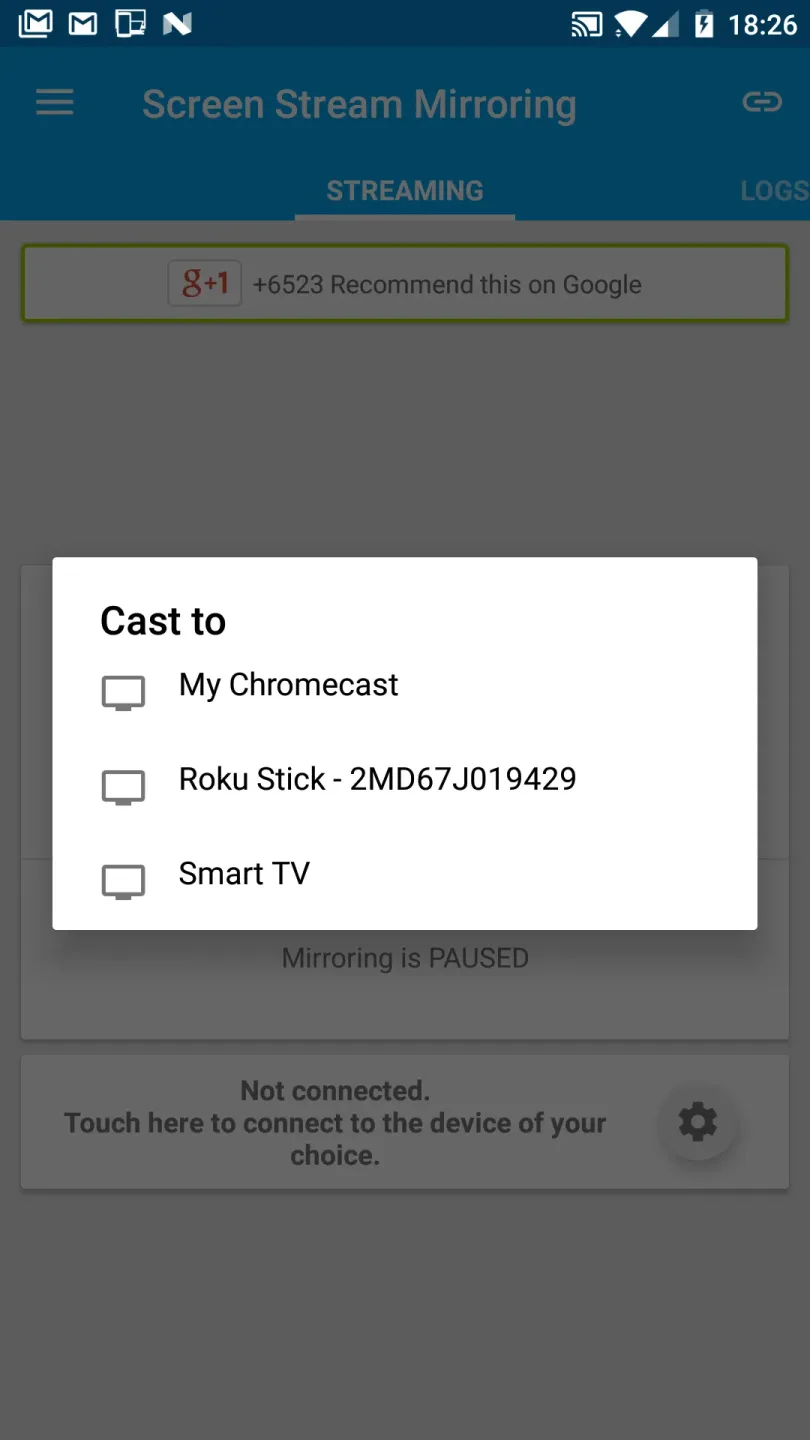
Many ways to mirror, depending on what you are watching on: What stands out is how many targets the app supports. You can mirror to web browsers, stream to media players and related tools (including VLC and OBS), and cast to compatible TV devices through UPnP or DLNA, with support for Google Cast Ready devices. That variety makes the app feel less tied to one ecosystem, and more like a toolkit for different home and desktop setups.
Strengths of Screen Stream Mirroring:
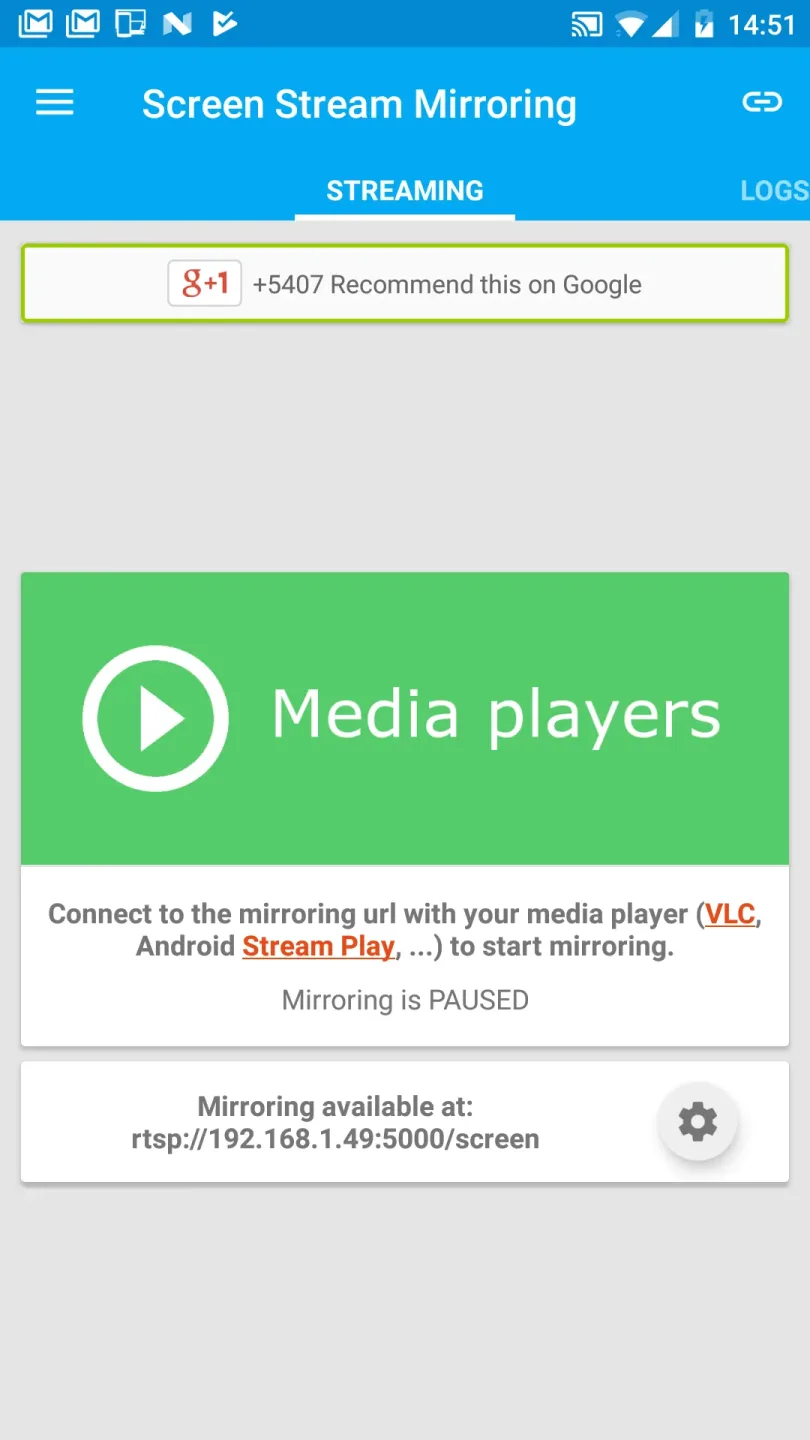
Mirroring, screen sharing with media players and tools such as VLC, XBMC/KODI, OBS (Open Broadcaster Software), and others...
Mirroring, screen sharing with web browsers
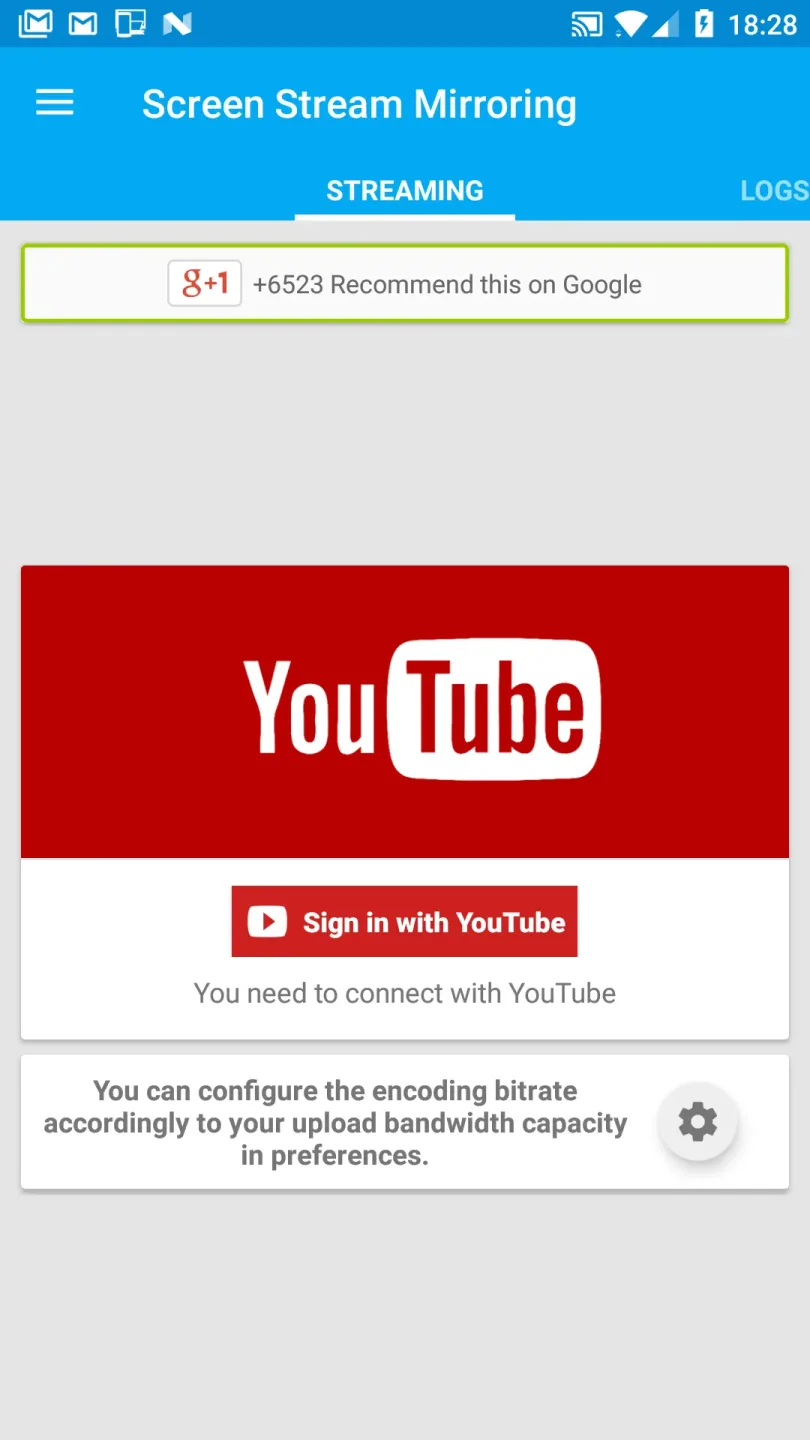
Broadcasting to Twitch, Youtube (Youtube Gaming), Facebook Live, Ustream, and others...
Mirroring, screen sharing with UPnP / DLNA video players such as XBMC/KODI
Mirroring, screen sharing with UPnP / DLNA devices such as Smart TV, Blu Ray players, and others compatible devices
Google Cast™ Ready (Chromecast)
Streaming timer and stop when lock screen
Camera overlay widget while you stream
Image overlays and web overlays (Android 5+)
Twitch chat preview while you broadcast
internal audio and microphone audio streaming
Mixed (internal + microphone) audio streaming
Screen drawing while mirroring (perfect for demoing)
Compatible with Network Tethering (wifi, bluetooth, USB)
FAQs of Screen Stream Mirroring:
What devices are compatible with Screen Stream Mirroring?
It works with various Android devices, smart TVs, Chromecast, and devices that support DLNA.
Is there a free version of Screen Stream Mirroring?
Yes, there is a free version available with limited features, while the pro version offers full functionality.
Can I record the screen using Screen Stream Mirroring?
Yes, the app allows you to record your screen while mirroring.
Does Screen Stream Mirroring require root access?
No, it can work without root access, though certain features may be limited on non-rooted devices.
How do I set up Screen Stream Mirroring?
Download and install the app from the Google Play Store, grant permissions, choose your streaming method, and start mirroring.
What streaming options are available with Screen Stream Mirroring?
You can stream to Wi-Fi Direct-enabled devices, DLNA receivers, Chromecast, or through RTMP to broadcast online.
Final Verdict:
Thanks to its floating menu, it is also very easy to use. If you want to share your terminal screen with another device, make presentations on the big screen, broadcast audio and video or receive remote assistance, this is just the app you need.








