

Android Accessibility Suite is a powerful set of accessibility tools designed to make using Android devices easier. It offers a comprehensive suite of features, allowing users to navigate their devices via gestures, have on-screen content read aloud, and input text using the screen or a braille keyboard. With Android Accessibility Suite, users can also perform tasks such as locking the phone, adjusting volume and brightness, or taking screenshots. Furthermore, you can explore the various settings within the suite to customize the experience according to your personal preferences and specific accessibility needs.
Click to load YouTube / 点击加载视频
YouTube ↗Highlights:
Android Accessibility Menu is one of the primary functions offered in this suite. It provides a large, on-screen menu that enables users to perform various tasks without needing to interact directly with the device’s buttons. This menu includes options to lock the phone, control settings such as volume and brightness, take screenshots, and access other essential features quickly and efficiently.
Select to Speak is another key feature within the Android Accessibility Suite. This tool allows users to select specific items on their screen and have them read aloud. This can be particularly useful for individuals who may have difficulty reading text or understanding visual information. By simply tapping on the desired text or item, users receive audible feedback that can assist in navigating applications, reading messages, or comprehending content on their devices.
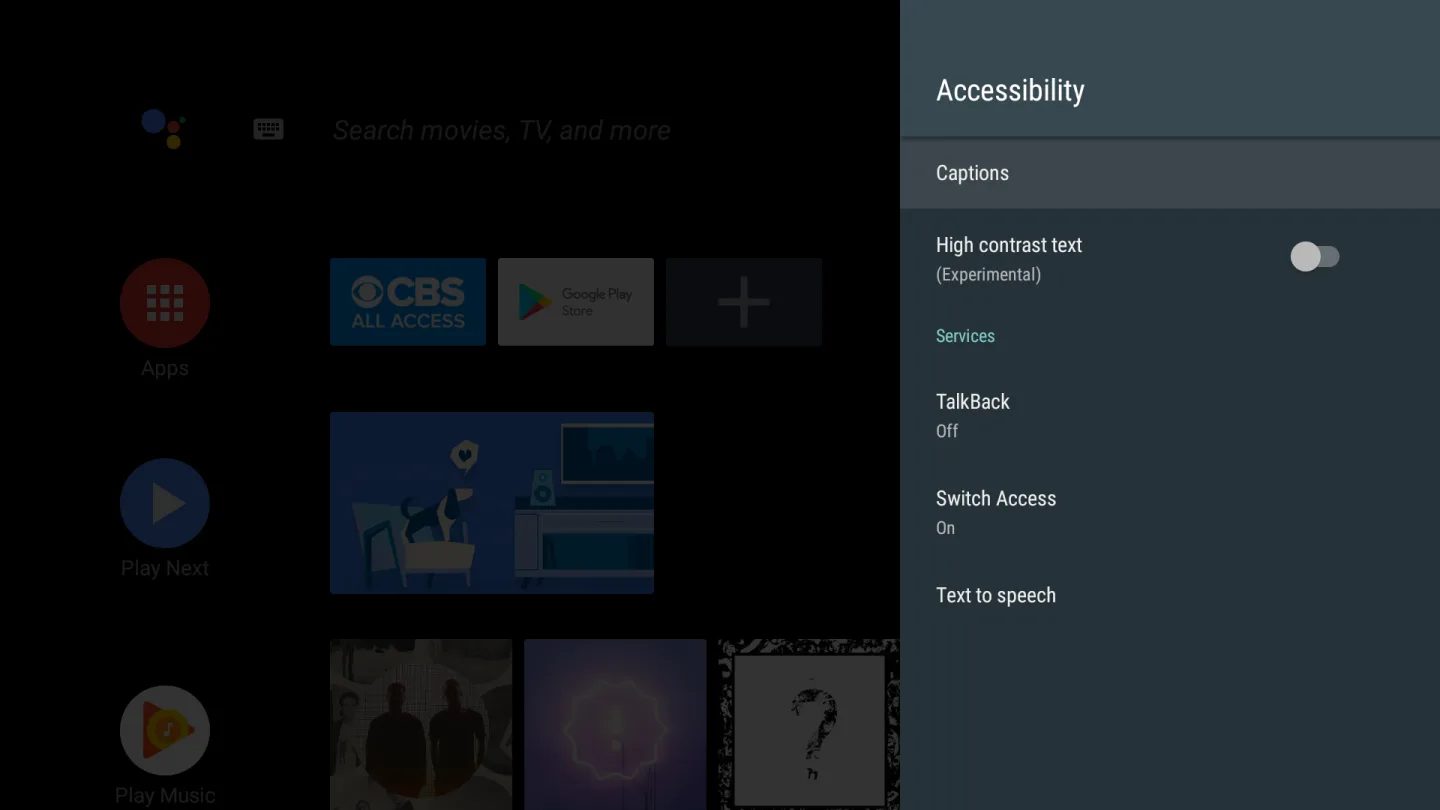
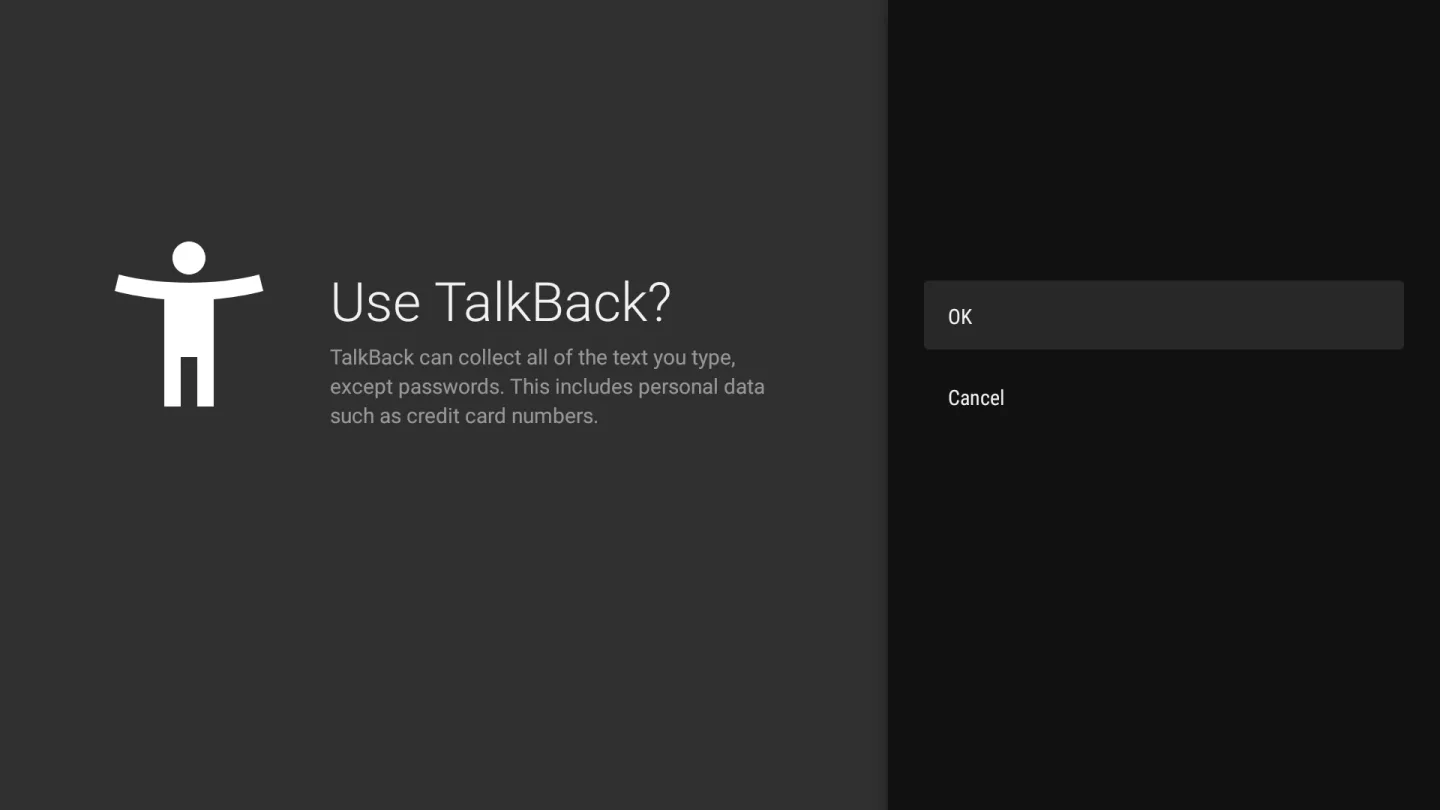
The TalkBack screen reader is a standout feature of the suite, providing comprehensive spoken feedback for various actions on the device. It allows users to control their device using gestures, making it easier to navigate through apps, settings, and other functionalities without relying on visual cues. TalkBack also includes an on-screen braille keyboard, enabling users who are familiar with braille to type and interact with their devices more effectively.
Features:
Use a screen reader
TalkBack: To interact with your device using touch and spoken feedback, you can turn on the TalkBack screen reader. TalkBack describes your actions and tells you about alerts and notifications.
TalkBack braille keyboard: You can use the TalkBack braille keyboard to enter 6-dot braille on your screen. Only Unified English Braille is currently supported.
Select to Speak: If you want spoken feedback only at certain times, you can turn on Select to Speak. Select items on your screen to hear them read or described aloud, or point the camera at something in the real world.
Change your display
Display size and font size: To change the size of items on your screen, adjust the display size or font size.
Magnification: To temporarily zoom or magnify your screen, use magnification.
Contrast and color options: To adjust contrast or colors, use high-contrast text, dark theme, color inversion, or color correction.
Interaction controls
Voice Access: Voice Access lets you control your device with spoken commands. Use your voice to open apps, navigate, and edit text hands-free.
Switch Access: Switch Access lets you interact with your Android device using one or more switches instead of the touchscreen. You can use a switch or keyboard to control your device.
Time to take action (Accessibility timeout): You can choose how long to show messages that ask you to take action, but are visible only temporarily.
Pros & Cons:
Pros
Includes instructions on how to set up each function
Allows you to enable gesture controls and spoken feedback
Features a Braille keyboard and an always-on-screen accessibility menu
Cons
Select to Speak has issues stopping after reading the selected text
Changelog:
More ways to customize your braille display
A more reliable keyboard experience
More reading control hints when navigating with a physical keyboard
Conclusion:
Download the Android Accessibility Suite APK if you have visual or hearing difficulties, as this app will allow you to minimize some of the constant inconveniences associated with using your devices. The app, which is constantly being developed and adds new features year after year, also takes up very little space in the device's memory and integrates seamlessly with the operating system.








