

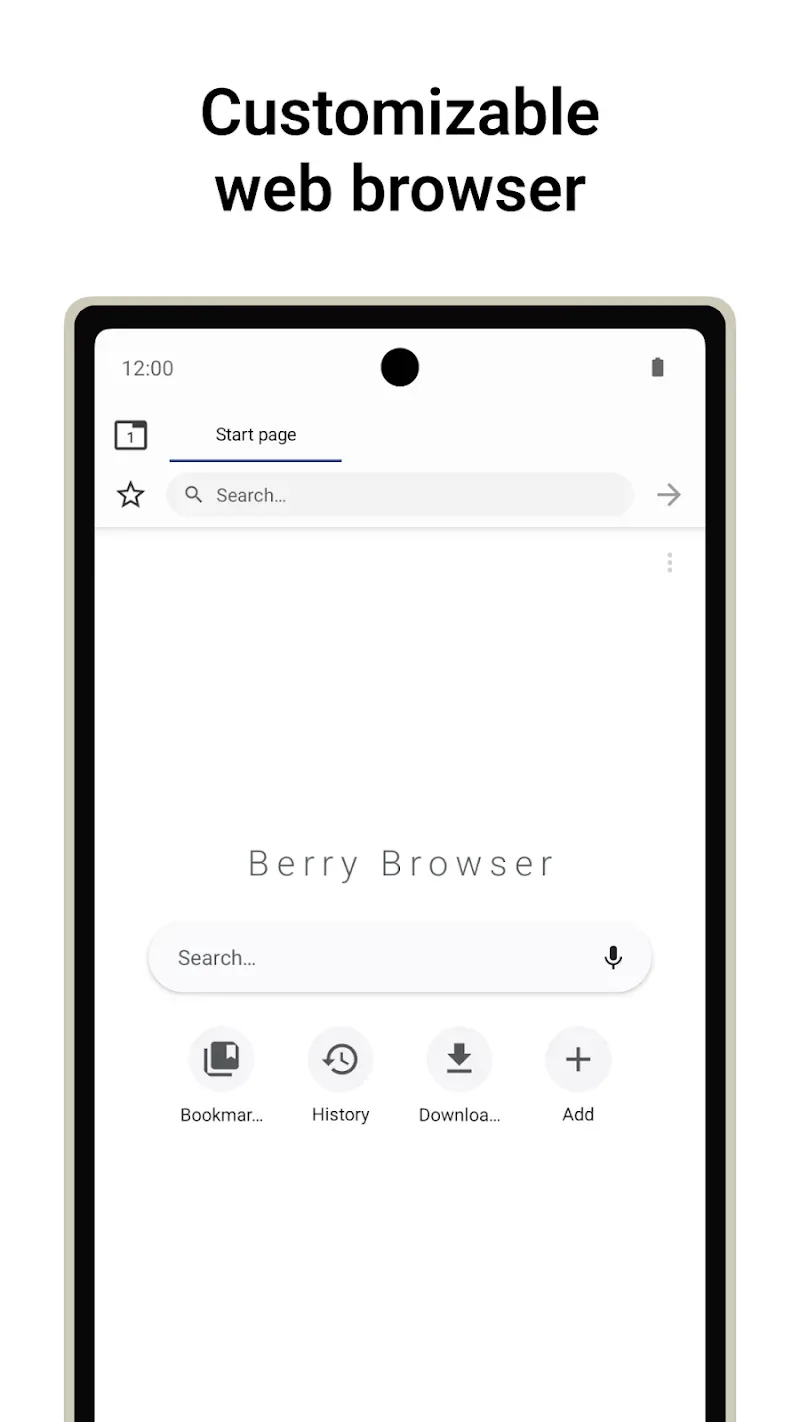
Berry Browser is a full-featured mobile browser. It offers a variety of visually comfortable themes and powerful ad-blocking capabilities, allowing users to eliminate annoying pop-ups and enjoy a seamless browsing experience. With Berry Browser, users can browse various web pages and choose their favorite themes to create a personalized browsing experience. Additionally, the app offers a toolbar customization feature, allowing you to add frequently used functions to the toolbar for quick access.
Highlights:
One of the most significant features of Berry Browser is its ad-blocking capability. You can use custom filters to block requests and elements, which ultimately enhances the browsing speed. Additionally, the browser offers a dark mode, which transforms the website content into a darker color scheme, providing a better viewing experience in low light.
Berry Browser also offers privacy protection by allowing you to manage your private data to prevent tracking. You can easily clear your browsing history, cache, and cookies with just a few taps. The toolbar is customizable, and you can assign frequently used actions to toolbar buttons for quick access.
The browser also offers backup and restore options, allowing you to back up your settings and bookmarks to a file and share them between devices. Other built-in features such as gestures and quick controls make browsing more accessible and enjoyable.
Features:
User interface
Customize every aspect of your toolbar's display, position, and appearance.
You can also change the display of the status bar and navigation bar to make better use of the screen.
Actions
Any browser operations can be used as "actions", such as "back/forward", "open/close tabs", and "open menu".
Actions can be registered to toolbar buttons and gestures.
Content blocker
Block ads and tracking with a high-performance content blocker.
You can add custom filters and domain rules.
Privacy protection
Manage location permissions, JavaScript, etc. for each site.
Start page
You can tap on your favorite sites and apps directly from the start page.
Dark mode
Automatically display websites in dark mode depending on your app or device theme.
Backup and restore
Back up your settings and bookmarks to a file and share them across devices.
Pros & Cons:
Pros
Extensive toolbar, status bar, and navigation bar customization
Browser actions can be assigned to buttons and gestures
Custom blocker filters and domain-specific rules
Per-site controls for location and JavaScript
File backup for settings and bookmarks
Cons
The many configuration options can demand substantial setup
File-based transfers are less convenient than automatic syncing
FAQs:
What is Berry Browser APK and how does it work?
Berry Browser APK is a customizable web browser app designed for Android. It allows users to fully modify screen toolbars, gesture shortcuts, touch zones, and privacy controls to build a personalized web surfing environment.
Is Berry Browser APK free to use on Android?
Yes, the application is free to download and provides access to extensive user interface customization tools, gesture controls, and built-in ad-blocking options without mandatory subscription costs.
Does Berry Browser APK support ad blocking and privacy protection?
Yes, the app features built-in content blocking to stop intrusive advertisements and tracker scripts. It also lets users manage site permissions and clear browsing data automatically upon exit.
Is Berry Browser APK suitable for older or budget Android phones?
Yes, the browser features a lightweight build designed to use minimal RAM and processor resources, providing fast page rendering and smooth navigation on both high-end and older devices.
Final Words:
Access your favorite sites and apps directly from the start page for effortless navigation. Ensure your browsing settings and bookmarks are never lost with the backup and restore feature, which lets you seamlessly transfer your data across devices. Berry Browser continues to be a reliable choice for those seeking a customizable and secure web browsing app.








