
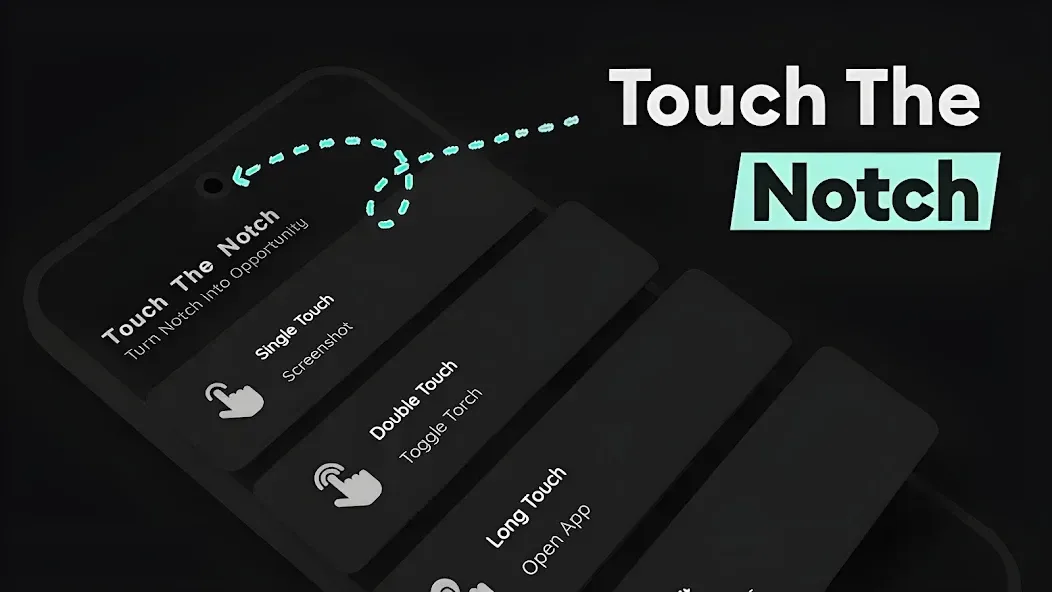
Touch The Notch is a handy shortcut tool. It allows users to trigger various functions by tapping the area around the phone's camera cutout (the "notch"). The app offers a wide range of features, such as launching applications or taking screenshots, all of which can be customized to your preference. Furthermore, the pop-up windows triggered by these shortcuts are designed not to obstruct other information on your screen. The app can also be used for emergency calls or to quickly reach important contacts, making it a powerful and versatile utility.
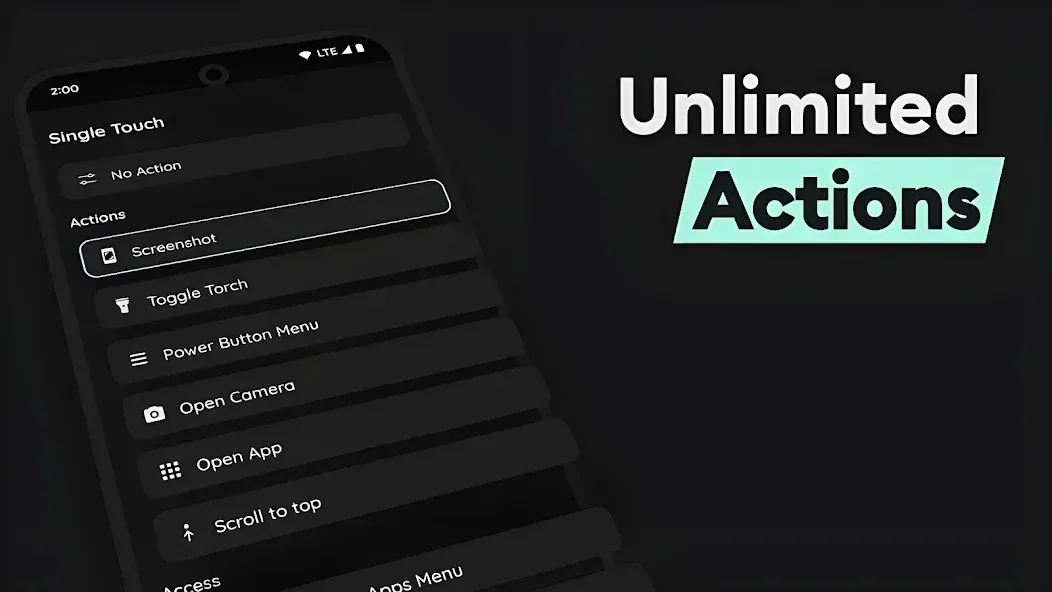
Features
Easy Shortcuts
Screenshots: Capture moments without needing to press physical buttons or use floating buttons that might block your screen content.
Camera Flash: Instantly illuminate your surroundings.
Power Menu: Easily access essential system settings.
Quick Access
App Launcher: Launch your favorite apps directly from the notch area.
Camera: Capture moments in an instant.
Selected Apps: Quickly navigate to the apps you use most often.
Recent Apps: Switch seamlessly between your recently used applications.
Enhanced Communication
Speed Dial: Call loved ones, reach emergency contacts, or execute USSD codes.
Basic Modes
Auto-rotate: Lock or unlock your screen orientation.
Do Not Disturb: Mute your phone when you need some peace and quiet.
Utilities
QR Code Reader: Easily scan for product information or other data.
Automation Triggers: Execute custom tasks using automation apps.
Favorite Websites: Access your preferred websites with a single tap.
System Controls
Brightness: Adjust screen brightness for an optimal viewing experience.
Ringer Modes: Easily toggle between silent, ring, or vibration modes.
Media Controls
Play/Pause: Control your music playback like a pro.
Next Track: Skip to the next song or audio track.
Previous Track: Rewind or go back to the previous track.
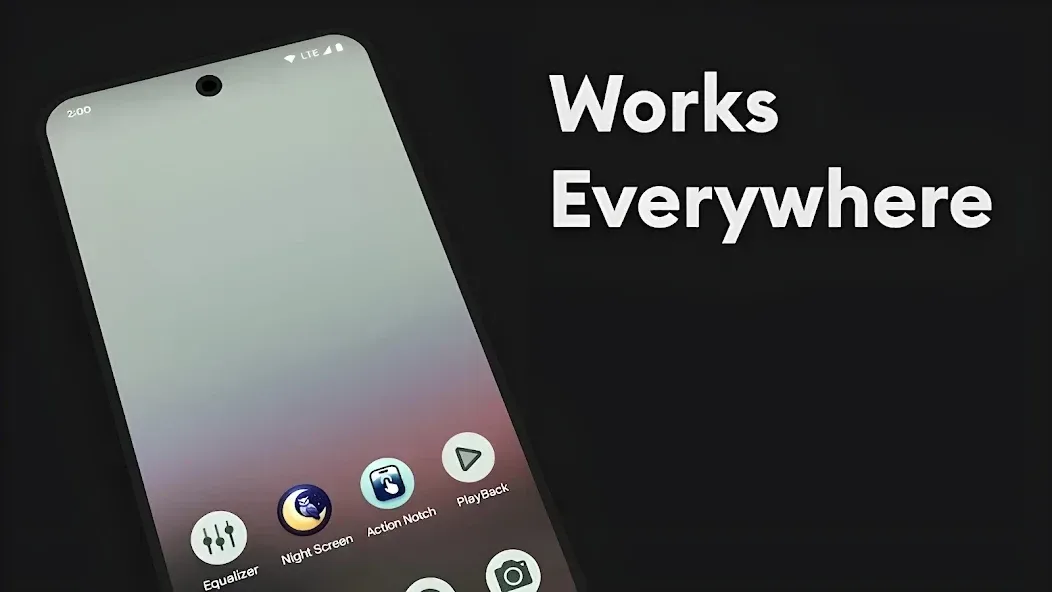
Pros and Cons
Pros:
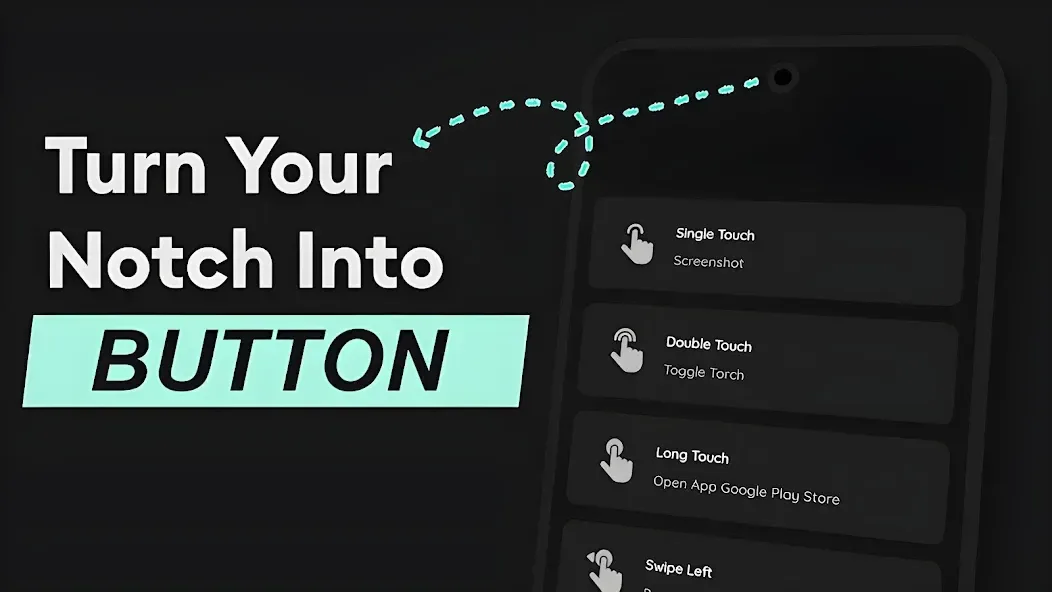
Supports distinct actions for tapping, long-pressing, double-tapping, and swiping.
Invisible controls ensure they do not obstruct the content of your screenshots.
Supports system controls, app launching, media playback, QR code scanning, and automation.
Cons:
May slow down access to the notification shade.
Certain swipe gestures may not always be recognized reliably.
Changelog
New in version 2.2.3
Access a wide range of shortcuts—such as the flashlight, media controls, power menu, and screenshots—via taps or swipes.
Top-edge scroll bar.
Adjustable touch area settings.
Icon pack support for the minimized launcher.
Option to add a virtual "camera cutout" for devices that lack one.
App sorting and icon resizing for the app launcher.
Fixed display issues in landscape mode.
Improved swipe gesture recognition.
Touch Bar: Option to apply gestures across the entire status bar.
Added a QR code reader to the toolset.
Fixed automation tasks and provided clearer instructions.
Updated user interface and dark theme.
Conclusion
Touch The Notch is a very simple tool to set up. You can assign actions—such as tapping, double-tapping, long-pressing, or swiping—and choose what appears in the minimized drawer, enabling faster, one-handed operation. If your phone features a hole-punch or notched display, this shortcut launcher transforms that space into a genuinely useful functional area.








