

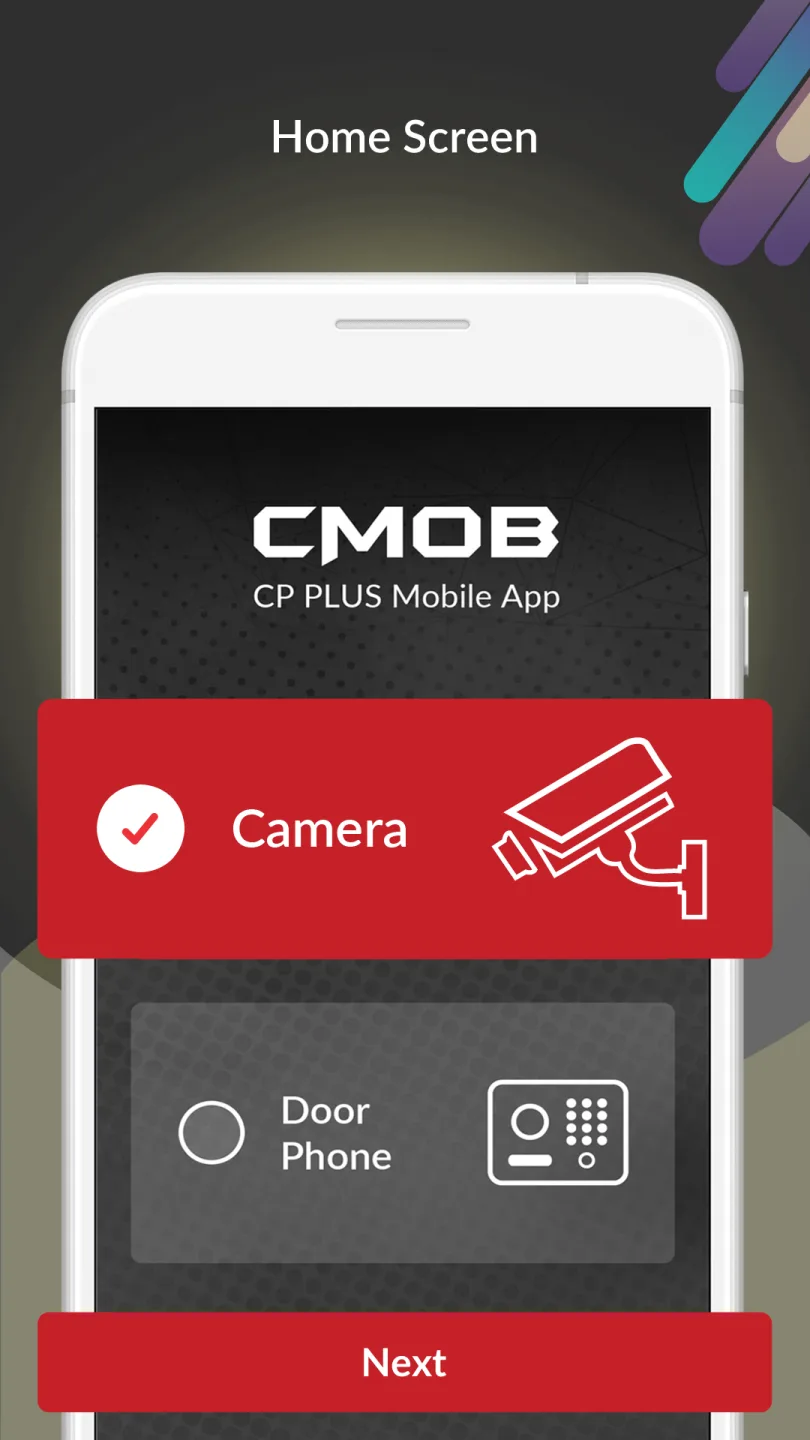
gCMOB is a powerful mobile application. This application offers free real-time monitoring capabilities, designed to monitor and control live video streams from cameras and video encoders, and is specifically designed for users who want to remotely manage their security systems. With gCMOB, you can access and manage security footage from a wide range of devices, including cameras, video recorders, and video doorbells. The app provides an expanded viewing interface, ensuring a clearer perspective when monitoring your environment remotely. Additionally, the application displays a list of connected devices, from which you can select specific channels to view.
Click to load YouTube / 点击加载视频
YouTube ↗Highlights:
Easy GUI to control
Support flexible Live Preview split up to 16.
Supports InstaOn-Instant Cloud viewing for CP Plus DVR/NVR & IP Cameras.
Support scanning QR code to add device.
Support real-time playback when live preview.
Support 4 channel Playback
Merge "Video Playback" and "Image Playback".
Support quick starting live preview via Instaon.
Supports sliding feature to view next set of cameras.
Supports digital zoom in live videos.
Support Push Video
Can control Relay outputs like switch Close/Open Doors.
Switch to Main or Extra/Sub Stream in one click.
Supports Two Way Talk.
Create, Edit and View your Favorite cameras.
Features:
The user interface of gCMOB is designed to be straightforward, enabling users to control their devices with ease. The app supports live preview split displays, allowing for a flexible arrangement of up to 16 video feeds on the screen simultaneously. This feature is particularly beneficial for those who need to monitor multiple locations at once, providing a cohesive view of various camera feeds in real time.
For users of CP Plus DVR/NVR and IP cameras, gCMOB offers InstaOn, which facilitates instant cloud viewing. This capability ensures that users can quickly access their video streams without lengthy loading times. Additionally, the app supports the scanning of QR codes to add devices, simplifying the setup process for new cameras and encoders.
Real-time playback is another significant feature of gCMOB. Users can review footage while simultaneously watching live feeds, which is essential for identifying incidents as they occur. The app also permits playback from up to four channels at once, allowing users to analyze multiple recordings efficiently.
The quick starting live preview via InstaOn enhances user experience by minimizing the time required to access camera views. Users can also navigate through their camera feeds easily with a sliding feature that lets them view the next set of cameras without interruption. Digital zoom functionality is integrated into the live video display, enabling users to focus on specific details within the video streams.
Pros & Cons:
Pros
Access your surveillance on mobile
Customize the layout of your channels
Communicate using two-way microphone
Compatible with Android emulators
Cons
Limited visibility
Limited access to sharp footage
Changelog:
Introduced WhatsApp chatbot integration
Implemented a strong password policy for device password modification
Optimized device loading performance in Live View
Final Words:
Overall, gCMOB is a useful application to have when you have security cameras installed in your home or enterprise. You will keep an eye on your property at any time and from anywhere using your mobile. Of course, you have a limited view of surveillance footage from your mobile phone so it’s worth trying this program with an emulator.








