Solitaire.IO is a popular collection of card games, featuring many classic titles such as Klondike, Golf Solitaire, and Pyramid Solitaire. Games can be started with a simple click, eliminating the need to play against other players or download additional software. The game includes detailed tutorials to help players easily grasp the game's essence. Furthermore, the game is continuously updated with more classic card games to ensure players always have a fun and fresh gaming experience.
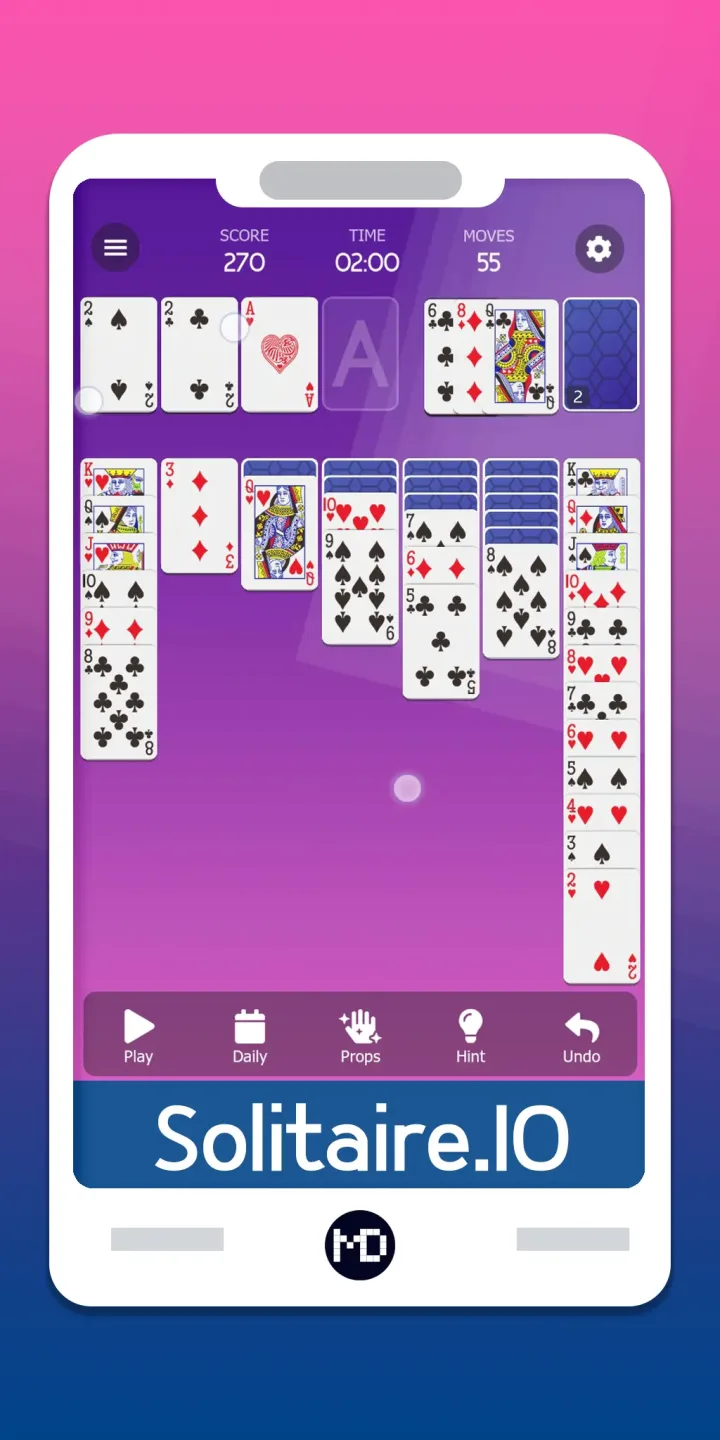
Allowed moves of Solitaire.IO:
Flip cards from the Stock onto the Waste: You can flip either 1 or 3 cards from the Stock onto the Waste. The number can be configured in Options.
Move a card from the Waste onto the Foundations: If the top card of the Waste can go onto one of the Foundations then you can drag it there.
Move a card from the Waste onto the Tableau: You can move the top card of the Waste onto one of the Tableau piles.
Move a card from a Foundation back onto the Tableau: You can move the top card of a Foundation back onto the Tableau. This isn't allowed in all Solitaire versions, but we allow it here :)
Move one or more cards from one Tableau pile to another: You can move a face up card on the Tableau onto another Tableau pile, if that pile's top card is one higher than the moved card and in a different color. For example, you could move a red 6 onto a black 7. Or, if you have red 6, black 5, red 4 face up on one tableau, you can move all of them at the same time onto a Tableau with a black 7. If you have an empty Tableau pile then you can only place a king there.
You can flip a face down Tableau card: If you have moved a face up card from a Tableau pile so now the top card is face down, then you can click the face down card and it will be flipped and shown face up.
You can move a Tableau card onto the Foundations: You can do this manually if you need to clear some space on the Tableau. You can either drag the cards onto the Foundation, or just double click it and then it will go there by itself. When all cards on the Tableau are turned up, and all cards from the stock are finished then the game will automatically move all the Tableau cards onto the Foundations, since at that point you are guaranteed to win the game.
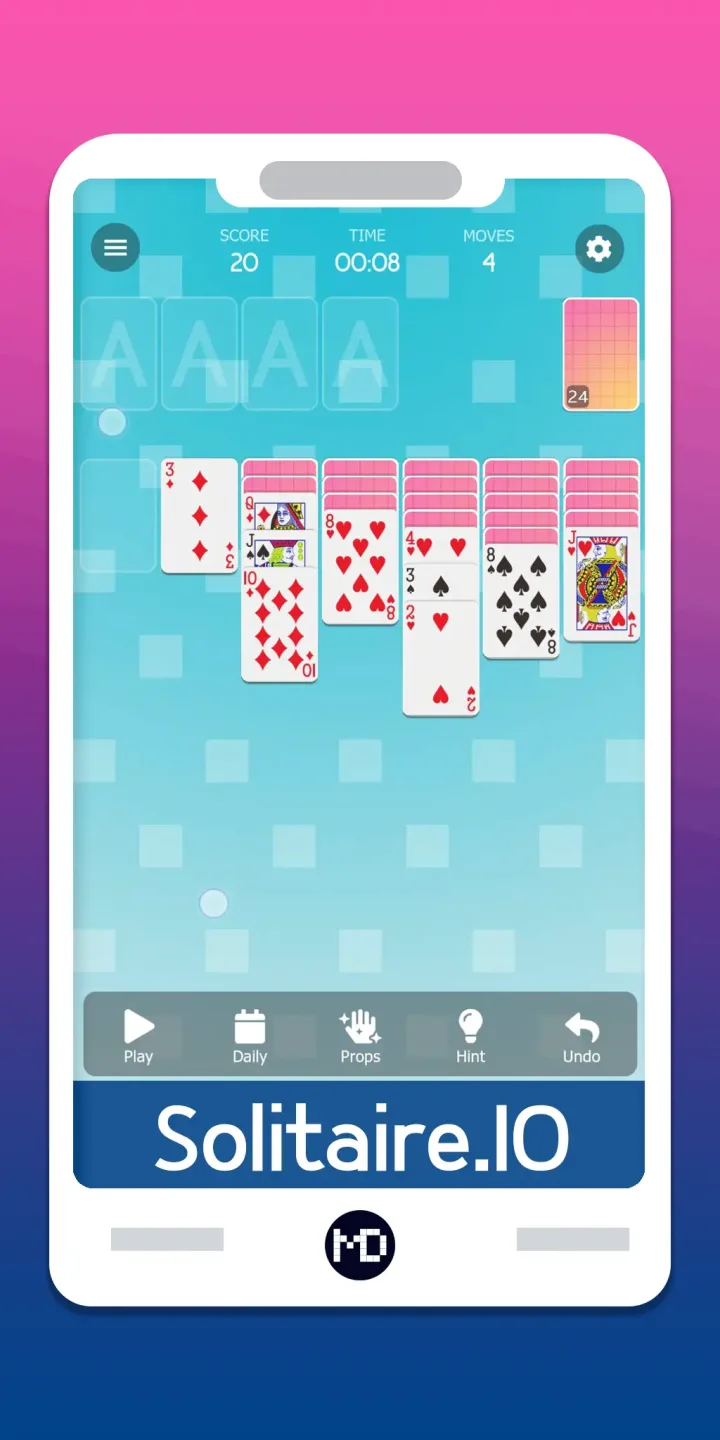
Useful Tips of Solitaire.IO:
Focus on revealing face-down cards: Surfacing as many cards as possible increases the options you’ll have for making moves and allows you to plan ahead.
Turn over the first card from the stock pile before you make any moves: You should consider the first card in the stock pile as part of your option set to make your initial moves. For example, you may find that the first card from the stock pile can create a sequence, which can then help reveal another card.
Play Aces and 2s right away: Get your foundation piles started as soon as possible. If any Aces are playable, move them to your foundation piles. As soon as 2s are available, play those as well.
Move cards from the larger tableau columns first: The larger tableau columns have more face-down cards you will need. Many of these cards may be important to sequence and solve the game. It's important to focus on revealing these cards first if possible, as the shorter tableau columns have fewer cards and therefore are easier to surface.
Use face-up cards on the tableau first before moving them to the foundation piles: While it sounds counterintuitive, you may need these cards to make moves and reveal face-down cards. You never need an Ace or 2 in your tableau, but you might need other ranks to build on a sequence. So if you reveal a 4 of Diamonds that could go into the Diamond foundation pile, check to make sure it can’t be used in a sequence or elsewhere that can help reveal another card.
Check out the tableau before making a move: When you first start the game, quickly check out the tableau in conjunction with the card that is face-up in your waste pile and assess the moves you can make.
FAQs of Solitaire.IO:
Do I need to download anything?
No. All games run entirely in your web browser. There is nothing to install, and no app or plugin is required. Simply tap a game and start playing immediately.
Can I play on my phone or tablet?
Yes. Every game at Solitaire.io is optimised for touch screens and works on iOS and Android devices. The interface automatically adjusts for portrait and landscape orientations.
How many different solitaire games are there?
We currently offer 14 solitaire game variants, covering 6 distinct game types (Klondike, Golf, Pyramid, Tripeaks, Sum of 10, and Match) across single-deck, 2-deck, and 4-deck difficulties. We add new games regularly.
Which solitaire game is the easiest?
Golf Solitaire has the simplest rules and the fastest games, making it the most accessible for newcomers. Classic Klondike is slightly more complex but well-known to most players from digital and physical card play.
Which solitaire game is the hardest?
The 4-deck variants (particularly 4-Deck Pyramid and 4-Deck Golf) are our most challenging games just due to the sheer number of cards. Among the standard games, Pyramid Solitaire is probably the toughest.
Final words:
Solitaire .IO is one of the most popular classic card games in the world. The game is carefully designed and lightweight to play on your mobile.