
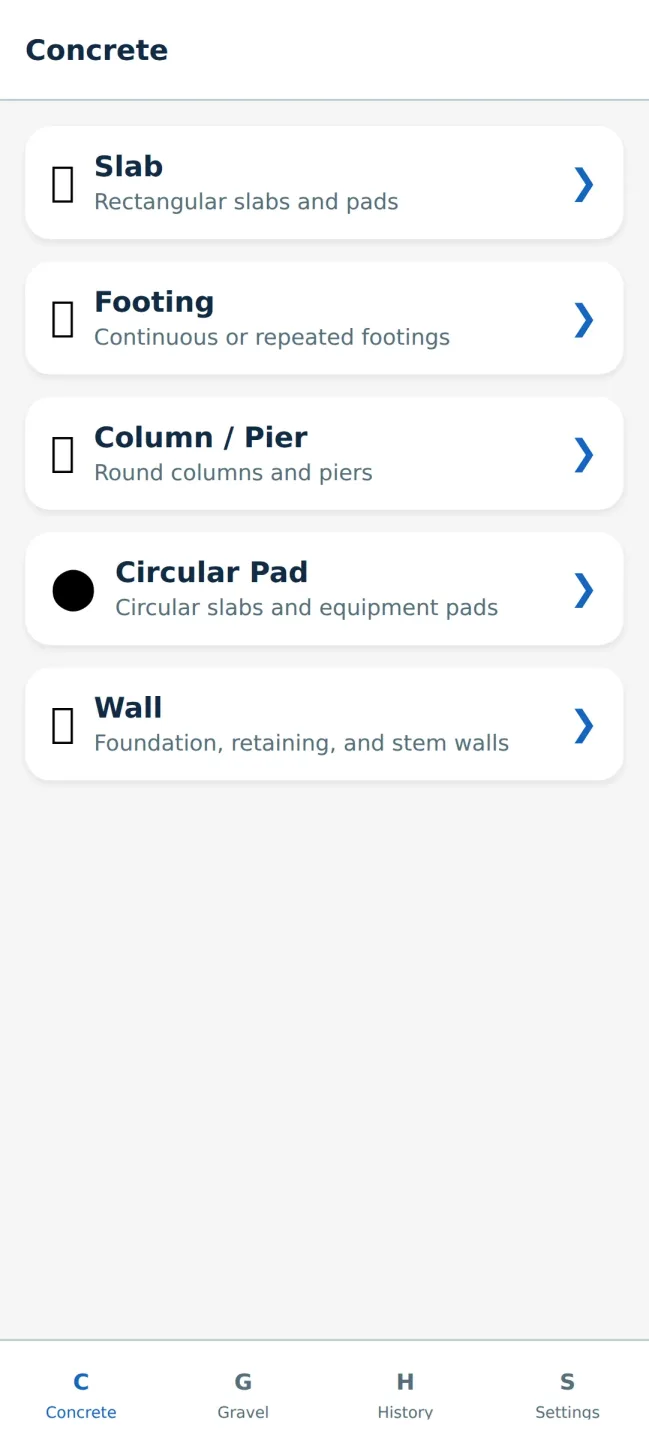
Concrete & Gravel Calc is a convenient tool application. Packed with powerful features for contractors, builders, and DIY enthusiasts, the app provides accurate material estimates in seconds, eliminating spreadsheets and guesswork. With Concrete & Gravel Calc, you can complete common concrete and gravel calculations quickly and easily. Each calculator accepts direct dimension input and can switch between units, so you can enter feet and inches or meters and centimeters. Additionally, with its clean and modern interface, users can perform calculations without an internet connection.
Highlights:
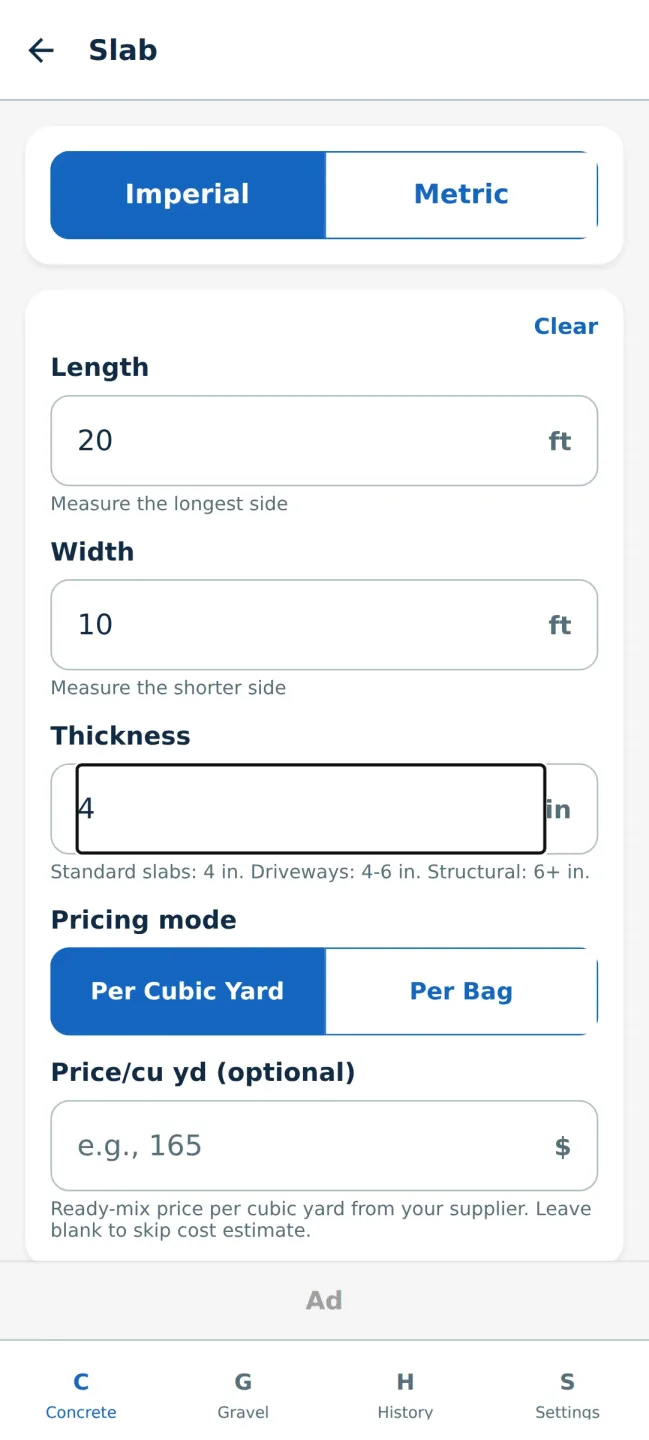
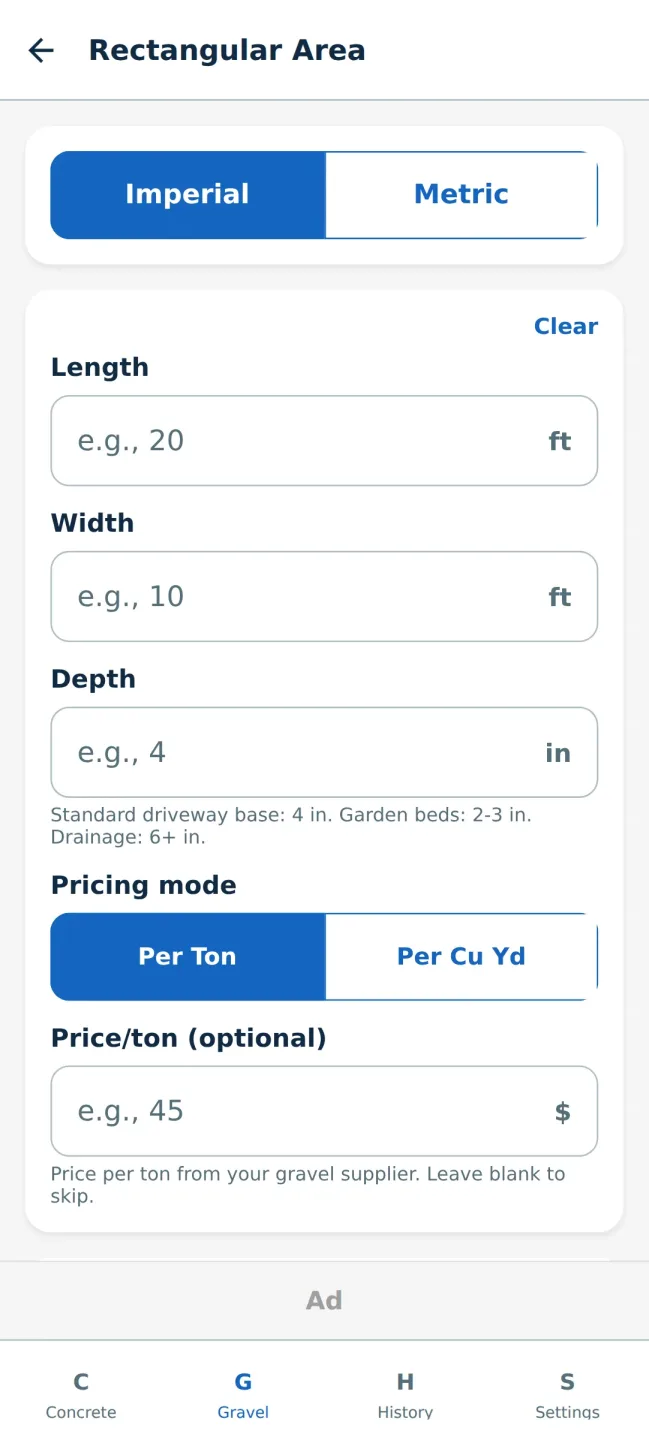
Toggle between Imperial and Metric units
Adjustable waste factor (0–25%) for real-world conditions
Bag calculator — see how many 40, 60, or 80 lb bags you need
Gravel weight estimates with multiple density presets (crusher run, pea gravel, river rock, and more)
Save and label your calculations for easy reference
Cost estimates with custom price per yard, ton, or bag
Clean, modern interface designed for job site use
Works offline — no internet required
Features:
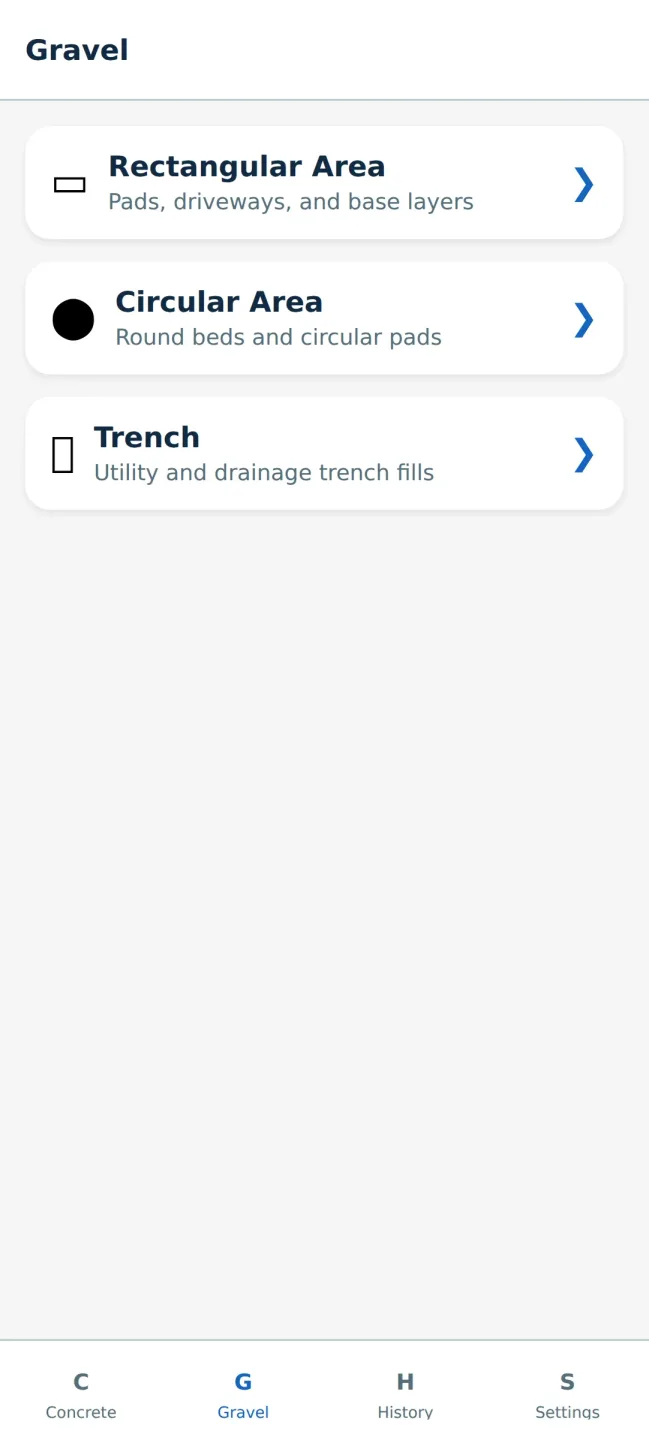
The app keeps calculations straightforward: pick the geometry (rectangular slab, circular pad, footing, wall or trench), enter length, width, depth and any reinforcement allowances, and the calculator displays volume and converted units in real time.
Controls are simple and optimized for touch: large input fields, context-aware keyboards and unit pickers reduce entry errors on the job.
Copy-to-clipboard and a clear result view let you paste volumes and costs into messages, emails or procurement lists.
For repeated tasks you can save labeled calculations and, with the Pro upgrade, share saved results via text or email.
The interface favors legibility and speed: high-contrast text, straightforward labels and a clean layout make the app readable in bright outdoor conditions and under PPE.
Inputs are grouped logically to mirror how measurements are taken in the field, and result panels emphasize the most relevant numbers at the top.
Accessibility considerations include large touch targets and the ability to display values in either metric or imperial formats to accommodate diverse teams and international projects.
The experience is intentionally uncluttered so users spend less time tapping and more time building.
Pros & Cons:
Pros
Fast, accurate material estimates in seconds to eliminate guesswork and reduce time spent on spreadsheets.
Concrete & Gravel Calc lets you plan purchases with waste and weight adjustments so you buy the right amount and avoid excess.
Free users can save up to 20 calculations and copy results to the clipboard; Pro upgrade ($2.99 one-time) removes ads and unlocks unlimited saves and sharing.
Offline operation and a simple interface make the app practical for on-site estimating.
Cons
Estimates are intended for planning; always verify quantities with your material supplier.
Actual amounts can vary based on site conditions and material density, so final orders may differ.
Free version limits saved calculations to 20 and contains ads until you purchase the Pro upgrade.
Conclusion:
Whether you’re estimating a small patio, preparing concrete for footings on a renovation or ordering crusher run for a driveway, Concrete & Gravel Calc is aimed at tradespeople and homeowners who need clear, reliable material estimates without opening spreadsheets. The app saves time, minimizes waste and provides a consistent approach to measurements that teams can adopt across projects of varying scale.