KineMaster is an excellent video editor. Download the latest version and make your video editing process even easier and more efficient. KineMaster's advanced features offer numerous tutorials, tips, and insights to help beginners get started quickly. This high-quality app with a simple interface has earned praise from users for its excellent service. Easily add sound, record videos, add photos and special effects, use voice changers and stickers, and more. Simplify your workflow and make video editing a breeze with KineMaster!
Click to load YouTube / 点击加载视频
YouTube ↗AI Tools for Your Next Video
Quickly create sophisticated videos with these AI features.
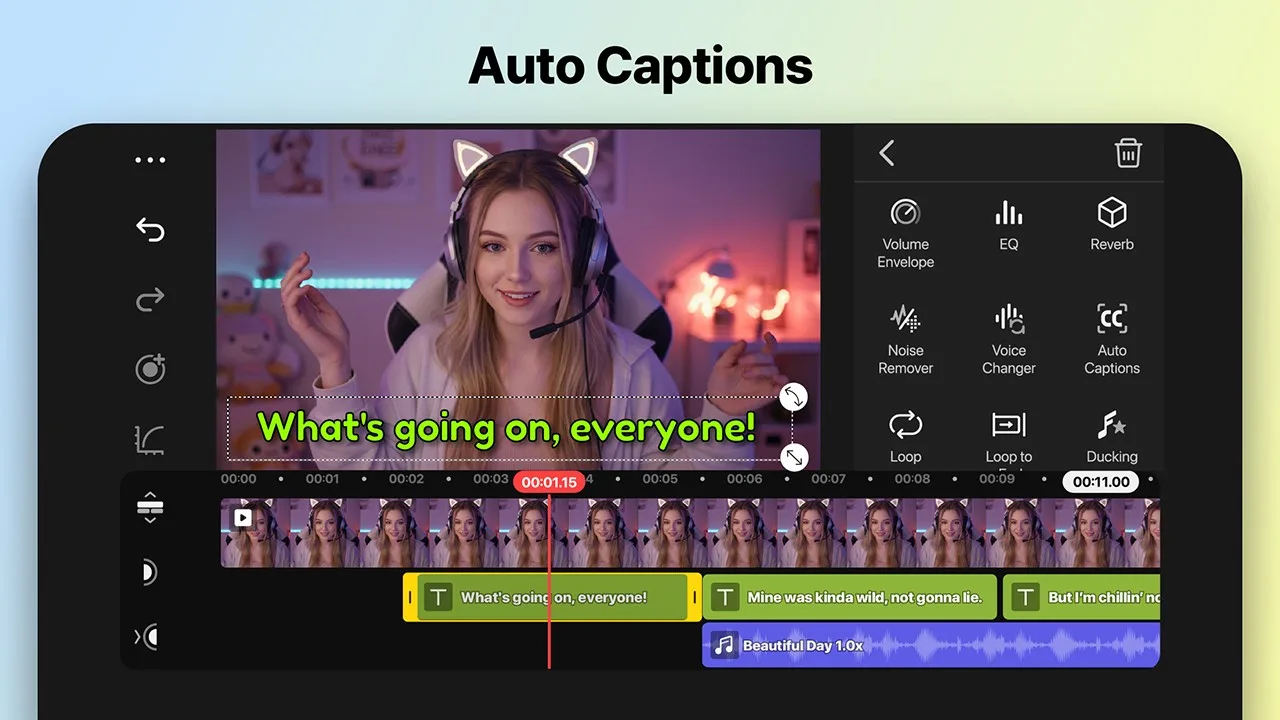
• AI Auto Captions: Instantly add captions from video or audio.
• AI Text-to-Speech: Create spoken audio from text in one click.
• AI Voice: Make your audio unique with AI voice.
• AI Music Matching: Get quick song recommendations.
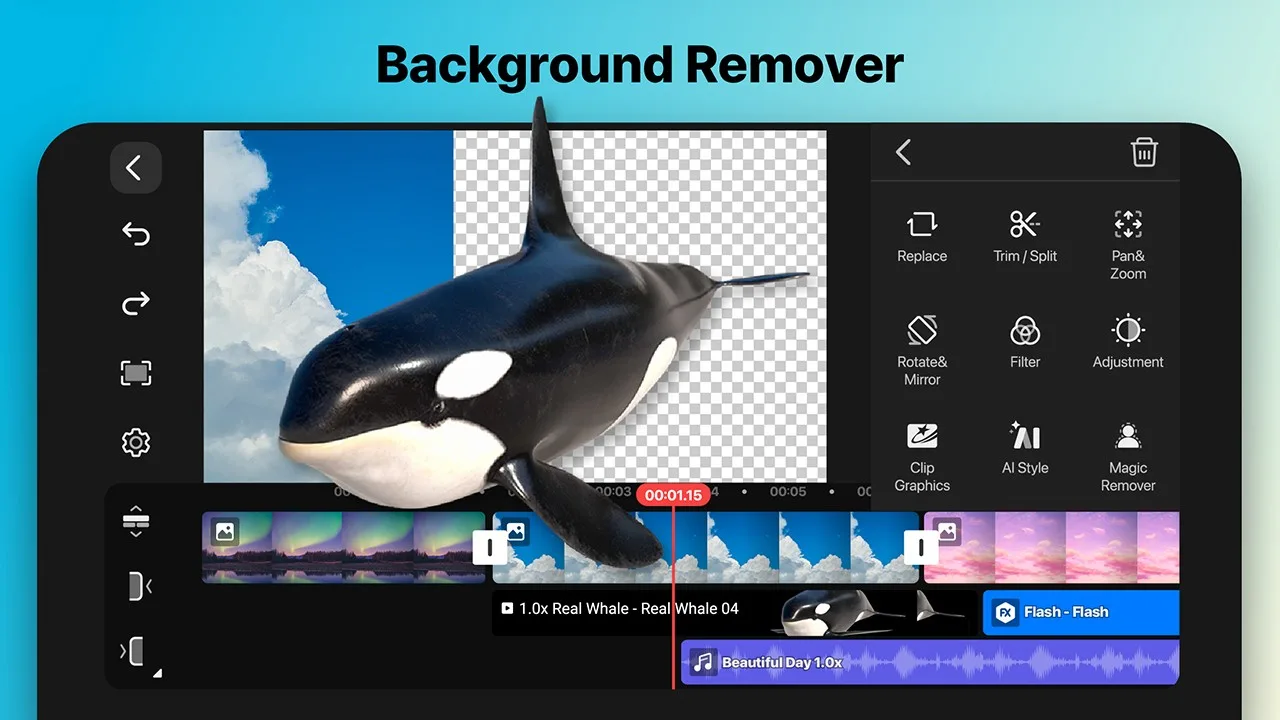
• AI Magic Remover: Cut out background around people and faces.
• AI Noise Removal: Remove distracting sounds from video or audio.
• AI Vocal Separator: Separate songs into vocals and music.
• AI Tracking: Make your text and stickers follow moving objects.
• AI Upscaling: Increase the size of low-resolution media.
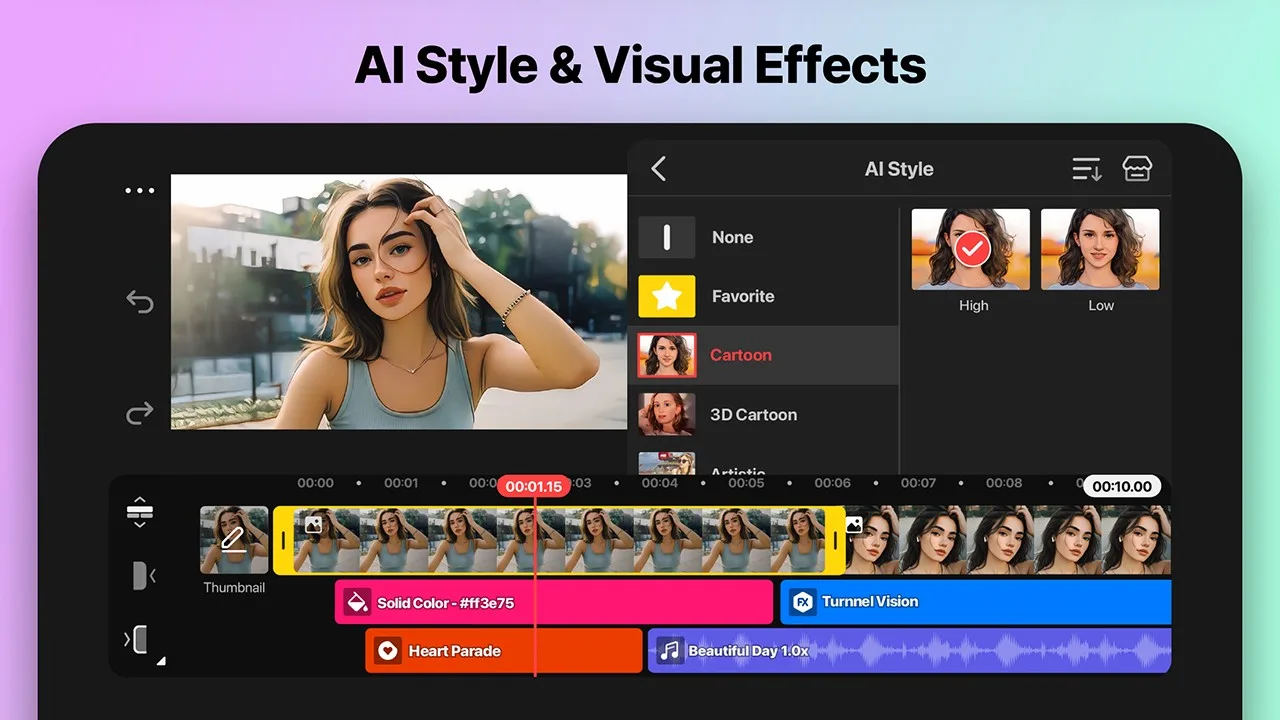
• AI Style: Add artistic effects to your videos and images.
Professional Video Editing for Everyone
KineMaster makes advanced tools easy to use.
• Keyframe Animation: Adjust the size, position, and rotation of each layer
• Chroma Key (Green Screen): Remove backgrounds and merge videos like a pro
• Speed Control: Reverse, slow down, or turn your videos into time-lapse masterpieces
Unleash Your Creativity
Choose a template, replace its photos and videos, and you're done!
• Thousands of Templates: Build your own from pre-made video projects
• Mixing: Save your video projects as templates to share with KineMaster editors everywhere
• KineCloud: Back up your personal projects to the cloud so you can continue editing another day or on another device
Resource Library to Make Your Videos Stand Out
The KineMaster Resource Store has tens of thousands of resources to make your next video stand out! Special effects, stickers, music, fonts, transitions, visual effects—everything is ready for you to use.
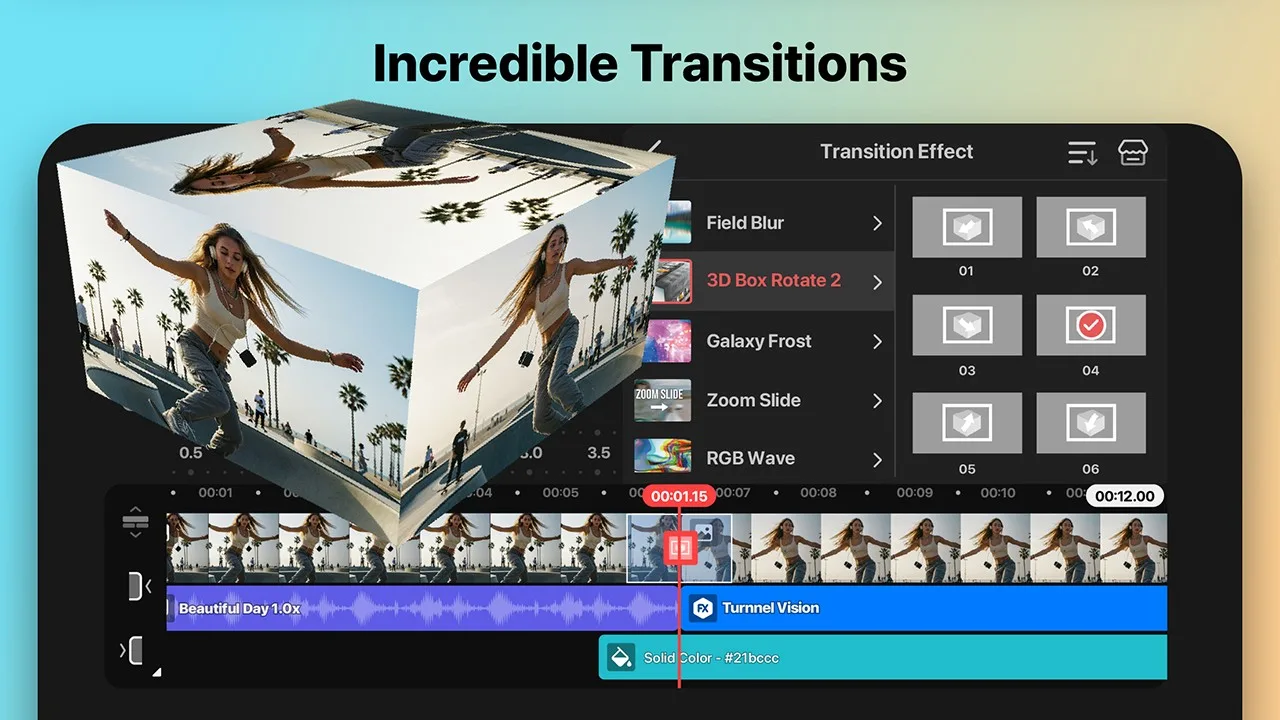
• Effects and Transitions: Enhance your videos with stunning visuals
• Stickers and Clip Art: Add graphic animations and design elements
• Music and Sound Effects: Create videos that sound as good as they look
• Stock Videos and Images: Get pre-made green screen effects, free stock footage, and tons of video backgrounds
• Fonts: Apply stylish fonts for your designs
• Color Filters: Choose from a wide variety of color filters to create the perfect look
High-Quality Output or Optimize Video: You Decide
Save your edited videos in high resolution or adjust the quality for fast loading on social media.
Incredible 4K 60 FPS: Create videos in 4K and 60 frames per second
Optimized for Social Media Sharing: Save videos ready for upload to YouTube, TikTok, Instagram, and more
Transparent Background Support: Make your videos blend with other videos
Best Tools for Fast, Precise Editing
KineMaster is packed with tools to make editing fun and easy.
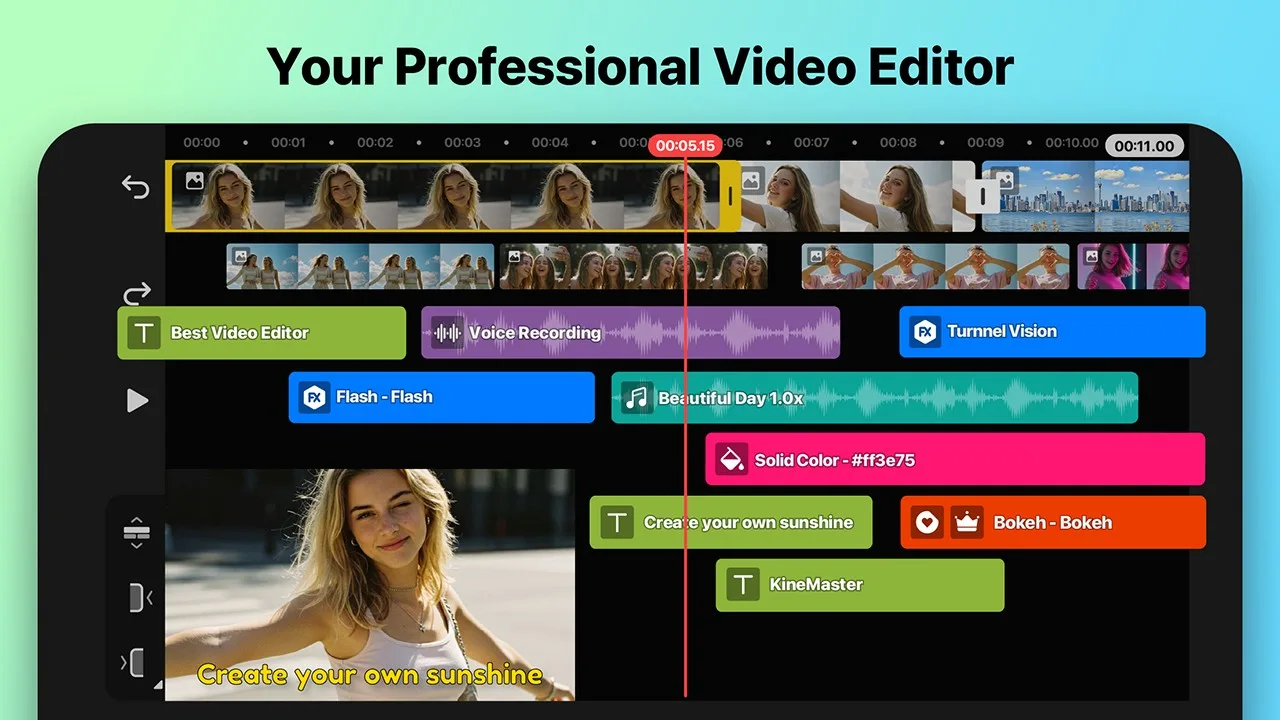
• Massive Layers: Add and stack photos, videos, and GIFs to play simultaneously
• Multiple Undo (and Redo): Restore or reapply your edit history
• Magnetic Guides: Snap elements to guides and snap layers into place on the timeline
• Fullscreen Preview: View your edits in full screen before saving
User's Comments
Used to use it a lot however since I got a new device and redownloaded it, I found that a lot of the things that were there free before are now premium, you can no longer do the trick to getting rid of the watermark without premium. It's a lot harder to see what each thing is. I used to use the chromatic glitch all the time but now I can't since it's premium. I'm not spending money on an app just because I want to use something that used to be free. This is just greed now.
this is one of the best video editors I've ever used.. I've been using it for a while but recently I started making YouTube videos so I can't wait to purchase the yearly subscription.. if I was to even try to criticize it I only seen a few hiccups with the text to speech function..the AI voice mispronounces a word or two that sort of ruins it.. and the fact that there's only one AI voice and I can't choose a different voice to speak my scripts kind of sucks.. but this is still the best editor
Kinda disappointed that we have to pay just to get rid of the kinemaster watermark but the app is good nonetheless. Easy to navigate, more easier editing. Though, you shoukd add a tutorial at the start of using the app. Explaining how to use certain things. Like importing audio. I couldn't figure it out for 2 weeks. Over all, it's a good, free, editing app you can use. Definitely recommend. Just an fyi: I mean tutorial on kinemaster specifically. Some people don't want to go through a whole vid
Conclusion
An easy-to-use, powerful free video editor.KineMaster is a comprehensive free video editor for Android smartphones, boasting a range of advanced features that professional editors can use to create high-quality videos and slideshows, and add sound effects. Its ease of use makes it ideal for personal use, such as editing home videos. In addition to these features, you can crop videos, add sound effects, edit layers, and create special effects. You can also add multiple files to a clip simultaneously, including videos and images. While the default filters may look a bit outdated, additional filters are available for purchase through the in-app store.