

Windscribe is a powerful VPN that helps you surf the internet freely. Windscribe helps you improve your browsing experience, shielding you from the scrutiny of service providers, advertisers, and governments, allowing you to freely access your favorite websites. With Windscribe, you won't be tracked or bombarded with annoying ads, and the encryption provided by Windscribe ensures your security while browsing. Download Windscribe and experience uninterrupted, uninterrupted browsing!
Click to load YouTube / 点击加载视频
YouTube ↗Features:
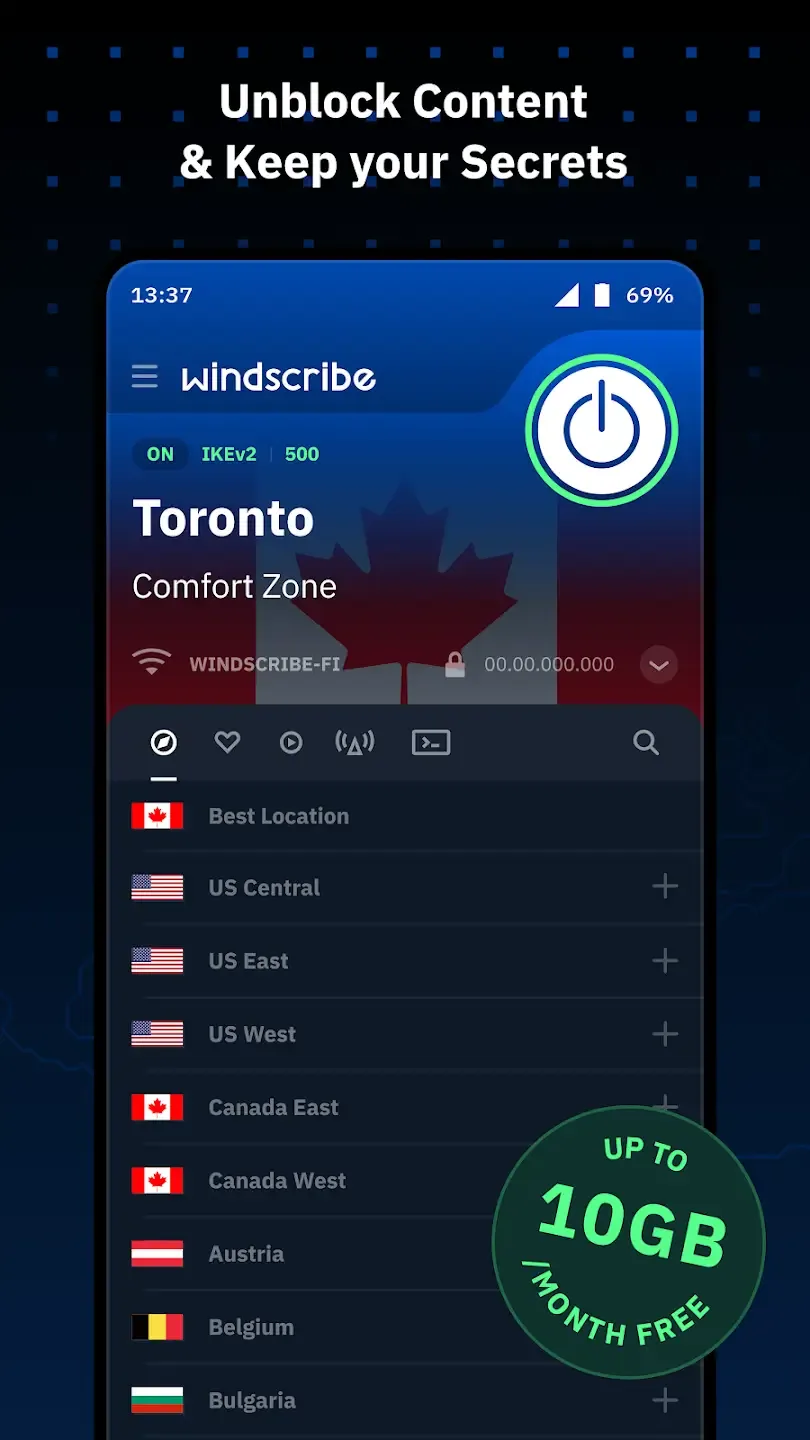
Multiple Server Locations
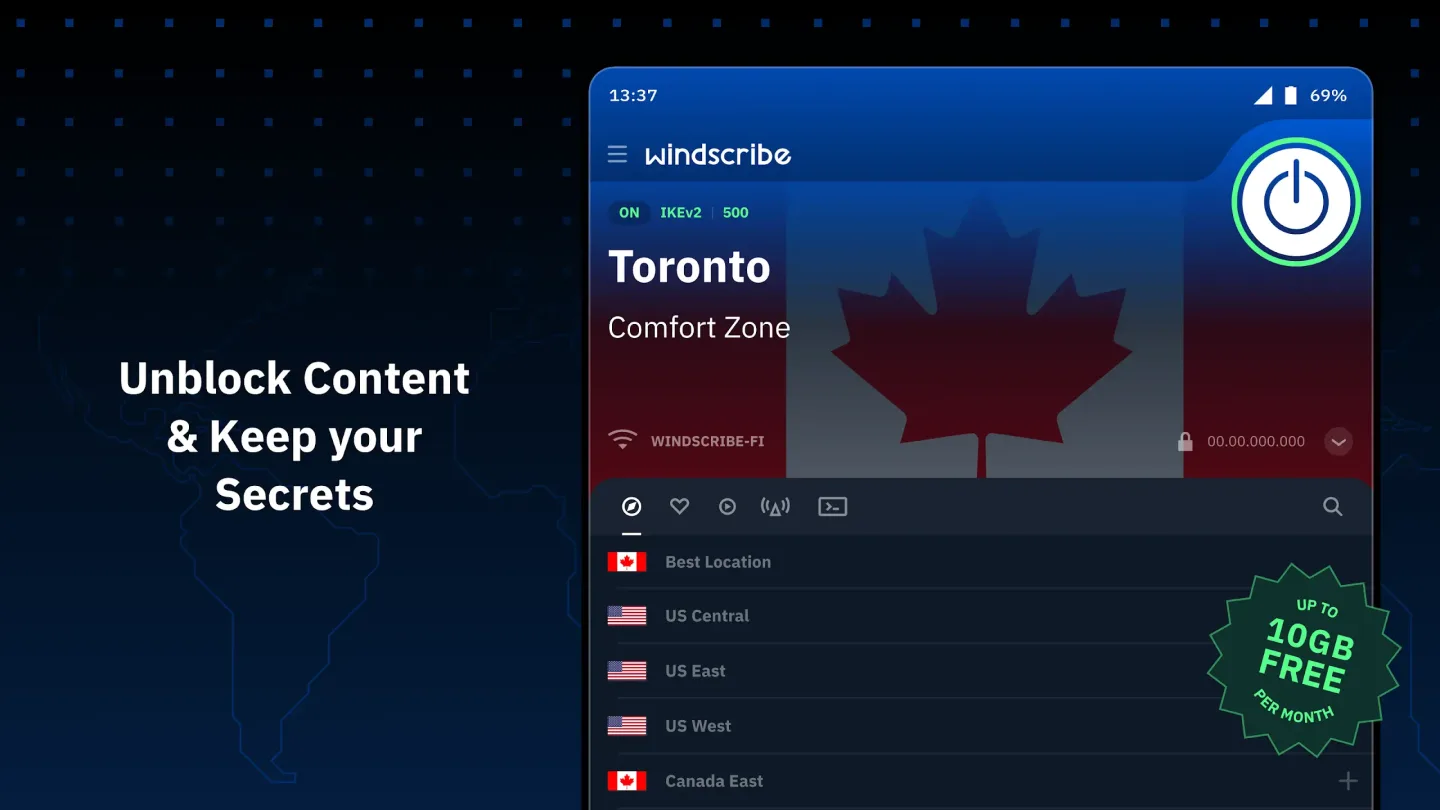
The best thing about this app is that it comes with a huge number of server locations. Be it famous locations like the United States, America, United Kingdom, Belgium, China, Japan, Algeria, Kenya, South Africa or others, you can connect to any location and safeguard your IP address.
Unblock Entertainment
Due to copyright regulations, some movies, TV shows, and even songs are not available worldwide and are only available in certain countries, with the option to unblock the entertainment option from any place on the earth. You just have to connect to a random location, and you will get to see the new content specific to countries on apps like Netflix, Amazon Prime Video and even Spotify.
Block Trackers
Advertisers and third-party websites use tracker apps in the background to keep track of your activity. These trackers collect all the browsing data and show the relevant advertisement tracking your history. But with this VPN app, you can block all of the trackers, and this will help you protect your browsing history and stop seeing personalized recommendations.
High-End Encryption
Without a high-end encryption system, the web browsing experience with VPN apps is worthless. But with the high-end 256-bit encryption, all of the internet browsing data is encrypted end-to-end. No third party can intercept the data packets as they are fully encrypted. Nothing can be decrypted, and it protects your entire experience.
Steps:
The process of installing an APK file is quite simple. But if you don’t know the process, you will find all of the steps below.
The first step is to download the APK file from the provided download link.
After downloading, tap on the APK file and then tap on the “Install” button to start the installation.
Please be patient, as the installation might take more than a few seconds to complete.
After completion, tap on the “Open” button, and the app will start.
Frequently Asked Questions:
Is this app free?
This app falls in the Freemium category, which means it has some features locked for the Premium users, but the free users can access the app.
How many server locations are available in this app?
You can choose from more than a few unique locations in this app to connect and browse safely.
Is this APK file safe to install?
Absolutely Yes! This APK file is completely safe to install, and you don’t have to worry about any issues.
Conclusion:
One must use the protection of VPN services to safeguard the internet browsing experience. It’s one of the most important tasks to connect to the VPN service before starting to browse the internet. In this post, we tried our best to share detailed information about the features of this app. If you still have some questions, feel free to use the comments section below.








