

Wallpaper Setter is a popular wallpaper theme app. It allows you to easily set wallpapers, enhancing the customization of your Android device. Users can use a full image, adjust it to their liking, and tweak it to your liking. Wallpaper Setter allows you to easily set an entire image as your wallpaper, without cropping. It also supports displaying multiple photos as wallpaper, making it easy to create a unified and beautiful look. Download Wallpaper Setter now and customize your device!
Click to load YouTube / 点击加载视频
YouTube ↗Key Features:
Have the freedom to install and edit wallpapers on your device comfortably and quickly.
Owning beautiful and realistic graphics with attractive layout and decoration.
Enjoy your passion for creating and designing images.
Easy to use and meet all your needs and desires.
Feel free to experiment and explore some of the benefits it provides to make your photo creation and background styling easier.
Don’t be interrupted by bullshit ads and junk news.
Downloaded for free with no upfront fees.
Don’t forget to share this utility application with people around you so that they can enjoy and welcome the modern functions contained in this application.
Highlights:
Simple and easy to use
With Wallpaper Setter, Android users will have the most simple and easy-to-use application for enabling wallpapers on their mobile devices. Simply enter the application and start having its features enabled, so you can start working with certain pictures and images on your devices. Choose the preferred wallpaper options, customize the wallpaper setups, and start using your wallpaper features on the go. Not to mention that the most intuitive UI and app features will always keep you interested.
Enjoy converting images to wallpapers
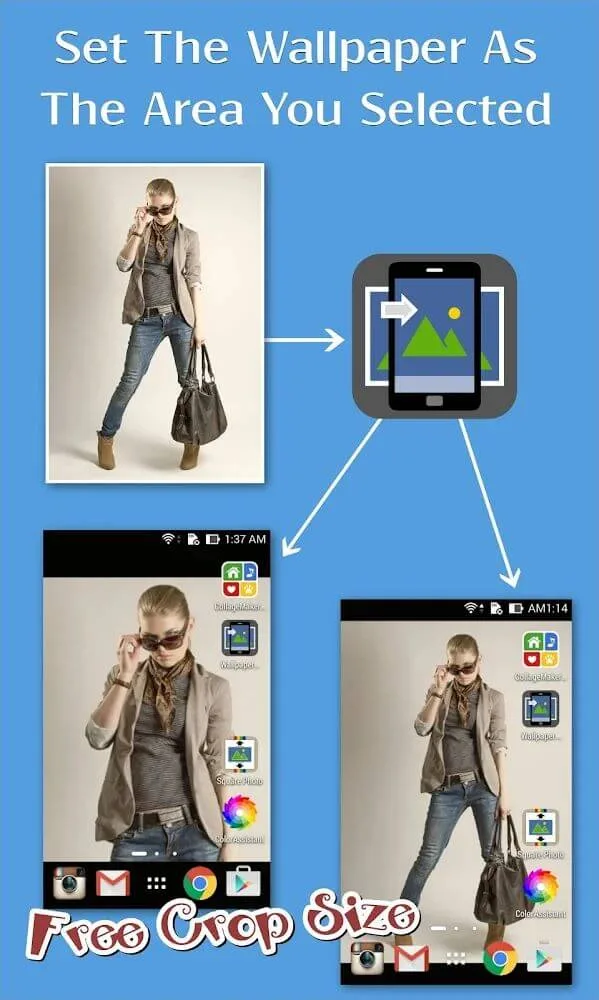
Here in Wallpaper Setter, Android users can enjoy converting their images into wallpapers. Simply enter the app and browse your current library of wallpapers to start enabling new background images without manual cropping. Have the selected images fully fit into your Android display, thanks to the provided options of Center, Tile, Stretch, and more.
Turn colors into wallpapers
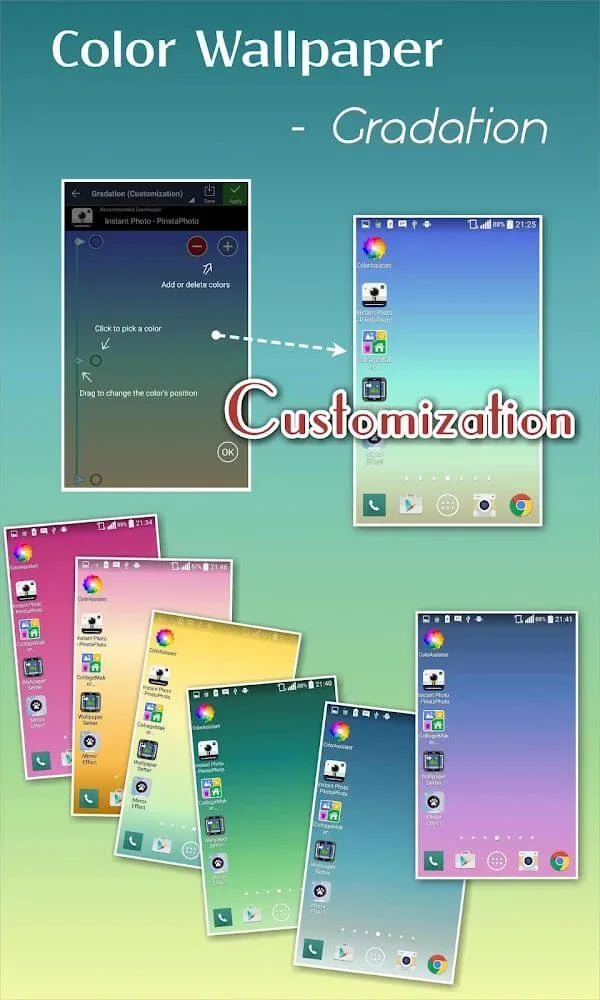
For those of you who are interested, you can now use colors to create your new wallpapers. Have fun using the different options for monochromatic and gradient colors in the app as you customize and create your new background images from any selected colors. The different modes and useful coloring options will make sure that you’re always most interested in the app. Have fun experimenting with the colors, and enjoy having the best wallpapers that match your preferences.
Enable your collage wallpapers
To make better use of the application, Wallpaper Setter users can now enable their collage wallpapers. Feel free to choose your preferred image selections and start enabling them in the app as you create your new photo collages and interesting wallpapers for any selected mobile device. Add as many images as you wish and design your collages however you want.
Conclusion:
Wallpaper Setter allows you to set a magnificent full-screen image as your background in just a few simple steps. This program makes it simple and straightforward to set your complete image as your wallpaper without needing to crop it. It also supports displaying numerous photographs as wallpaper, making it simple to achieve a unified and appealing appearance. With our software, you may personalize your wallpaper in a range of styles and colors, including monochromatic and gradient. We offer everything you need to give your phone a new appearance! Simply install the app on your device and you're good to go!








