
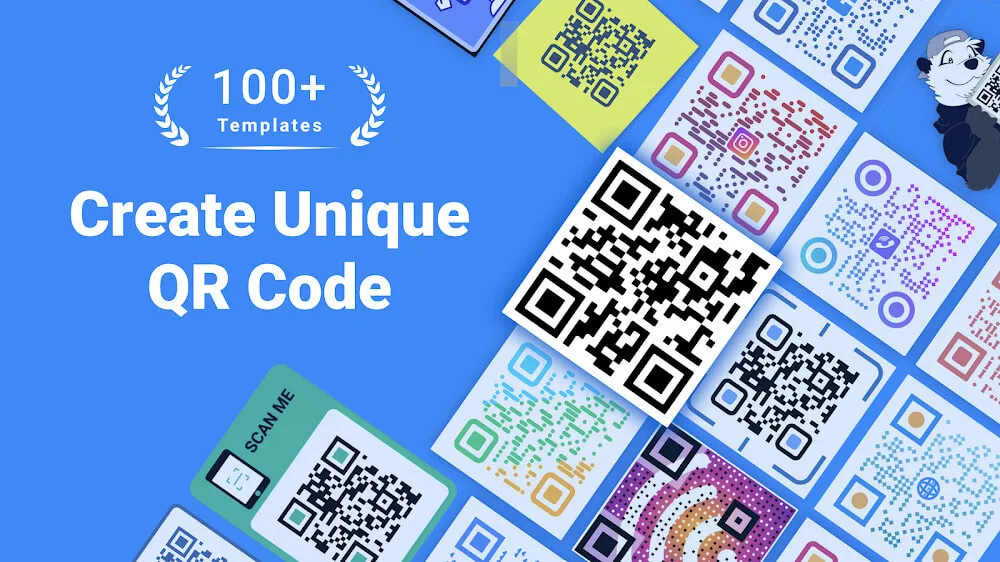
QR Code Generator is an effective QR code generator. This app helps you create unique QR codes that link to your desired website. Simply paste or enter the text you want to encode, and the app will quickly generate the corresponding QR code. For added convenience, QR Code Generator displays the generated QR code image directly on your screen, simplifying the integration of QR codes into your digital communications or marketing efforts. Download and try it now!
Highlights:
All in one QR Code Generator and QR Code Scanner
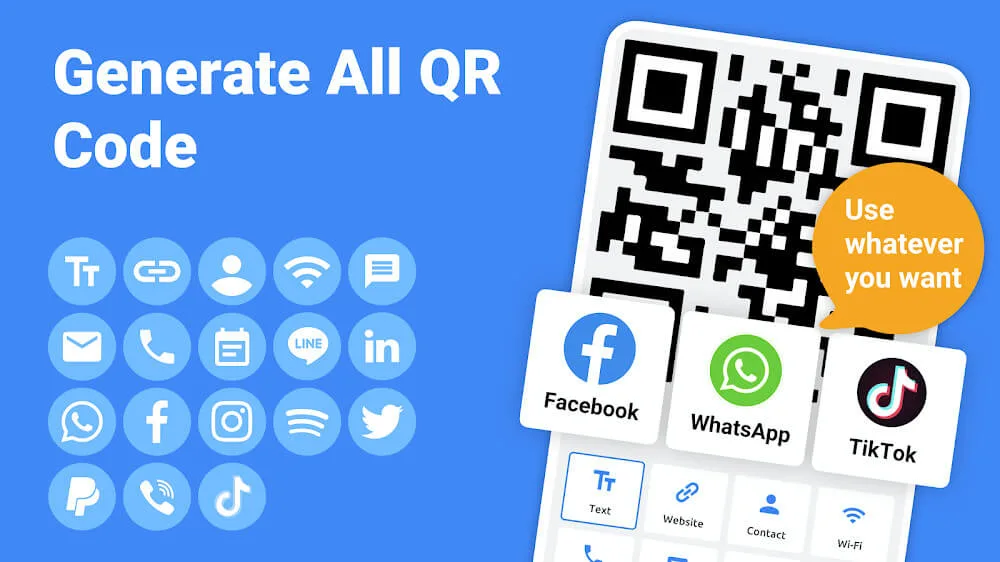
Generate QR Code for Website URL, Contacts, text, Wifi, Business card, SMS
A great QR Code generator app for Instagram, WhatsApp, Twitter, Facebook
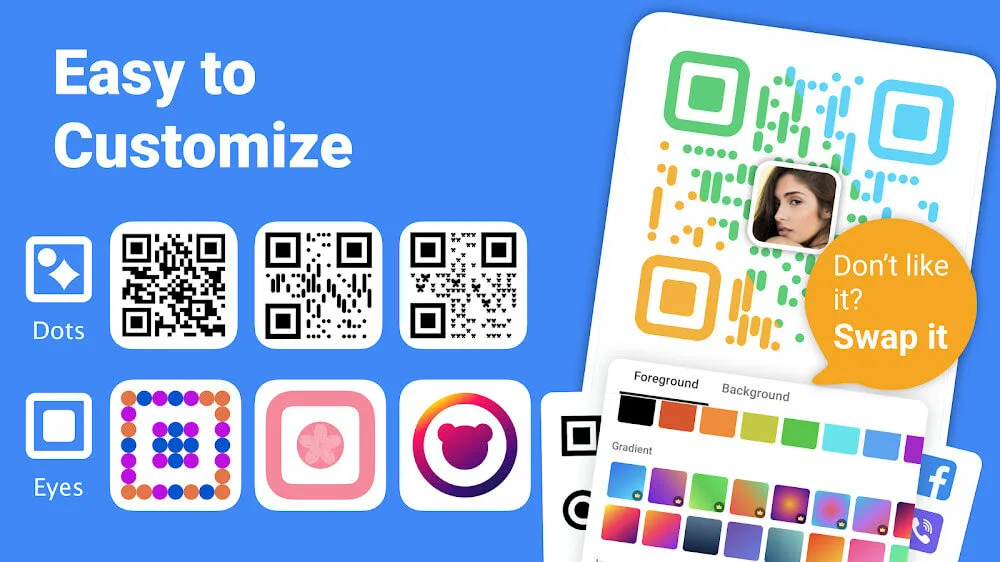
Customize QR Code with different colors, eyes, patterns and frames
Support using pictures as the QR code colors
Create QR Code with plentiful templates
Scan existing QR codes and decorate
Add generated QR code to a picture or a poster
Manage your generated QR records and scan records
Save the generated QR Code as a template
User friendly and easy to use
Overview:
It is a helpful QR code generator app. This QR code generator app can quickly generate QR codes for website links, text, Wifi, business cards, SMS and social media accounts, etc.
It provides the accessibility to customize QR codes by changing their colors, eyes, patterns, and frames. You can also add logos and texts to make your QR code better looking and attract more scanners.
Features:
Enhanced Features for Custom QR Code Creation
Use QR Code Generator to tailor your QR codes with customizable design elements. You can select different styles or choose images as backgrounds, adding a unique touch to your QR codes. The app also allows you to adjust the position of the QR code image in background mode, offering a flexible way to craft visually appealing designs. These features enhance your ability to create QR codes that stand out and meet your specific needs.
Impressive Performance and Robust Functionality
With each update, QR Code Generator has improved its performance and expanded its capabilities. It now includes features like error correction levels, contact and geolocation types, and the ability to save QR codes to external storage. You can also share your customized QR codes easily from your device, making the app a robust choice for personal and professional use. The app consistently ensures smooth operation, with updates addressing bug fixes and performance enhancements.
Seamless User Experience on Android Devices
Designed for Android devices, this app maintains a seamless user experience with straightforward operation. You choose the content type, input your content, select styling options, and generate your QR code with a simple tap. The user-friendly approach makes QR Code Generator an effective solution for anyone looking to create QR codes quickly and efficiently on their mobile device.
Conclusion:
QR Code Generator – QR Code Creator & QR Maker will be an extremely effective tool for creating your own unique QR codes. You want to have your own unique QR code templates to link to the websites you use often but don’t know how to create them. Then this will be the proper application that can support you in creating QR codes straightforwardly and easily. Users will also be able to choose from various QR code templates inside the QR Code Generator. The designers have prepared different QR code samples inside the application so that users can refer to and choose a model and style.