

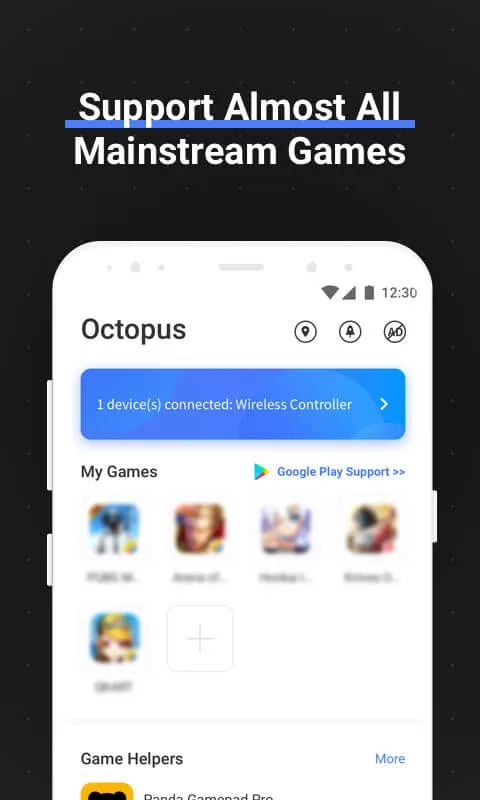
Octopus is a practical tool designed for gaming enthusiasts. It allows you to connect your keyboard, mouse, game controller, and other devices to your phone, allowing you to play mobile games with them. The software is highly compatible with nearly every game on the market. It also supports customizable button settings, giving you the most comfortable gaming experience.
Features:
Peripherals Compatibility
Octopus supports gamepads, keyboards & mouses.
Xbox, PS, IPEGA, Gamesir, Razer, Logitech...
Preset Key Mapping
Preset key configuration for 30+ featured games. No time wasting on setup.
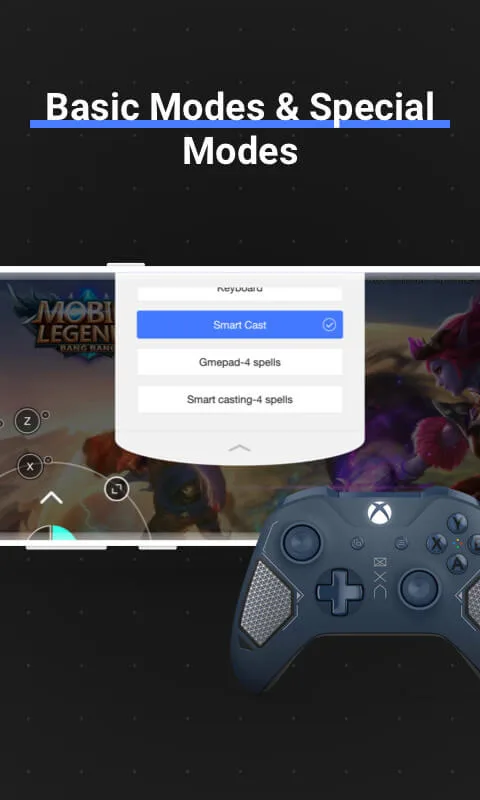
Different modes for various Games
2 basic modes: Gamepad and Keyboard and many special modes for specific games like Advanced Shooting mode for FPS games, Smart Casting mode for MOBA games.
Highly customizable
Besides preset keymap, you can define your own keymap. Octopus provides 20+ various control component to power up your gaming experience.
Gaming Recorder
Octopus integrated with Screen Recorder, letting you record each of your combat.
Gamepad Calibration
For some unstandard gamepad or controller, Octopus provides the Gamepad Calibration feature allowing you to calibrate your device.
Google Play login (Needed download octopus plugin)
Suppore Play store account login.Synchronize games data.Needed download octopus plugin.
Highlights:
Customize Buttons
This tool can customize the buttons and controls according to your comfort. You’ll get full access to modify the controls and add new actions or quick moments to your controller to get a better grip on the game.
Multiple Gaming Modes
It has multiple gaming modes where you can play with your friends who have the game extension as you do. In multiplayer mode, you can switch the controls to basic and help your friends complete the tasks.
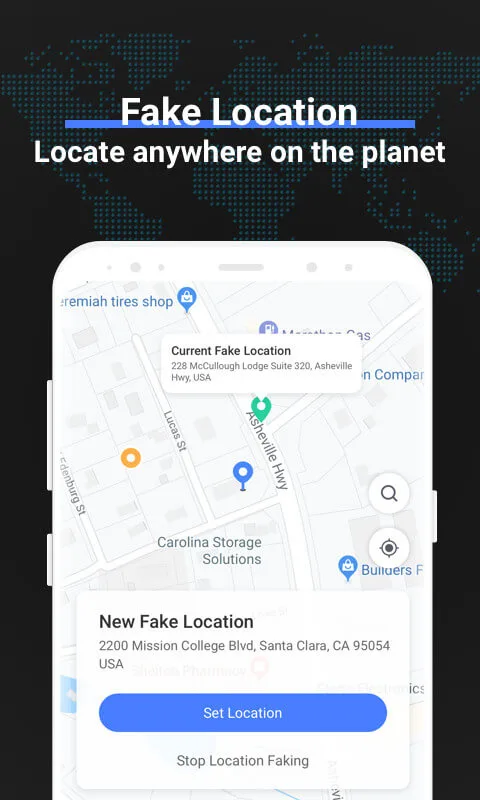
Add Fake Location
You can change your location with this app if any game isn’t available in your state or country. You don’t have to install any paid VPN here to enjoy unauthorized games.
No Root Required
You don’t have to root your device to install this app on your android. This app is available for all android smartphone and support most of the additional controllers, Gamepad, and keyboards.
No Advertisements
There will be no advertisements on this app, and you can enjoy the gaming experience without dealing with sponsorship or pop-up banners. The tool has a clean and simple environment for gamers.
RECORDER AND OTHER TOOLS:
In general, most of the hot games today are supported quite well, but this does not mean that others cannot be added. Specifically, the player will access the support list, and after a short period of time, the application will scan through a series of openable and entertainment-related applications. You just need to touch what you are currently playing, and the next step is to do the same thing as mentioned above. At the same time, the condition for the feature to operate stably is to have a console and to open the game through the support of the application. If you ensure the above two factors, all features will operate according to your wishes.
Film your experience: The fun times and highlights can’t be lost over time.
Gamepad just for you: Using different controls, an optimal controller has been formed.
Compatible with Google Play: Users will not be constrained or worried about the editing feature because it is valid.
Conclusion:
Overall, we told you everything about Octopus. It is a vital application for users who are fond of playing games on their mobile devices. It will support you in linking widespread gaming devices. It has more than ten million downloads from Google Play Store. Users can benefit from its extraordinary features that will provide many functions manually. I hope you will like this app a lot.








