

Auto Clicker – Super Fast is a root-free auto-clicker designed specifically for Android users. It leverages accessibility services to deliver high-speed, customizable multi-touch and swipe gestures. Users can easily configure click positions, intervals, and global timings using a floating panel. Scripts can also be imported and exported for high-intensity clicks during gaming or repetitive tasks. With a simple interface and no privacy collection, it's a powerful tool for boosting efficiency and gaming performance. Download and experience it now!
Features:
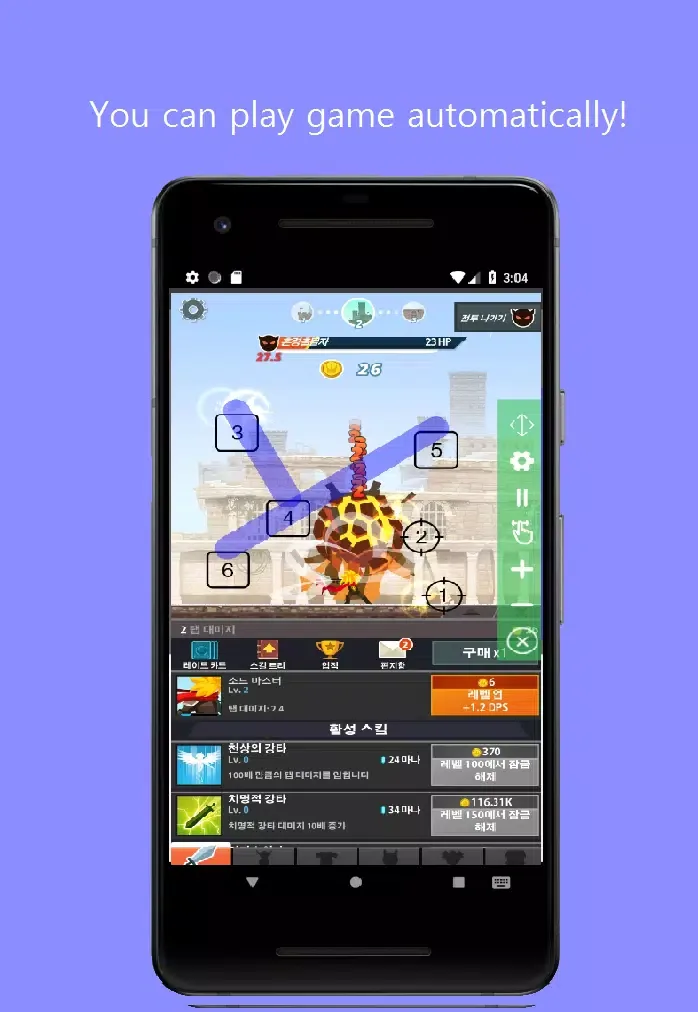
Auto Click - Auto Tap: This app automates clicking and tapping tasks, eliminating the need for manual input.
Single-Touch and Multi-Touch Modes: Users can choose between single-touch and multi-touch modes to customize their automatic clicks based on their needs.
Swipe (Drag and Drop): The app enables seamless drag-and-drop functionality, allowing for easy swipe actions.
Infinite Loop and Timer: Users can customize their automation by setting an infinite loop or specifying the number of times clicks and taps should execute. The built-in timer ensures precision and control.
Distance Between Touches: The app offers the option to adjust the distance between touches, ideal for games and apps that require precise spacing.
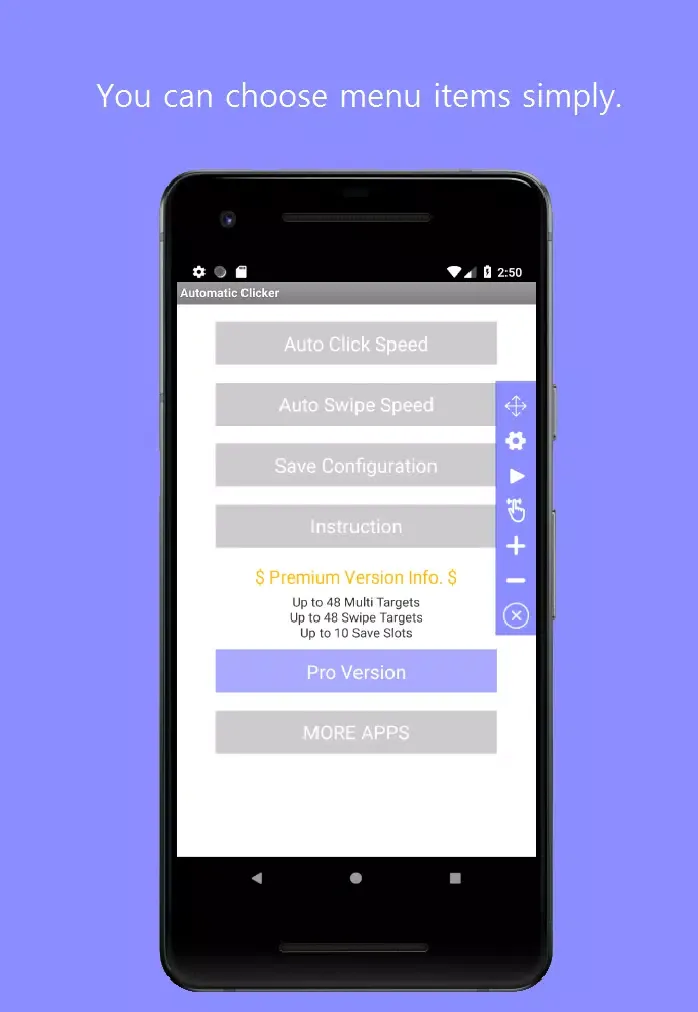
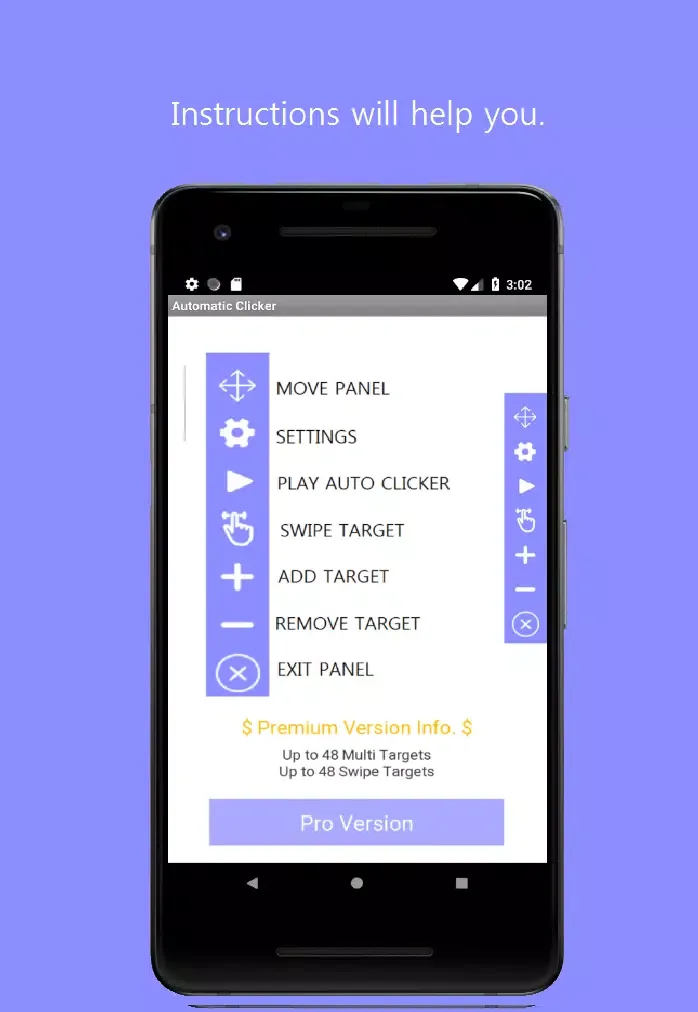
Floating Control Panel: AutoClicker includes a convenient control panel to easily start or stop the automatic tap.
Automate your clicks:
If you play idle games like Tap Titans 2: Heroes Attack Titans. Clicker on APK, then Ultra AutoClicker is a great help. It has a fairly straightforward premise. The bot takes over your device and clicks on your behalf, allowing you to leave the app and it will continue providing the device input. This is particularly useful for repetitive tasks that can get tiring.
Installing this tool only requires a little over 24 MB of storage. However, once installed, it will require a bit of setting up, which takes time and effort. Since it doesn’t offer a tutorial for beginners, users are left to explore on their own or search for solutions on the internet. Also, by default, you’ll need device permissions such as those for drawing and operating on top of other apps.
Once the initial roadblock has been addressed, you can start enjoying the app as much as you want. You can create different presets, or scenarios, that can be loaded as needed. After setting up these scenarios, you only need to run this utility before opening the app you intend to automatically click. If you need to change something, however, you’ll need to edit the scenario and restart the target app.
Conclusion:
Auto Clicker - Super Fast is designed to automate repeated taps or swipes on your Android device, offering an efficient solution for tasks that require high-frequency clicking. This app operates seamlessly without requiring root access, ensuring accessibility for a wide range of users. Its primary function is to provide customizable and precise automated actions, making it particularly useful for click-intensive activities such as mobile gaming or application testing. It prioritizes user privacy by ensuring that no personal data is collected, providing a secure and efficient solution for automated tapping.








