
Touch The Notch is a powerful tool. It not only supports one-touch screenshots, quick-launch flash, and direct access to system settings, but also offers a smart app launcher for automatically organizing frequently used apps, a lag-free camera for capturing beautiful moments, and a quick switch to recently used apps. From functionality to interaction, it eliminates redundant operations, allowing everyone to freely and smoothly use all phone features, truly realizing the power of smart technology for life.
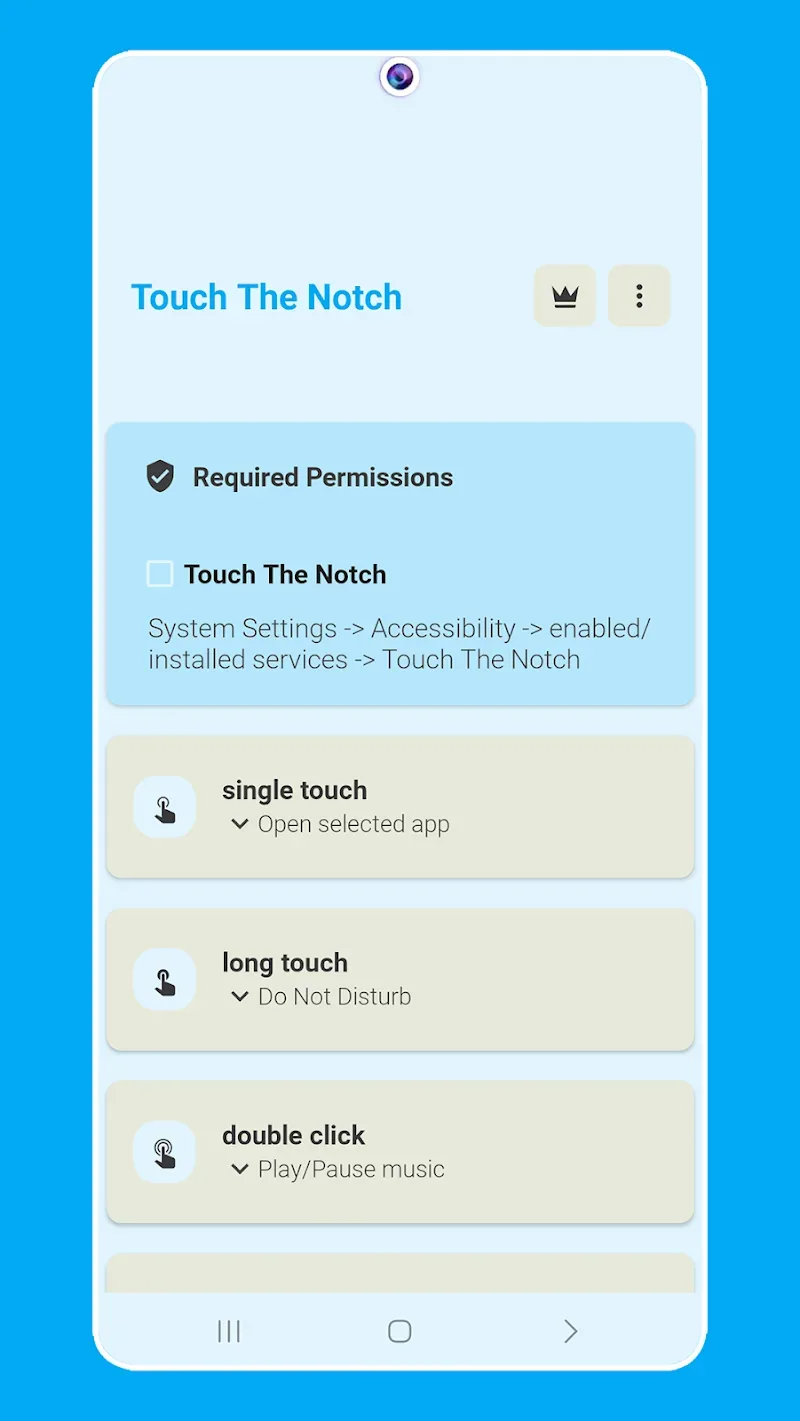
Features:
Screenshot Capture: The application allows you to conveniently capture memories. This can be done completely and without any problems related to screen content.
Flashlight Activation: When you go to different areas, you will have the habit of turning on the light from your smartphone. Therefore, the application can illuminate your surroundings faster than before.
Settings Access: All operations and settings in the device are under the control of the application. Everyone has the right to access key settings with a touch to make adjustments.
App Launcher: Over time, the app will recognize your favorite apps and add them to the list. Every user can directly open them from the notch in just a few seconds.
Camera Shortcut: Snapping photos is also refined to capture every beautiful moment. No one will feel regret because the app has completely eliminated the delay factors.
Recent Apps: A list of recently opened apps is also something to be interested in. Instead of searching for it in the library, you can use the list and switch between applications.
Benefits:
Effortless Shortcuts
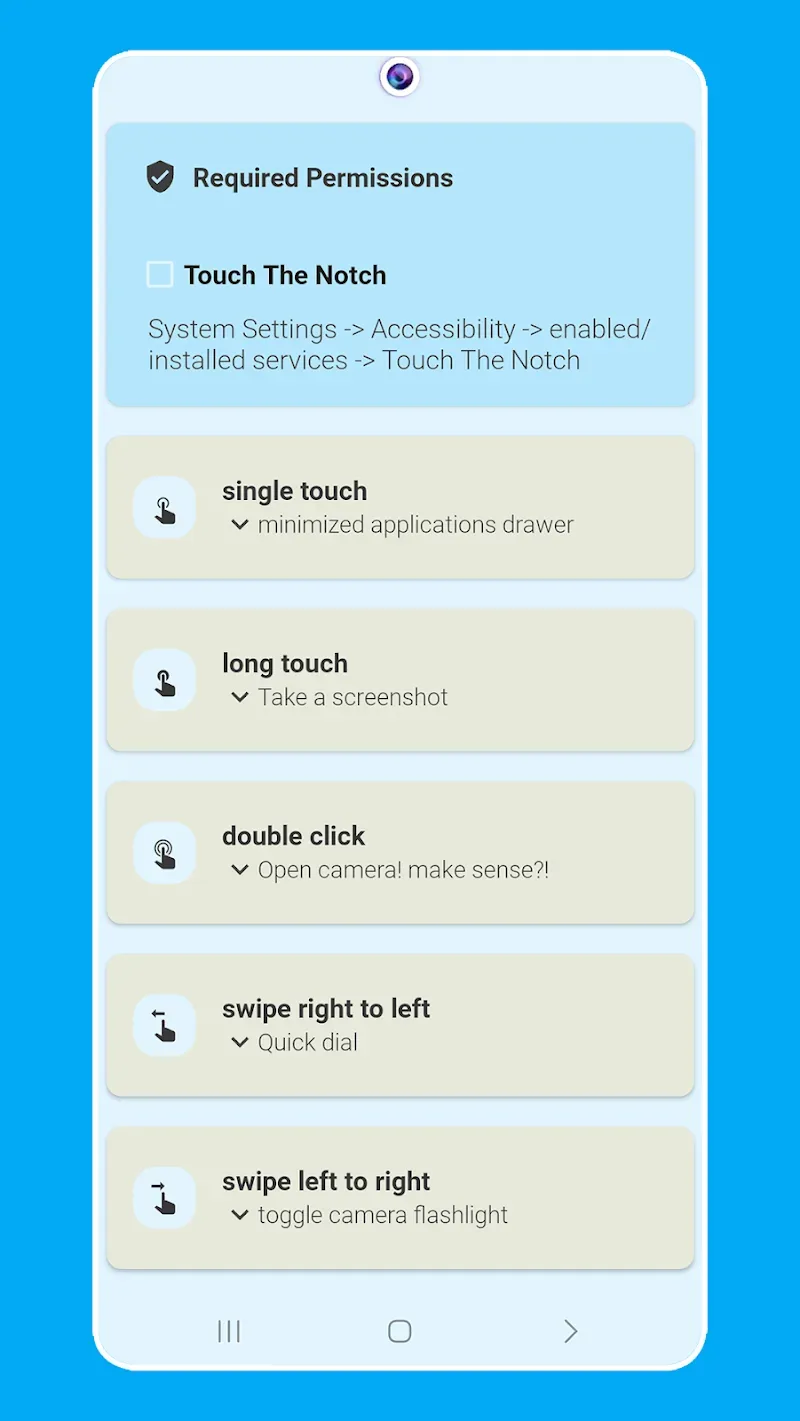
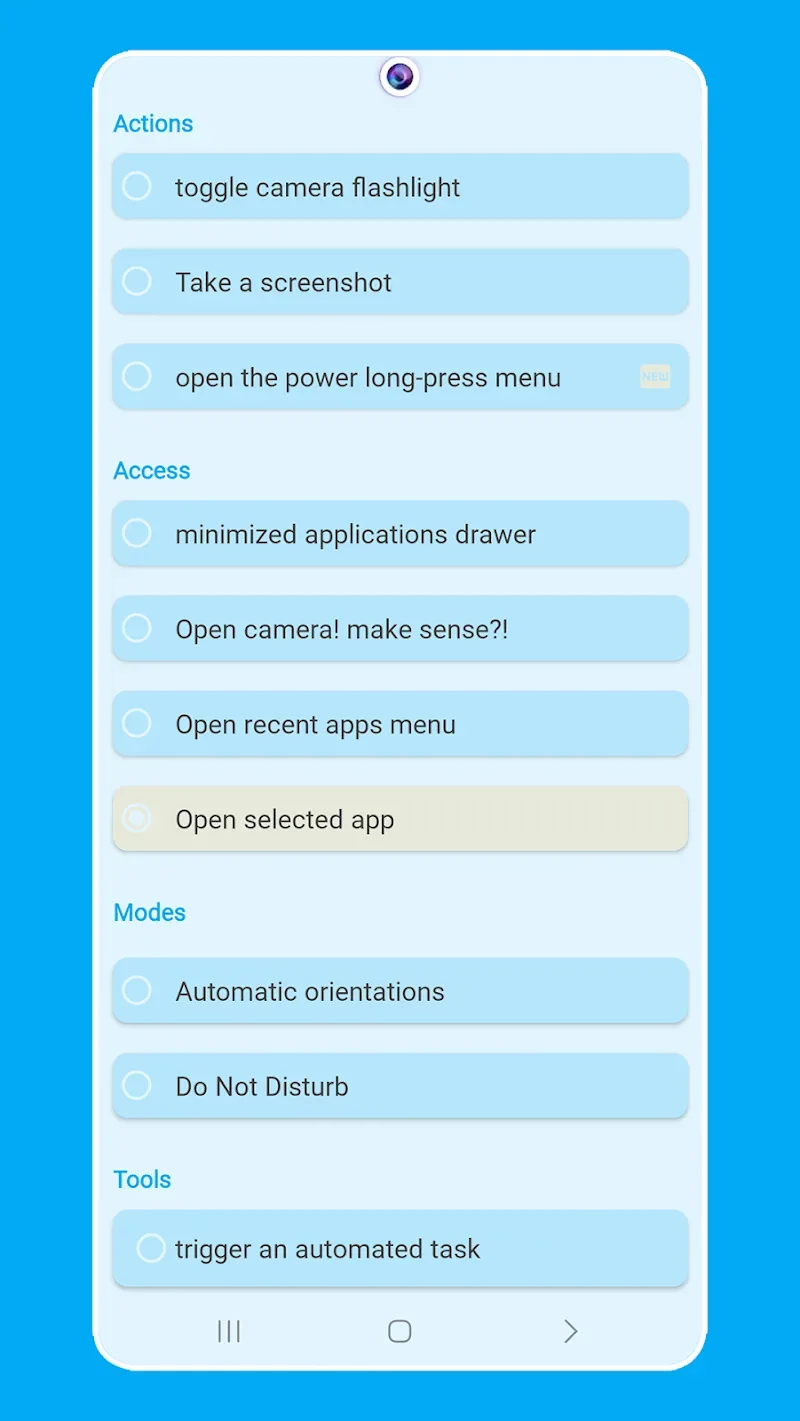
– Take Screenshots: Capture memories without reaching for buttons.
– Toggle Camera Flashlight: Illuminate your surroundings instantly.
– Open Power Button Menu: Access crucial settings with ease.
Quick Access
– Minimized Apps Drawer: Launch your favorite apps directly from the notch.
– Open Camera: Capture moments without delay.
– Open Selected App: Navigate to your go-to app in a snap.
– Open Recent Apps Menu: Switch between apps seamlessly.
Enhanced Communication
– Quick Dial: Make calls to your loved ones, emergency contacts, or check USSD codes.
Essential Modes
– Toggle Automatic Orientation: Lock or unlock screen rotation.
– Do Not Disturb Mode: Silence your phone when you need peace.
Handy Tools
– QR Code Reader: Scan product information with ease.
– Trigger Automated Tasks: Execute custom actions using automation apps.
– Browse Favorite Websites: Access your favorite online destinations with a single touch.
System Control
– Switch Brightness: Adjust screen brightness for optimal viewing.
– Toggle Ringer Mode: Mute, sound, or vibrate your phone at will.
Media Control
– Play or Pause Music: Control your music playback like a pro.
– Play Next Audio: Skip to the next track effortlessly.
– Play Previous Audio: Rewind or replay the previous track.
Conclusion:
Touch The Notch tool brings users a full set of modern features related to taking pictures and unlocking quickly. The application wants you to be able to customize this extension button flexibly and add new professional support tools to meet your needs. At the same time, the application also has a new custom menu, and you can move the necessary features to the tray more easily. The application provides you with an impressive interface tray from which you can choose for your device. You need to change the new interface, add necessary features to meet the needs of users. You can quickly access features such as camera, flashlight, necessary features to serve the needs. In particular, you can control access to devices to ensure security during access.








