Penly is a digital planning tool you can trust. Download the Android app now and boost your productivity. This app offers a variety of writing options, allowing you to take advantage of graphical tools, calendar views, and grid layouts to organize your notes. Furthermore, Penly supports powerful PDF and file options. Come and use Penly for a more convenient and efficient solution to your note-taking needs.
Click to load YouTube / 点击加载视频
YouTube ↗Unique Function
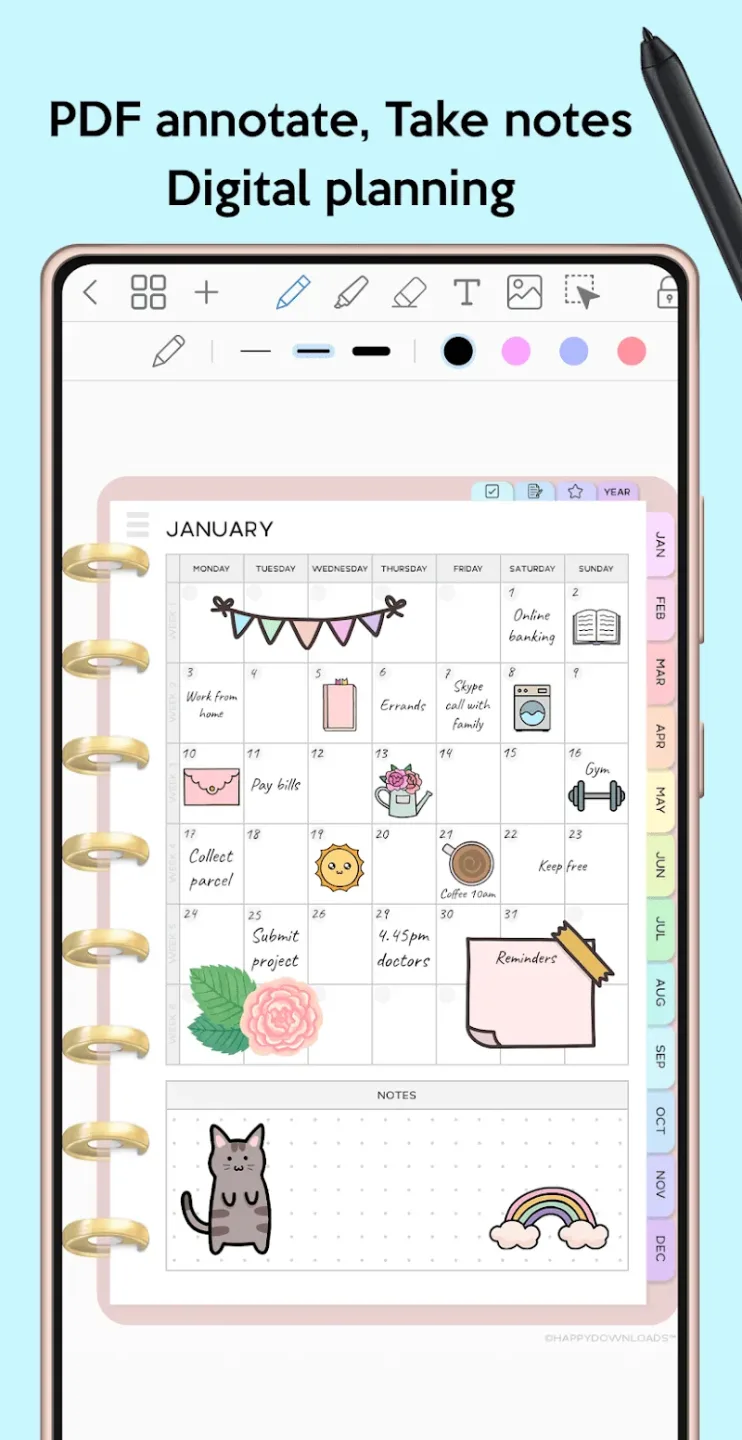
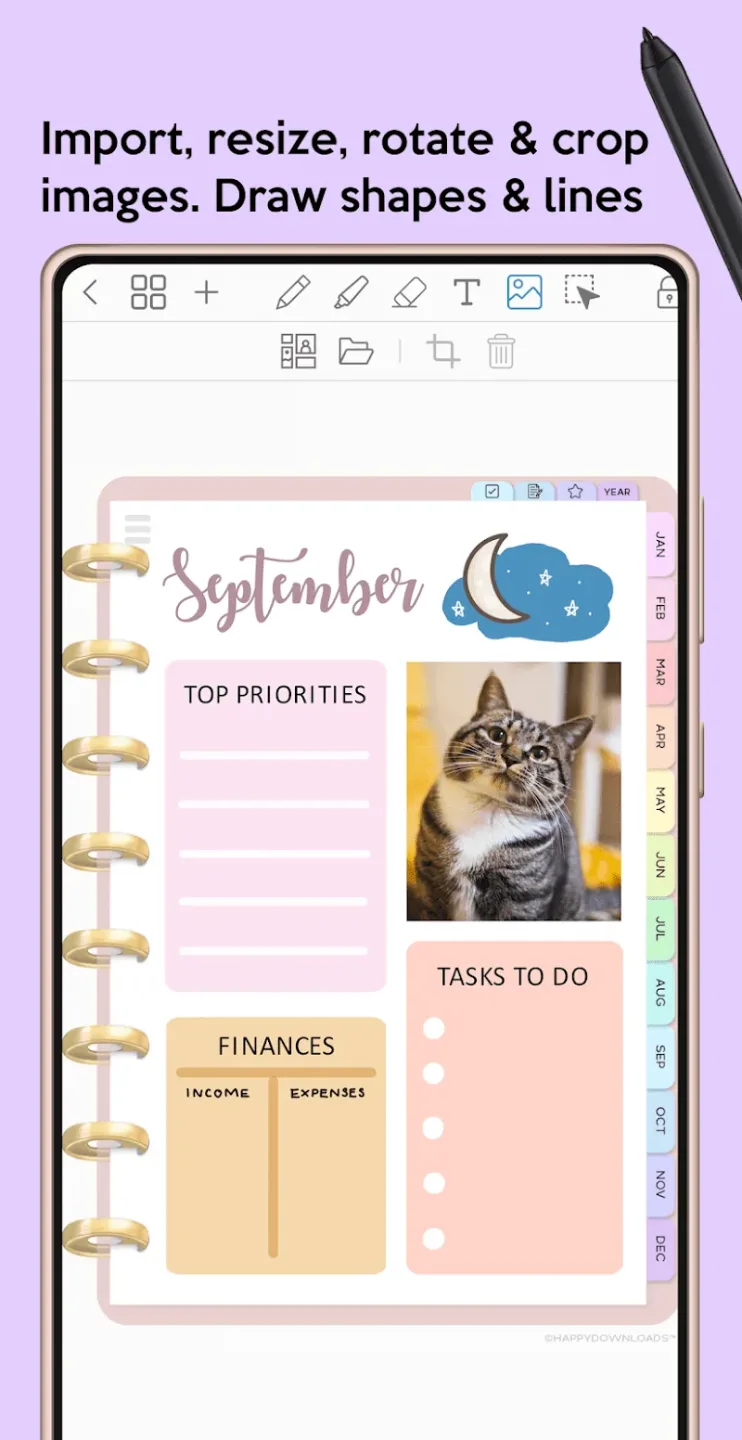
This app supports natural handwriting with a Bluetooth stylus. You can also enter text using the keyboard and choose from a variety of pen colors, widths, and styles, including ballpoint and fountain pens. The app is customizable by adding strokes and fills. Having a highlighter/underliner with a fast, straight tip is incredibly useful. Change the color of the pen, highlighter, and text by rotating the color wheel. You can use our smart eraser to erase all types of data. Inserting images, such as photos, into documents is simple. This tool allows you to rearrange, resize, rotate, and group objects. If you make a mistake, you can undo your actions.
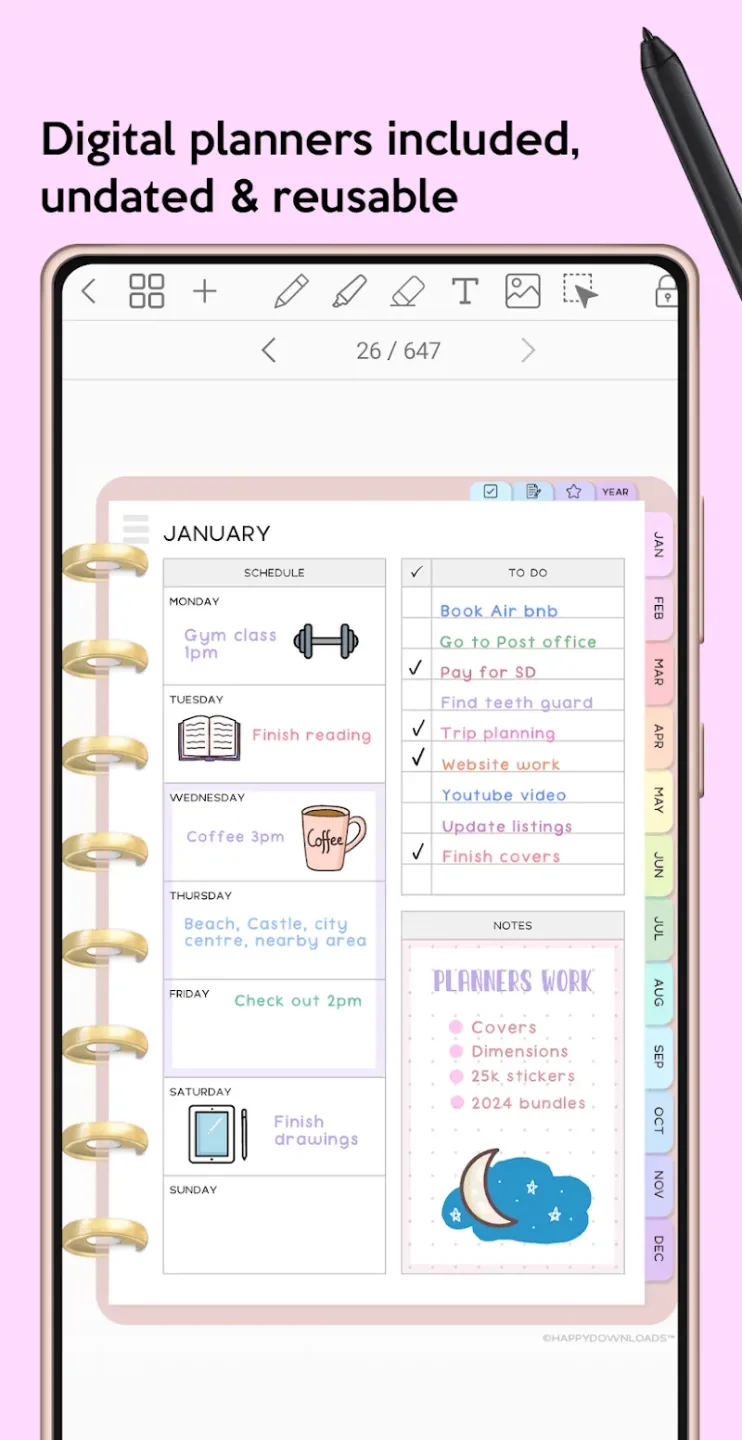
This electronic calendar includes monthly, weekly, and daily calendars, all interconnected for your convenience. You can change dates as needed. Other paper options include plain, dot, lined, and graph paper. You can choose between black and pink. The design is compatible with both portrait and landscape orientations. It's just what you need to organize your life. The app can import any PDF file. Active links allow users to browse imported PDF files and add photos as backgrounds. If you save your file as a .penly or .pdf file, it becomes portable and editable.
Personal hyperlinks are allowed in any document. Any text or image can be turned into a clickable link that takes you to another page or website. Select any image folder to import all the images in it into the app's sticker library. You can also arrange images in the sticker panel and create sticker sets. Stickers are a quick and easy way to add a unique touch to your documents. Stickers are an in-app feature. You can use folders and subfolders to better organize your documents. Files can be deleted, renamed, copied, and moved. When you visit a website, it automatically takes you to the most recently visited page.
Attractive Features
Simple, intuitive interface
Fluid handwriting and a smart eraser
Text, image, and shape tools
Create sticker sets
Import custom fonts
Automatic handwritten text
Highlight and underline
Transform, group, and lock objects
Undo and redo your actions
Outstanding Highlights
VERSATILE DIGITAL PLANNING
Any user can completely access different interesting experiences when noting any information. In particular, the detail of the content is also a factor that many people can do.
Included Planners: If you are having problems with time, you can consider using planning tools. They often meet your needs when they have the feature of linking according to timelines.
Custom Styles: Using interesting themes often brings a sense of less pressure to each person. Therefore, they can work hard to make to-do lists in addition to taking advantage of available templates.
PDF Integration: Locating different content in the library is often done quickly. At the same time, you can also feel secure when sharing everything in the format that suits your work.
CREATIVE TOOLS & FEATURES
In addition to adding new information to the document, you can try different media. They often add a certain aspect and make each information clearer.
Rich Editing Tools: You can absolutely use images, shapes, or stickers to diversify the content. At the same time, the system also has a handwriting mode and helps you take notes quickly.
Custom Hyperlinks: You can also add an element outside the supported library. The description lines are often accompanied by useful links to find information easily.
Object Control: Editing text is often very detailed, but you can also try the same feature for different objects. From there, creativity in design helps to build impressive notes.
Final Verdict
The system allows users to add important information and create important task chains. In particular, the variety of information often comes with many different media files. You can use many ways to optimize the information notes and ensure the content is easy to understand.