
One UI Dark IconPack is an excellent mobile interface theme tool. Download the latest version for free and transform your phone's interface into a beautiful and stylish one. This tool features hundreds of beautiful icons and exclusive wallpapers, allowing users to filter different themes based on their preferences. Experience a fresh new look and feel with One UI Dark IconPack!
Click to load YouTube / 点击加载视频
YouTube ↗Unique Highlights
- 4,400+ high-quality icons and counting
- Matching wallpapers
- Frequent updates with new icons and wallpapers
- Dynamic calendar support
- Easy-to-use dashboard
- Customizable folder and app drawer icons
- Icon search and preview feature
- And more
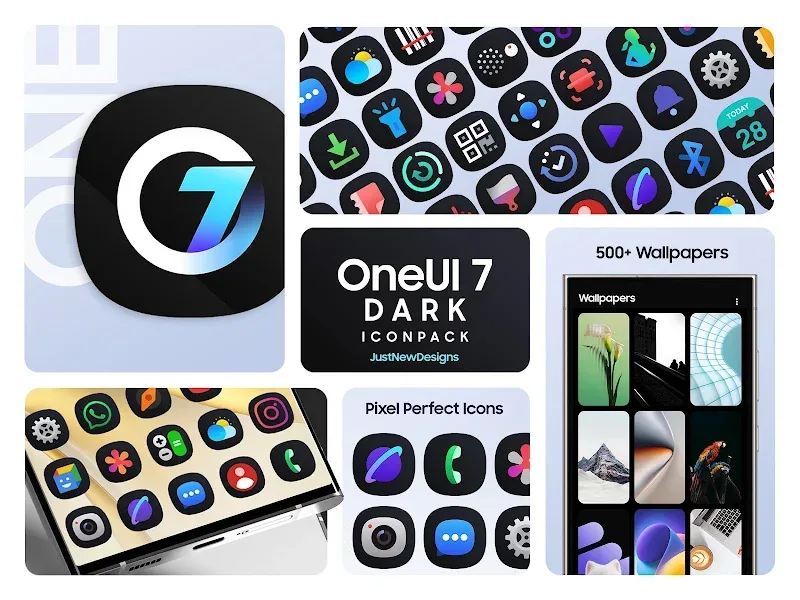
Wonderful Advantages
Highest Icon Quality
The icons in this app are designed with exceptional quality, so when they appear on your phone, they appear incredibly vivid and lifelike, giving you a modern aesthetic.
Frequent Updates and Customization
This app is regularly updated to improve its quality and make it even better for you. Furthermore, you can customize and edit your phone to your liking and personal style, giving it the perfect interface.
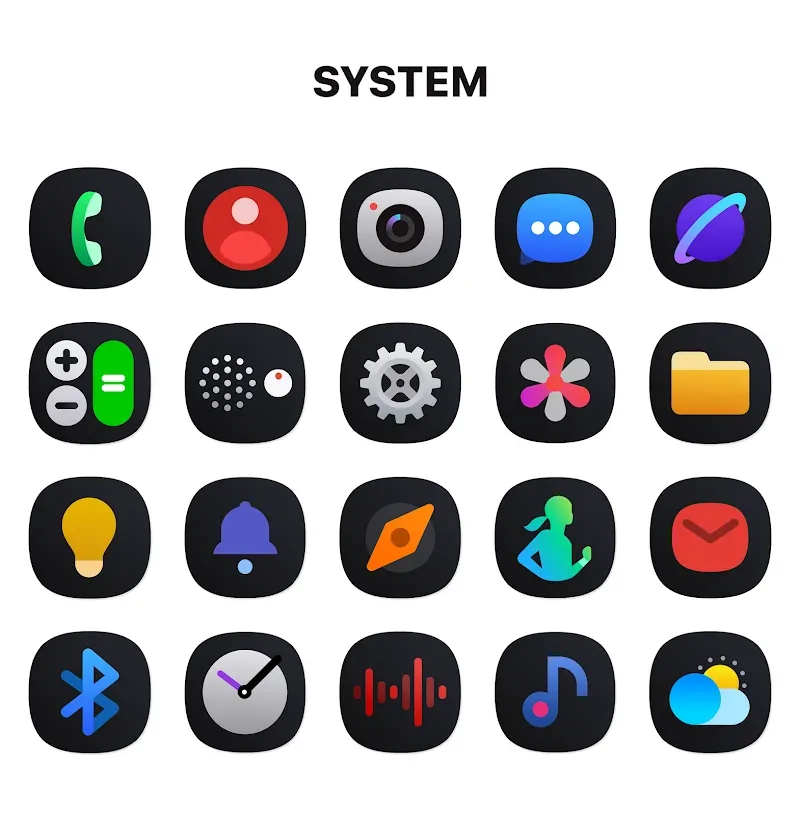
Captivating Features
LARGE ICON VARIETY
The application provides unique icon templates exclusively designed by leading designers. A modern and elegant style is applied to all templates in the collection. Users can receive many new icon templates that are updated with each upgrade.
Icon Count: The application shares an icon pack containing 4400 beautiful icon templates for users to use. These icon templates are exclusively designed based on the most unique design ideas. Users have thousands of icons at their fingertips to use whenever they want.
Consistent Style: The icon pack is designed in the signature style of One UI. Users can use many beautiful icon templates. With a consistent style, the icon pack will bring a new, more trendy, and synchronized interface to users.
Regular Updates: The app updates will provide more beautiful icon templates to use. Users can use new icon templates that are not yet available in the collection. The app will regularly upgrade the icon pack to add missing templates.
PREMIUM USER EXPERIENCE
Users will be able to use a set of high-quality wallpapers that match the icon pack being applied. The app allows users to customize all components through a smart dashboard. They can install other utilities and rearrange the overall layout.
Matching Wallpapers: Users can use more than 100 beautiful and rich wallpaper templates designed by experts. The wallpaper design style meets modern requirements but is still minimalist. They will combine harmoniously and enhance the beauty of the icon pack.
Smart Dashboard: The application provides users with access to the general control panel. They can customize many other parts to improve the device interface. In particular, this control panel helps users install and use the application’s features more easily.
Dynamic Support: Many dynamic calendar templates are provided by the application to users. From the introduced list, users can choose many beautiful, dynamic calendar templates that are suitable for the common space. They can create a space with a consistent design style.
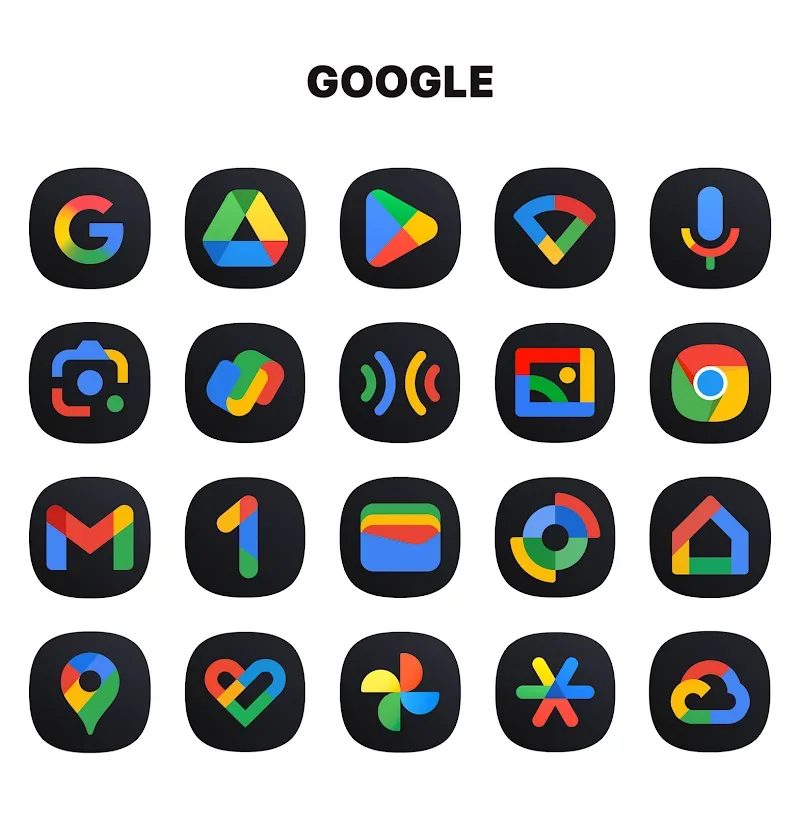
Conclusion
One UI Dark IconPack develops a unique One(UI) style icon collection. Users who love the Android operating system interface will be able to use the icon pack with their favorite style. The icon templates are meticulously designed with bright colors combined with a characteristic dark background. Users will have more suitable wallpaper templates to apply with this icon pack.








