

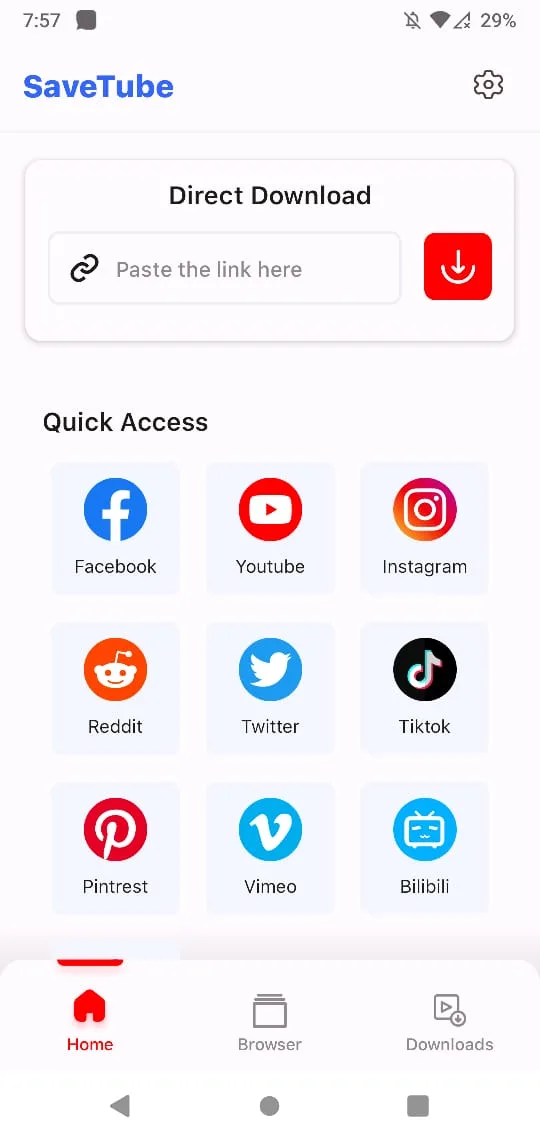
SaveTube is a powerful and easy-to-use video downloader. It supports fast downloads from a variety of social media platforms, including YouTube, Facebook, and Instagram. Simply paste the video link and save it in a variety of resolutions. Its efficient download speed and simple interface make it a convenient choice for saving and watching online videos offline. Download now and save your favorite videos to your computer!
Features:
Multi-platform support – Works across popular platforms including YouTube, Instagram, Facebook, and more.
High-quality downloads – Choose from different resolutions, ensuring videos look sharp on any Android screen.
User-friendly interface – Clean layout with straightforward options that anyone can navigate easily.
Fast download speeds – Optimized for quick performance so you spend less time waiting.
Offline video library – Save content directly on your device and access it anytime without internet.
Audio extraction option – Download audio tracks when you only need the sound instead of the full video.
Tips for Users:
Select the right format – If you prefer watching videos in high clarity, go for HD. For saving space, choose lower resolution.
Organize your library – Create folders or rename files to make browsing your offline videos easier.
Use Wi-Fi for larger files – To avoid high mobile data usage, download big videos while connected to Wi-Fi.
Explore audio-only mode – Great for saving music, podcasts, or lectures without taking up much storage.
Update regularly – Keep the app updated to enjoy the latest features and improved performance.
Conclusion:
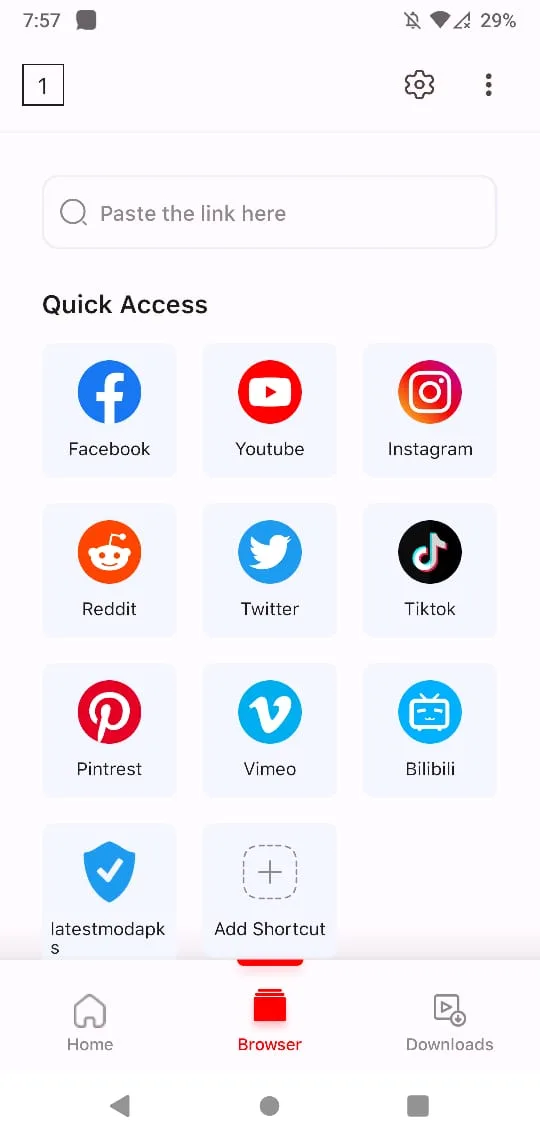
SaveTube is a must-have for any YouTube user out there. This app lets you download any video that's stored in the platform directly into your smartphone. Using SaveTube could not be more simple because it shares its interface's design with the original app. This feature is super useful because you can explore the content just as if you were using the YouTube app. Also, if you start the session using your Google account, you can browse the feed of the channels that you're subscribed to, so, the additional download option makes the official YouTube app practically obsolete. In order to download any video, you just have to open the player, click on the arrow icon and set up the final download quality. Once you've done that, the downloading process will start automatically in a matter of seconds.








