

Call Log Monitor is a feature-rich and high-performance call manager, available for instant download on Android. It gives you complete and easy control over your call log. Call Log Monitor offers users an optimized database and excellent advanced management options, allowing you to simplify all aspects of managing your call activity. Try Call Log Monitor today – this tool will provide you with a seamless and stable dialing and call logging experience!
Click to load YouTube / 点击加载视频
YouTube ↗Key Features and User Interface
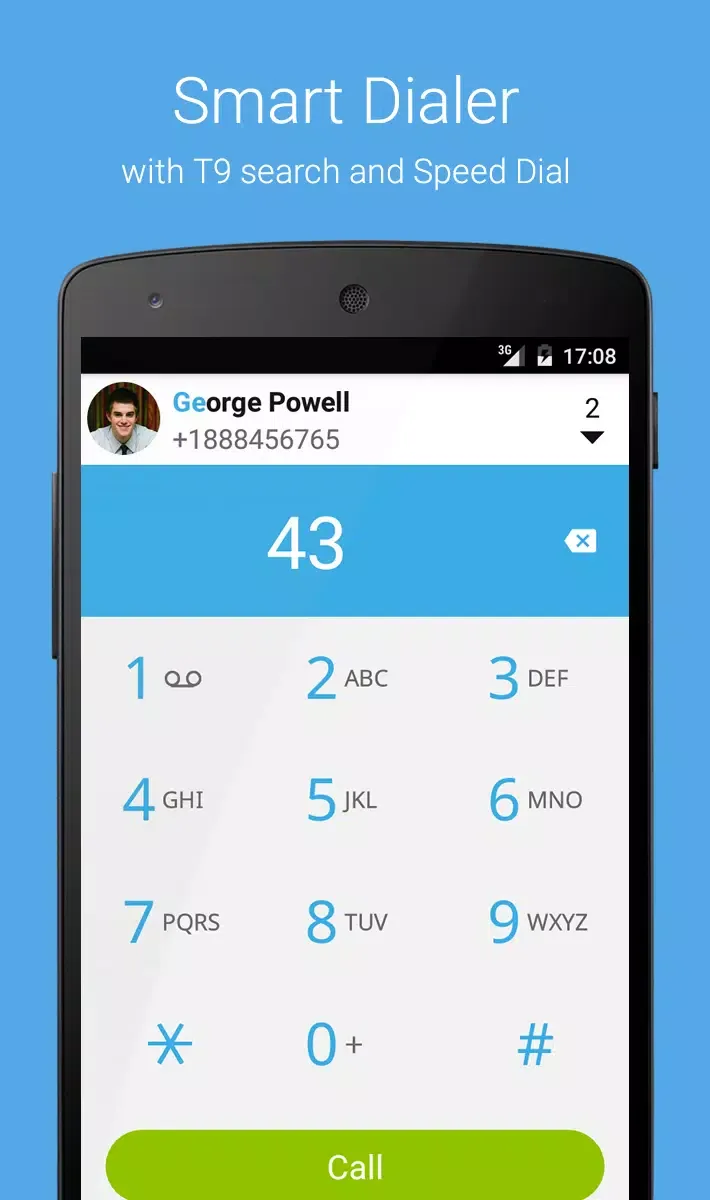
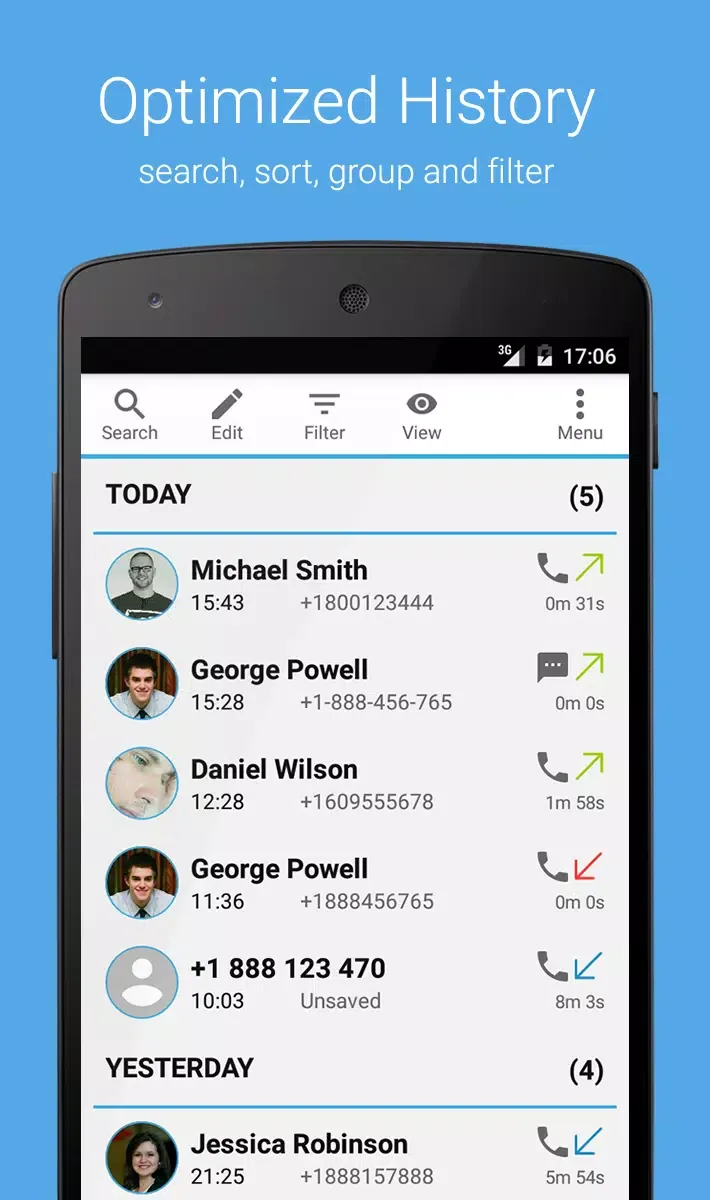
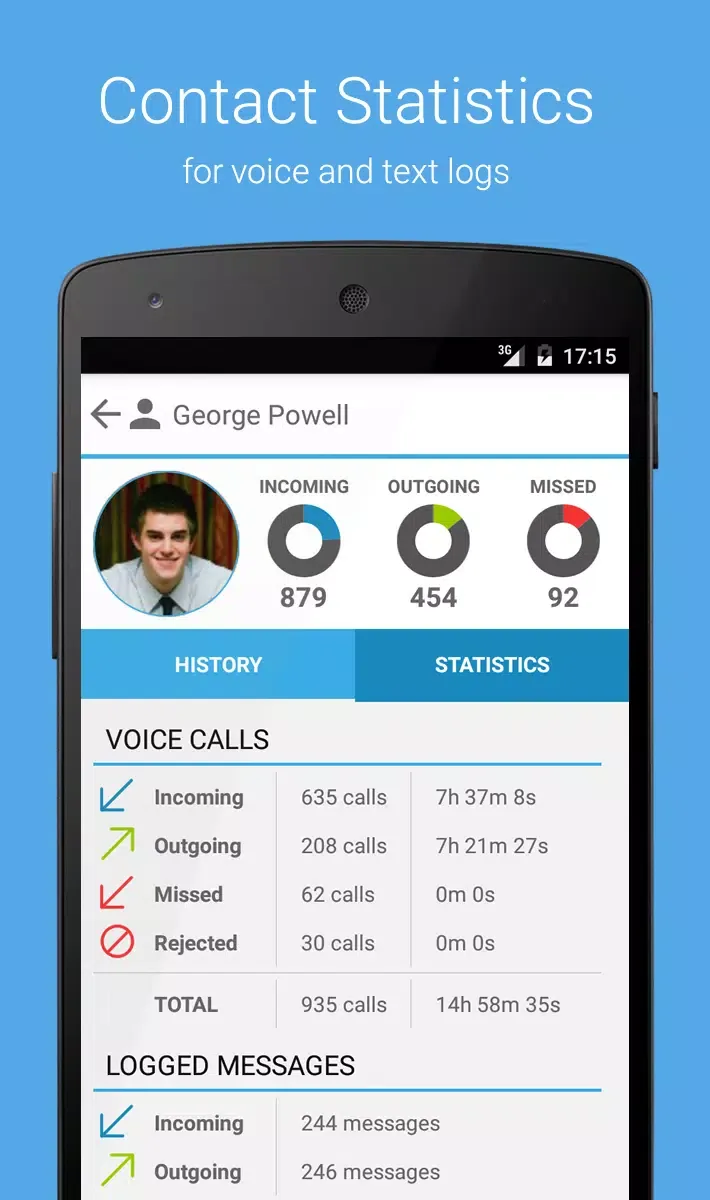
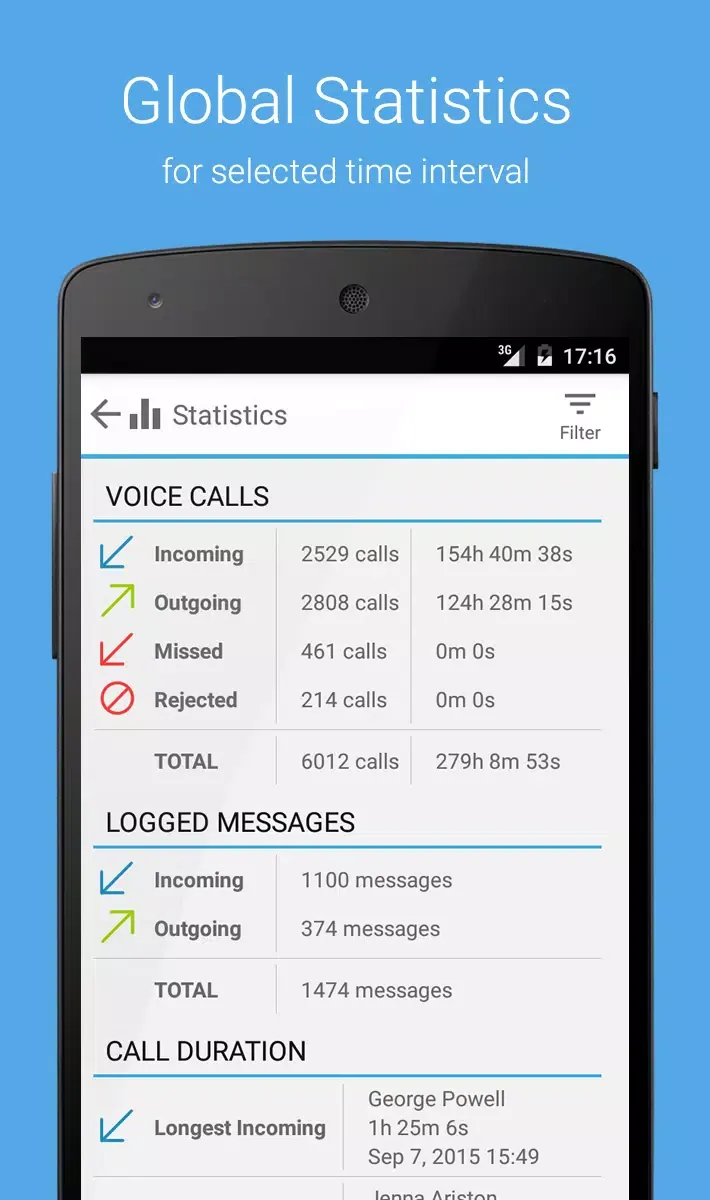
The Call Log Monitor enhances your call management with various features, such as a dynamically optimized database for quick loading and organization of your call logs. Its intuitive dialer supports T9 search and speed dialing, improving call efficiency. You can easily browse, filter, search, and group your call logs, and view detailed statistics for each contact or the entire history. Furthermore, it provides seamless navigation between the dialer, call log, contacts, and favorites, allowing smooth switching and easy access to frequently used communication tools.
Awesome Highlights
Optimized database for quick loading and organization of your call log.
Browse, group, filter, and search your call history instantly!
Fast and intuitive dialer with T9 search and speed dial functionality.
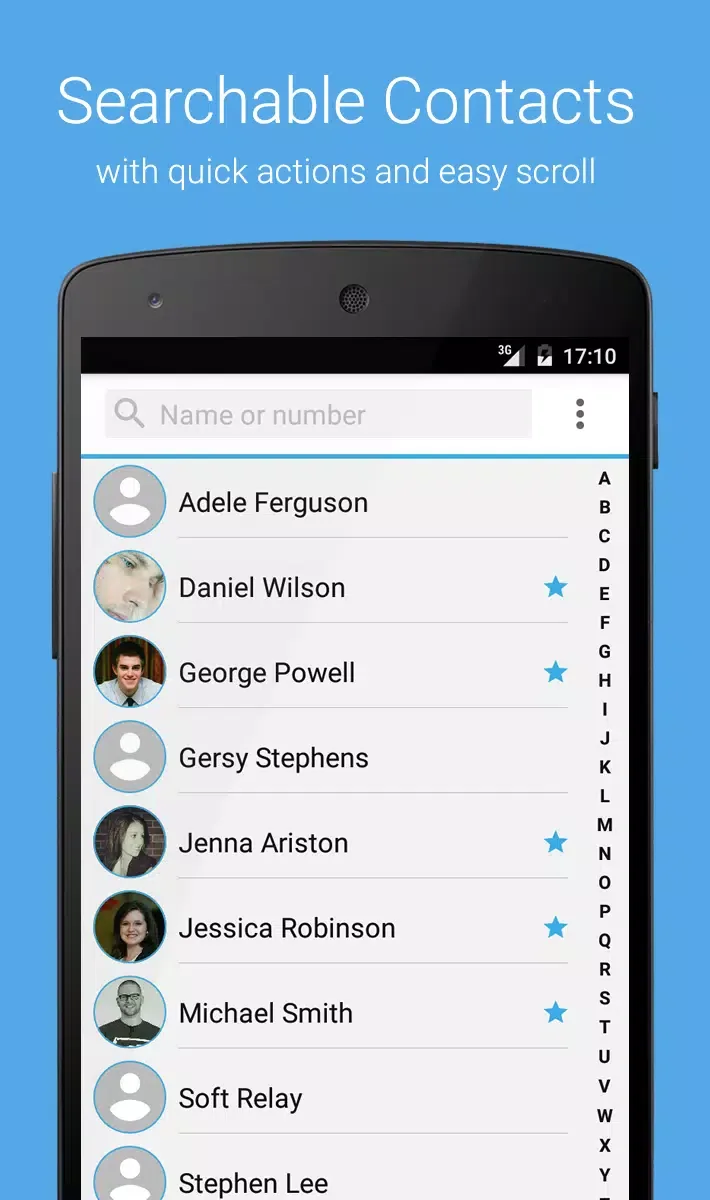
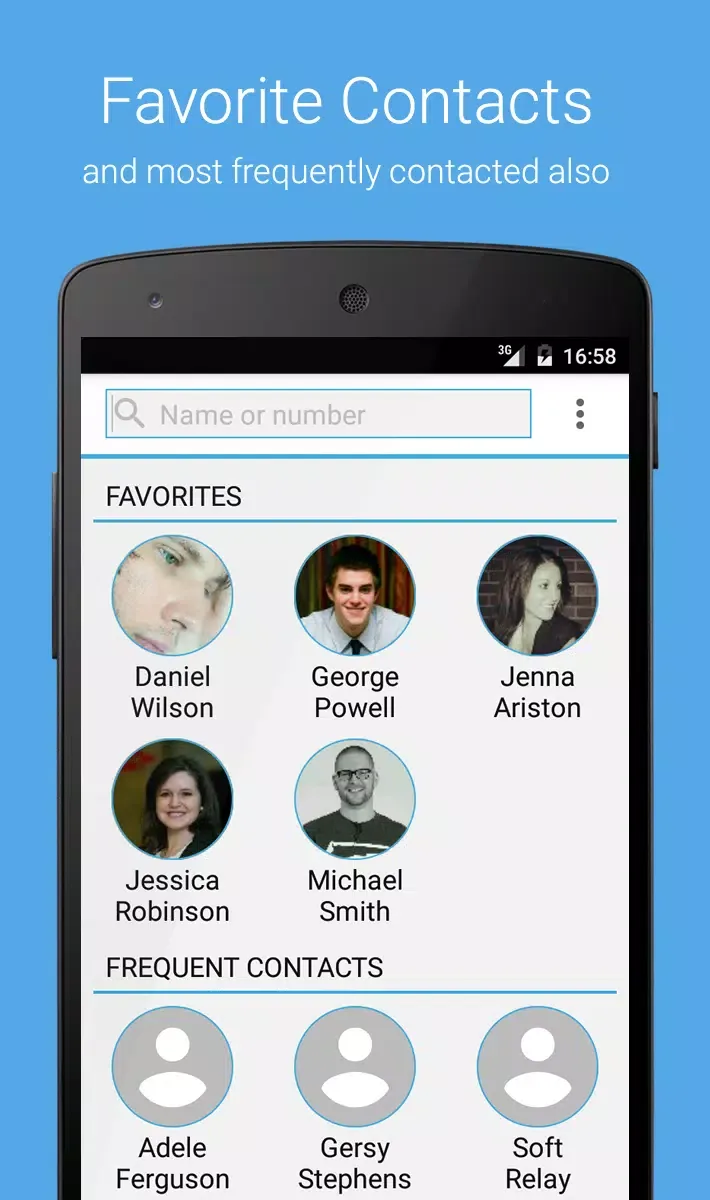
Contacts, favorites, and frequently called contacts lists.
Meaningful statistics for each contact and the entire call history.
Quickly switch between the dialer, call history, contacts, and favorites.
Automatically delete call log entries.
Insert fake calls into your call history.
Beautifully designed UI.
Unlock unlimited call history (records from the moment you install v3.0+).
Backup and restore your unlimited call history.
Multiple color schemes available.
Advanced Management and Customization Options
The Call Log Monitor is designed for both basic and advanced users, offering features such as automatic call log deletion and the ability to insert fake call entries for privacy management. Users can upgrade to the Pro version to unlock additional features, including unlimited call log backup and restore, and the ability to personalize the app interface with various color schemes. Whether sorting call logs by various parameters or performing quick actions by tapping on contact photos, this app simplifies all aspects of call management.
Enhanced Privacy and Data Control
The Call Log Monitor protects sensitive information with password protection and offers options to export call logs in CSV or XML format. This powerful app allows users to hide the app icon for discreet use, meeting higher privacy standards. Furthermore, it features an automatic deletion function that instantly deletes call logs after a call, protecting your privacy. You can also set custom deletion rules to retain specific records when needed.
So why would someone want such an app? Here are some reasons
- Keep Track: Sometimes, we forget whom we’ve talked to or need proof of calls made or received during certain times.
- Backup & Restore: If you ever switch phones or reset yours back to factory settings (which wipes out all data), wouldn’t it be nice if you could save those significant numbers somewhere first?
- Sneaky Watchdog: For parents who want to ensure their kids aren’t calling strangers or being contacted by unwanted people.
- Business Use: Maybe run a business from the phone and need to keep detailed records of clients and customers.
A good Call Log Monitor will not only record details but also allow sorting through them quickly – maybe search for a specific number to see the history of the person or company represented by that number.
But wait! Before downloading any old Call Log Monitor APK from the internet, remember one essential thing: safety first! Not all trustworthy sources may end up installing harmful software. Instead, helpful tools start with. So, always download apps from trusted stores, such as Google Play Store. RRead reviews and check the developer’s reputation before hitting ‘Install’.
Once you got yourself a safe, reliable version, here things look out within the features offered
Ease-of-use: Want interface user-friendly doesn’t require a degree in rocket science to figure out
Customization options: Can you filter logs based on date duration, type of call, etc.?
Exporting capabilities: Can log files be exported into formats such as Excel PDF cases needed elsewhere?
And guess what else? Some monitors offer additional perks, blocking spam callers from managing text messages. Talk about multitasking, right?
Conclusion
In conclusion, while monitoring and keeping a close eye on the entire history sounds overwhelming, the reality is quite the opposite. I stay on the communication game piece cake with the right tools and fingertips. Just ensure you remain secure in the cyber world. Happy blogging, everyone!








