
SQLite Database Editor is a tool designed specifically for SQLite users, enabling access to underlying SQLite databases, enabling creation, definition, and modification, to meet personalized user needs. The software boasts robust compatibility and runs on most mobile devices. The accompanying tutorial allows users to quickly master all of the software's features and complete SQLite data operations. Don't miss this!
Click to load YouTube / 点击加载视频
YouTube ↗Features:
On-Device Editing: Freely edit, exploit, and program the database with only available options, without going through any intermediary. The application also has cloud storage to save processes and give suggestions to users.
Root-Level Access: For users who have rooted their devices, it means that the user is currently directly intervening and gaining control of the phone, overcoming all barriers of the original manufacturer, the application allows users to understand and exploit the controlled database and adjust it according to their preferences.
App Database List: The ability to query at the deepest level and the function of systematizing database-equipped applications to help users exploit the full potential of the application.
Real-Time Editing Capability: Edit and store continuously, avoiding wasting time and effort. In addition, when transferring to another device, just reinstall the application, and all processes are transferred to the new device.
Efficient Development Process: In addition to customizing and fixing database errors, application users can also exploit them to create new software. The application allows the deepest exploitation of the database to optimize the process for users.
Functions:
Edit and Remove Records: Change up your database entries or get rid of anything you don’t need—no complicated steps required.
Root User Advantages: If your device is rooted, you can see a full list of apps with their own internal databases. Just tap an app, and you’re editing its database right away.
Root Explorer Integration: Browsing your system files with Root Explorer? Tap on a database file, and SQLite Editor launches instantly—handy if you’re already using Root Explorer to manage files.
SD Card Support for Non-Root Users: No root? No problem. Browse and make changes to any database sitting on your SD card with the same clean interface.
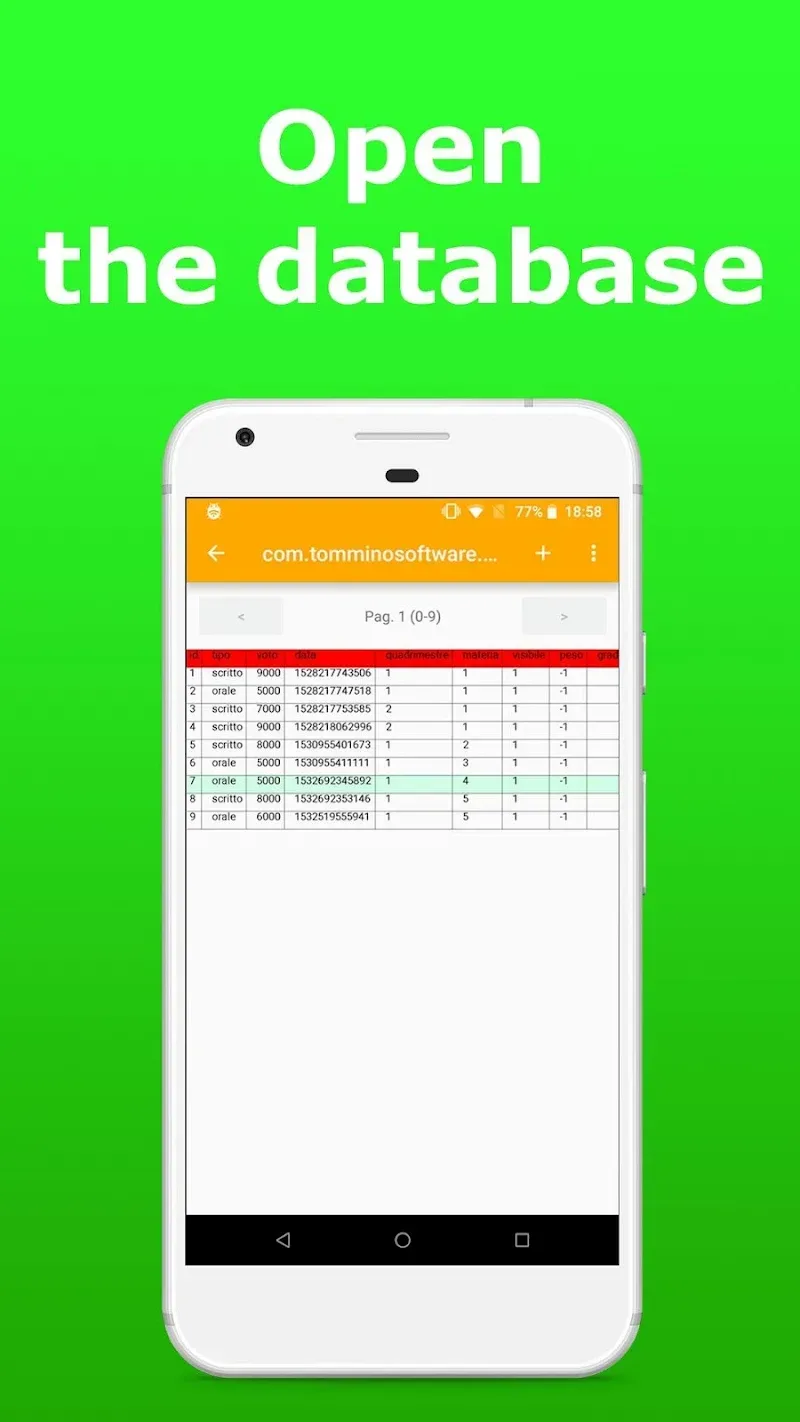
Grid View and Filtering: Check out your data in an easy-to-read grid that scrolls smoothly. Need to find something fast? Filter records by any field value—super useful for tracking down specific info.
Changelog:
Added
Add links to the wiki as help for many dialogs (7af1256, b5abc86)
Changed
Change the default to install a shortcut to the Start menu when installing on Windows (623bec6)
Improve icon image for links in ‘Help’ menu (#3693, 027c6a8)
Pragma names and values can now be translated (#3697, bf62f3a, ad00ad4)
Remove trailing characters when copying a single cell (#3735, 20f481a)
Update AppImage binary to use the latest SQLCipher library (#3744, 21ba2d0)
When editing the DB cells, expanded queries with parameters are included in the SQL Log (ac3209f)
Fixed
ExtendedTableWidget
Fix an issue that prevented autocomplete from working in some race conditions (#2567, #3706)
Use Tab to close autocomplete popup and move to next item (3aff8c9)
Troubleshoot ‘Copy as SQL’ action on a cell results in string being copied (#1952, 1ebe7bf)
Global
Fix “Argument Missing” error in Korean translation (#3635, #3692, cd518de)
Fix an issue that caused apps to crash on some older versions of macOS (#3691)
Fix an issue when freezing after stopping a pragma (#3742, 15a9620)
Fix an issue with outputting the wrong version on macOS
Troubleshooting poor HiDPI support on Windows (#3684)
Troubleshoot SQL queries containing VACUUM that run incorrectly (#3723, 51784aa)
MainWindow
Fix an issue when selecting queries containing multi-byte strings (#3731, f89097c)
TableBrowser
Fix a bug where the first row was not adjusted (#3767, ad690e7)
Other
Fix misleading links to Qt license information (8361aa5)
Replace ‘http’ with ‘https’ in the ‘AboutDialog’ and ‘MainWindow’ (9832a52)
Translation
German (#3749, 8e38bf0)
Indonesian (#3756, 6100595)
Japanese (#3755, e0f6aea)
Korean (7bbfcf9)
Simplified Chinese (#3761, 9eb0a5a)
Spanish (ac33918)
Conclusion:
Enhance your database management capabilities with SQLite Database Editor, a versatile tool designed to access and manipulate SQLite databases directly on your device. Aimed at facilitating a smoother development process, this tool is particularly valuable for developers employing SQLite databases in their projects. It provides a user-friendly interface that enables users to view and edit databases with ease. For those with root access, this application offers the added benefit of modifying system memory databases, along with an organized inventory of installed applications and their associated databases.








